Update
Base Model
A really rough sketch of the base with the main buildings, runways and some of the taxiways. The saucer is in view for reference.
Update
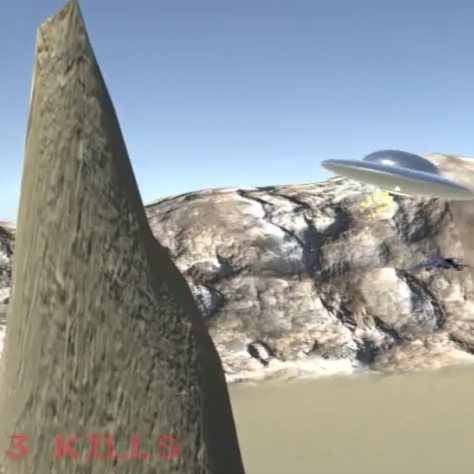
Kill Count
Added an enemy kill count UI for some feedback. Going to play with different fonts but for now I’m going with #retro CRT.

Update
Enemy Explosions
Added some enemy planes I found in the asset store. Eventually I’ll buy some models of F18s. The planes detect particle collisions and swap out for an explosion prefab.

Update
Terrain Collision
Added a collision handler to the ship to instantiate a particle explosion on trigger.

Update
Particle Beam
More experimentation with particle effects. Added a beam projection for the main weapon. The final firing sequence will be a buildup of particles around the ship followed by the beam.

Update
Saucer Control
Improved controls. Game play may be more free-form in the future but, for now, it’s a rails shooter. Pitch and Yaw adjust in relation to position on screen.
Update
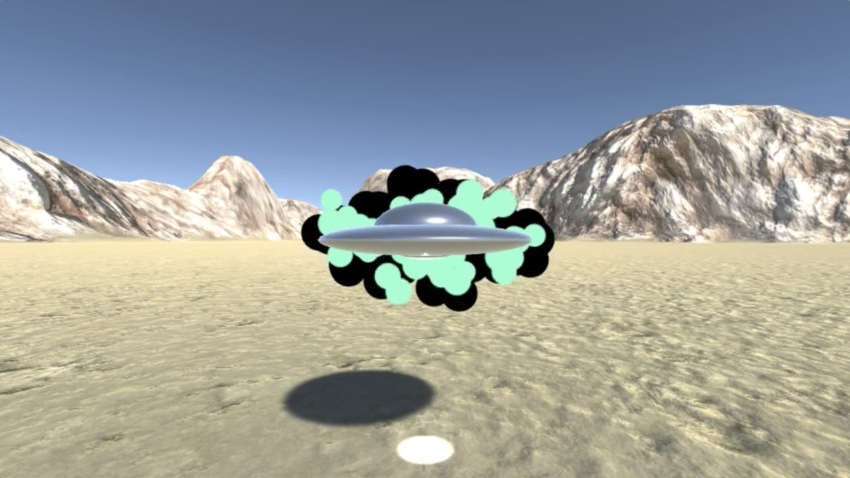
Kirby Dots
Inspired by Jack Kirby, some experimentation with layered particle effects in #unity3d. This is going to be a ramp-up to the weapon fire, along the lines of the beam from the movie Independence Day.

Update
Flickering Zeta o’ Lantern Pumpkin
I’ve been working Zeta o’ Lantern art into my #Halloween projects for a long time. This one is featured in War of the Worlds Broadcast. It has a glowing candle-lit effect using a div with a #CSS3 background transition #animation and color changed randomly with #JavaScript. [codepen_embed height=”420″ theme_id=”0″ slug_hash=”PyqgxY” default_tab=”css,result” user=”mwilber”]See the Pen […]
Update
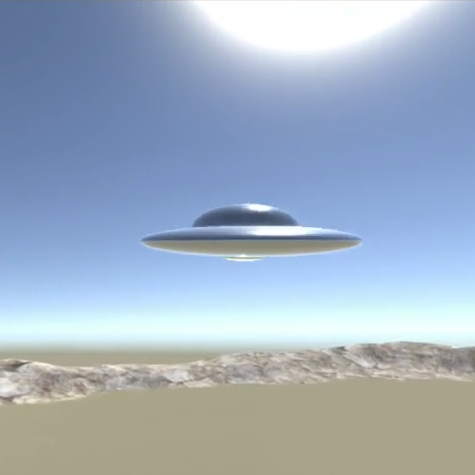
Basic Controls
The saucer model attached to the camera. Running through the fly-through again, this time with some really basic controls.
Update
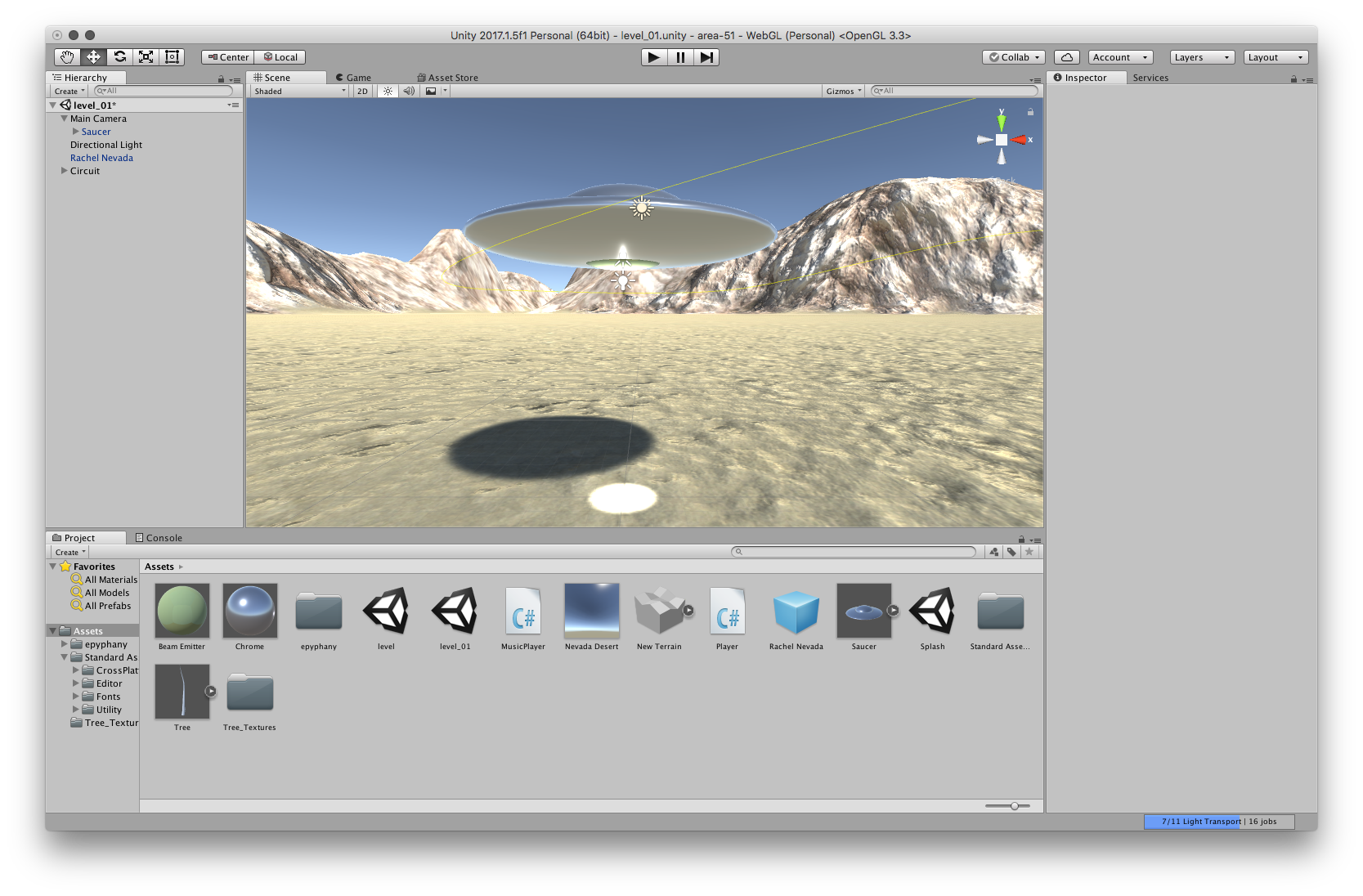
(not so)Rough Saucer
Put together a really rough saucer model. The surface material has smoothness and reflectivity bumped way up to add to the rendering complexity.
Update
Fly-Through
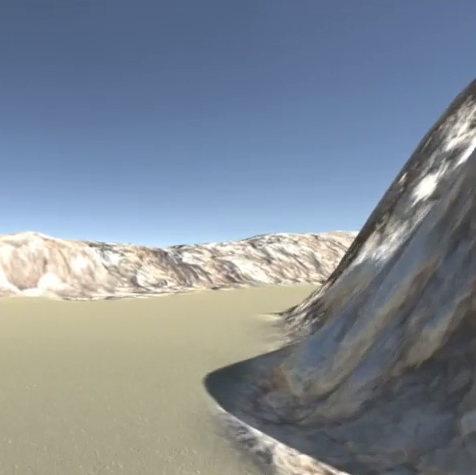
Added a fly-through of the terrain to get a rough idea of how well #Unity’s complex shapes perform in #WebGL. Even on my aging Mac Mini it holds up great in #Chrome. The video is a little sluggish only because it was capturing at the same time.

Update
Rachel Nevada
Getting back into #Unity with some hot arcade action. I’m calling this one “Attack Area 51!”. I had the idea years ago with what ultimately became Space Anglers. This time I’m focusing on the base itself and seeing how far I can push #WebGL.
Update
Final QA
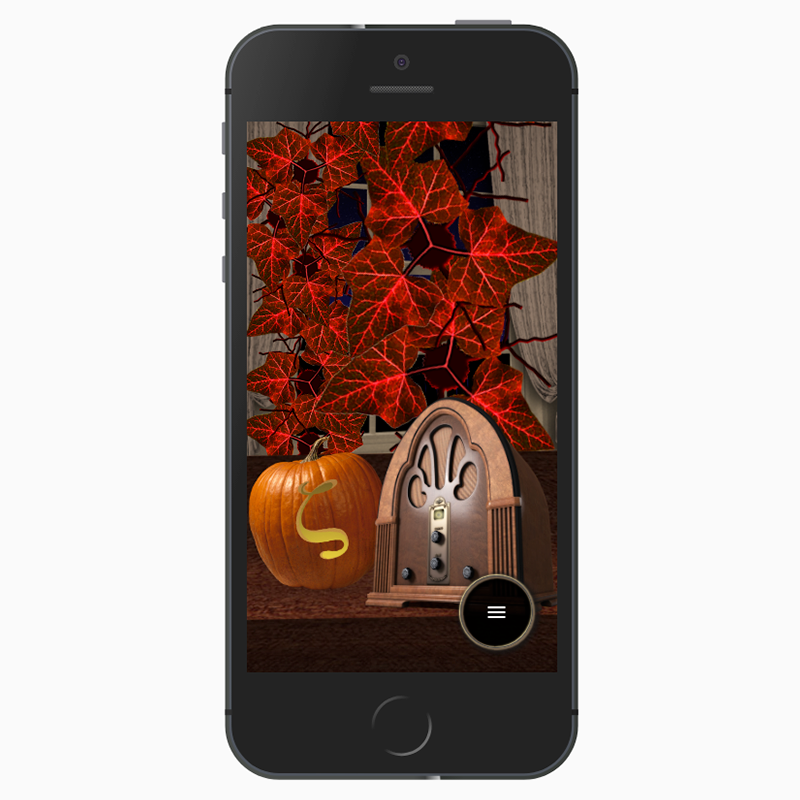
Did a final round of #QA for War of the Worlds Broadcast. Lots of minor fixes and tweaks. Adjustments to the layout for really narrow phones in portrait orientation. Almost forgot to install ssl on the site :).

Update
Zeta o’ Lantern
Wanted to give the site an extra #halloween touch. I’ve been working the Zeta o’ Lantern into my blogs for a long time. This one features a glowing candle-lit effect using a div with a #css background transition and color changed randomly with #JavaScript
Update
Missed it by That Much
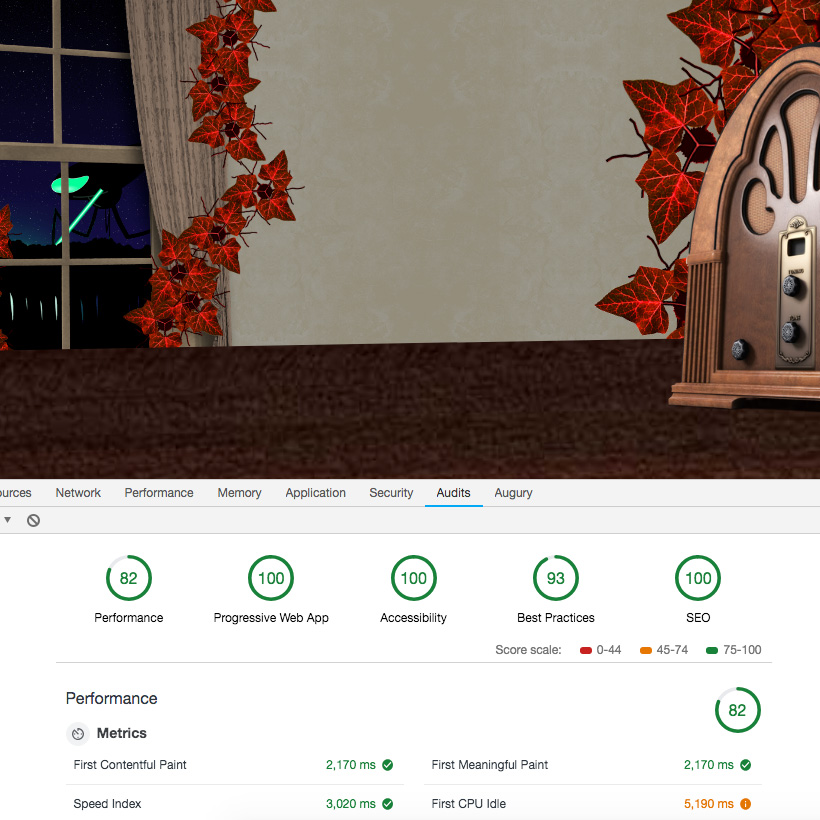
The Lighthouse scores are pretty good. I got dinged for not having http2 or webp images. And the fact that it’s so media heavy. Not too concerned about that. Overall I’m pretty happy with it.

Update
Offline Support & Manifest
Added all the behind-the-scenes PWA features, web-manifest and service worker. I use workbox to handle the caching strategies. Since the site is static, everything is cached upfront.

Update
Progress Bar
To keep things interesting over a slow connection, I added a progress bar that kicks in once the audio becomes playable but the image assets aren’t fully loaded. The syringe is an inline svg.

Update
Intro With Style
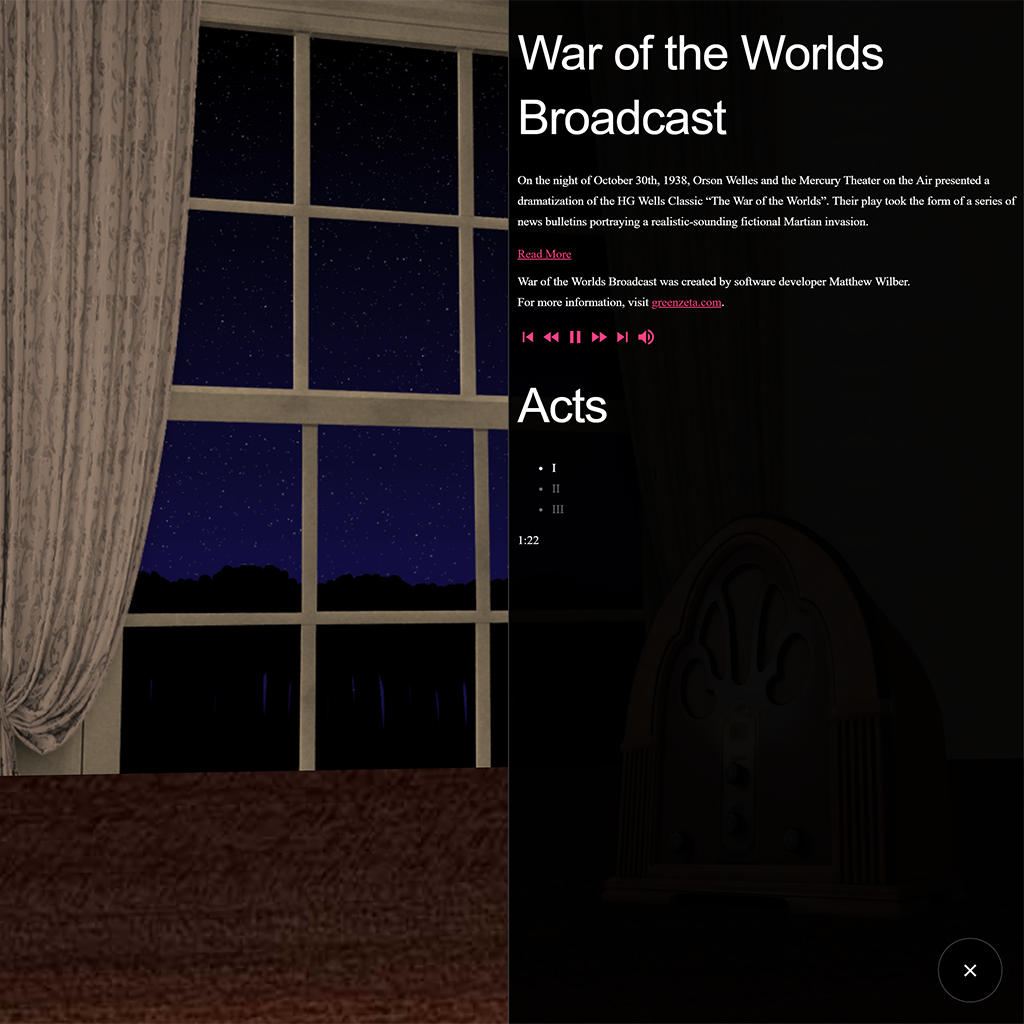
Added a glowing silhouette of the radio as an inline svg. It adds a graphic touch to the app before any actual image files load. The menu is fully interactive at this stage as well. For mobile devices that don’t auto-play, the radio becomes a button to “tune in” and trigger the stream.

Update
Look ‘n’ Feel
The final menu style using the vintage button look. I was going to try some analog format for the clock but this works well so i kept it. The explanatory copy now expands/collapses instead of scrolling.
Update
Vintage Buttons
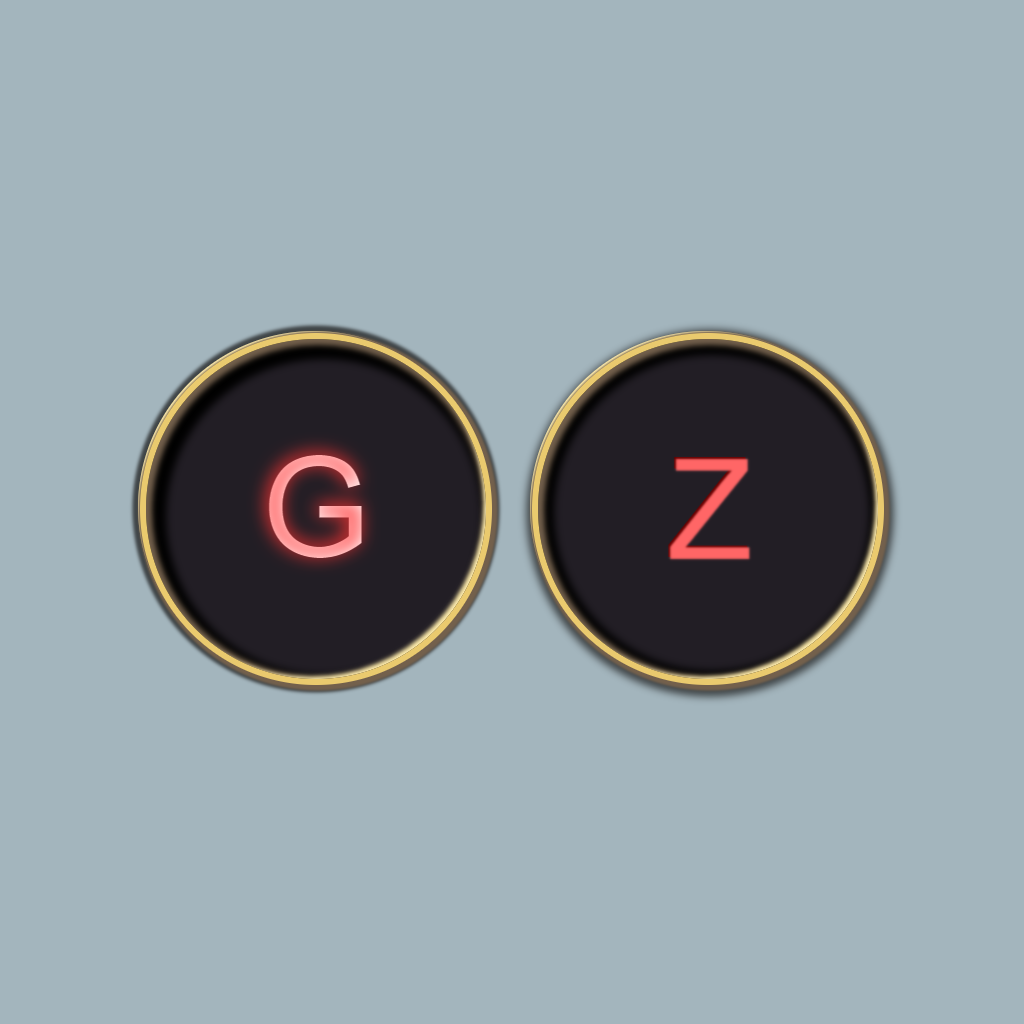
I wanted to create a real mid-twentieth century look for the interface, without resorting to images. The button style is inspired by typewriter keys and glowing elevator buttons. The gold ring is a series of box-shadows. The glowing effect is a combination of background color clipped to transparent text and a text-shadow overlay. [codepen_embed height=”350″ […]
Update
Bundle Size
Fontawesome (I’m a pro user!) is getting too big for its own good. Even with just the media controls the bundle size was almost 2M. With the social network icons I was pushing upwards of 4M. I switched to the material icon font which brought the bundle down to 200k. It includes everything I need […]
Update
Audio Vizualizer
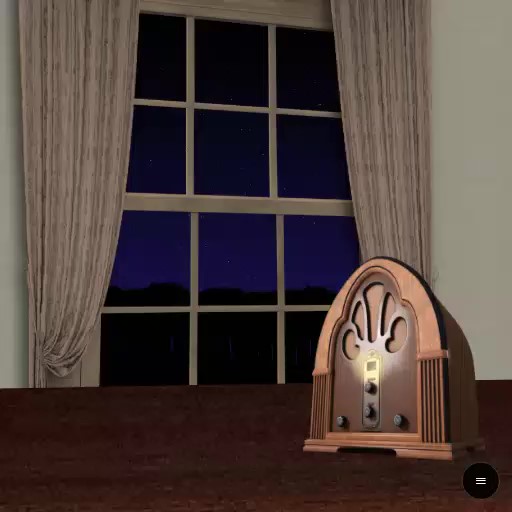
The pulsing radio light is a feature I always wanted in War of the Worlds Broadcast but never had a way to pull it off. That is until I found this article, which explains that you can pipe the output from an #html5 #audio element into the #WebAudioAPI. That allowed me to measure the decibel […]

Update
Media Player Controls
The original site was supposed to feel like a live broadcast, hence no controls. With the slide out menu there’s a discrete place to put some controls so why not. The forward/rewind buttons jump 30 seconds and the skip buttons jump between acts.
Update
The Road to Appiness…
In an effort to behave more app-like, the control bar at the top of the site is replaced with an action button and slide-out menu. This way I’m not struggling to find room for buttons or dealing with popups. Everything is going in the one menu.

Update
Introduction
To decrease time-to-interactive in the #PWA, I integrated the introduction copy into the preloader. The first line of copy appears as the #JavaScript bundle loads up and audio begins streaming. The second line appears as image assets are loaded. If assets are cached, the second screen never appears.

Update
Plugins and Filters
I expanded the StageHand object to accept #plugins. It was necessary to place the #martian plants outside of the window stage. The original War of the Worlds Broadcast was supposed to have the martian plants wither and die before fading away. Using #CSS #filters the plants now turn grey before fading out.

Update
Tripod
In order to add the Tripod heat-ray effect I had to expand the Stage Hand element generation to include a child element. The beam overlays the main walk cycle and fades in and out to create the shooting effect.

Update
Stage Hand
Moving to #CSS #animation simplifies the #JavaScript quite a bit. I threw away all of the #jQuery animation and replaced it with a class that simply adds and removes HTML elements.

Update
SoundBlaster.js
Yes, I named my audio class SoundBlaster. Taken from my #WebAudioAPI #Angular service created for Hypertension. This adds support for the HTML audio element for streaming long clips.

Update
ES6 Refactor
When I created War of the Worlds Broadcast in 2012 it was meant to be a tech demo of #HTML5 multimedia. Web development has changed quite a bit and it’s time to recreate it as a modern tech demo. HTML5 media is commonplace now, but the process and approach of building it is much more […]
Update
Tweet A Game With nano JAMMER
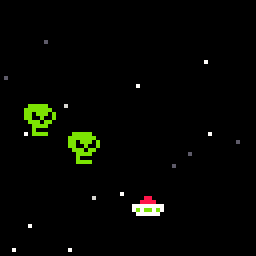
nano JAMMER by @CasualEffects is a fun little toy for game developers. The goal is to write an entire video game using only 280 characters of source code. The language offers a few dozen sprites, 32 color palette, and variables named as greek letters. All designed to keep the character count down. I made some […]
Update
AR In The Browser
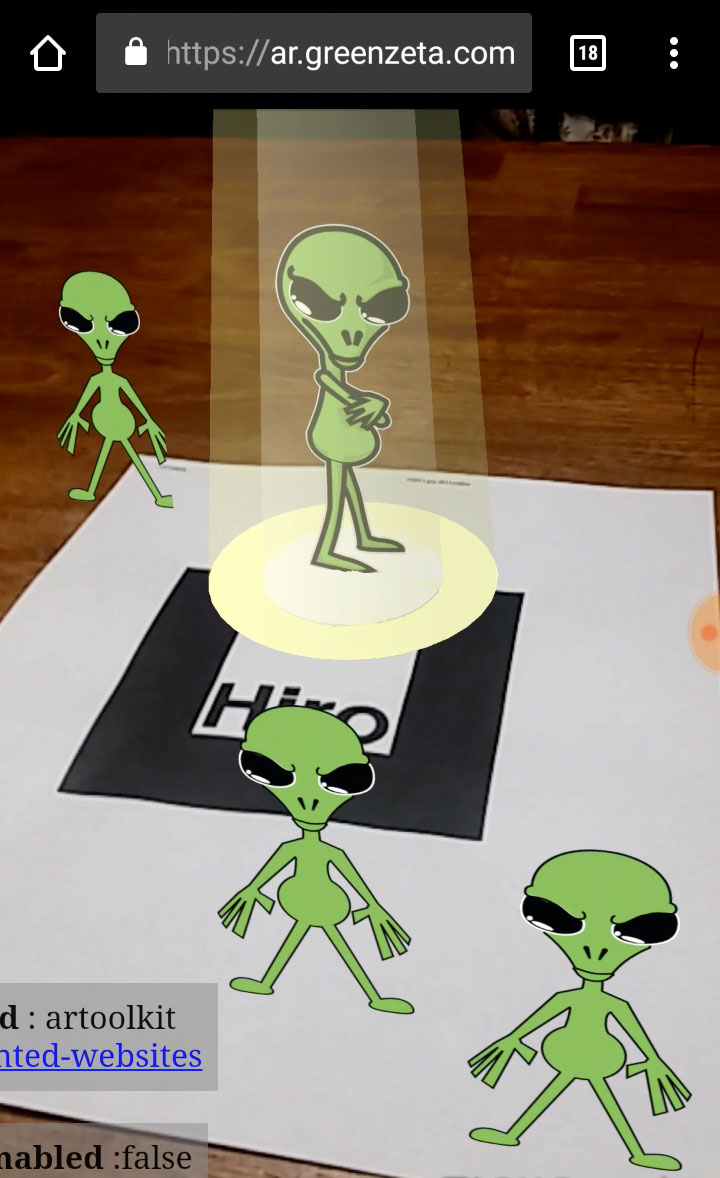
Trying out AR.js, a browser based AR solution that works remarkably well. It uses a trigger image to anchor an #AFrame scene and overlays a phone camera preview. You can get the trigger image here. Either print it or display it on another screen. Then grab a smartphone and head over to ar.greenzeta.com to check […]
Update
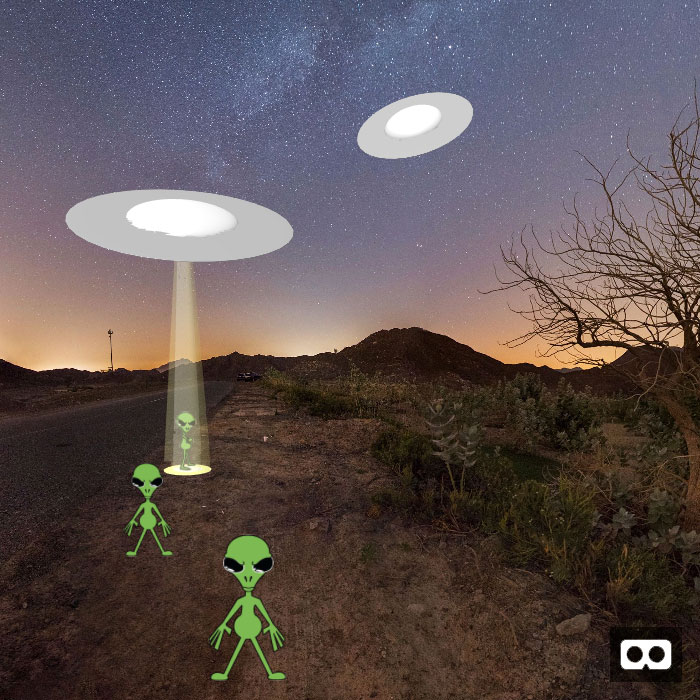
WebVR Invasion!
Doing some #WebVR experimentation with #AFrame. This scene was put together in a few hours using only HTML primitives. Check it out in a Google #Cardboard compatible headset for the full 3D effect. http://ar.greenzeta.com/scene.html

Update
Google Map Web Component
The Google Maps Web Component drastically simplifies the process of adding a map to your project. The example below shows how it accepts all of the usual #JavaScript #API parameters. [codepen_embed height=”350″ theme_id=”dark” slug_hash=”XBXRzO” default_tab=”html,result” user=”mwilber”]See the Pen Styled Google Map Web Component by Matthew Wilber (@mwilber) on CodePen.[/codepen_embed]
Update
CSS Paint API: Animated Gradient
Rather than write out a complex linear-gradient property to the style tag, this approach with the #CSS Paint API uses a single numeric value. The gradient structure is offloaded to a #JavaScript worklet for cleaner code. Right now the Paint API works only in Chrome and Opera. [codepen_embed height=”395″ theme_id=”dark” slug_hash=”EpPjEB” default_tab=”js,result” user=”mwilber”]See the Pen […]

Update
Finishing Touches
Added some wallpaper to the background and an instructional graphic that illustrates how to swipe. A pre-loader now caches all the image and sound assets before displaying the fly. To finish it off, I added an info button to explain the app, and a GreenZeta badge at the bottom.

Update
Art Improvements
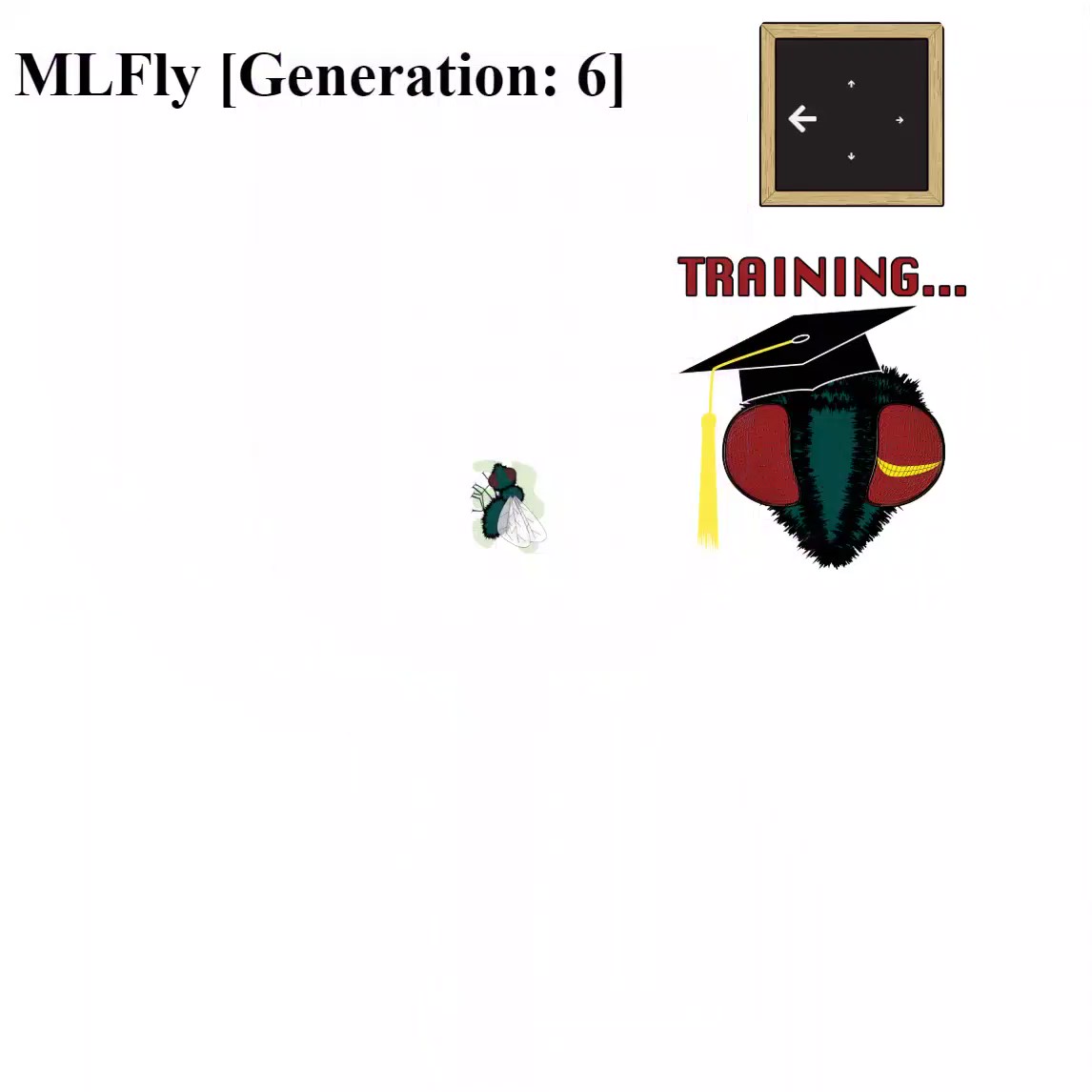
Lots of improvements to the artwork. The new hairy appearance is added to the fly head. When training, the thought bubble is replaced with a blackboard. It now shows which directional data has been added to the training set. I also added a mortarboard to the head, just for fun.
Update
Sound
Ported over the WebAudio service I created for Hypertension to run as a stand-alone class. Sound effects courtesy of freesound.org. Couldn’t find an appropriate swatter sound so I created one by combining a woosh and a smack sound.

Update
Fly Macabre
A secondary sprite sheet for MLFly. This one adds the gruesome swatted state of the fly.

Update
Flyby Animated
Added the fly intro sprite sheet and animated it using a CSS3 animation step function. Every time a fly is swatted it is trained and the animation is triggered to show a new generation of fly arriving.
Update
Flyby Spritesheet
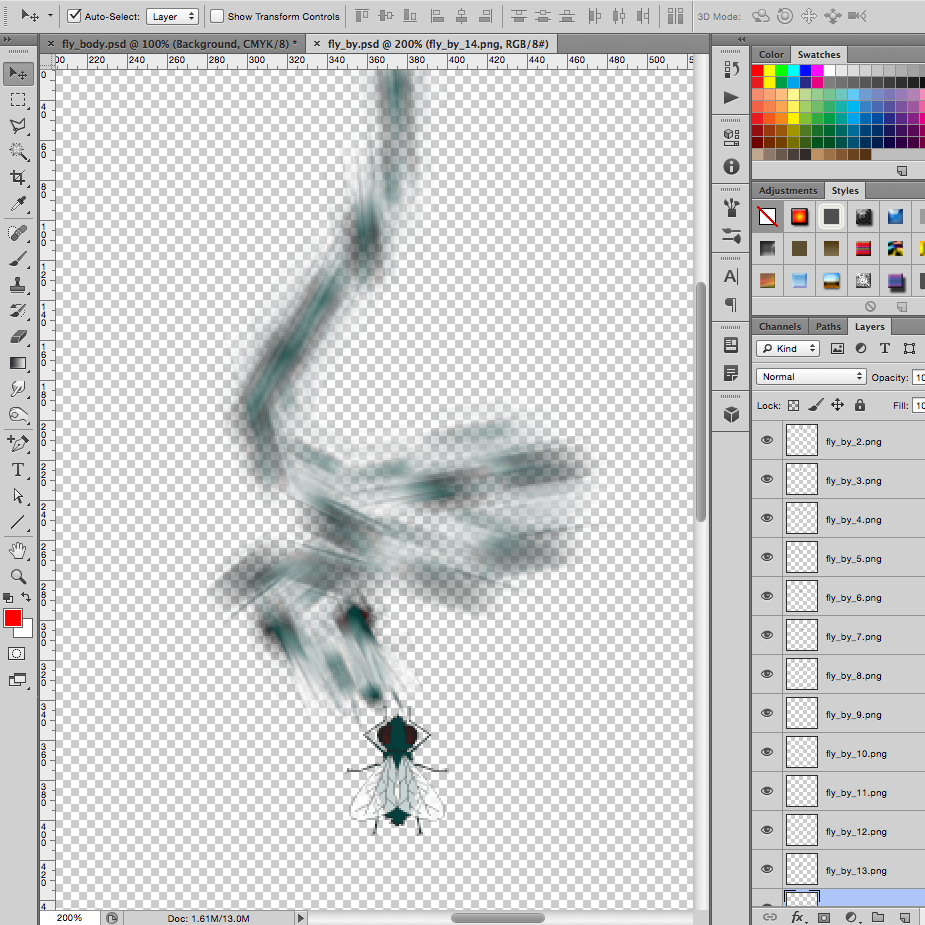
Setting up the sprite sheet for the fly intro animation. The path was drawn in Illustrator and individual fly frames were generated with a step blend equal to the number of frames. The images were brought into Photoshop where a motion blur was added.
Update
Revised Fly Art
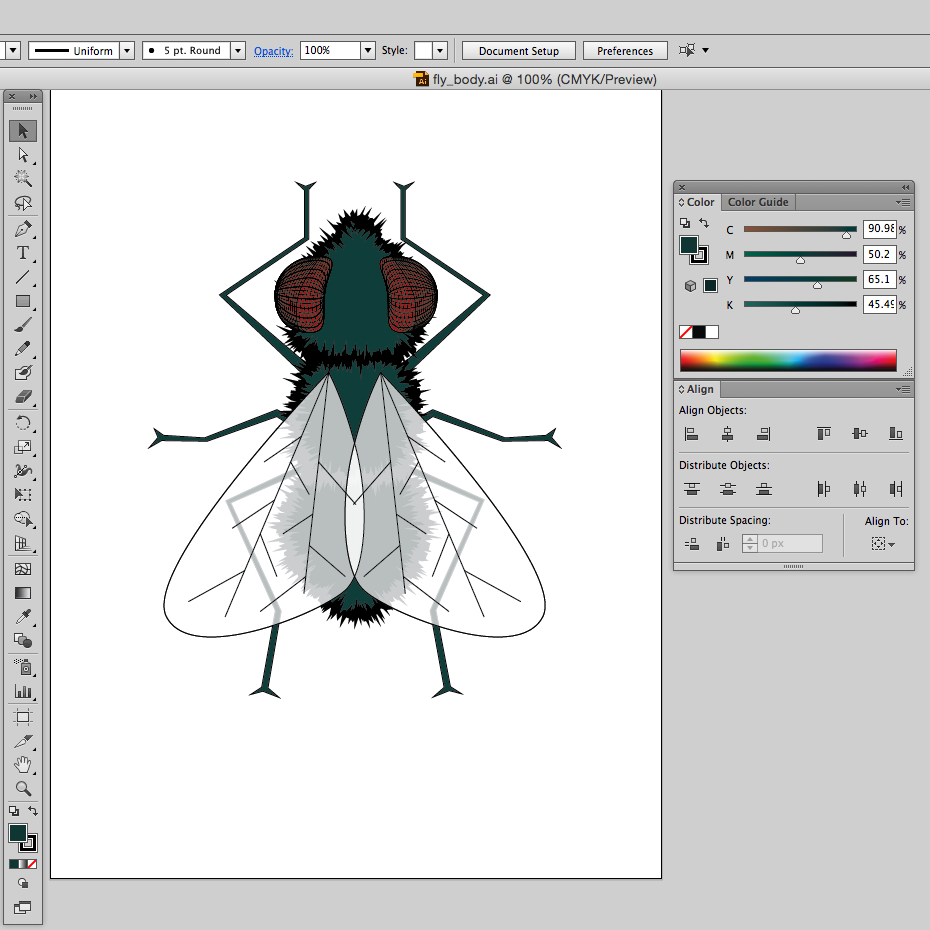
Did some tweaking of the fly proportions, fattened up the body and re-positioned the legs. Applied a roughen filter to the edges to make the body took hairy.
Update
Swatter Animation
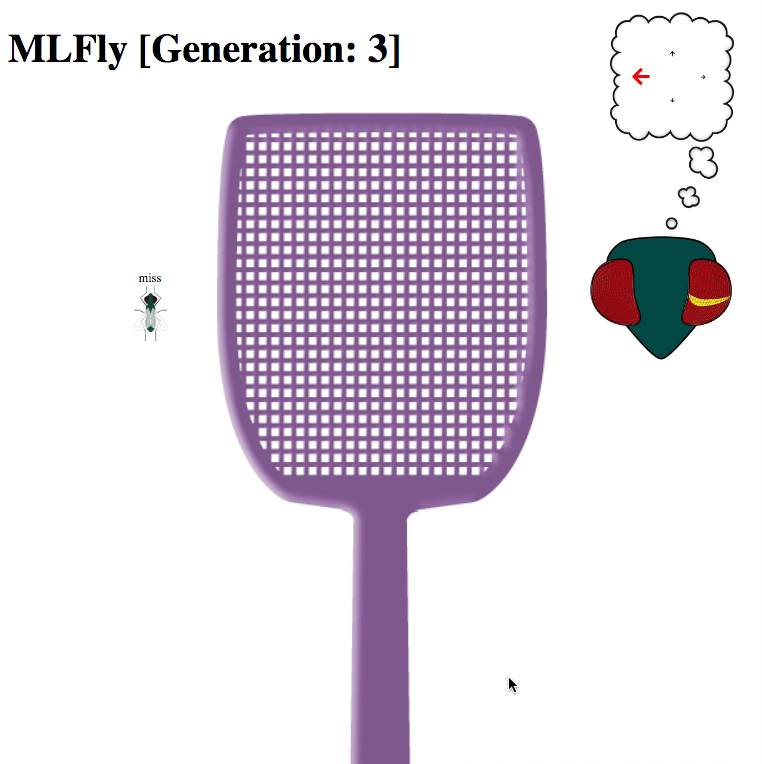
Created the swatter sprite-sheet using the original vector art and some blur/emboss effects in PhotoShop. The animation is done with CSS3 using a step function. The swatter element is added and then removed with each swipe to reliably reset the animation each time.
Update
Got The Swatter
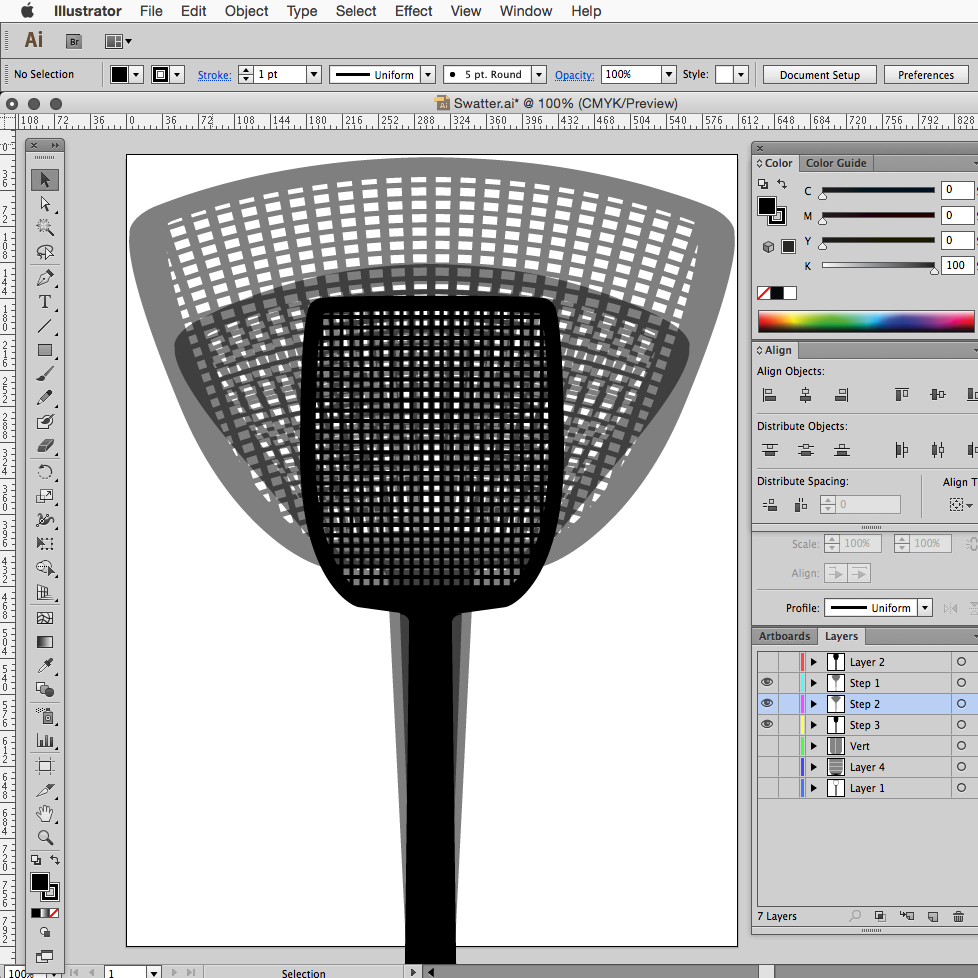
Drew the fly swatter in illustrator. Duplicated it a few times and added some warping effects to create the base for the spritesheet animation. The first two frames are onion skinned to show them relative to one another.

Update
Rough Artwork
Added some placeholder graphics to better illustrate what the final product will look like. The fly head incorporates a sprite sheet that will light up a section of the eye yellow (yeller) when it senses motion. The neural network output is placed inside a thought balloon to indicate what MLFly is thinking.

Update
Refactoring Sensor Net
Revised the sensor net to hit test by checking distance of a vector to the pointer. It solved a lot of inaccuracies from the earlier version. Also added a display to show the output from the neural network. The text will grow in size proportionate to the certainty of the decision (red color indicates certainty […]

Update
MLFly
Added the synaptic.js library and set up a simple 3 layer perceptron network. One input for each “eye”, 4 outputs (fly up, fly down, fly left, fly right) and a hidden layer with 18 neurons for now. With each swipe action the network is told which direction it should have chosen, and retrained. I added […]

Update
Swipe Action
Modified the sensor net to respond to a swipe action. The distance and speed of the swipe will translate into the velocity of the eventual on-screen swatter. A faster moving swatter will be harder for the fly to see.
Update
Sensor Net
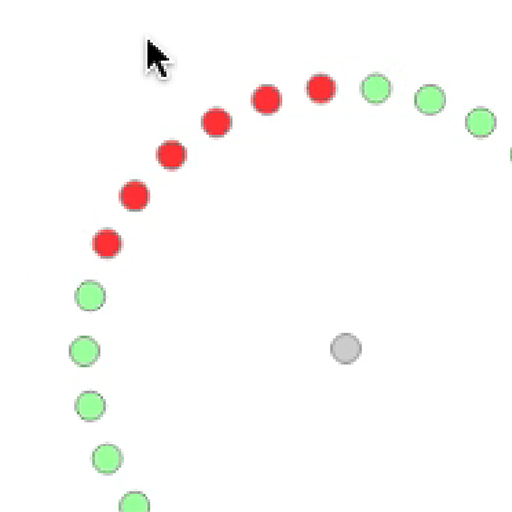
An array of “eyes” for a virtual fly. They do a simple distance calculation against the mouse pointer position and light up when less than a proximity value.
Update
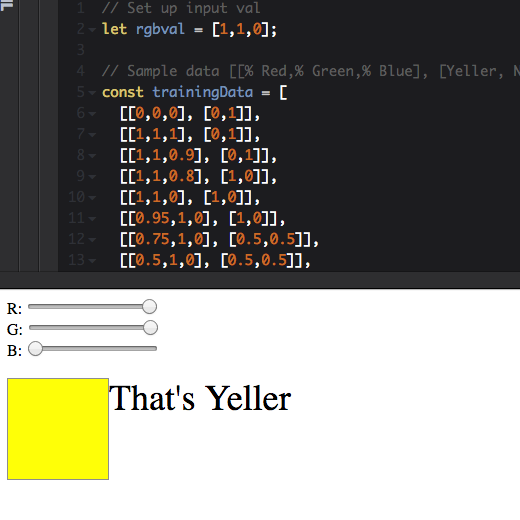
Simple Neural Network with Synaptic.js
A simple #NeuralNetwork example using Synaptic.js. This one is trained to recognize the color yeller! It accepts three inputs representing Red Green and Blue values. Output is a percent certainty that the color looks yeller. Try out the codepen below and use the sliders to change the color. [codepen_embed height=”331″ theme_id=”dark” slug_hash=”QmXwJv” default_tab=”js,result” user=”mwilber”]See the […]

Update
End Screen
Added a tentative game-over screen. Playing around with 3d transforms, not sure exactly where I’m going with the design but the “lifetime” value will be used in the final version.
Update
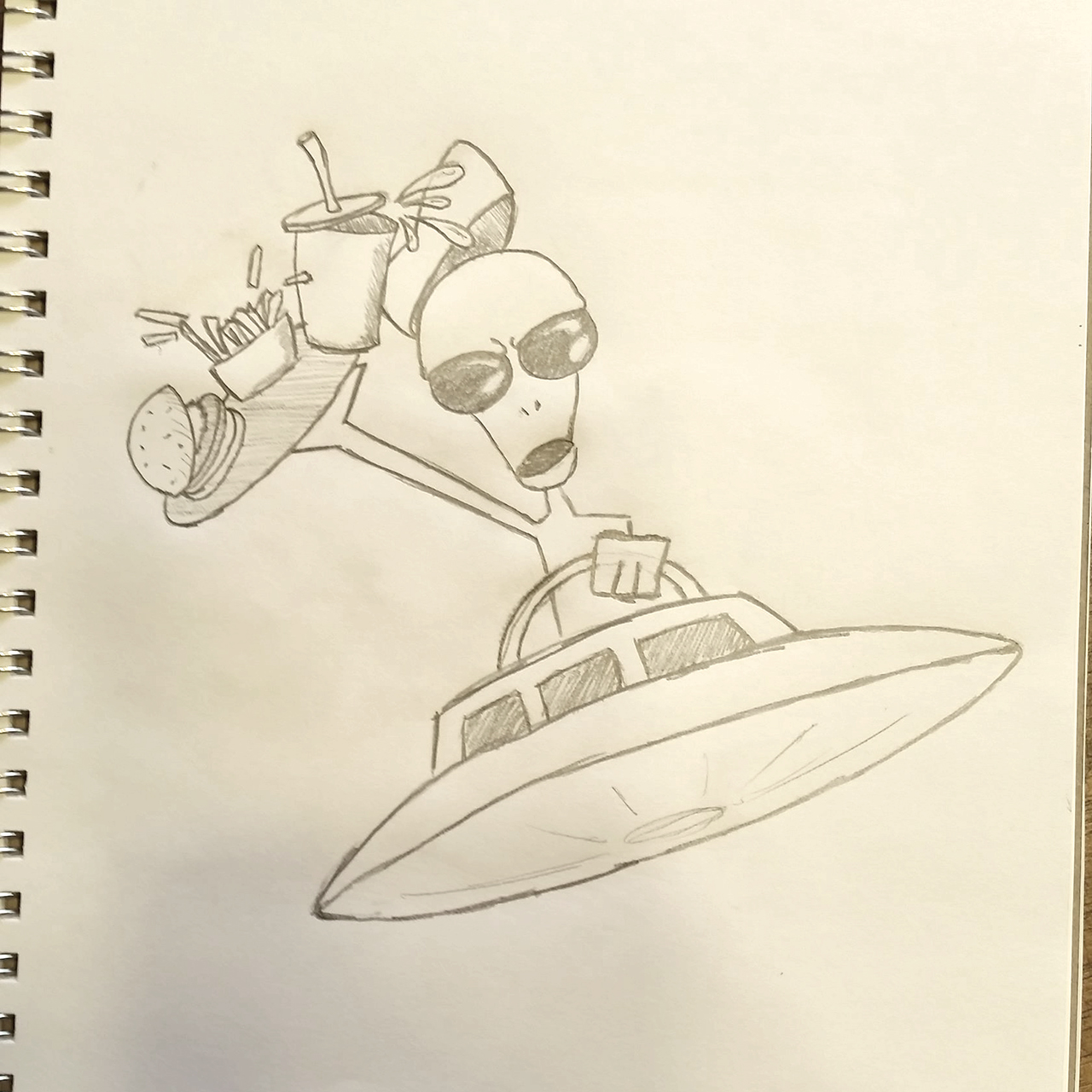
Splash Sketch
Sketching out possible splash/intro screen artwork. I got the idea of Alpha Zeta driving around in a cartoonishly small ship a while ago. Finally committing it to paper.
Update
More Sound
Added some (final?) sound assets to the webaudio service. I was a little concerned that the javascript audio triggers wouldn’t align with the timing of the CSS animation but it seems to be working well.

Update
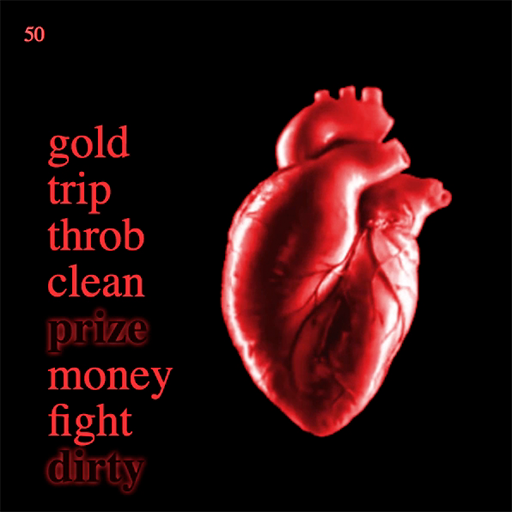
Heat Map
Playing around with an idea. Red flashes along the edges of the screen when the tension value goes above a threshold.

Update
Putting It Together
Some refactoring of the heartbeat component and bringing it together with the wordfall component.

Update
Selection Highlight
Added a selection stage to the negative word match function. Styled with a text-shadow property and a transition property to smooth everything out.

Update
Negativity
Added a function to select a random match of negative connotation words. Called on an interval, triggered when the initial drop is complete.

Update
Word Editor
Put together a quick and dirty word editing cms to replace the test spreadsheet. Built with my Reactor starter project using CodeIgniter in php. Added a json endpoint to output the data. Thinking of abandoning nodejs as the server because this php solution is so complete.

Update
Matching Words
Getting familiar with the new HttpClient object in Angular 4 and loading in the sample word data. Added a comparison on word drop. Now only word combinations that form a positive connotation result in a match condition.

Update
Crumple Zone
Added the crumple animation to the ship prefab and tweaked the gravity a bit more. Also turned on rotation on collision so the ball spins around.

Update
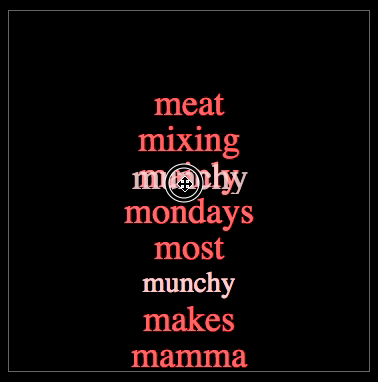
Word Matrix
Coming up with words is harder than I thought. This is just a test set of match values that will be converted into a json object manually. Eventually there will be an admin app that generates this automatically.
Update
Drag and Drop
Used the angular package ng2-dnd to apply the HTML5 draggable property to the words. An invisible droppable container with a lower z-index lies behind each word and shifts to the front when the drag event is fired. When a word is dropped, both are popped from the word array.
Update
Scrollin’
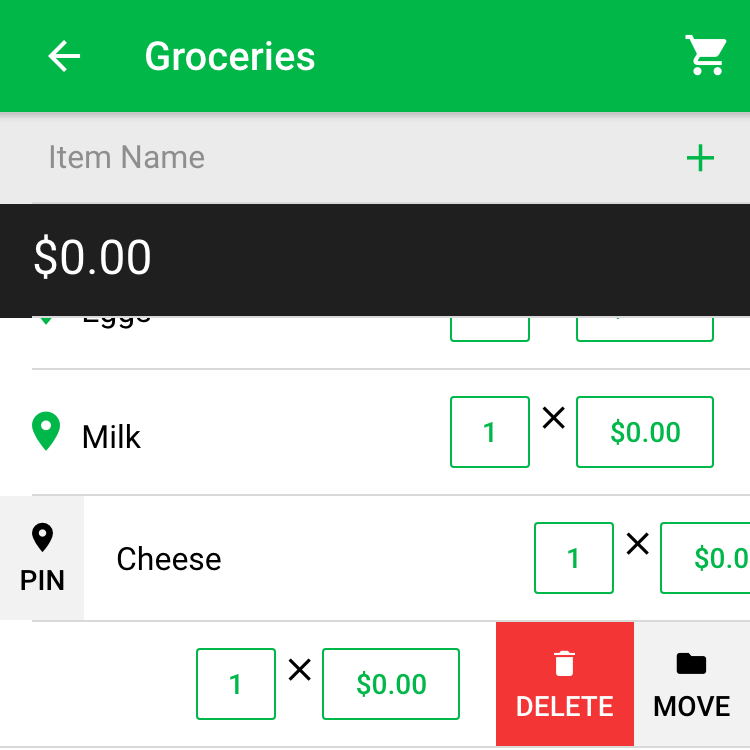
Made some UI tweaks. Put the list inside an ion-scroll component to make the total & new item panels fixed to the top. Moved the pin/unpin button to the left side, closer to its icon. Also fixed the list sorting directive that prevented some checked items from moving to the end of the list.
Update
CSS Gravity
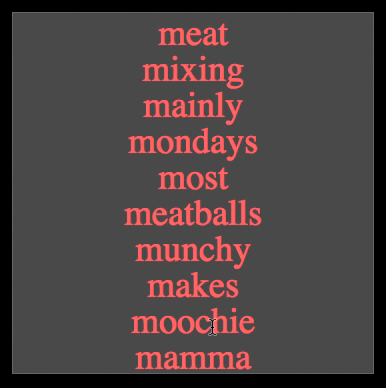
Created a falling word effect using *ngFor on an array and setting the position bottom property from the array position. Splicing elements from the array cause them to reorder. A CSS transition property animates the reorder to look like the words are falling.

Update
Animation Improvements
Added the new spritesheet. Also added a placeholder for the fear/calming words which will eventually have an animated transition. As fear words are clicked the heart rate increases, as quell words are clicked it decreases.

Update
Progressive Web App
Not quite a PWA, but almost. Using the service worker that comes with ionic to trigger the PWA install dialog in mobile Chrome. Offline still isn’t working quite right. It caches the files, aggressively, but still requires an initial connection to start after the install.

Update
Image Optimization
Removed some unnecessary frames and reduced the color palette to optimize the spritesheet from 1.5M to 200k.
Update
New Color Palette
Changed the color palette to match the new icon. Still using the ionic directives for primary and secondary color.

Update
Pinned Items
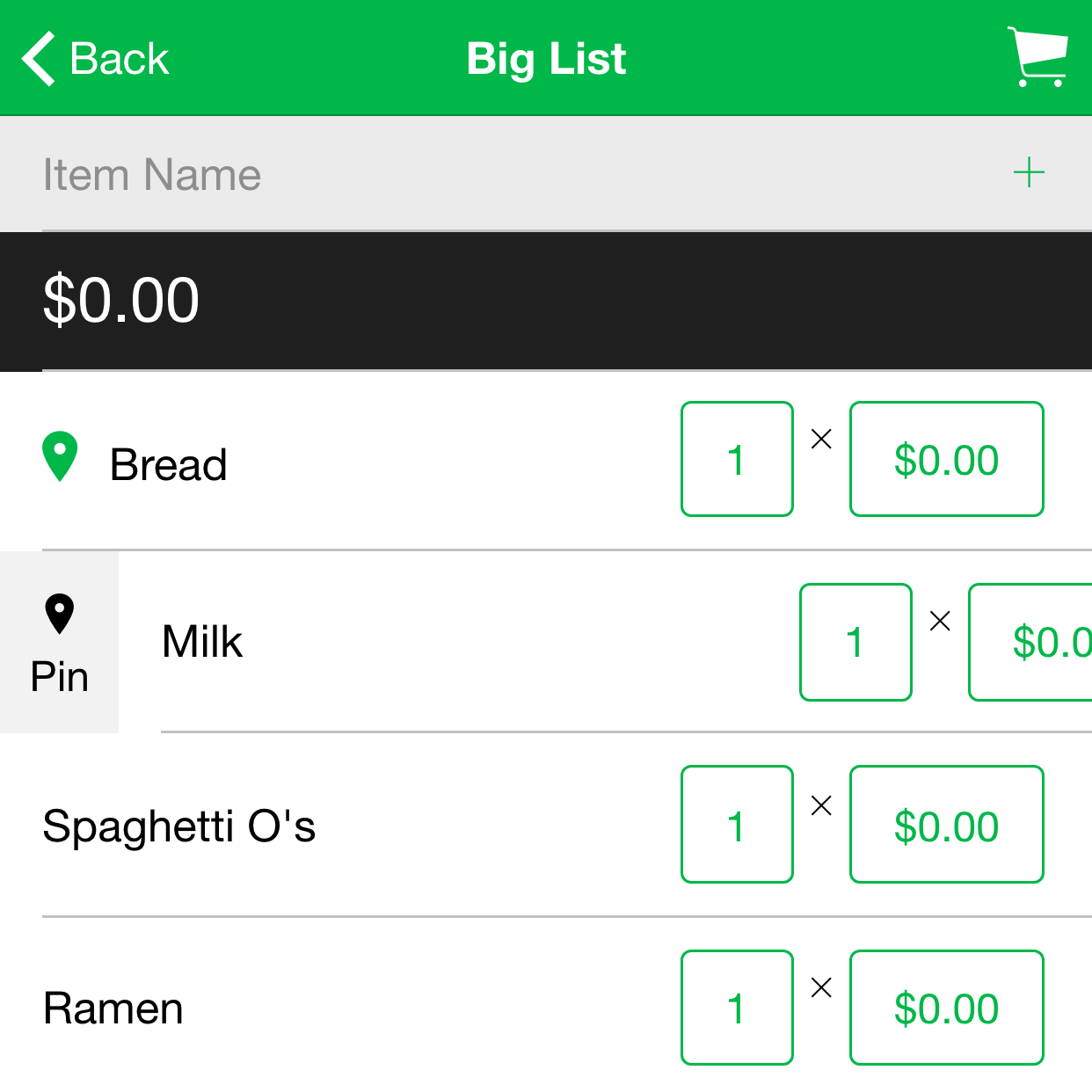
Added a flag to mark an item as “pinned”. When the checkout function is run, pinned items will be added back to the list with the price value zeroed out.
Update
WebAudio API
Added variable speed and created an angular service to manage the audio. My screen recorder wouldn’t pick up the sound but if you go to the project demo you can hear the heartbeat. The css animation speed and audio tempo are controlled by a javascript variable to create the speed up and slow down effect.
Update
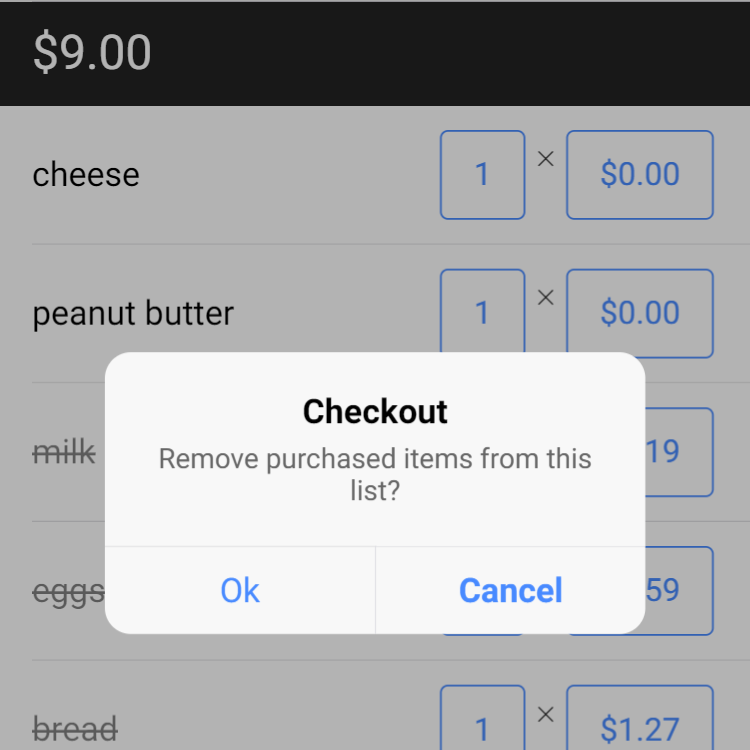
Checkout
Added checkout to remove crossed off items from the list. Items are deleted locally and synchronized with the firebase when internet access is available.

Update
It’s Alive!
Initial heart animation using a sprite sheet and the css step() function.
Update
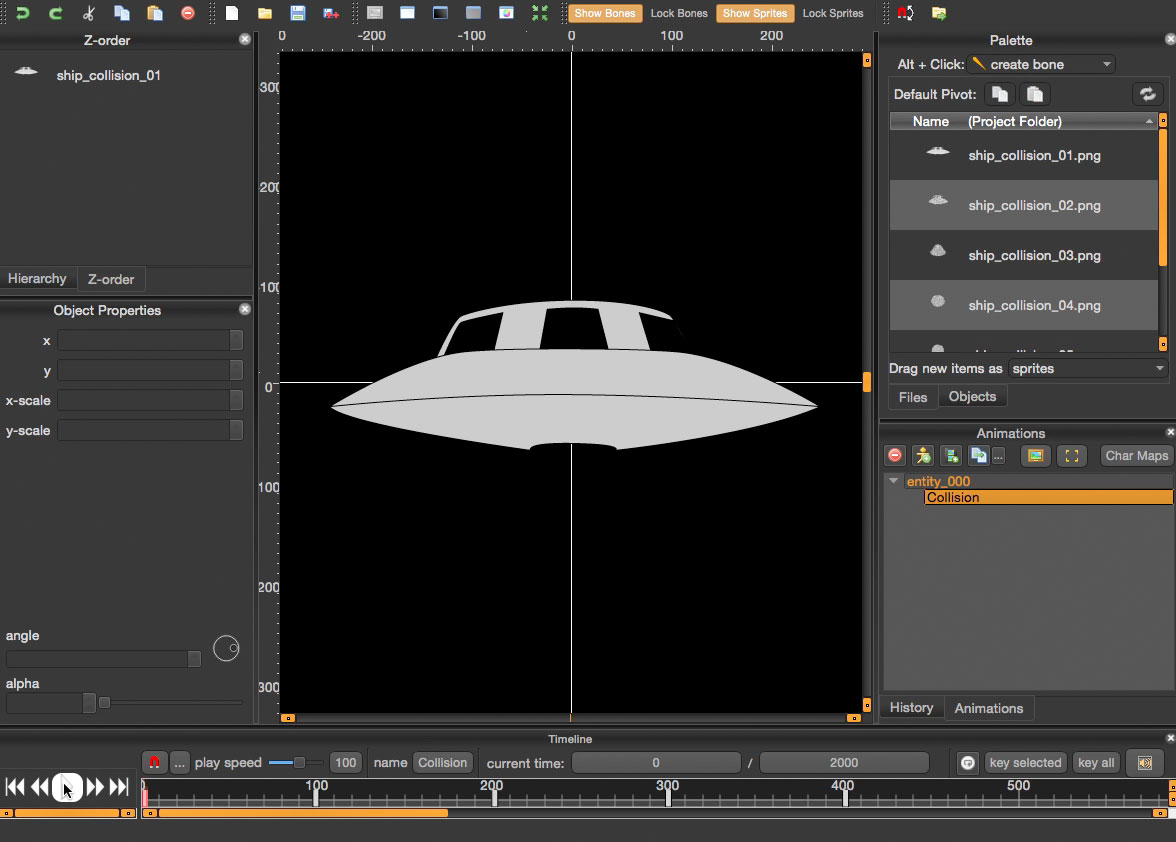
Ship Crumple Animation
The final (for now) ship collision animation. Almost ready for export to sprite sheet.
Update
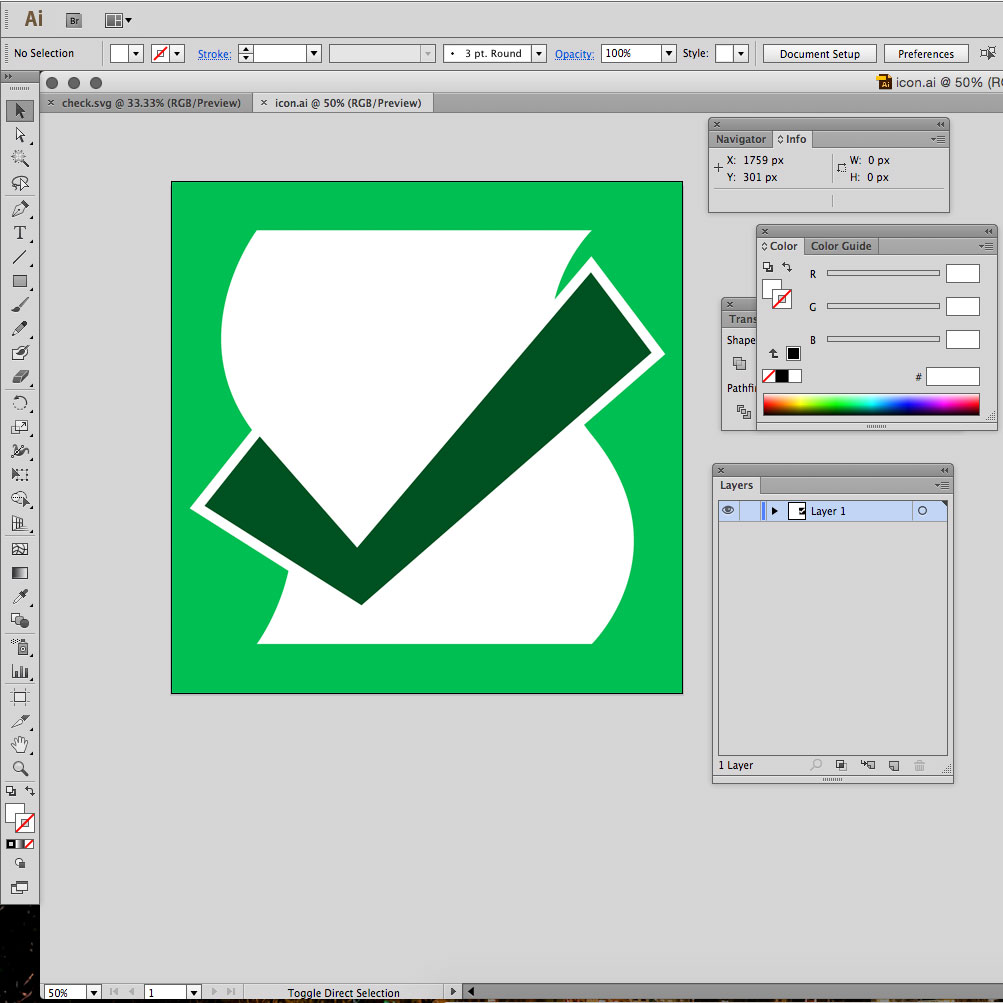
Revised Icon
Decided to emphasize the the checkmark. Flare out the ends and give it its own color. I’m keeping it monochromatic but I’m not entirely sold on the color. Also tweaked the curvature of the paper sheet.
Update
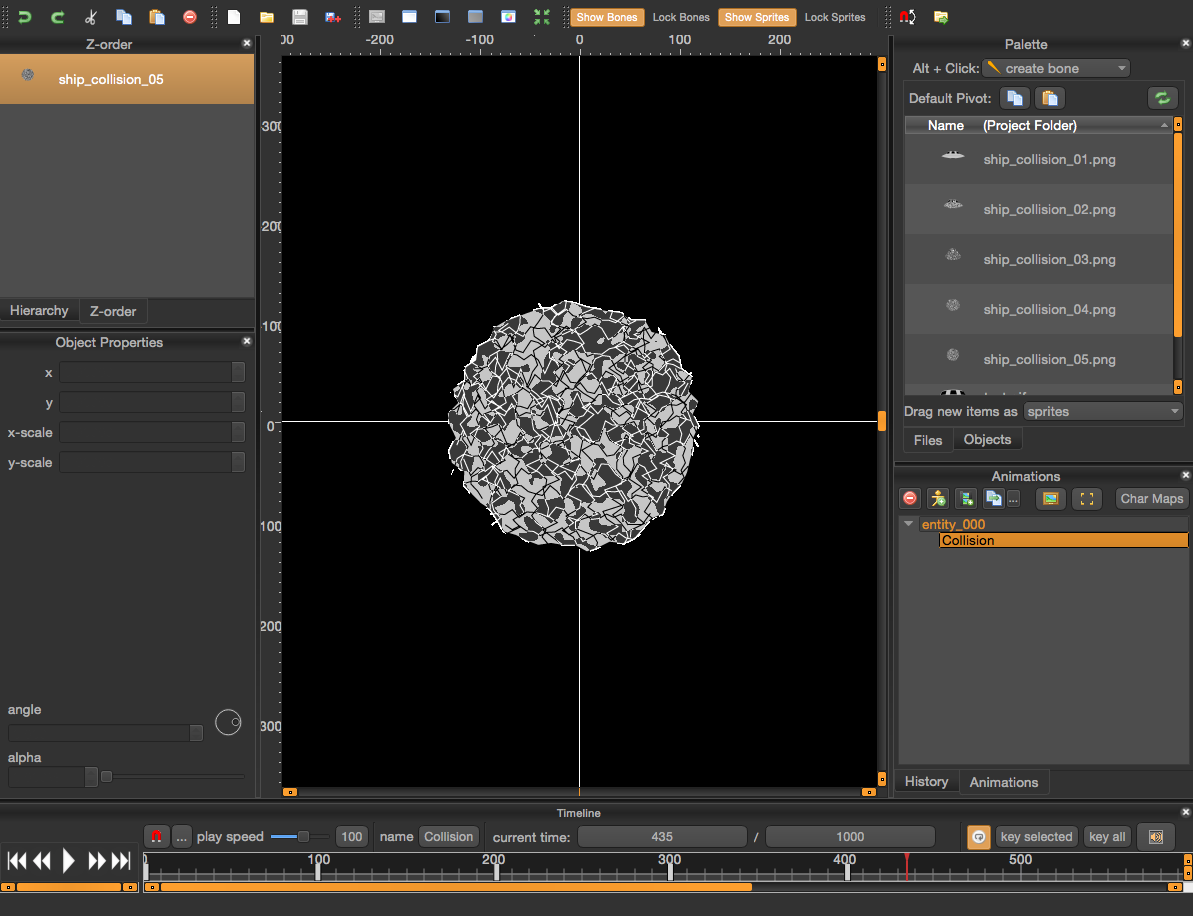
Crumpled Ship
A frame from what will be the ship collision animation. Upon impact, the ship will crumple up like tin foil. This will replace the red ball that’s presently in the demo.

Update
Icon Concept
First icon concept. A checkmark intersecting a list.
Update
Black Hole Demo
The rough version of the black hole level is up on the project site for your enjoyment. Stay as far away from the event horizon as you can.
Update
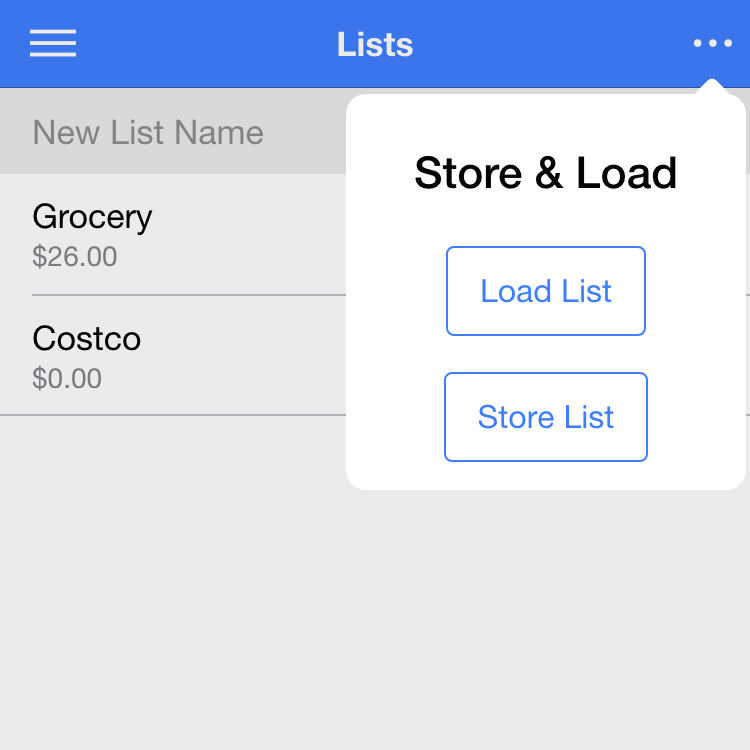
AngularFire2
Refactored the list service using the angularfire2 library which gave me real-time synchronization and offline storage.
Update
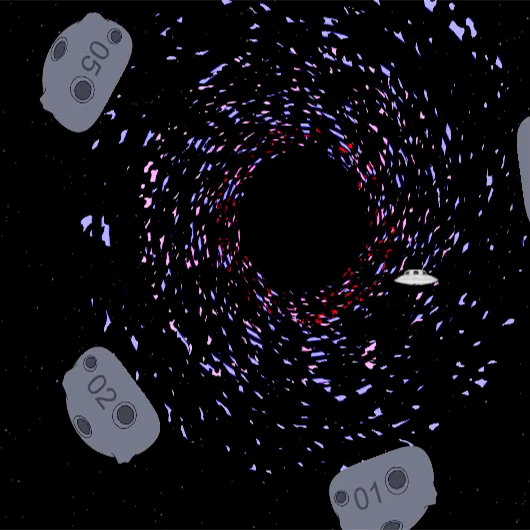
Black Hole Redesign
The particle effects were turning out to be too demanding on the browser. I started playing around with different styles and settled on this one. It uses 3 layers sprites rotating at increasing speeds. I think the style suits the rest of the game much better.
Update
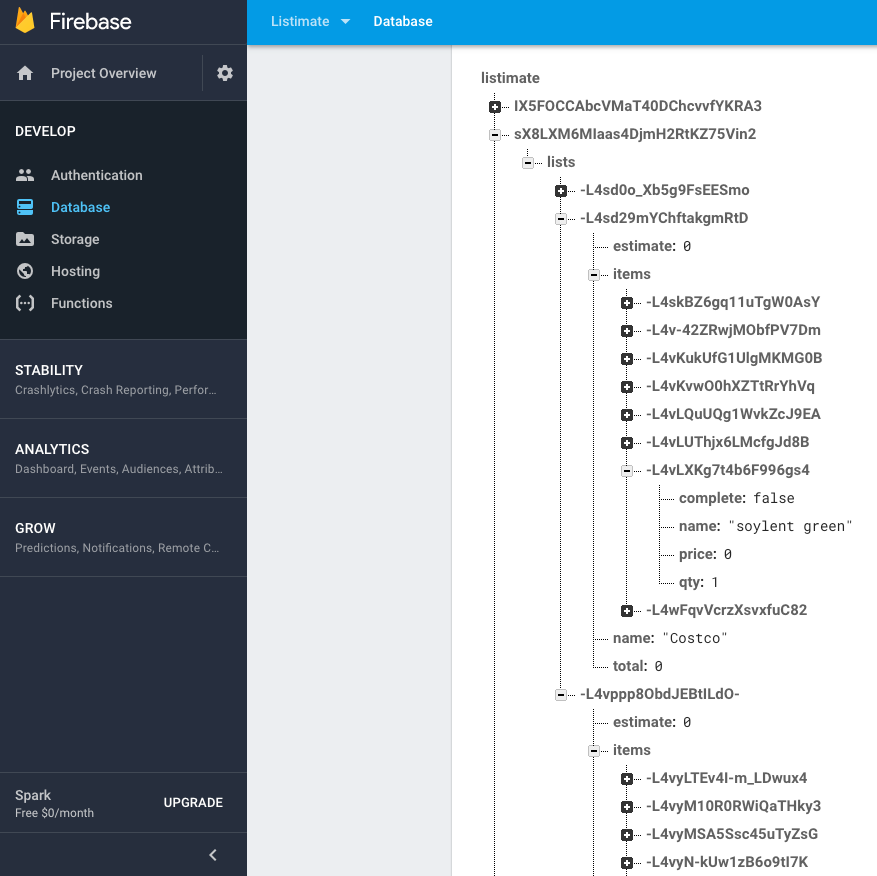
Firebase Storage
Got lists to store and fetch from firebase. The process is still manual. I need to do some refactoring of the list service before I can make it automatic.
Update
Ship Concepts
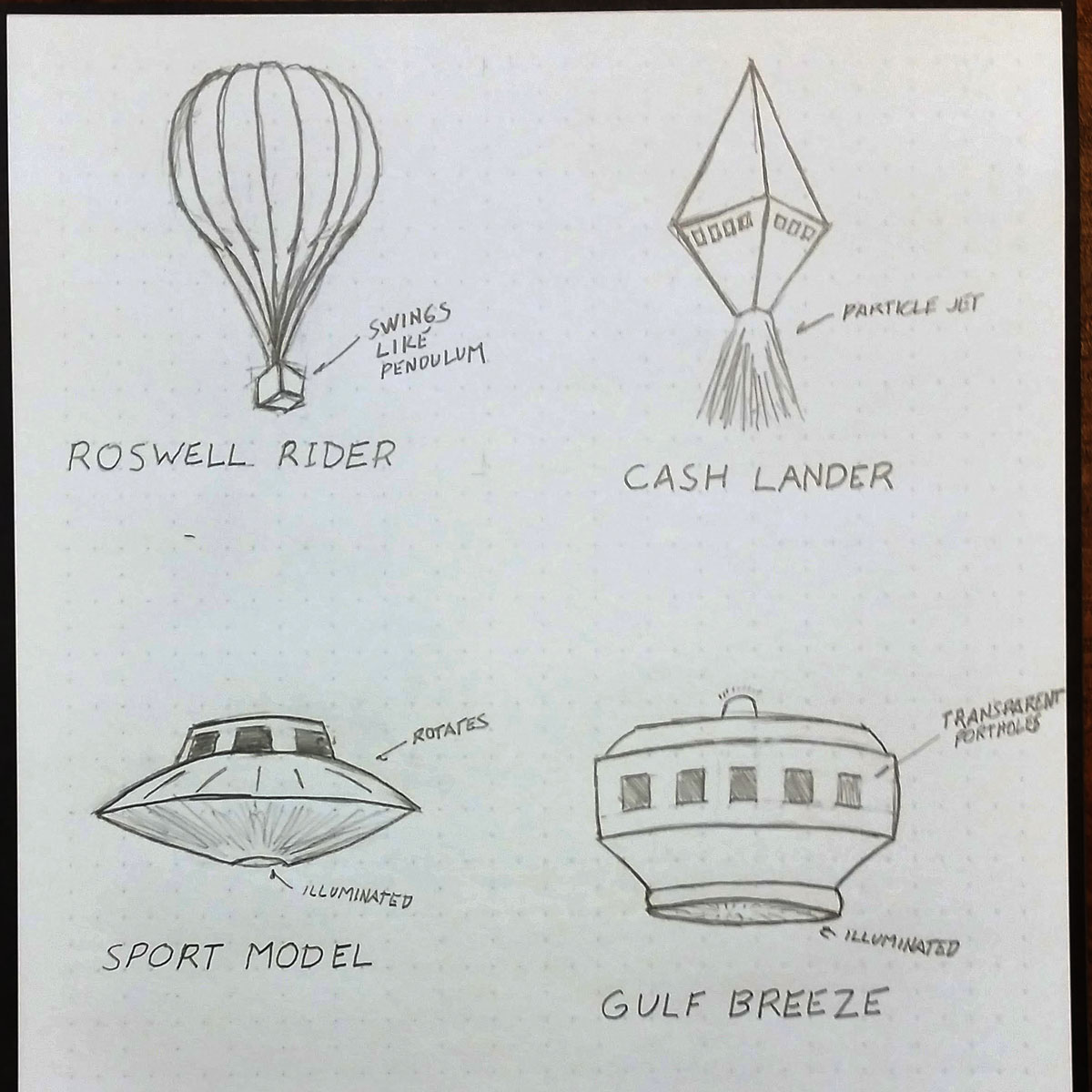
Some ideas I’m working on for alternate ships you can buy with in-game cash.
Update
Firebase Authentication
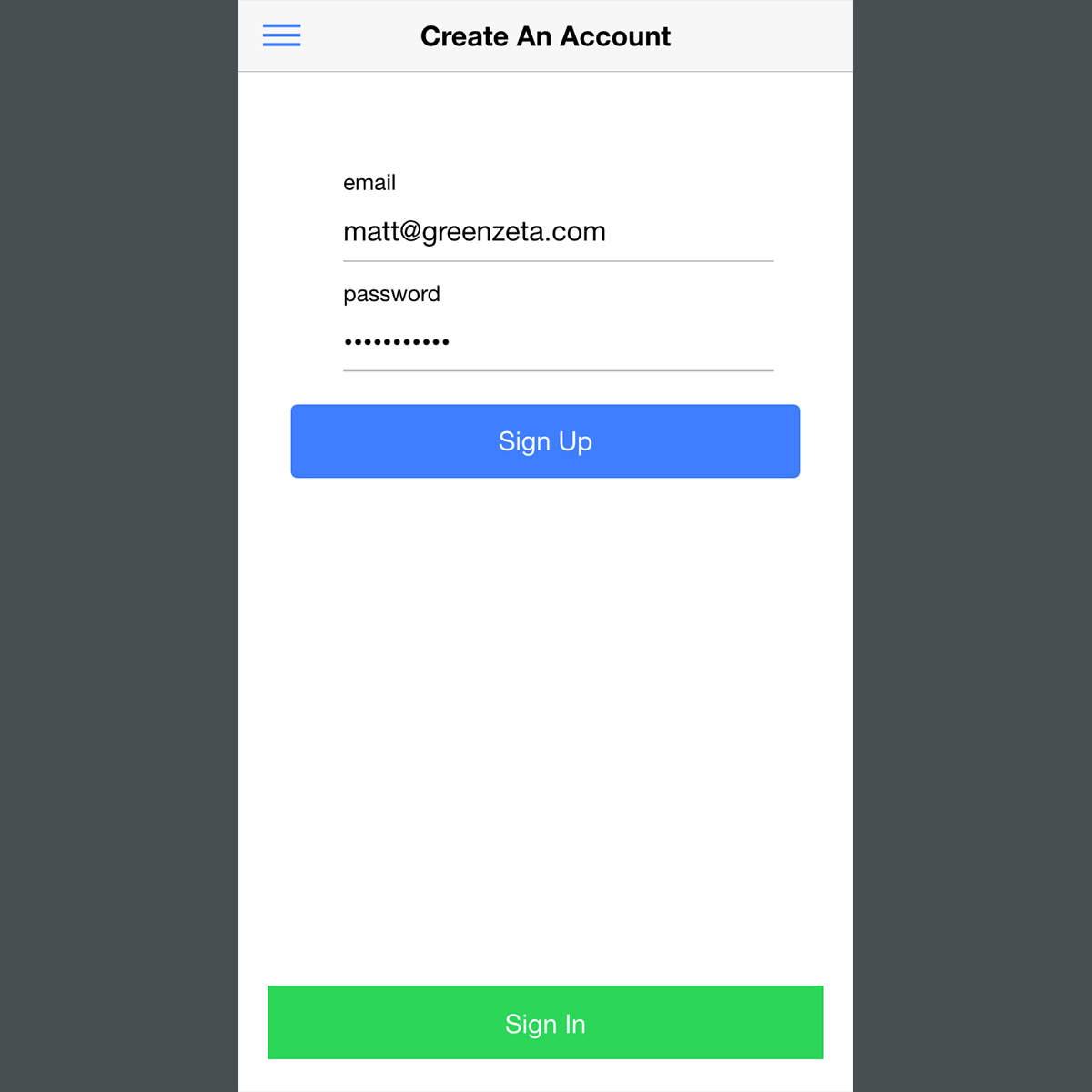
Added the angular firebase component and implemented authentication for a signin/signup feature.

Update
Listimate Demo
The project site is updated with a working demo. Go give it a try.

Update
Particle Effects
Playing around with particle effects to create the black hole. Ideally the particles would flow inward but I’m having trouble figuring out a way to do that.

Update
Dyson Demo
The Dyson Sphere level is up on the project site. Hit the button above to give it a whirl.
Update
Ionic Storage
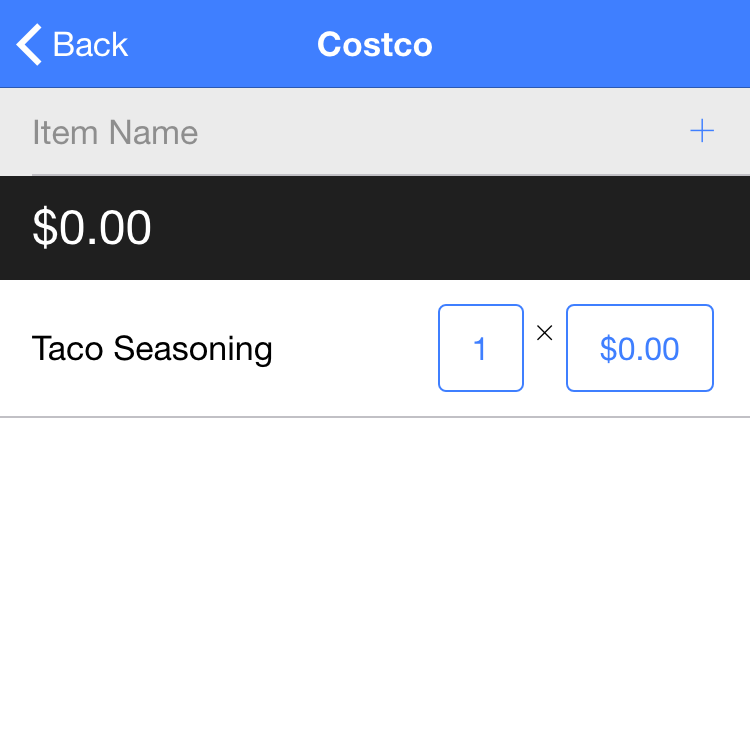
Using the Ionic Storage component to store list data locally in a SQLite database. Ultimately this will be synced with a firebase store.
Update
List Transfer
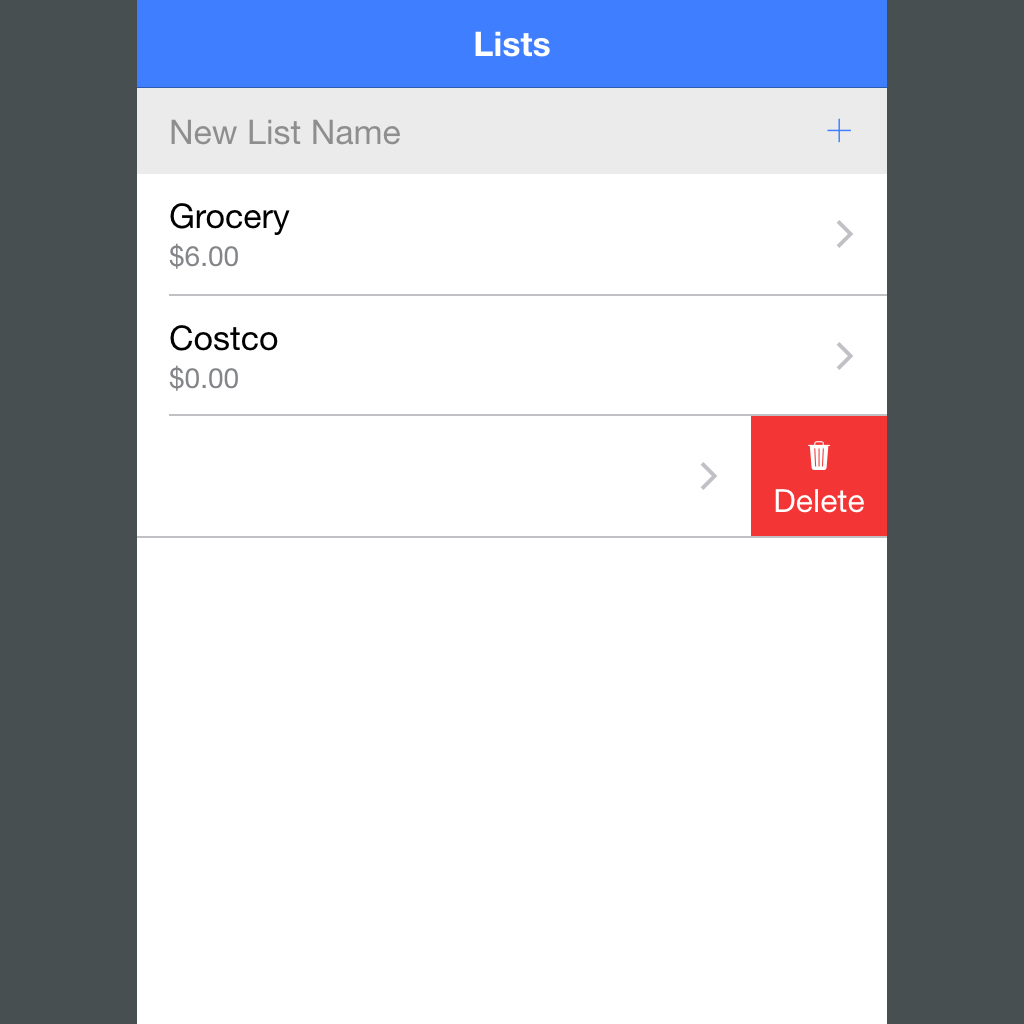
Ionic sliding list items are really cool! This is a feature I’ve always needed in my shopping list app. Say the store you’re at is out of something, so you want to put it on the list for the next store. Now there’s no need to retype, just slide to the left.
Update
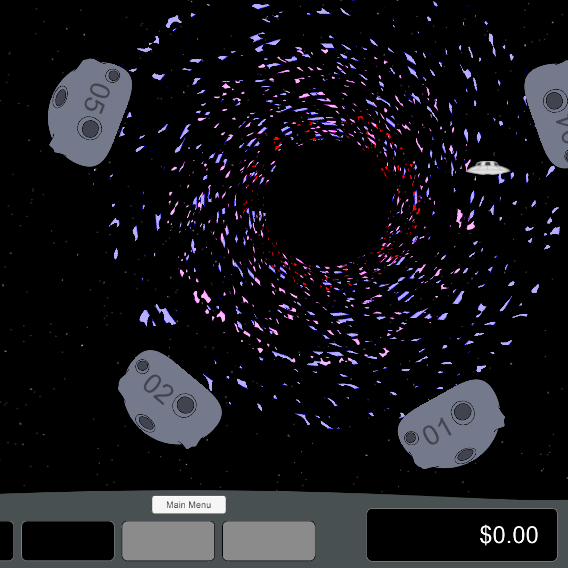
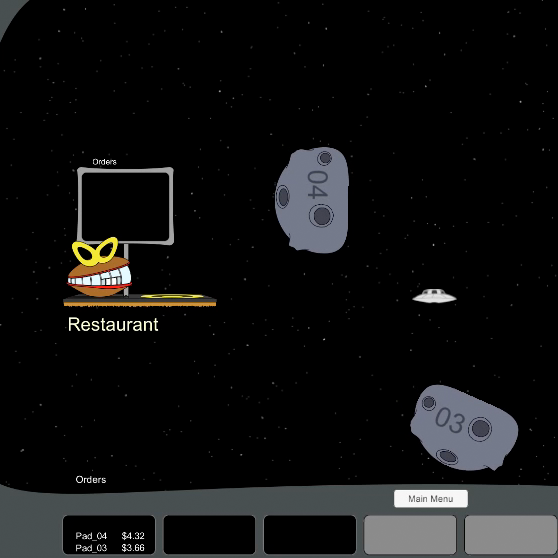
Black Hole Level
Pads in this level orbit around a black hole (not implemented yet). The asteroids here will be replaced with space ships. Thinking about working in a reference to the Disney movie. The trick here is that you can only land on a pad as it passes the bottom of the screen.

Update
Listimation
The estimated total is implemented. Pressing on the estimate reveals the actual total. Ionic components are helping this come along really fast!
Update
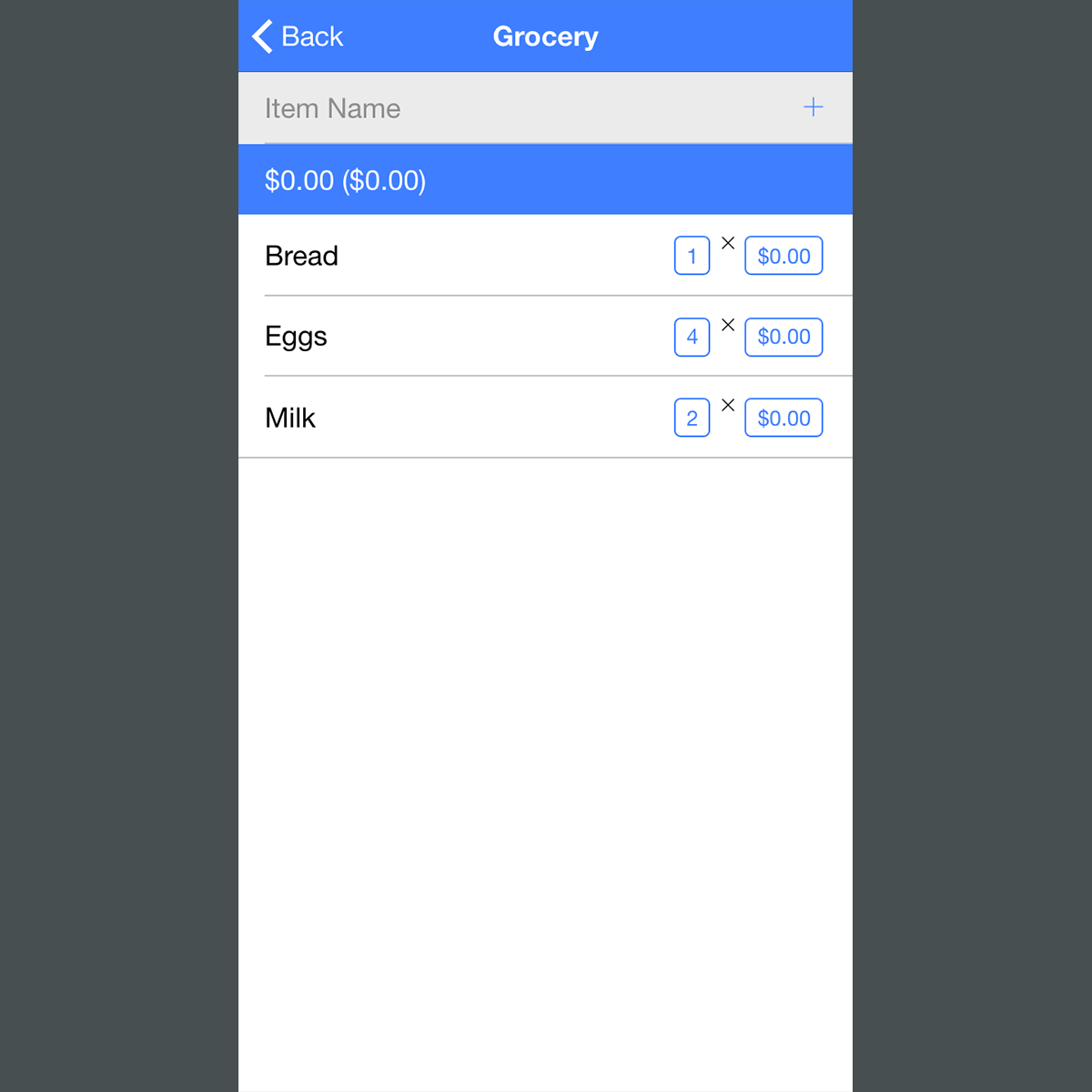
Shopping List UI
Building out the shopping list using ionic UI. This app is a port of a much more complicated project I started 7 years ago. That one took item weight/volume into account and compared it with previous purchases. It led to a lot of tedious data entry in-store that I soon gave up on.
Update
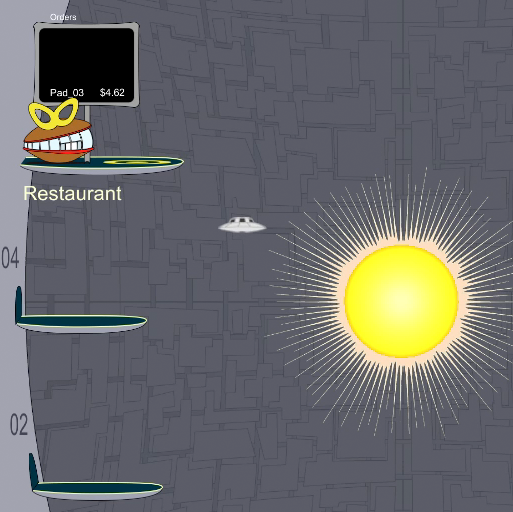
Playtest Dyson Sphere Level
Incorporation of the gravity well code. The pull extends just to the edge of the pads. Makes for some pretty hairy approaches. The star graphic still needs work.
Update
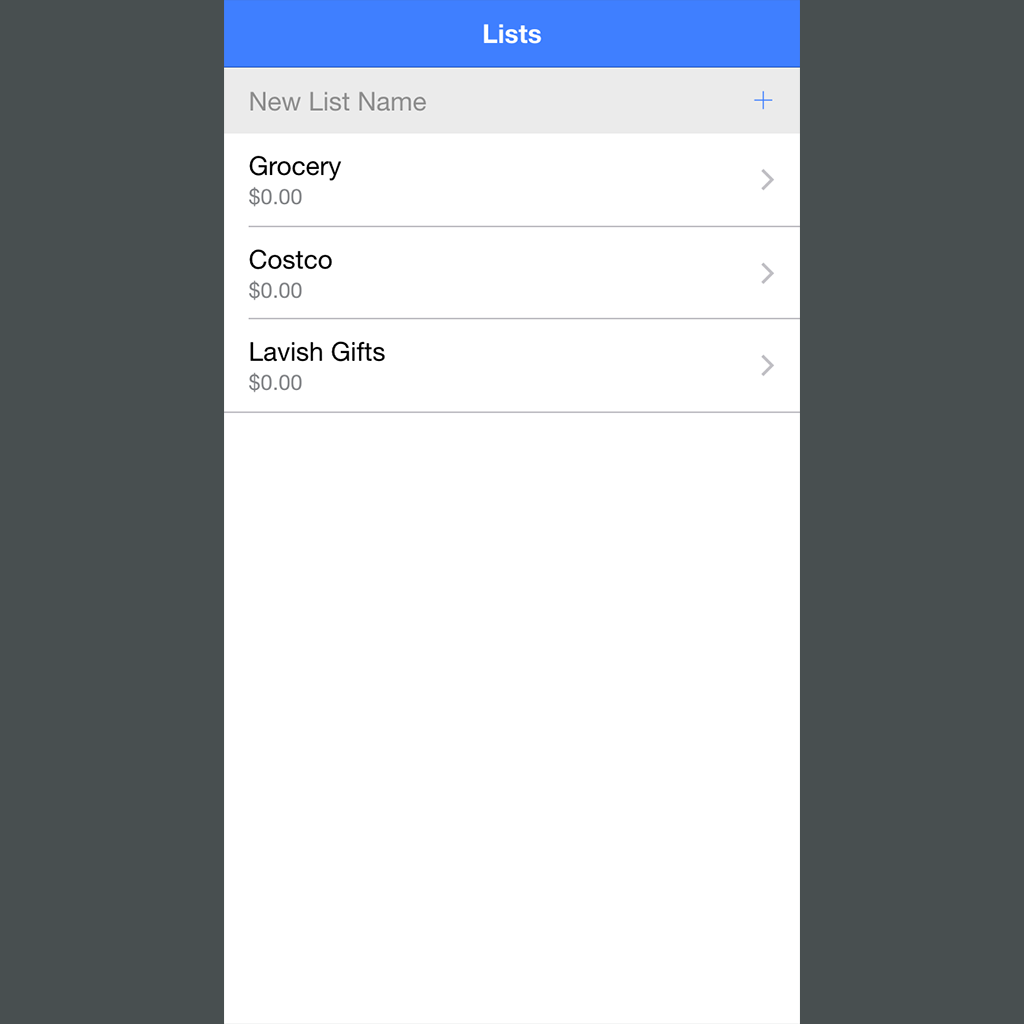
New Project – Listimate
What can I say, I’ve got a thing for list apps. The initial Ionic project is set up with a list management page.
Update
Project Site Updated
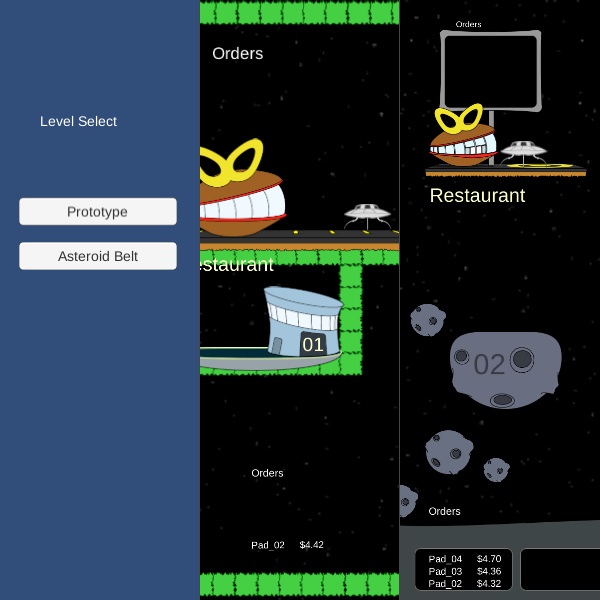
A rough mock-up of the asteroid level is now playable in the prototype. A level selection screen is added as well. If you get fired, reload the page to start over.

Update
Dyson Sphere Level Design
Every good game needs a Dyson Sphere! This is where the earlier gravity experiment is put to use. The idea here is gravity from the star pulls your ship toward it. Get too close and you can’t escape. The star may have to shrink down a bit. Getting proportions right in 4:3 aspect ratio is […]
Update
Gravity Well Test
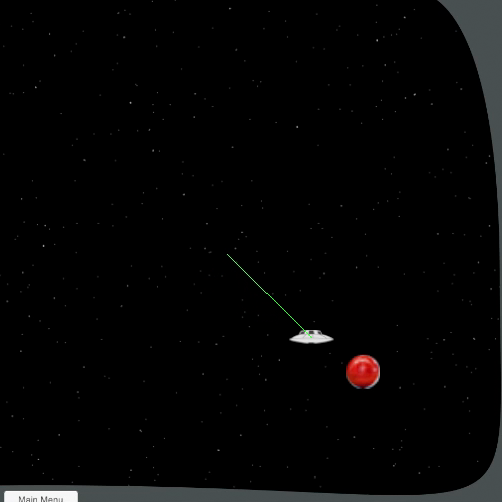
Play test experimentation with a gravity well. The red ball represents a massive object that disrupts the world gravity; like a star or a black hole. The green line is the velocity vector applied to the ship from keyboard input.

Update
Customer Character Sketches
Some character ideas for customers. Borrowing directly from UFO lore. I need to stylize them in a way I haven’t figured out yet. Also need a Nordic and a Sasquatch.
Update
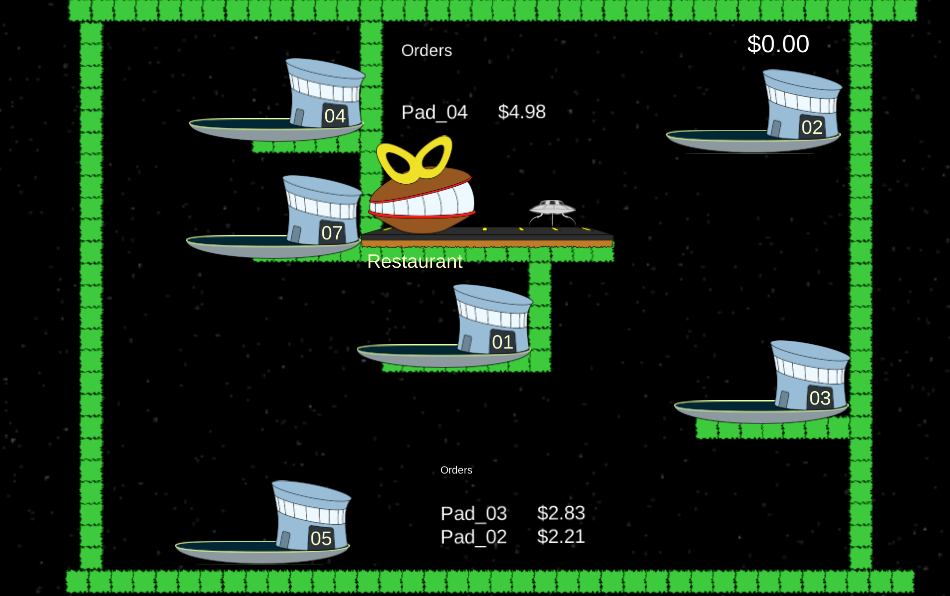
UI Design w/ Order Text and Restaurant Sign
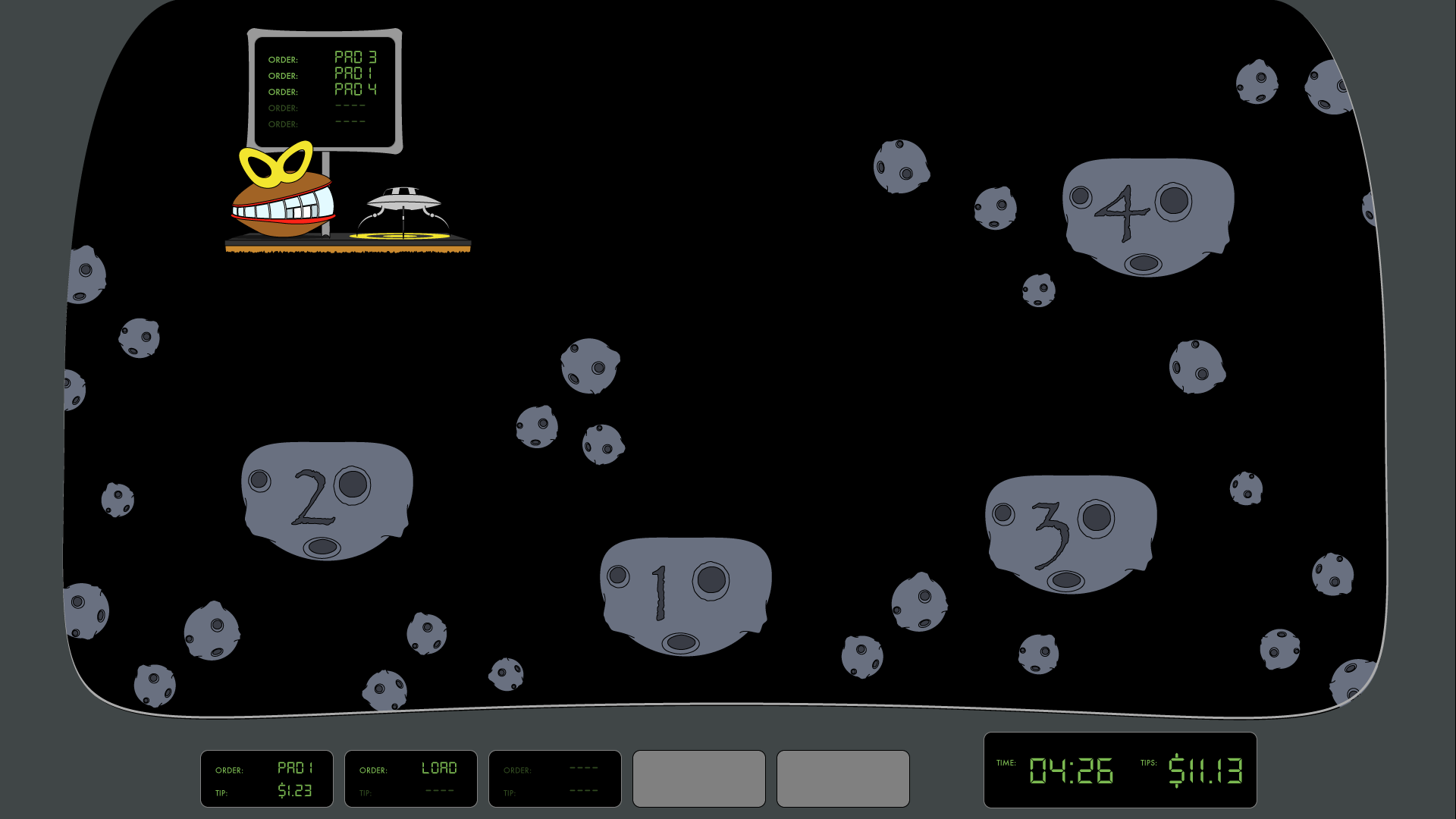
The UI is finally coming together. Still need to add definition but I’m happy with the layout. I added some sample order text. The parts where the pads light up right now will be replaced with status indicators in the ORDER fields. Eventually there will be character animations of the customers coming out to get […]

Update
Level Concept: Asteroid Belt
Rough sketch for an asteroid field level.
Update
Restaurant Design
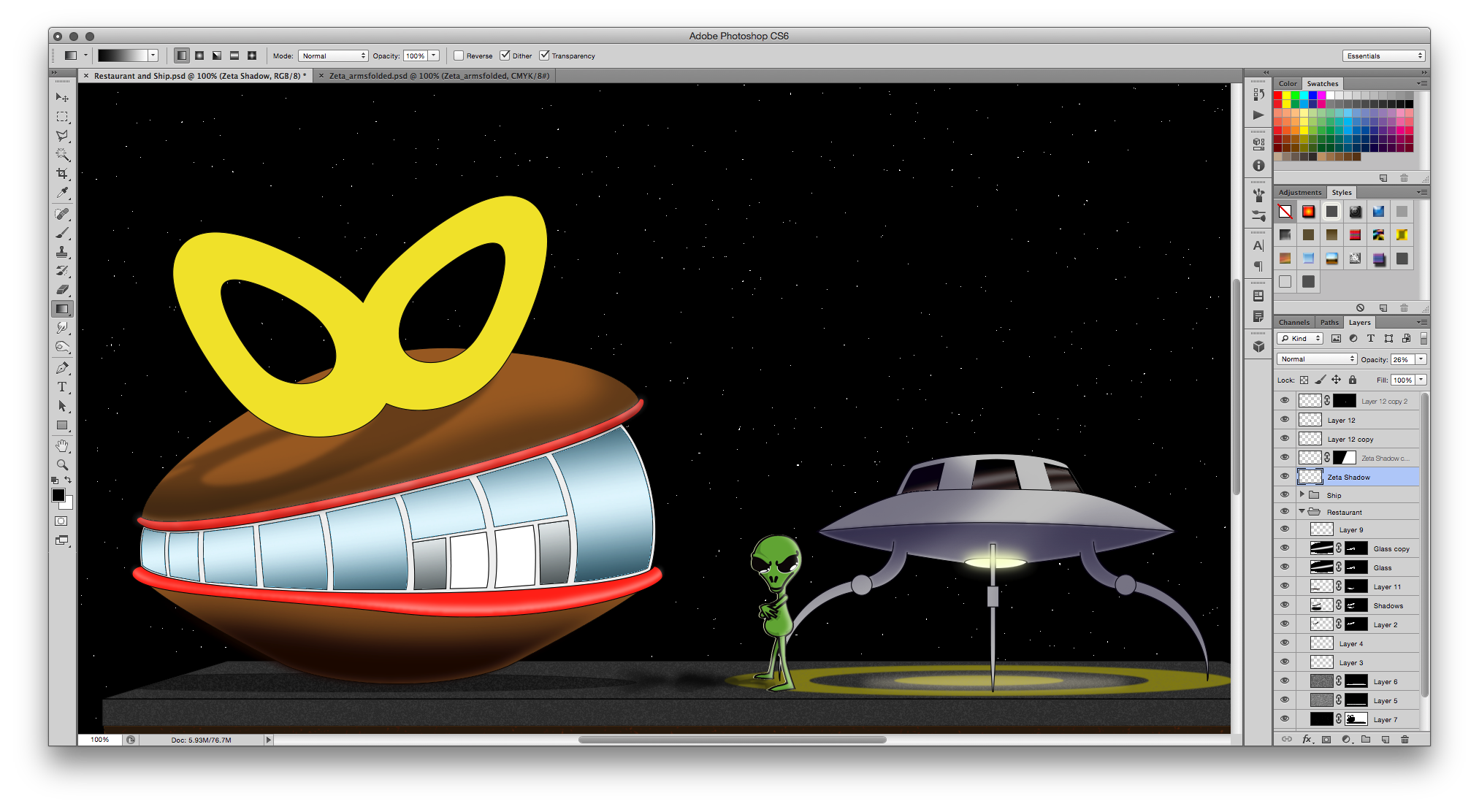
More work on the design of the restaurant
Update
Prototype Posted
An early prototype of the game is now available to play here.