Update
Project Page
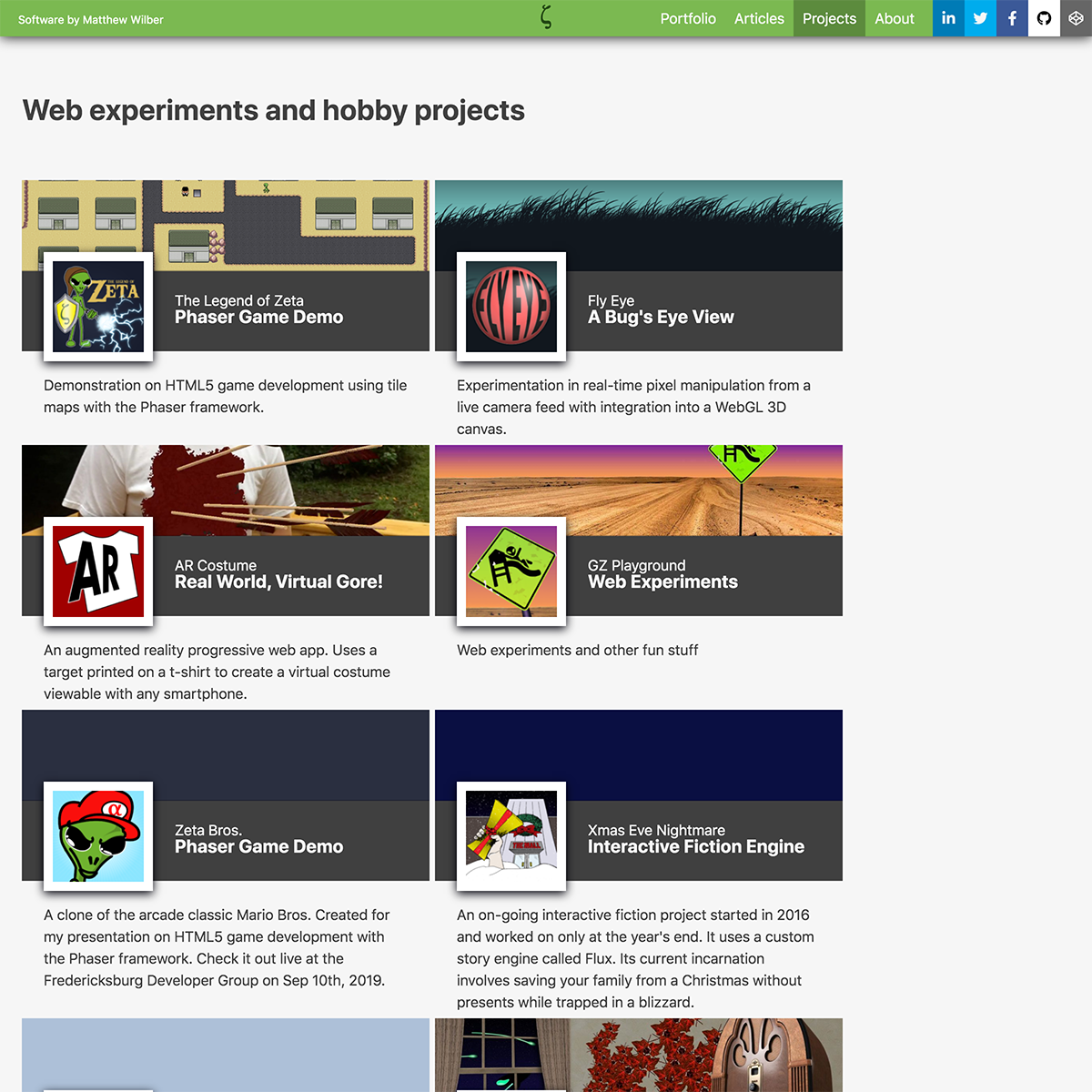
The new project page is designed to be multi-functional. At its core, it’s simply a listing of update posts. For finished projects it will support additional elements (screenshot carousel, videos, etc.).
Update
Project Listing
The new project listing builds on the portfolio layout. All of the sections of the current site where created at different times so there’s a lot of inconsistency. By re-using templates I can cut down on dev time and connect the sections visually.
Update
Final Background/Footer
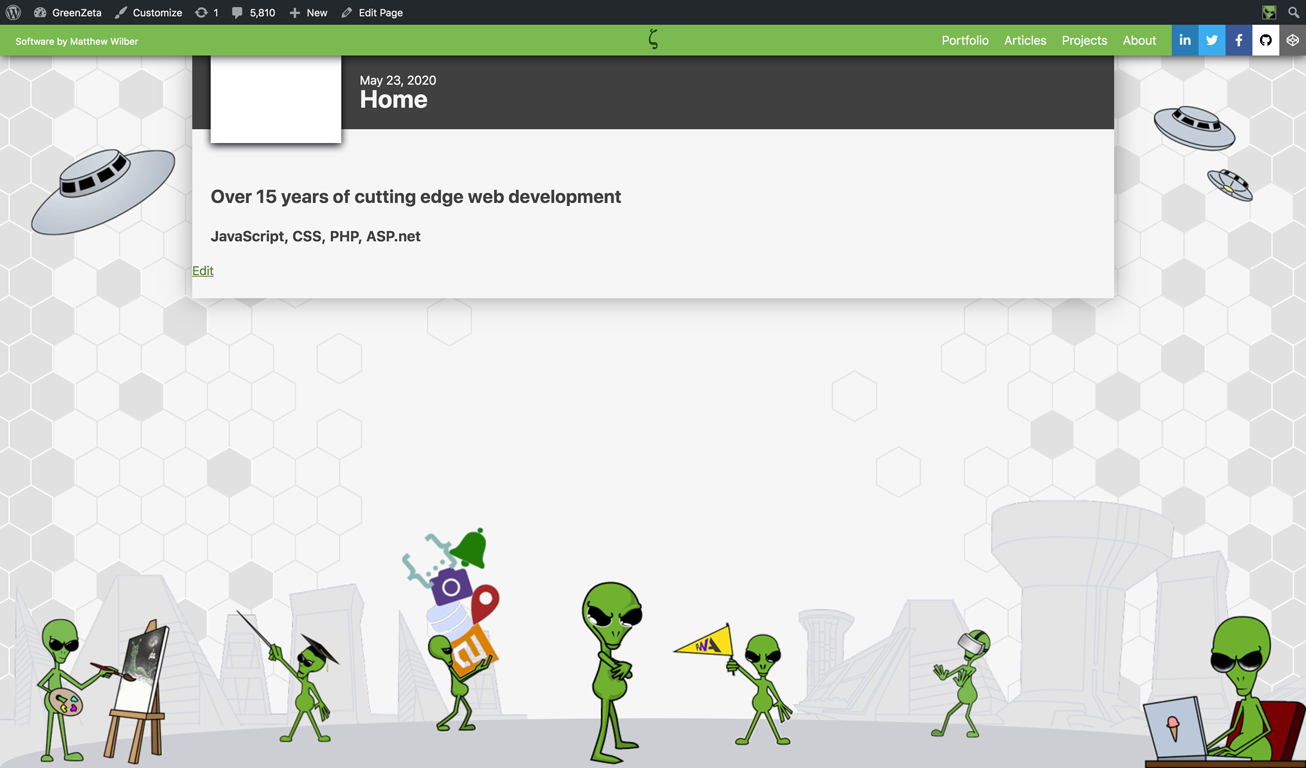
The complete footer/background with final artwork. I made a few tweaks at the end to get the file sizes down. The hexagons are now 2 separate patterns that repeat vertically. All of the zetas are compressed as PNG8 with a light grey matte so any haloing blends into the background. The whole thing totals ~130k, […]
Update
Megalopolis
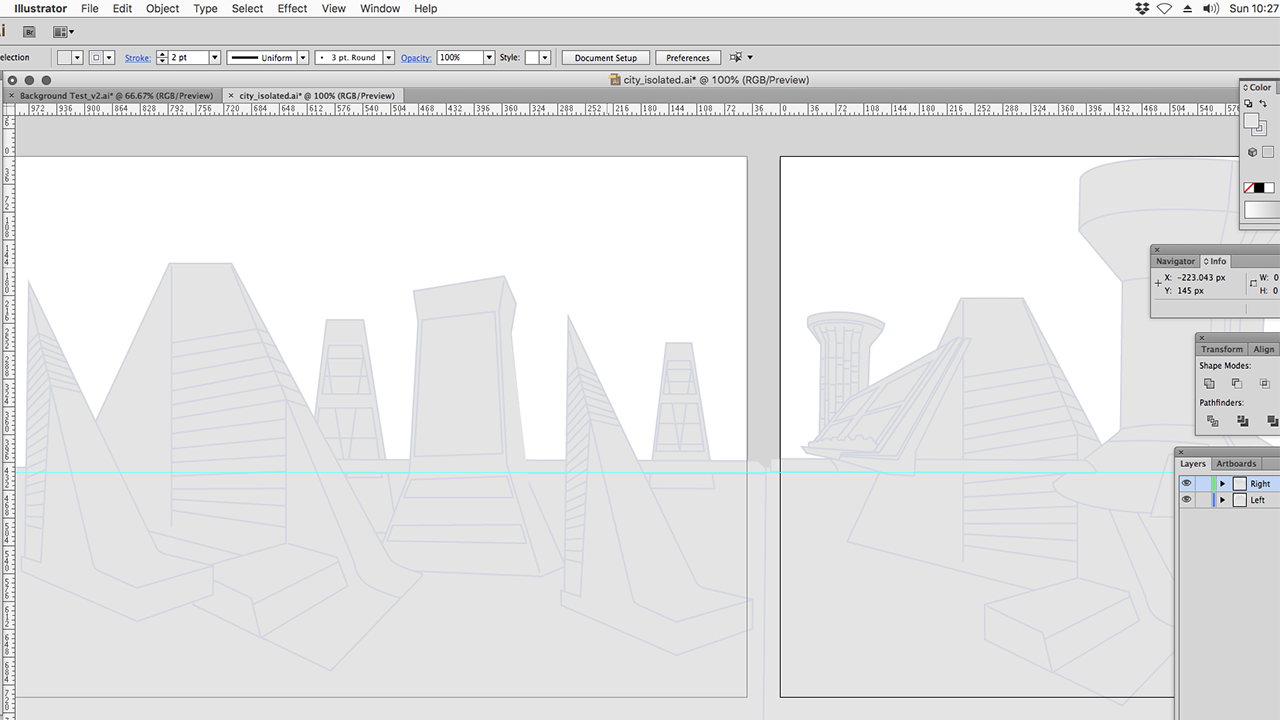
The final #illustrator artwork for the zeta city. I’ve broken it into left and right panels which will overlap and slide apart to accomodate the screen size. The blue guideline indicates the rough position of the foreground, everything below that line will be removed in #PhotoShop to help with image compression.
Update
Articles Page
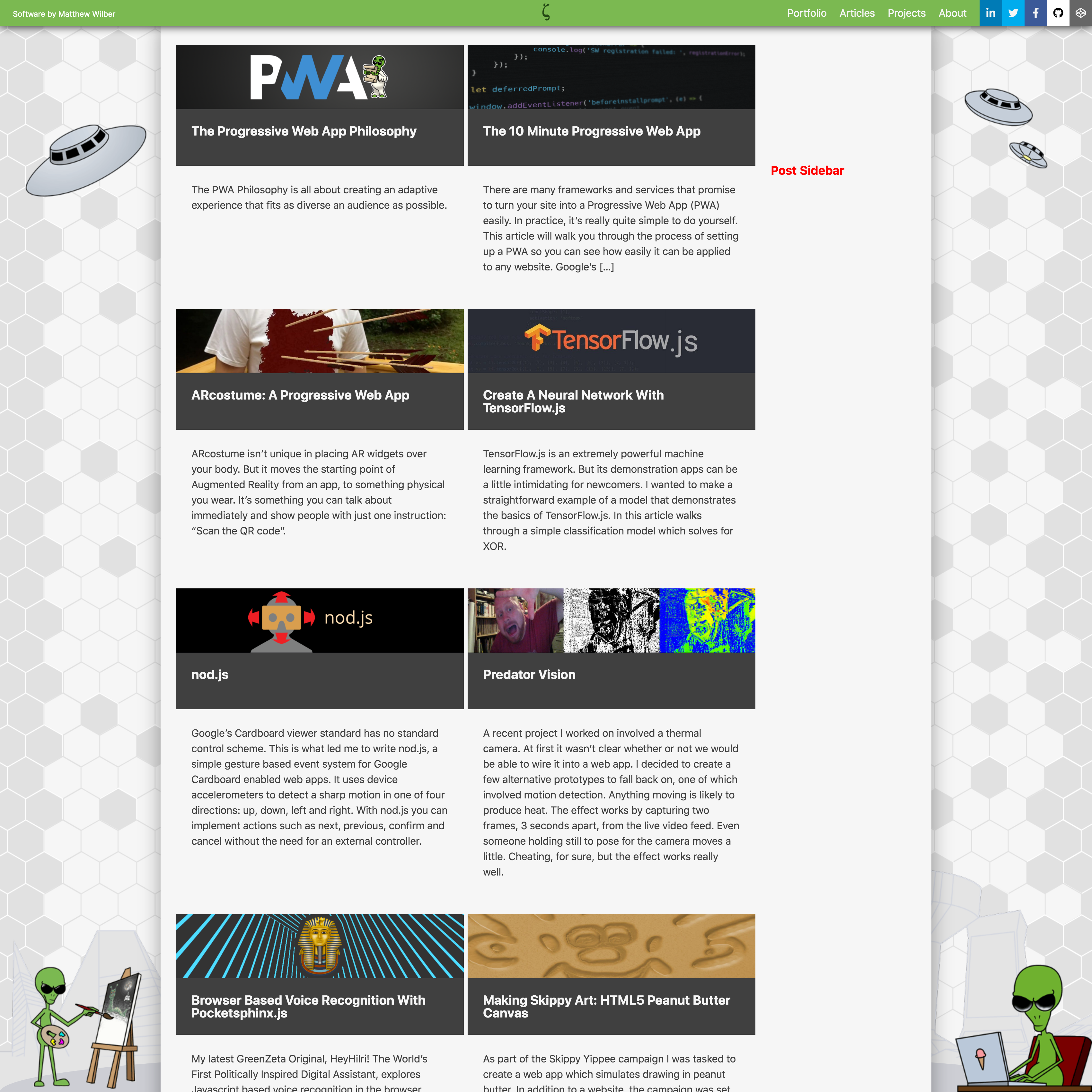
The old “Insights” page is now called “Articles”. The layout is updated to match the style of the portfolio page. It’s a lot more image heavy now and includes an “external content” field that allow me to feature my #medium #articles on the main site.
Update
The Artist
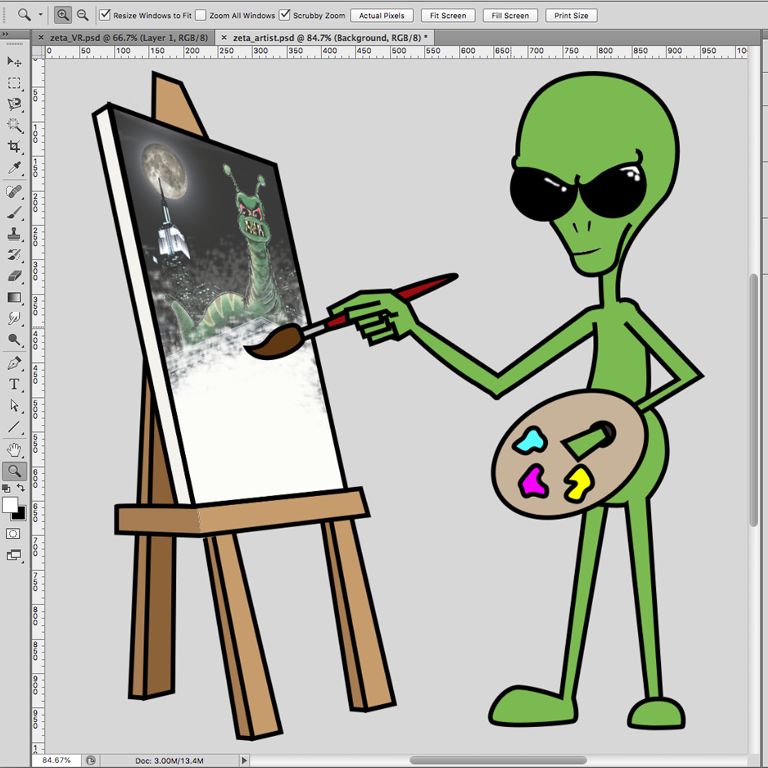
More artwork for the website footer, adding color and the final details in #Photoshop. Call him “The Artist”. This one is going in the left margin, opposite the one using a laptop. In the painting is the first character I ever made “The Giant Mutant Slug Monster”.
Update
New Portfolio
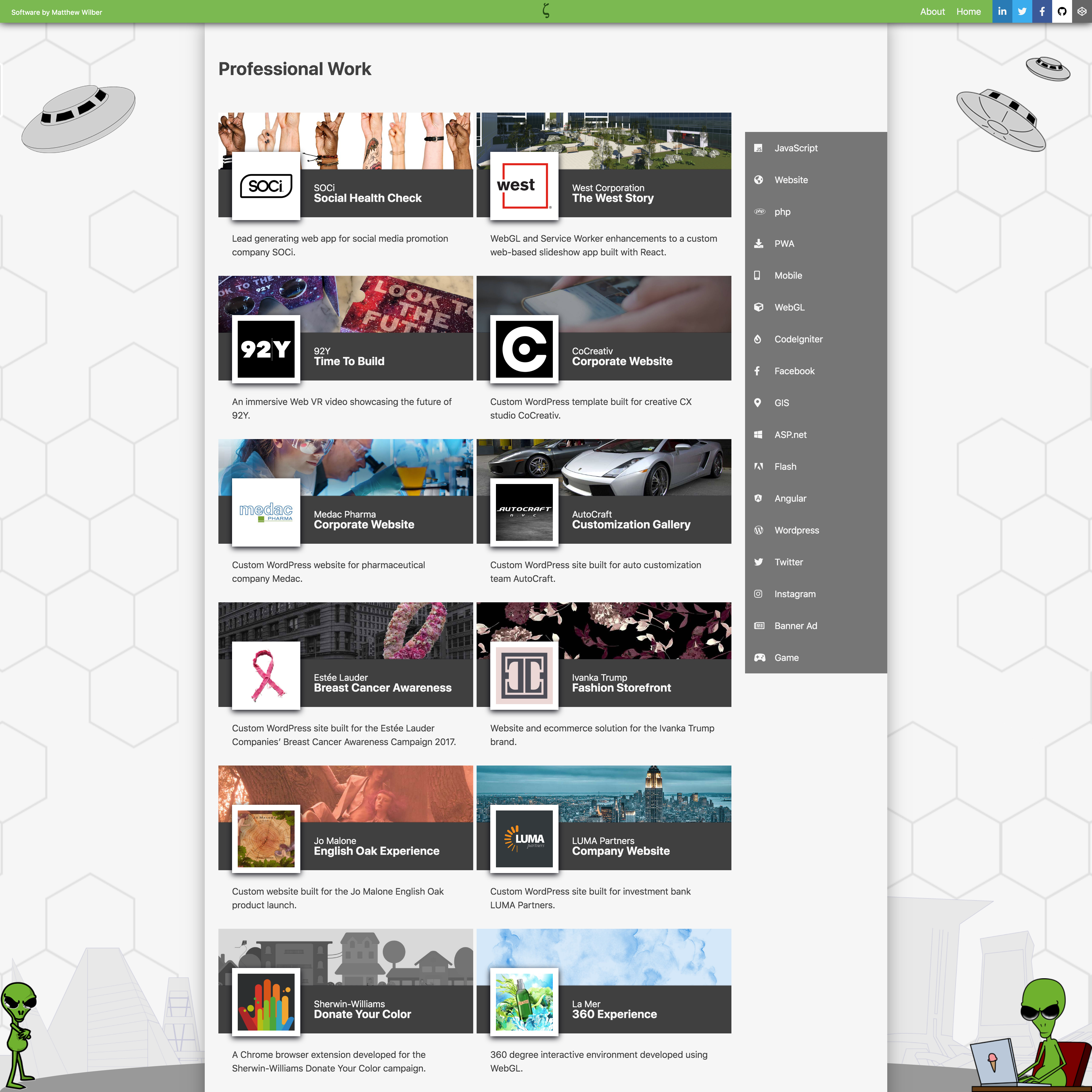
I took a stab at styling the portfolio page to match the look and feel of my home page comp. I still have to optimize the images and add mobile breakpoints but I’m pretty happy with the way it turned out.

Update
VR Zeta
One of the new Zetas for my website footer. You can see the original pencil sketch behind the final #illustrator line art. Each Zeta in the footer is going to represent some aspect of the work I’ve done. This one’s playing with a #VR headset.
Update
Home Page Design
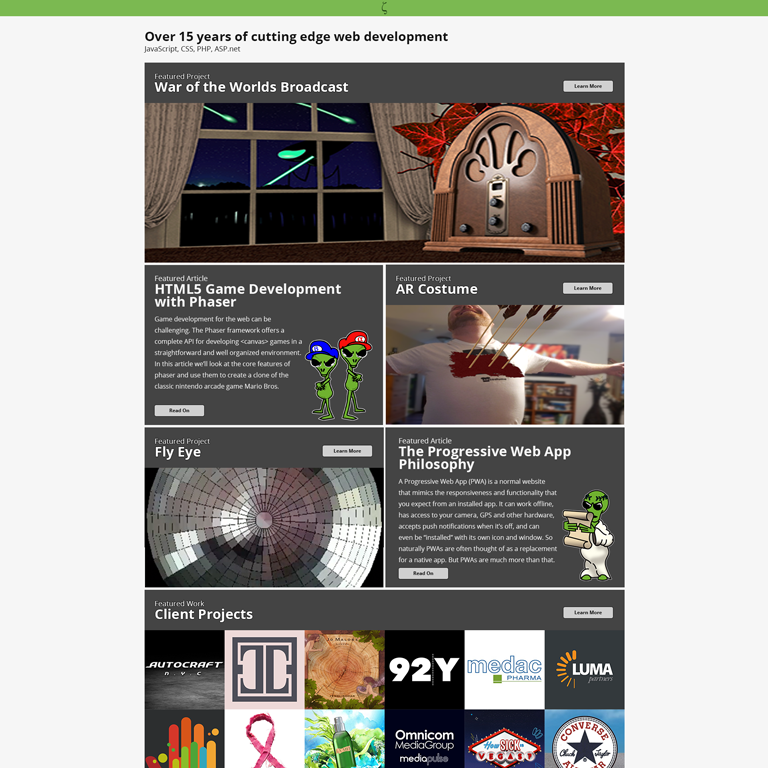
Second draft of the new home page. Cleaned up the top section and added standardized headers. I also fixed up the typesetting. The idea here is that the hero, and possibly all the featured projects, will be a 2-5 second looping video.

Update
About Page
The new About page looks pretty close to the old one. The new layout uses flexbox with a fixed width side bar. This template will be used across all post pages throughout the new site.

Update
Background Test
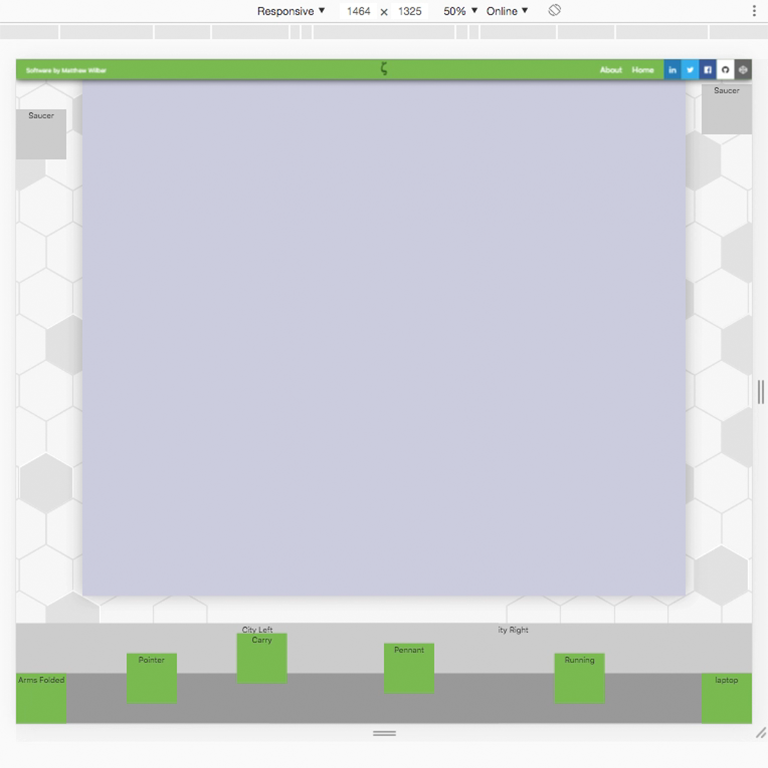
At this point the responsive background is functionally complete. FPO artwork leaves a good impression of what the final will look like. This allows me to lay out the rest of the pages while making sure they work visually in context of the background.
Update
Responsive Background
Here’s a look at the rough styled background for the site. On wide screens it expands out into the margins and is partially visible around the page content. Scrolling down all the way the complete footer is revealed which is visible at any screen size.
Update
WP-SCSS
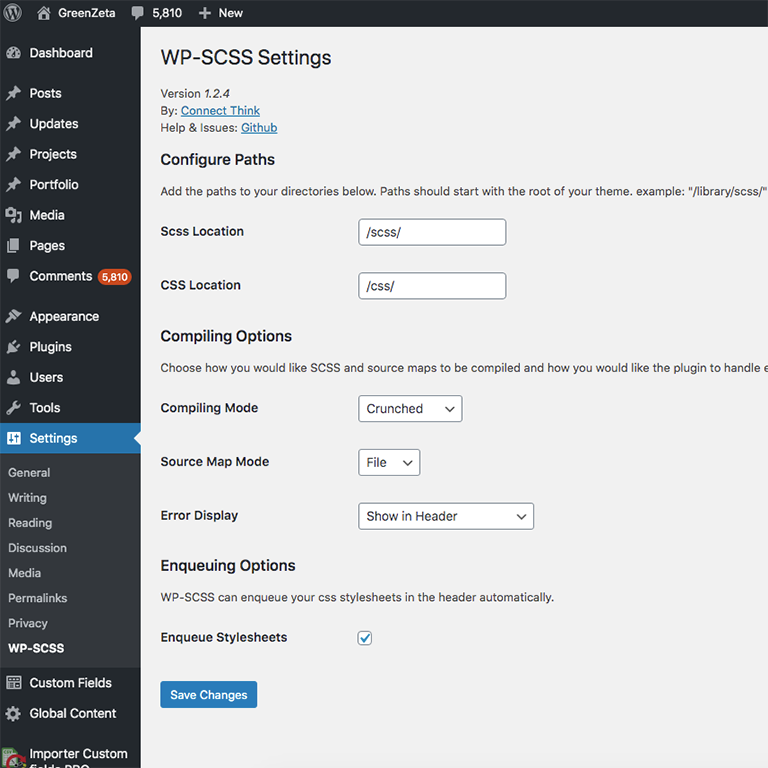
The WP-SCSS plugin, by @ConnectThink, has become an invaluable part of my workflow in this project. It allows me to write my stylesheets in #SASS and then automatically transpiles and minifies the final css on the next page load. In the past, I would do this in a local setup using the command line. Now […]

Update
Header Layout
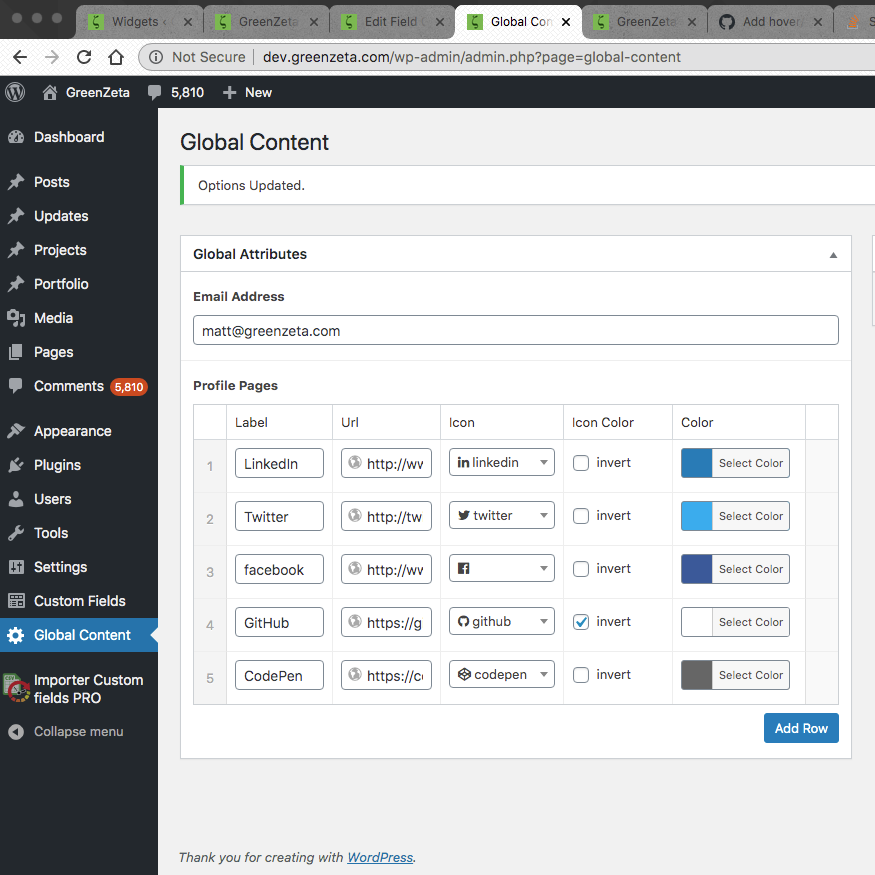
Visually, the new header is the same as the current site but the code is all new. I simplified the logo Zeta #svg and am using it inline now. The social profile links are pulled from the new Global Content page. It also has a built-in mobile hamburger menu, not yet styled. The current site […]
Update
Global Content
Taking a look behind the scenes, I set up a custom #WordPress admin page using the Advanced Custom Fields plugin. This will be a catchall for any content shared by more than one page. Right now it just has my social profile links found in both the header and About page.

Update
Background Art
A mockup of the new background concept. This builds on the current background where the sides poke out on extra wide windows. But on all screens, the new background will double as a footer to reveal a group of Zetas doing various things. All of the artwork you see here is FPO.
Update
CityScape
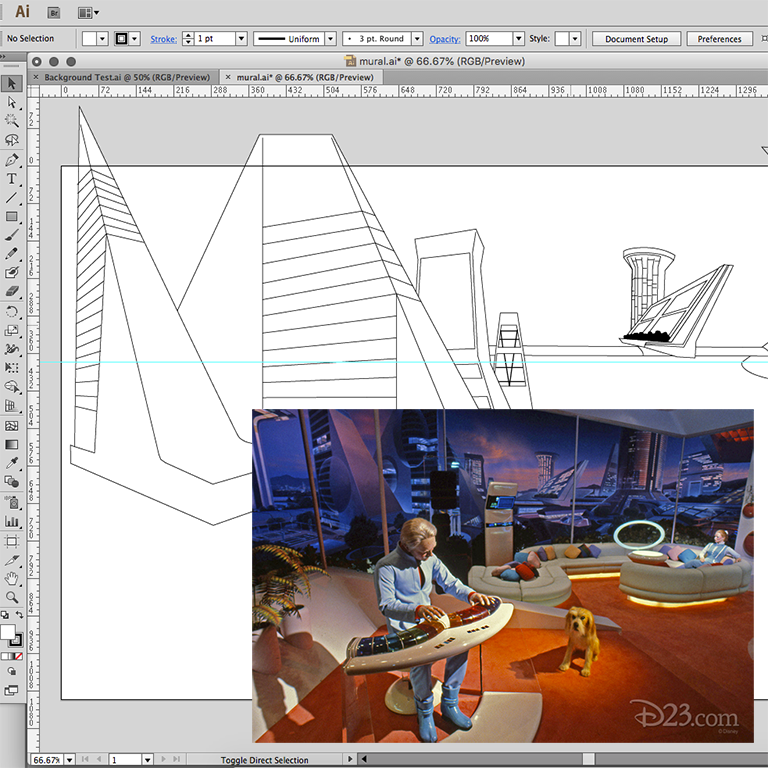
As part of the redesign, I’m re-designing the kind-of-working responsive background from the current site. I like to put a personal #EasterEgg into my projects when I can. I’m thinking about including a city-scape based on #Disney’s old Horizons exhibit at #Epocot. I saw this back in 1988 and that city backdrop has been burned […]
Update
A New Focus
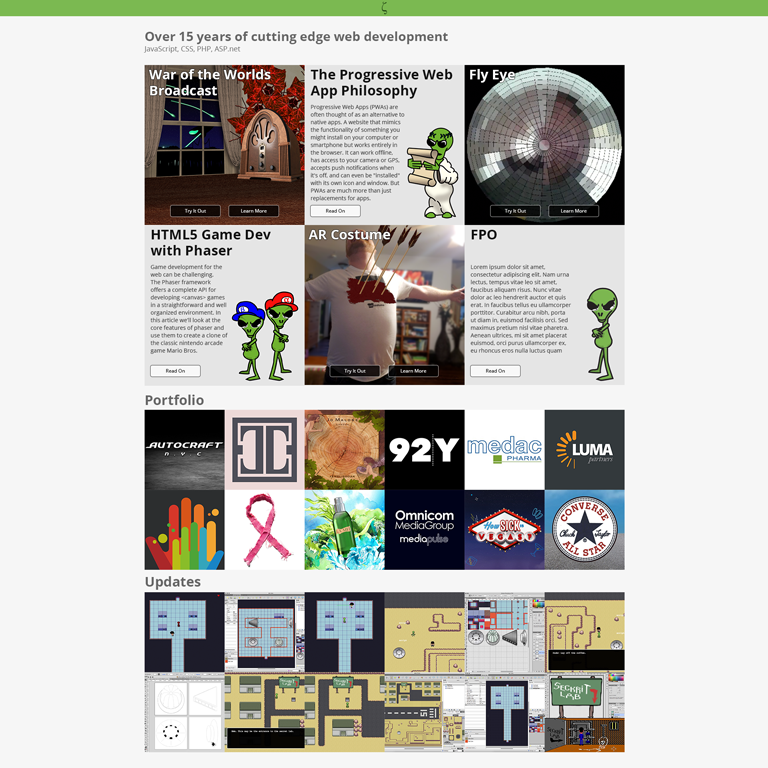
GreenZeta.com is getting a major overhaul with a new focus on Projects and Articles. Part of this is an all new #WordPress #theme that will be a public project on GitHub.
Update
Wrapping Up
At this point the game is a suitable demonstration of the #tilemap and #plugin features of #Phaser. The #JavaScript code is all cleaned up with lots of comments and all the console.log statements removed.

Update
Title Screen
Some minor adjustment to the original splash image in #PhotoShop. Now it fits within the 800×600 game canvas as the official title screen.

Update
Health Meter
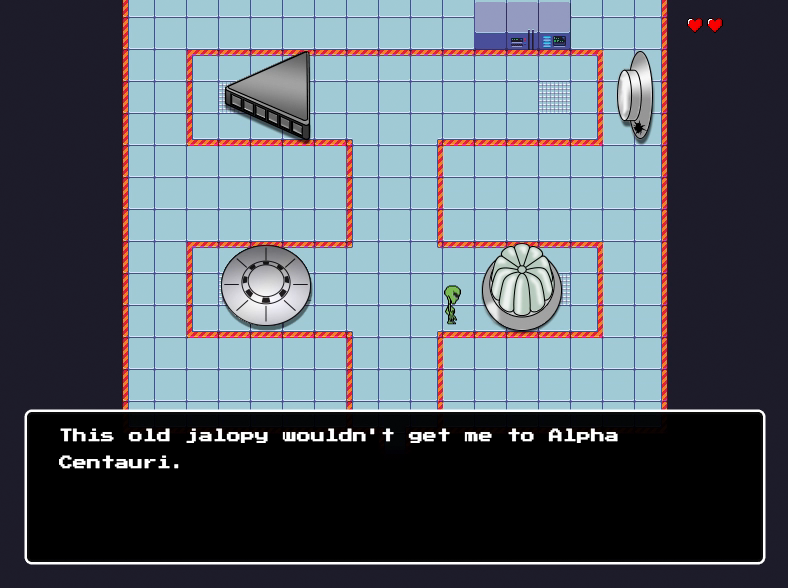
Building on the character collision handling in #Phaser. A Zelda style heart meter is added to the top right corner and tied to the player character’s `hp` property. When the player’s hp reaches 0, a Game Over scene is loaded.
Update
Lab Tour
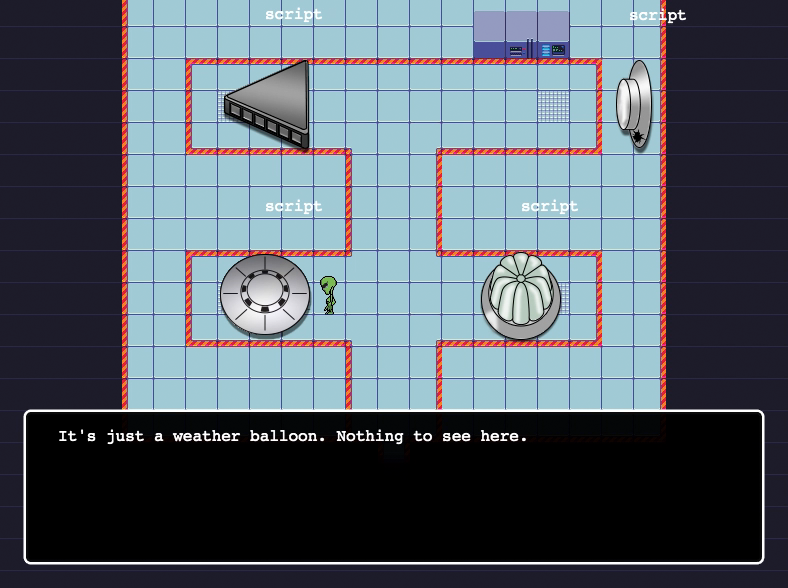
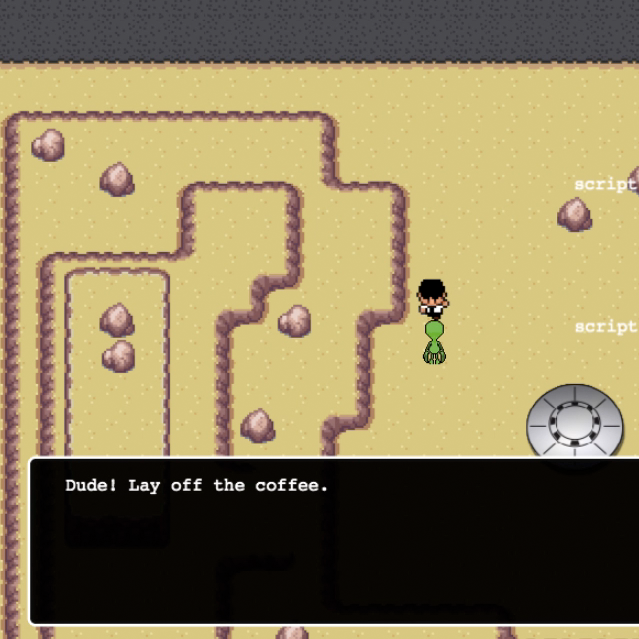
A look at the completed Lab 2 scene. A hidden script layer in #Tiled provides collision borders and a key name. Appropriate text is stored in a #JavaScript object and displayed via the dialog plugin in the #Phaser game.
Update
Lab 2 Map
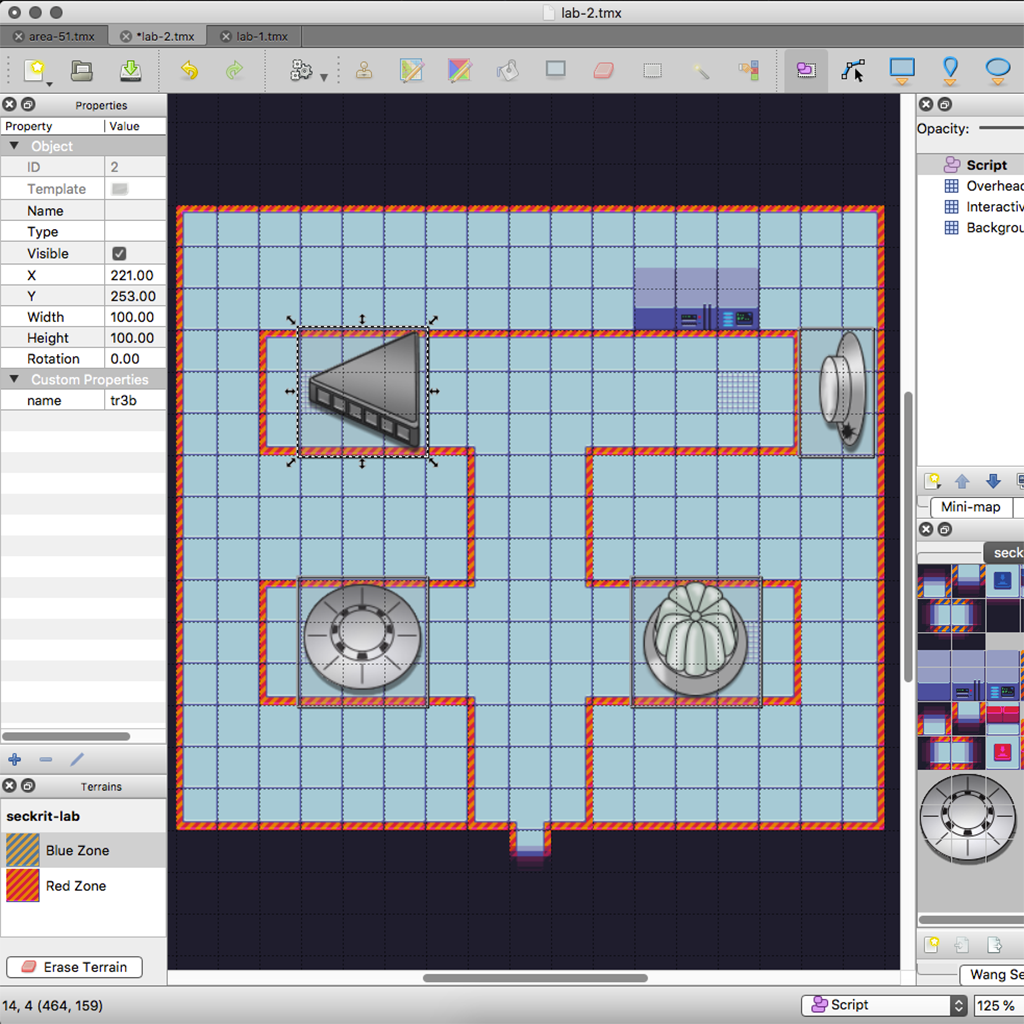
Back in #Tiled to finish the #tilemap of the #Area51 saucer lab. Each ship in the lab has an associated Script layer object to attach a collider. This allows the character to comment on the scene as they explore.
Update
Security Patrol
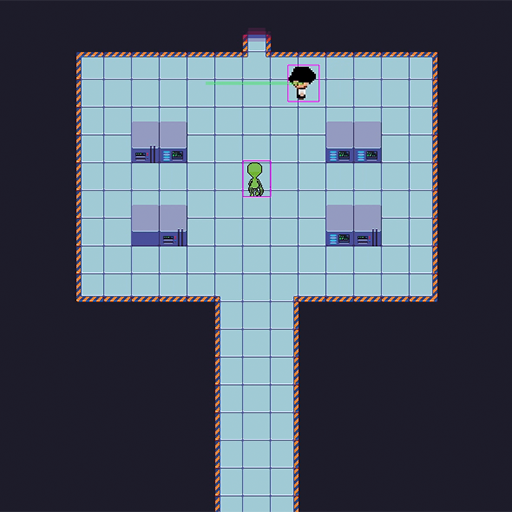
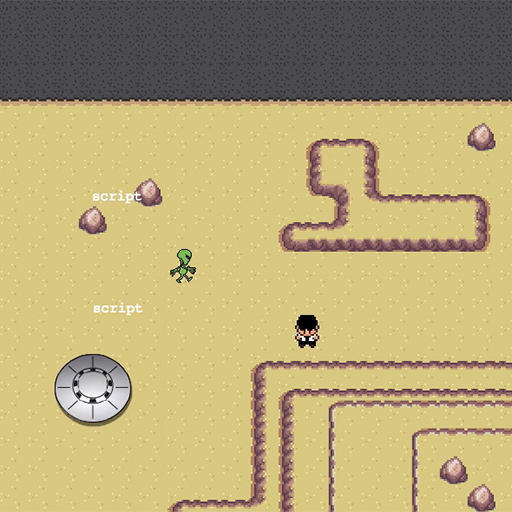
Putting the patrol function to work with the security dude at a more appropriate post in the secret lab.
Update
Pathfinder
Game characters now have a path property that’s set to an array of coordinates. When set, a patrol method is called on update that automatically moves the character one step closer to the next coordinate in the array. I also added a red flash to indicate a collision.
Update
Saucer Tiles
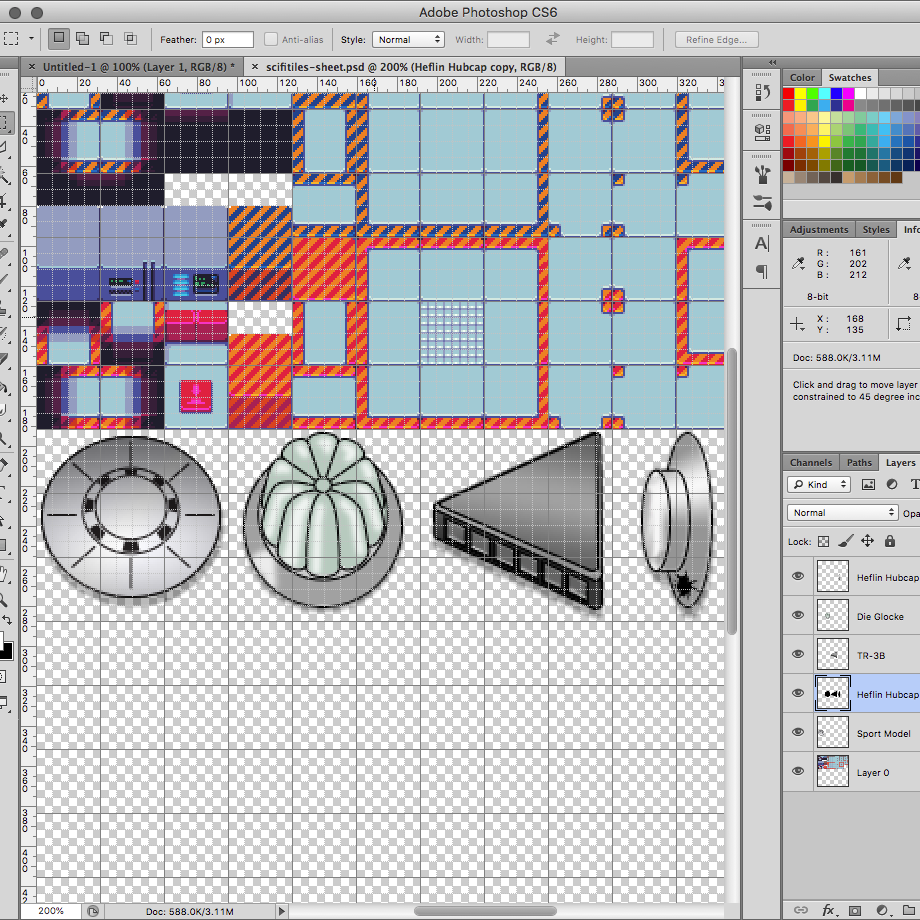
The finished pixel art for the saucer hangar. The line art is brought in to #PhotoShop and scaled down to 96px square for a 3×3 grid of 32px tiles. Color and hi-lights are added in separate layers under the lines in their own file. The finished image is flattened and pasted into the tile set.
Update
Security Dude
I wanted to throw another character in so I stole some more sprites from the Tuxemon project. This white shirt black hat guy looked like a security goon to me. I set the frame rate too high so he’s doing his best Flash impression.
Update
Ship Gallery
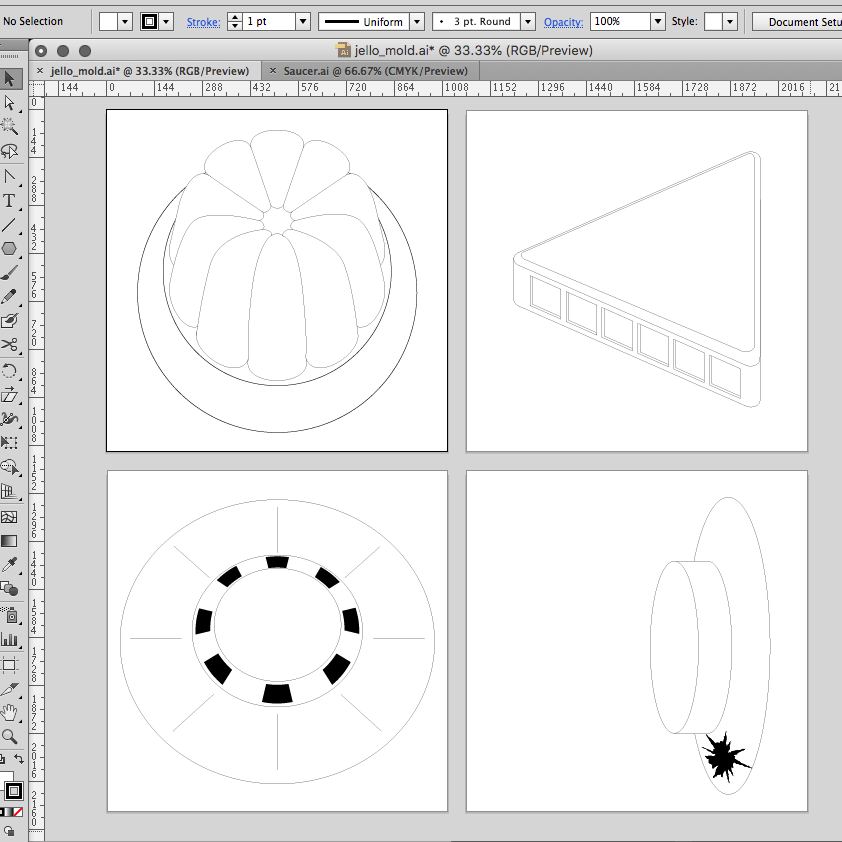
Everyone knows that the saucers are stored in Area S4, but this is fiction so the saucer hangar is in Area 51 proper. Here’s the #Illustrator line art of the 4 ships hidden in our top secret underground lab. The saucer gallery includes Bob Lazar’s “Sport Model”, “Jello Mold” and “Standing upright with hole as […]
Update
Scripted Dialog
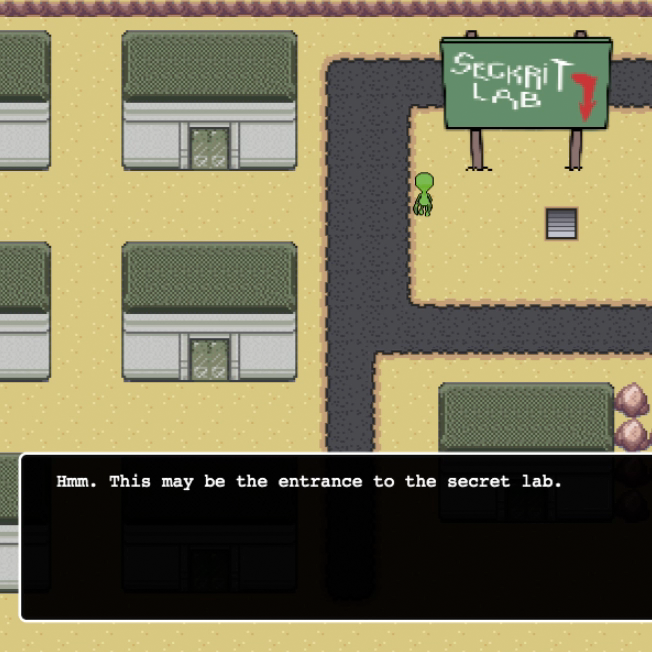
Added a simple script system for dialog. An object layer in the #Tiled map defines interactive locations by assigning a key. The collision detector in the #Phaser game looks for the key in a script object and displays associated text. Space bar cancels the dialog box.
Update
Dialog Box
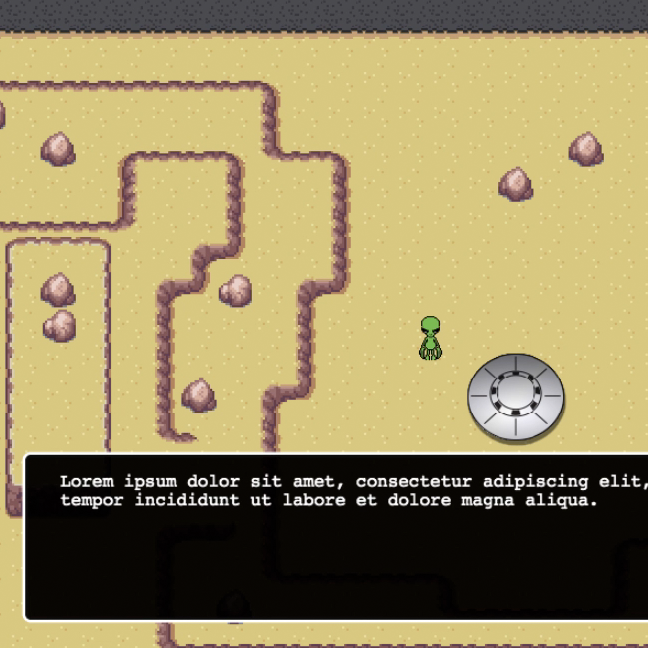
Created a character dialog plugin using this tutorial. The one in this project is updated to take advantage of the new plugin architecture in #Phaser and written as an #ES6 class.
Update
Touring The Lab
Moved all of the maps into the #Phaser project and wired them together with “portal” tiles which reference a new game scene. This allows the player to pass from scene to scene while walking around the world.

Update
Area51 Map
The complete map for #Area51 in #Tiled. It’s broken up into 3 layers: A non-interactive Background, an Interactive layer for collision handling, and a Rooftop layer that sits above the player to walk behind.
Update
Underground Lab Map
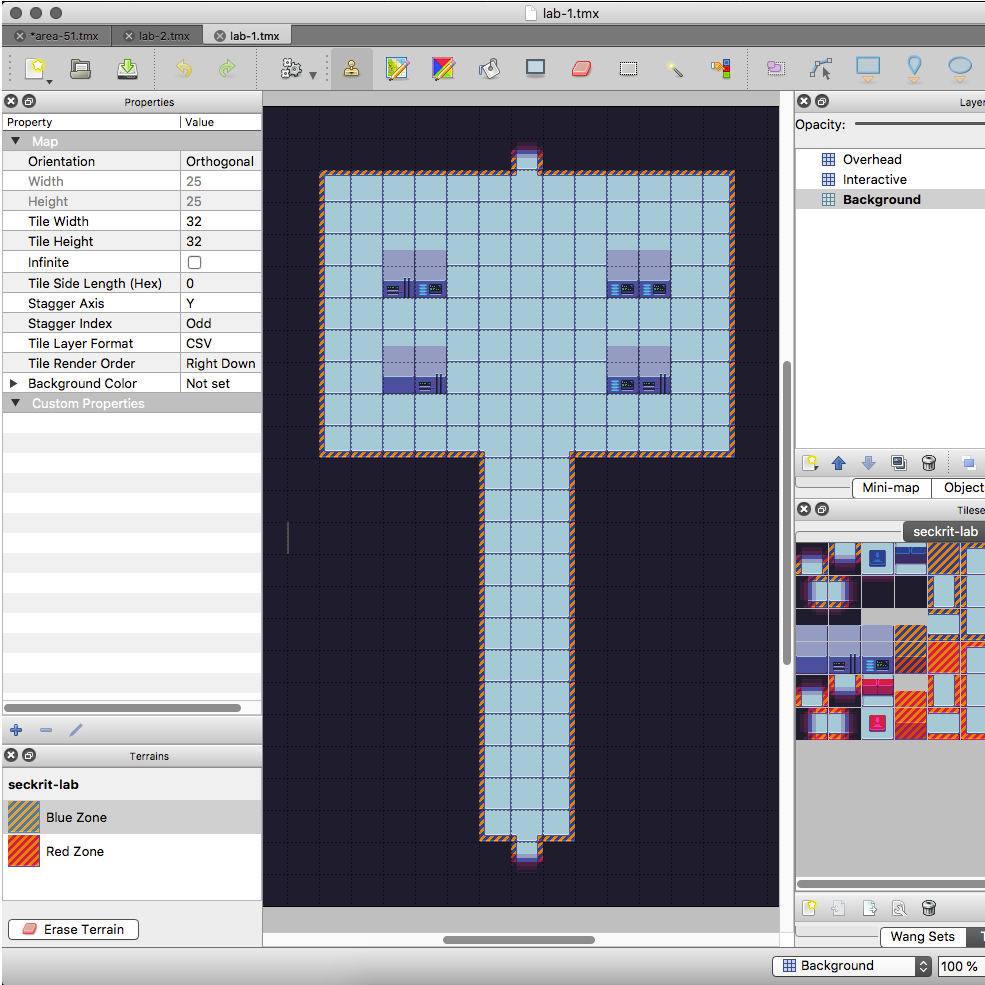
I stole some underground lab tile art from OpenGameArt.org to create some simple rooms fast in #Tiled.

Update
Seckrit Lab Sign
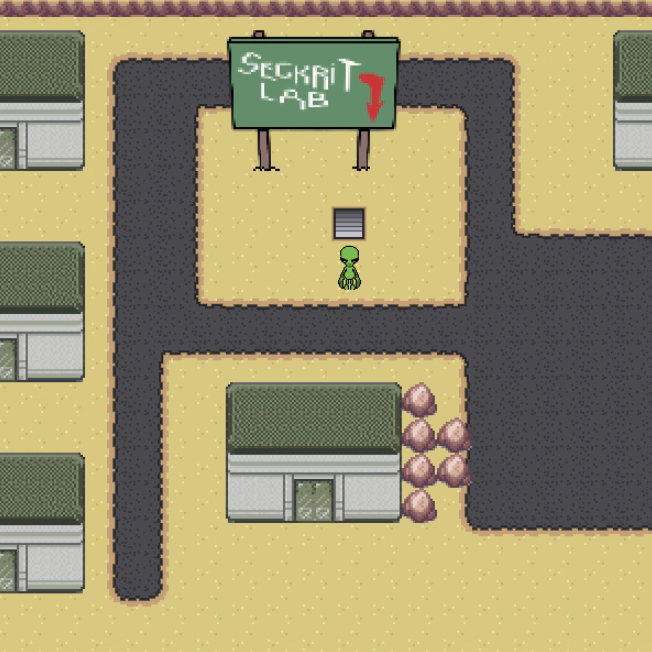
I like throwing easter eggs into my projects wherever I can. This is a nod to the greatest adventure game ever created, Maniac Mansion.
Update
Storming Area51
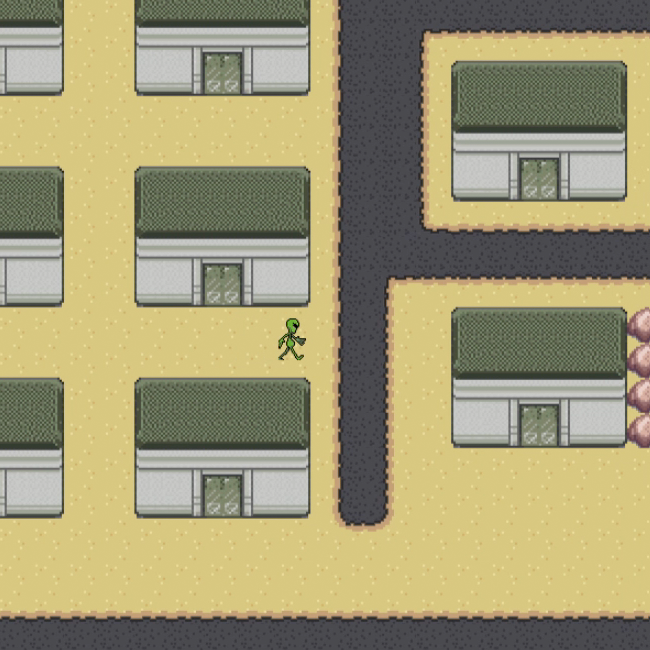
Putting together the various assets into a playable world in #Phaser. Much of what you see here is taken directly from my Zeta Bros. demo. If you’re looking for source code, check out that one first because it’s a lot cleaner at the moment.
Update
Poster Frame
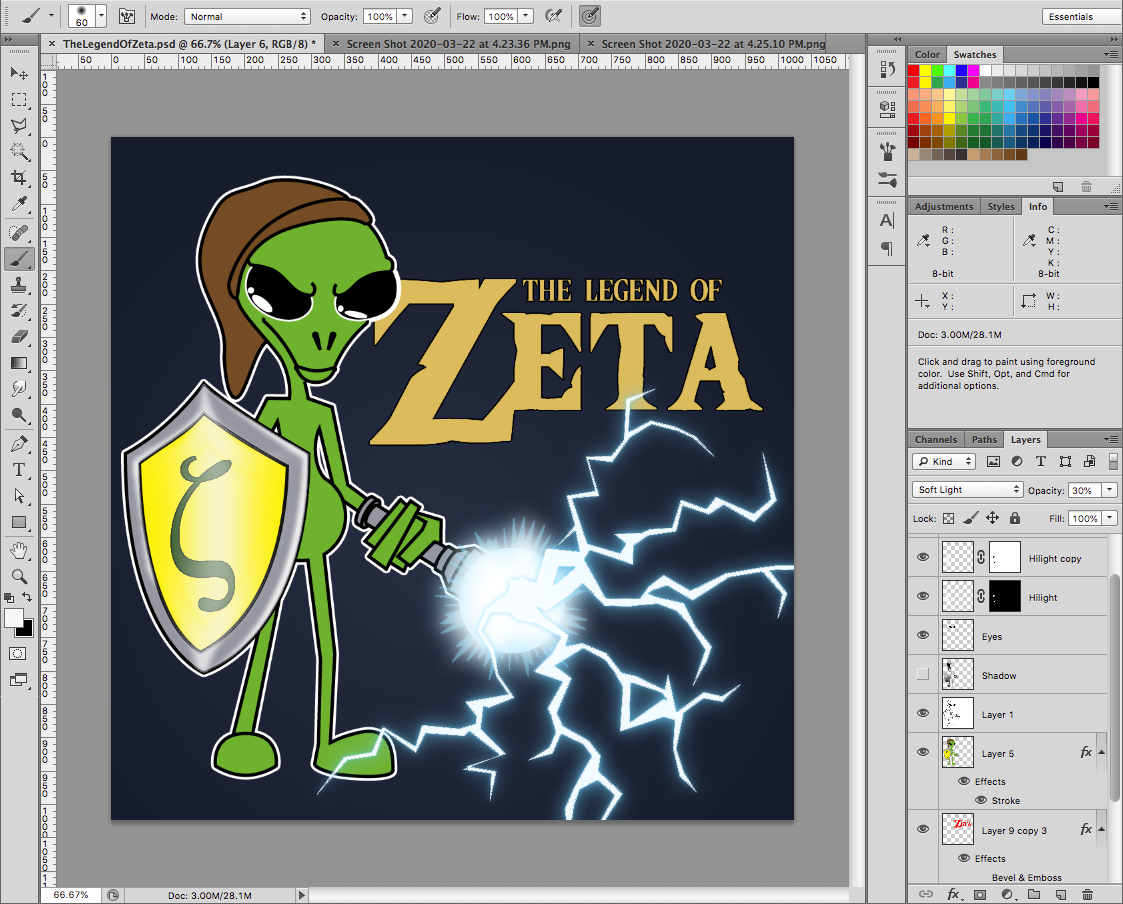
Brought my #Illustrator sketch into #Photoshop for some color and lighting effects. I’m still not sure how I’m going to work the lightning saber into the game but it’ll be something along the lines of Link’s sword in the classic Zelda games.
Update
Terrain Editing
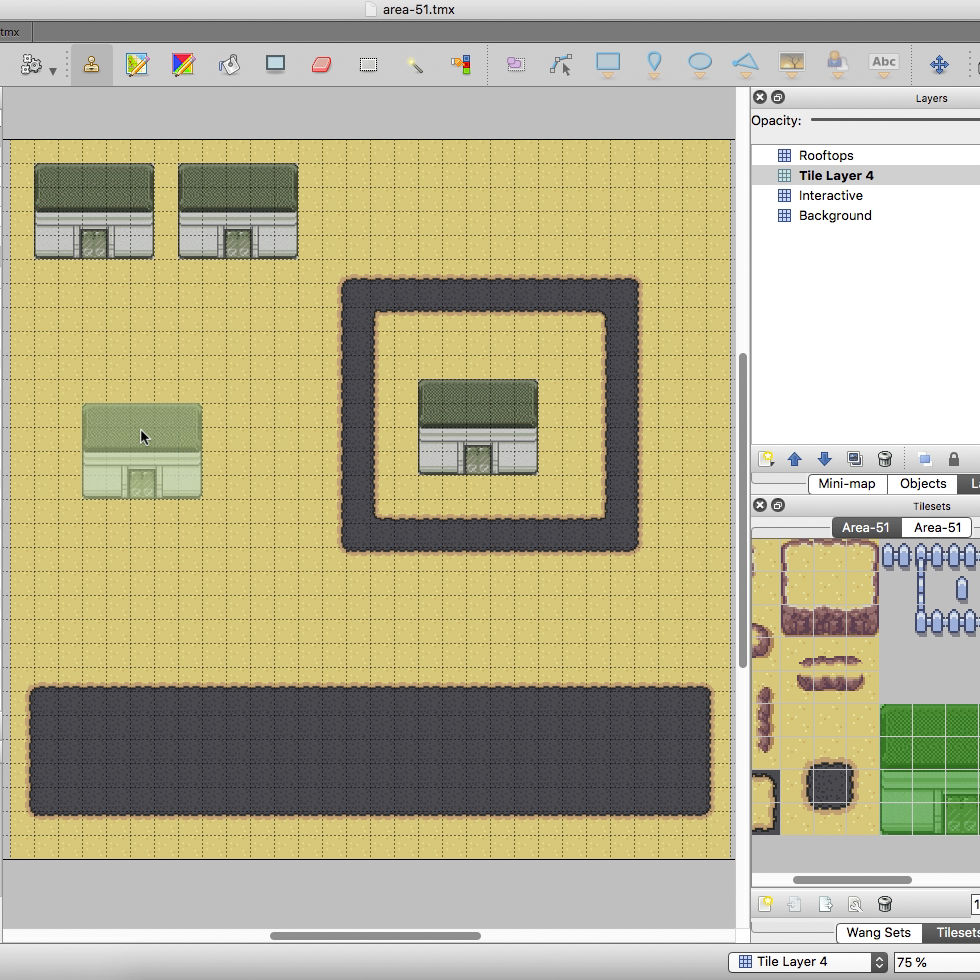
The terrain brush in #Tiled makes setting up the map a breeze. Here I set up sand and pavement brushes to create the runway, and a road around the base. Threw in some building tiles for reference.
Update
Area51 Tile Set
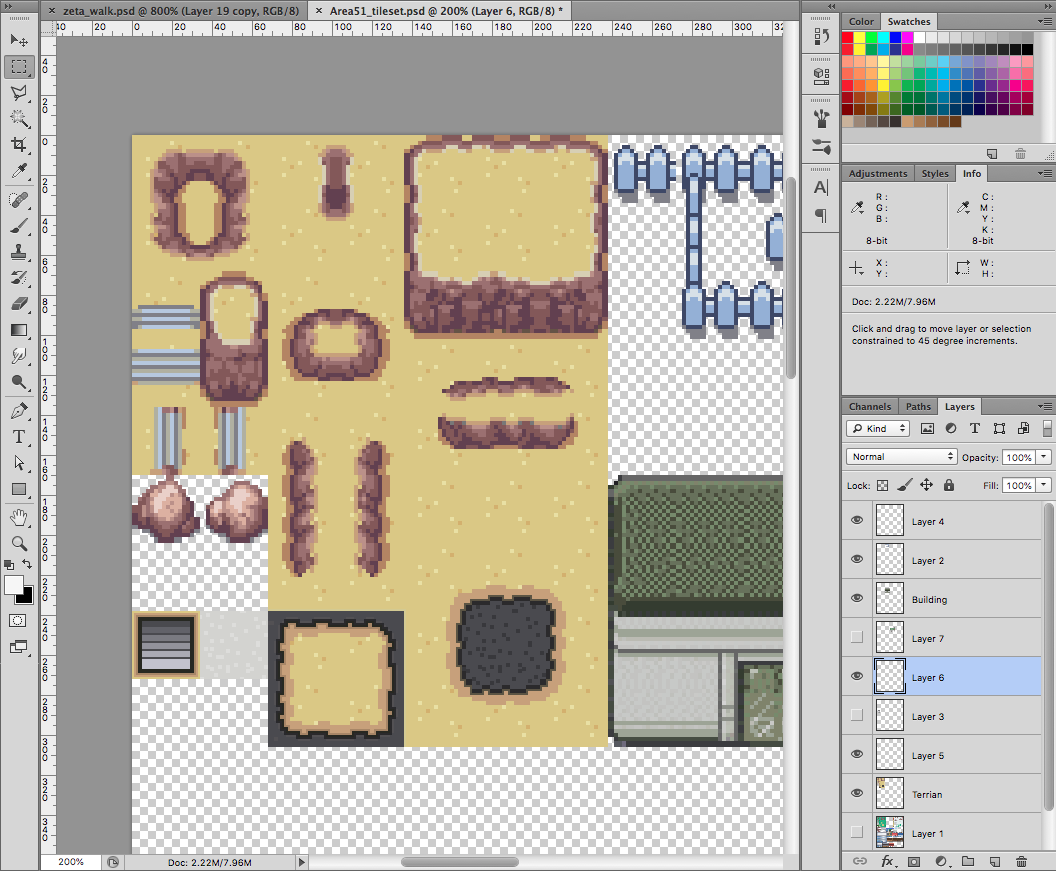
To create the #Area51 tiles I started with the desert tile set from the open source project #Tuxemon. I changed it a bit to include the pavement terrain I’ll need for the runway. And added a generic army base building.

Update
Zeta Spritesheet
Basic movement images for the main character. Full size images were drawn in #Illustrator then exported, shrunk down, cleaned up and colored in #PhotoShop.

Update
Title Screen Sketch
Going to do a follow up to my #Phaser presentation for the Fredericksburg Developer Group later this year. Covering tile maps and world building with the spiritual successor to my Zeta Bros. demo.

Update
PWA Features
Adding some #PWA goodness to the app. The web manifest with icons and a simple #ServiceWorker with cache fallback strategy.
Update
Putting It Together
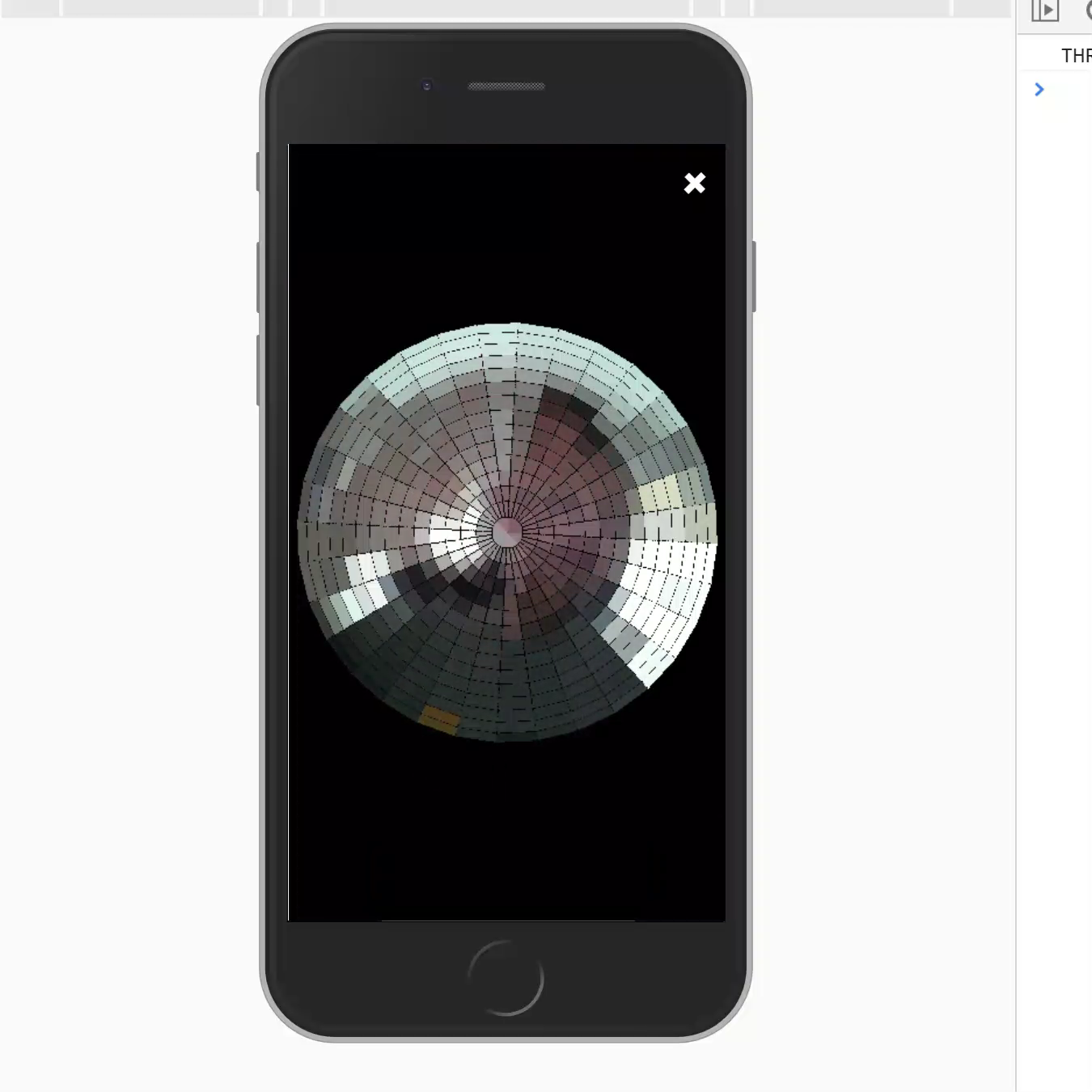
The Fly Eye app is nearly complete. Just a few more finishing touches. Tapping the “Try It” button pops up the app panel with camera selection, followed by the Fly Eye.

Update
New Photo Viewer
The #AR #Costume app includes the ability to take pictures, as well as download or share them. Shared photos are posted to their own page with branding and additional sharing options.
Update
The New Website
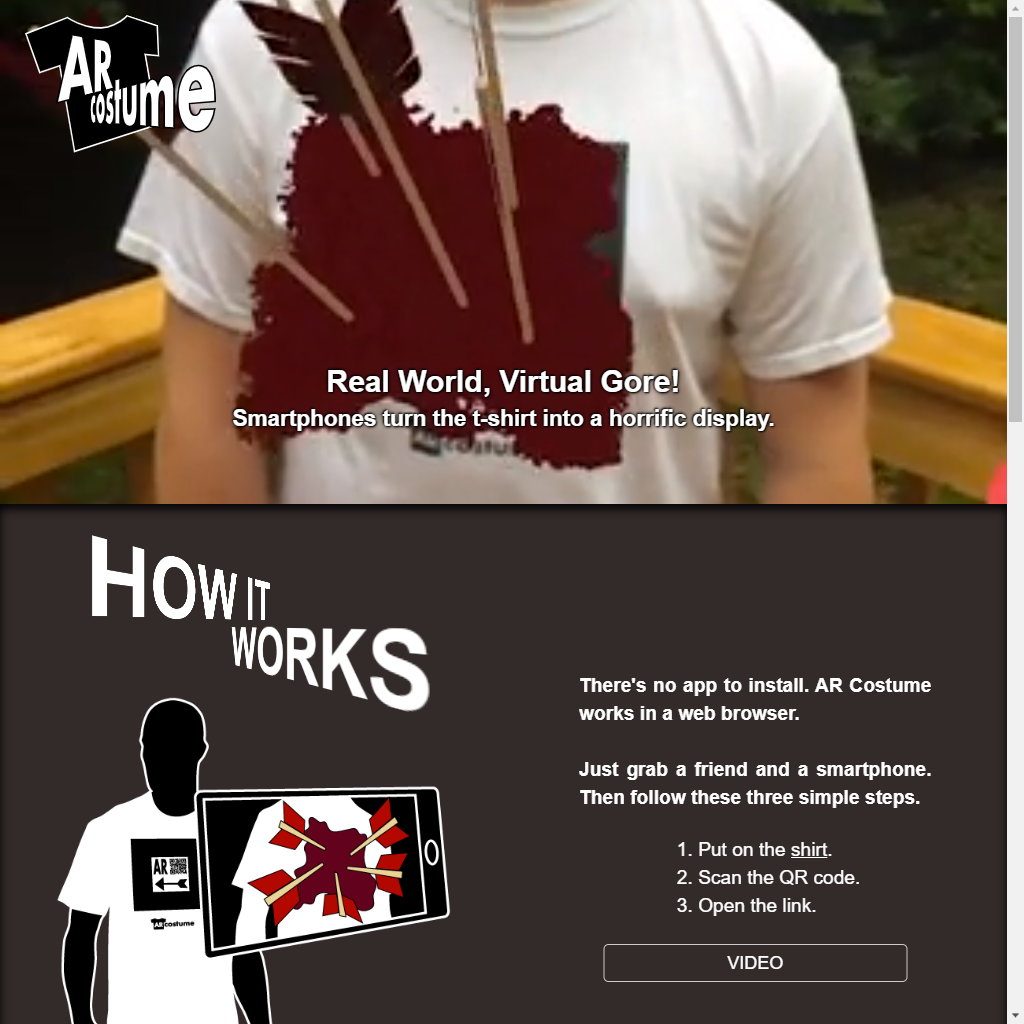
The new #AR #Costume website is live. Go check it out!

Update
HTML Page
#HTML layout for the Fly Eye front page. All that’s left is to integrate the prototype app.

Update
New Test Scene
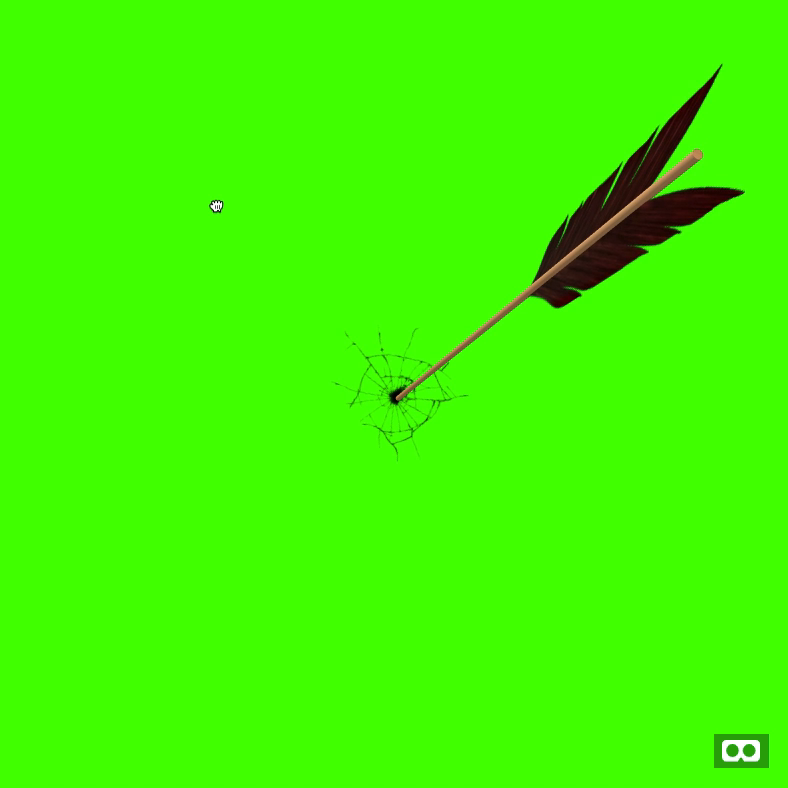
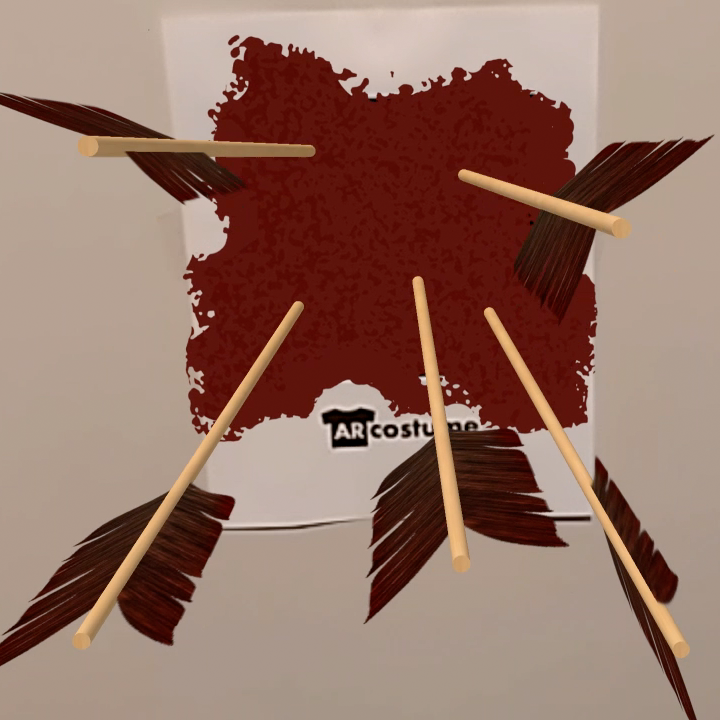
The new #AR #Costume test scene in action. The broken glass effect could use a little more definition but it’s a much better representation of the product than the current check mark.
Update
Testing the Test Scene
I use A-Frame to test out the #AR #Costume scenes while developing them. Here you can se the new test scene that’s almost ready for production.
Update
Page Design
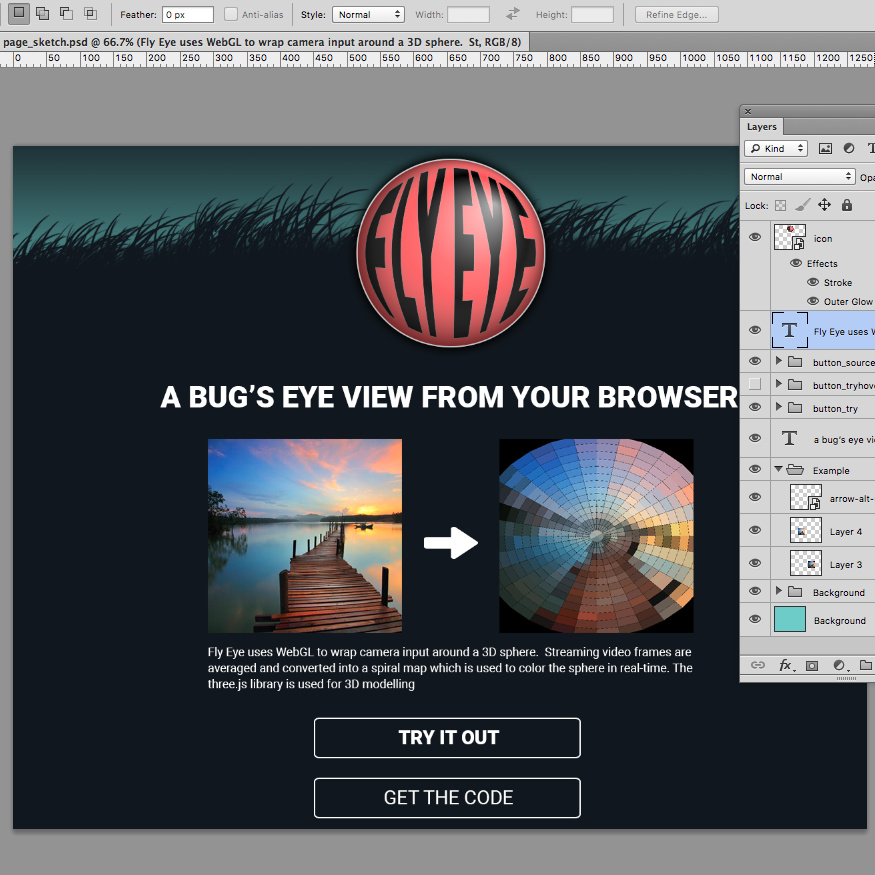
Design comp for the Fly Eye front page. Kept this one brain dead simple with just the EYE-con and silhouetted hairy fly body for the background. The “Try” button will open up the app as a #PWA

Update
New Test Pattern
The #AR #Costume #website has a test marker on it so people can try out the app. The current version just displays a checkmark. I’m improving it with a smaller version of the actual experience. Since it’s meant to be tested against a computer screen, you get broken glass instead of blood.
Update
Icon Refresh
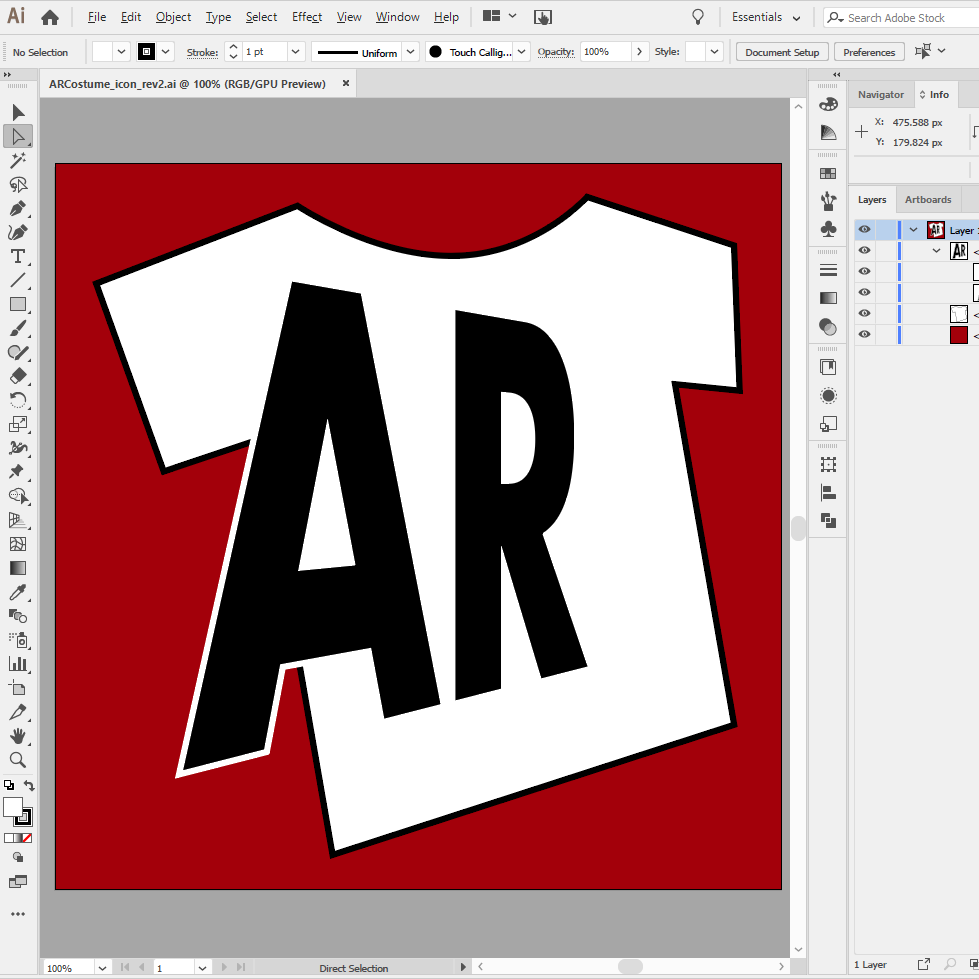
Updating the #AR #Costume icon to match the new #logo and #website. It’s much more representative of the product. I also toned down the red a bit to bring it closer to the virtual blood in the AR experience.
Update
AR.js Upgrade
#AR #Costume is based on the amazing library AR.js, created by @jerome_etienne. It’s received a lot of updates since last year so I’m testing out the latest version.

Update
Icon Design
Switching gears to design mode and working on an #icon #concept I’ve had in my head for a while. Sticking with the #KISS rule on this one. I’m also committing to the name “Fly Eye” instead of “Fly Vision”. I considered “Bug Eye” but it seemed a bit too common a phrase.
Update
AR Costume Website Comp
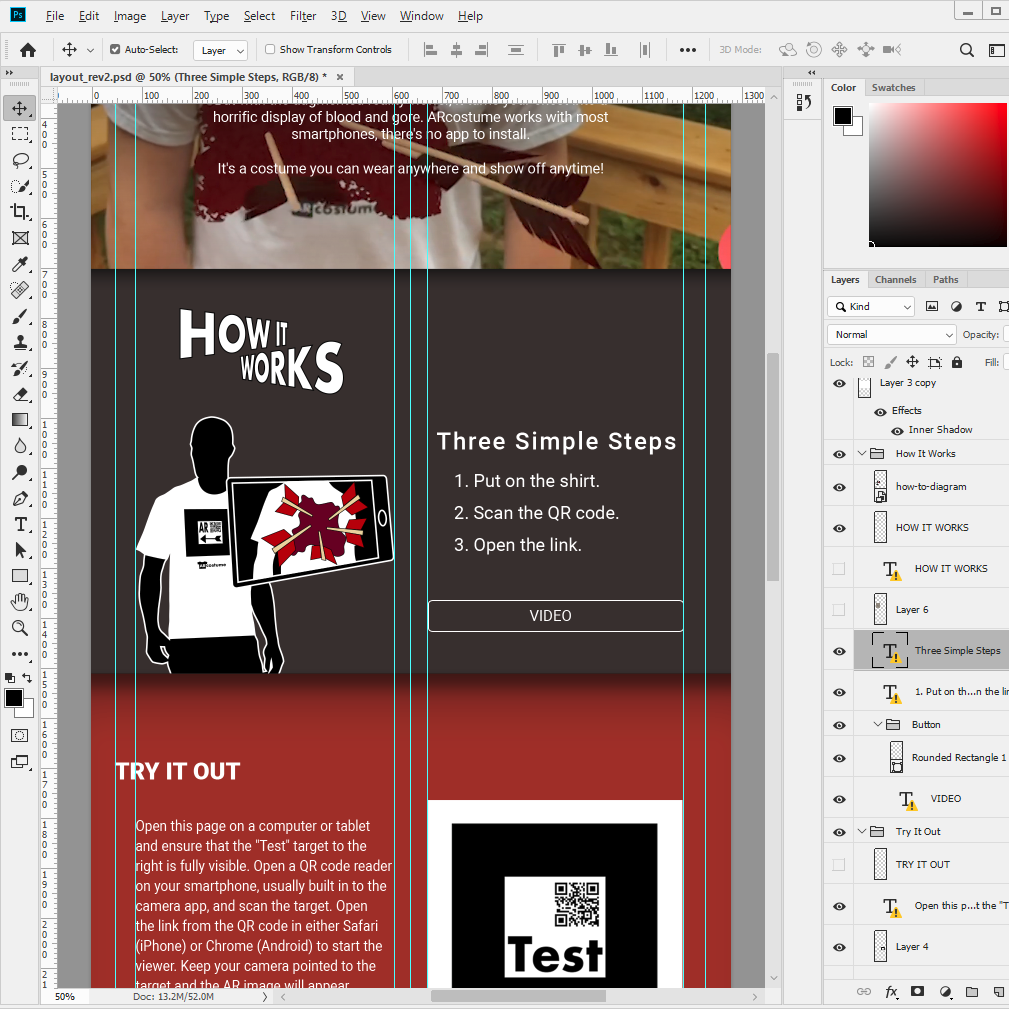
A rare time I’m comping up a website in #PhotoShop first. I’m tying the section headers into the logo with the same 3D effect. In the actual #website I’ll use #CSS #3D transforms to get the same result without an image.
Update
How It Works
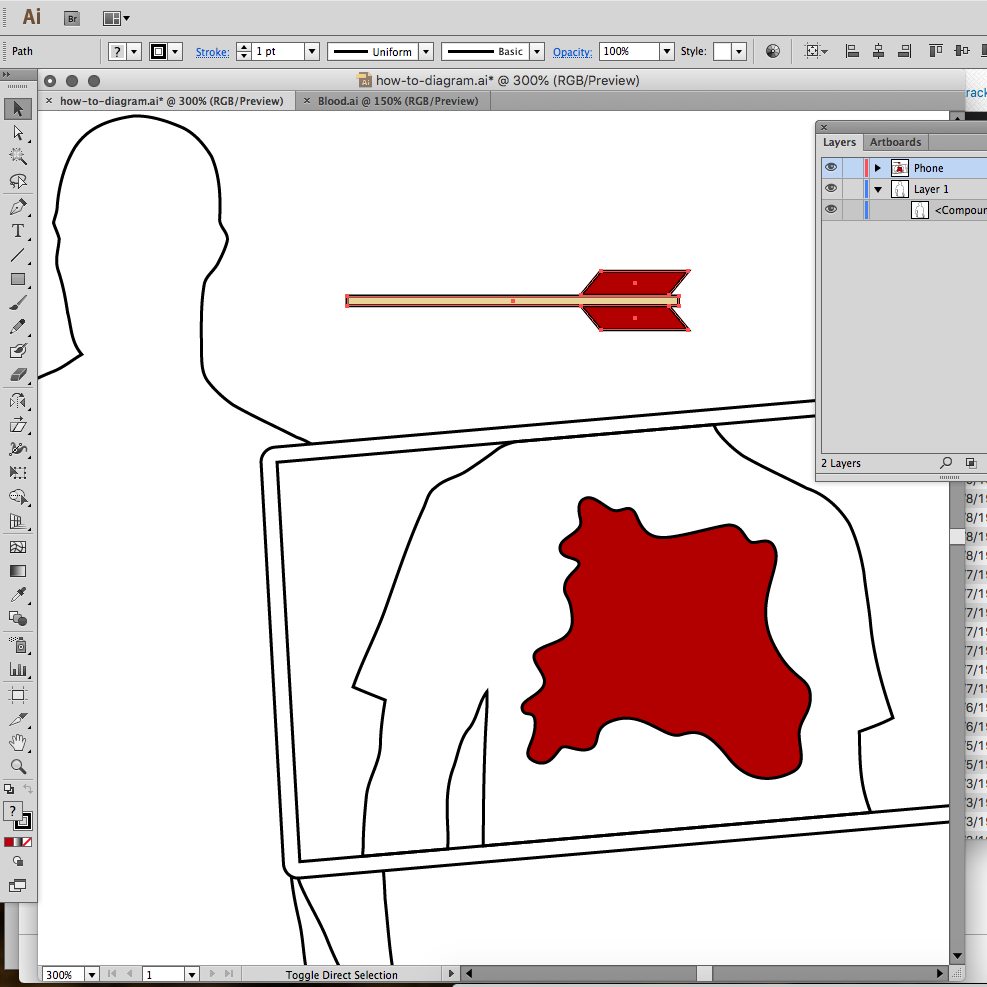
I’m breaking the #AR #Costume website into four sequential sections, the first is titled “How it Works”. I’m keeping the video that’s on the current site but adding an #illustration to make it more apparent at first glance.
Update
High Res
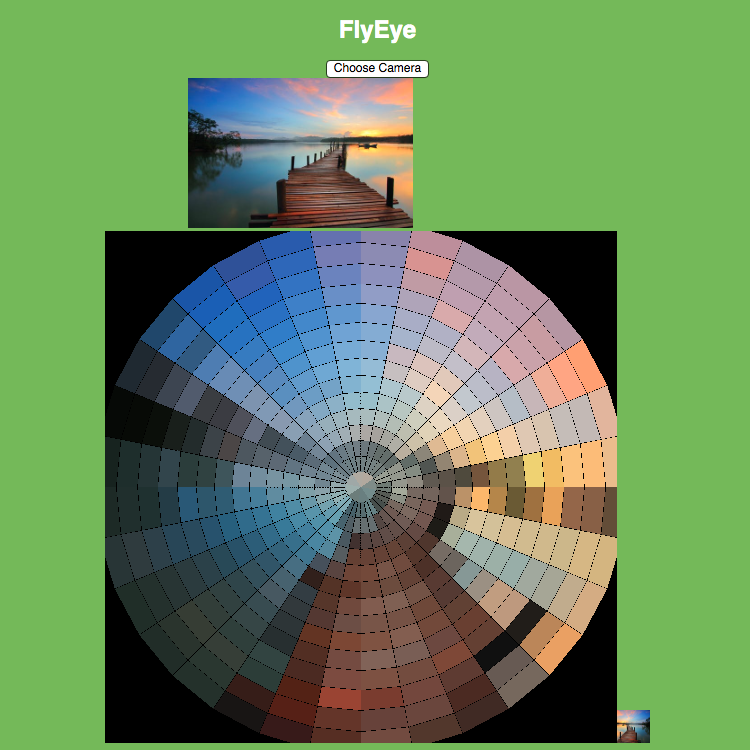
After writing the spiral image normalization algorithm I promptly forgot how I did it. I then had to re-teach myself to update for double the resolution. My math totally broke down on the final iterations. I had to brute-force parts of this version but now it accepts a 33px image. If you’re wondering why it’s […]
Update
A New Logo
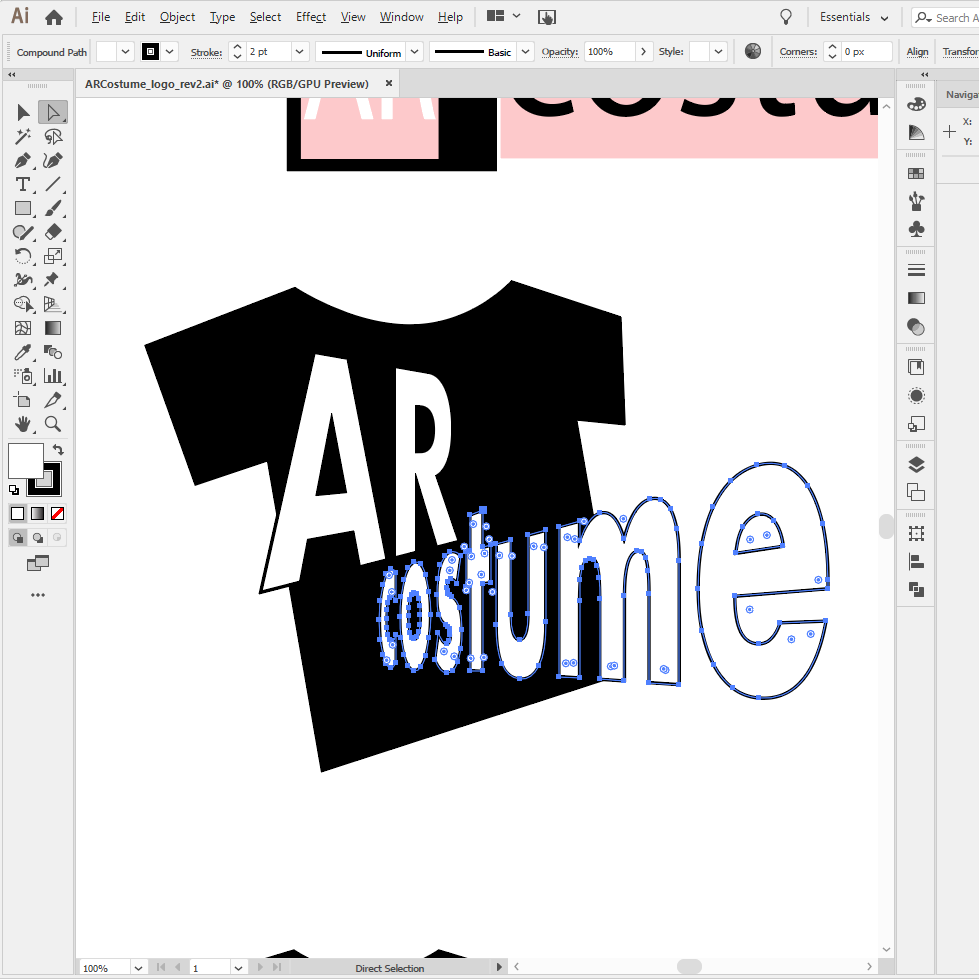
I developed #AR #Costume for #Halloween 2018. The app was complete but the #website was rushed. This year I’m renovating the entire site. First, it’s getting a much more appropriate #logo #design.

Update
Code Refactor
Setting up the official project repo and doing A LOT of #JavaScript #refactoring. Not much has changed functionally but the code us MUCH more manageable.
Update
HTML5 Game Development with Phaser
From my #presentation to the Fredericksburg Developer Group: HTML5 Game Development with Phaser. If you couldn’t make it, check out the slides below. And the source for the game Zeta Bros. is on Github.
Update
Camera Integration
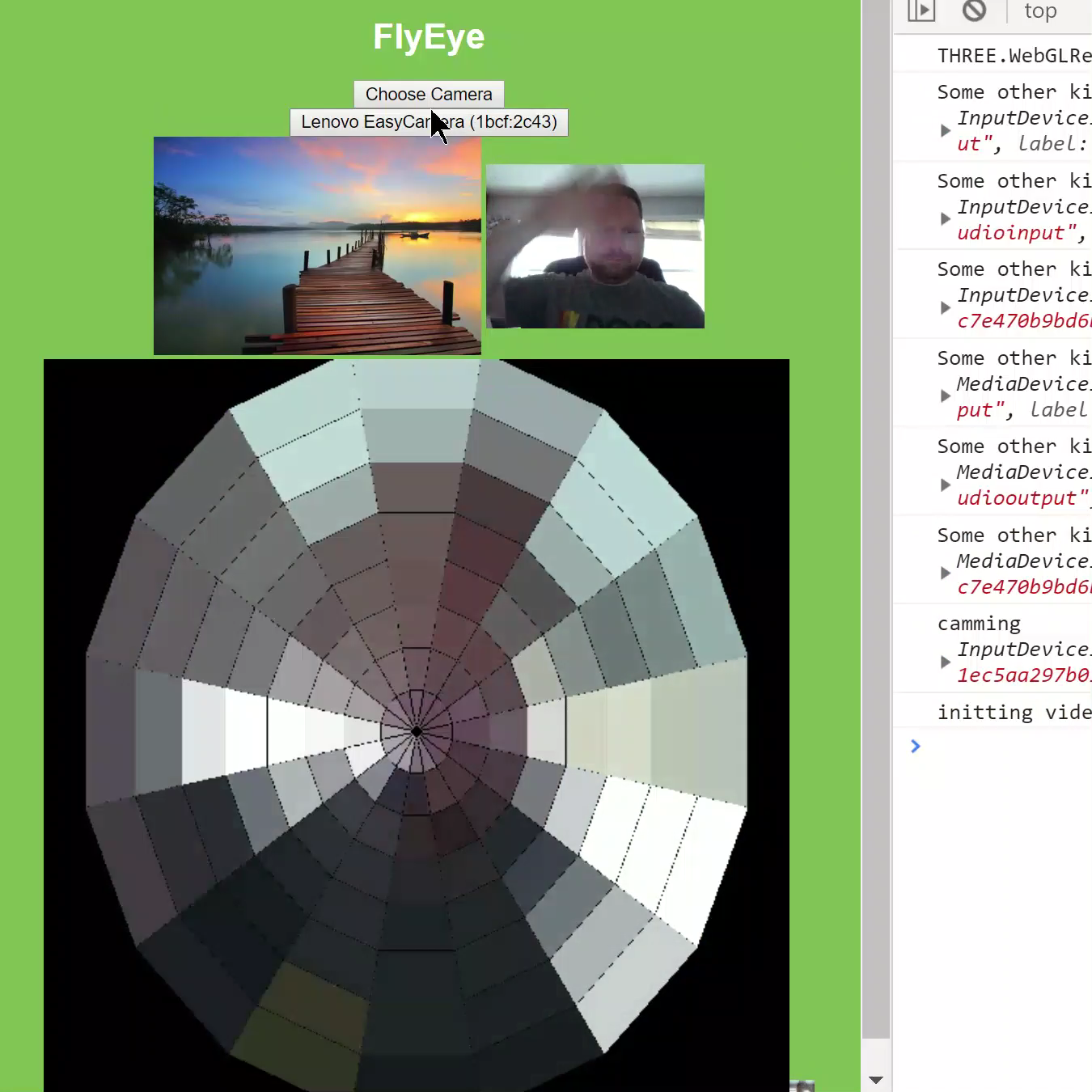
Set up a simple camera selection and hooked it up to the <video> element with getUserMedia(). It’s still a little low resolution but walking around you can see the changes in color as expected.

Update
Video Test
Trying a video stream as the image source and it’s working perfectly. Wiring this up to a camera at this point is trivial!
Update
Color Averaging
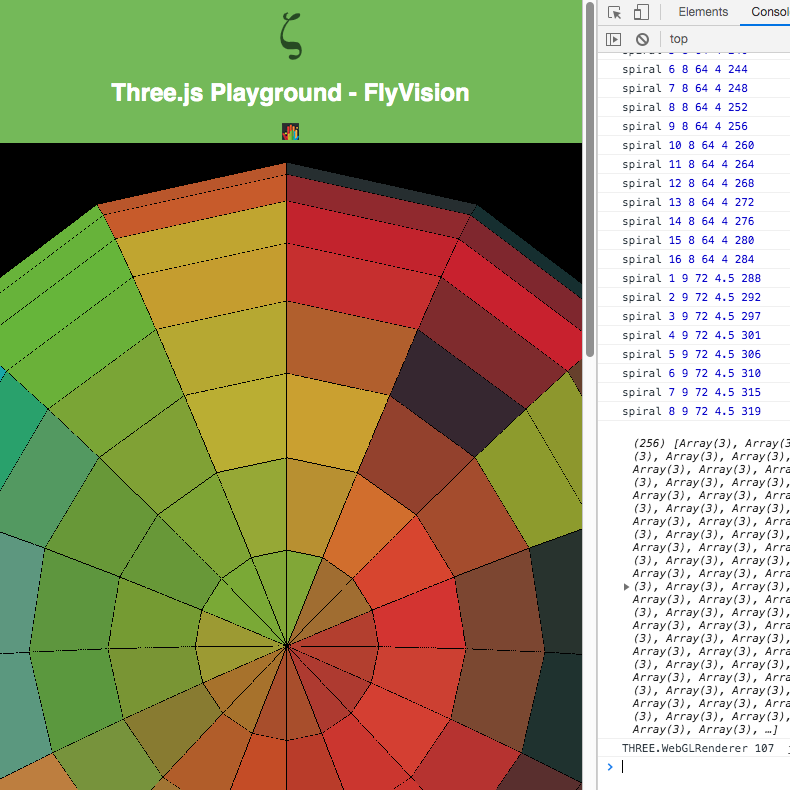
As the image data reaches out to the edges, the #WebGL sphere still retains the same number of facets for each iteration of the spiral. So each iteration is averaged out to produce the same number of pixels. Right now the image is flipped and rotated slightly but it’s very close to the result I […]

Update
Spiral Map
Taking another stab at the sphere map. I swapped out the test image for one that’s easier to follow pixel by pixel. This time the script assumes a 17px square image. It reorders the image pixel data by starting in the center and spiraling out.

Update
First Attempt
The 3D approach is becoming more complicated than I anticipated. Applying a direct pixel map of the center portion of the image distorts it unrecognizably. It appears as though the sphere polygons are referenced in a spiral pattern starting at the north pole all the way around and down to the south.

Update
Color Sphere
Manual colorization of a #WebGL sphere in three.js. Originally, I was going to make a 2D canvas app that averaged out camera input into a mosaic of hexagons. The 3D environment adds a level of technical complexity but it also has the potential to add spherical distortion effects and possibly some subtle animation.

Update
Complete Game Demo
Got the #Phaser game all buttoned up for the presentation. Added character selection to the main screen, some extra sound effects and more tweaks to the animation. Follow the links to take it out for a spin and then take a look through the #JavaScript on GitHub.
Update
Game Portfolio
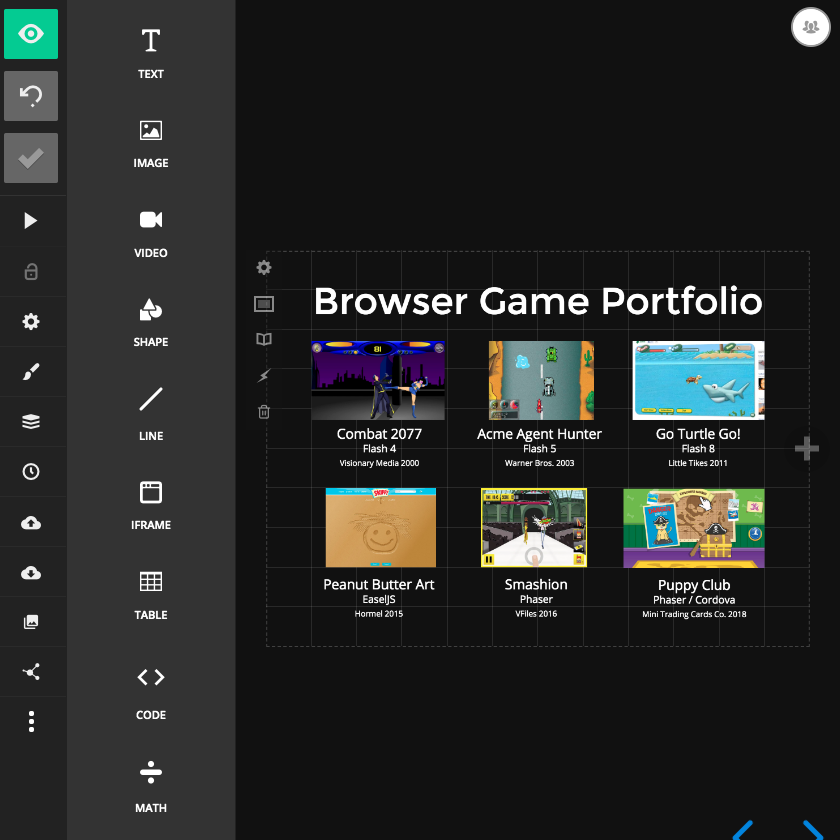
Some production games I’ve worked on dating back to my #Flash days. I made the transition to #JavaScript around 2005. Just in time for the guy from the fruit company to kill Flash.
Update
Level Design
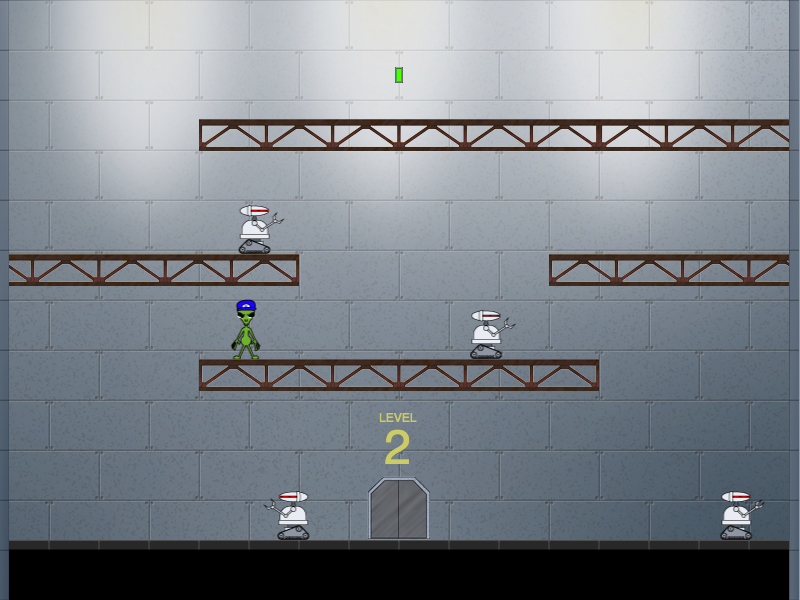
Cleaned up the levels a bit. Made Level2 more difficult. The game is in a complete enough state for the demo now. Going to add some finishing touches if there’s time.
Update
Killer Bots
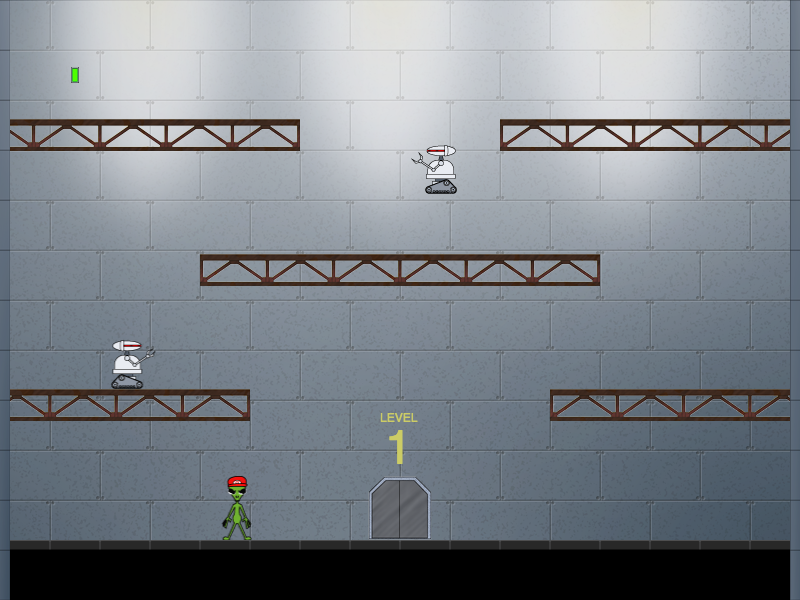
Security bot sprites are in place. The wall switches deactivate the bots, leaving them in a vulnerable state. Equivalent to stunning the enemies in Mario Bros. Alpha Zeta makes quick work of them, turning them into a pile of junk.
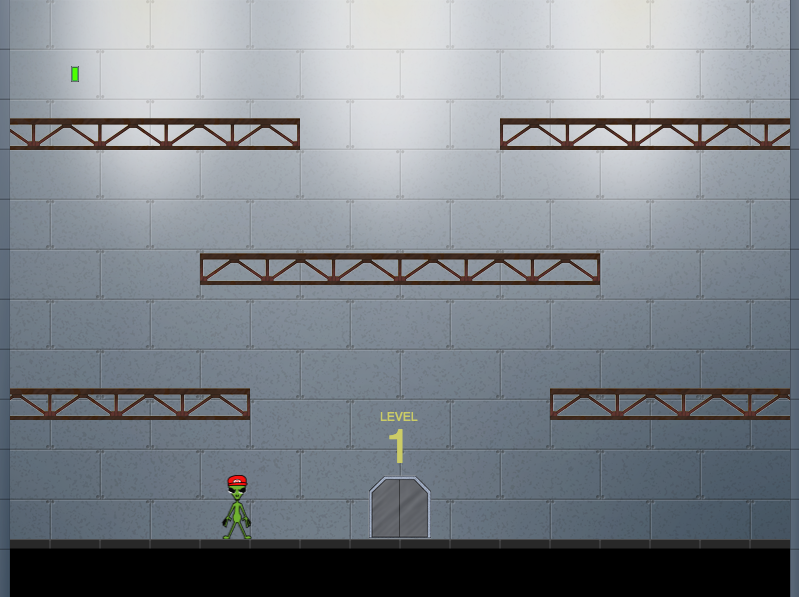
Update
Revised Graphics
Updated level design with final graphics. Time to add the killer robots and start wiring everything together.

Update
Security Bot Art
Final artwork for the security robots that Alpha Zeta will have to defeat. Yes, I ripped off the homicidal robots from Chopping Mall. Have a nice day! I’ll be turning this into a really simple #spritesheet with a 2 step walk cycle and a simple smashed animation.

Update
Background Art
Spent some time in #PhotoShop adding definition to the underground base background art. Adding lighting and texture effects to make it look more subterranean.
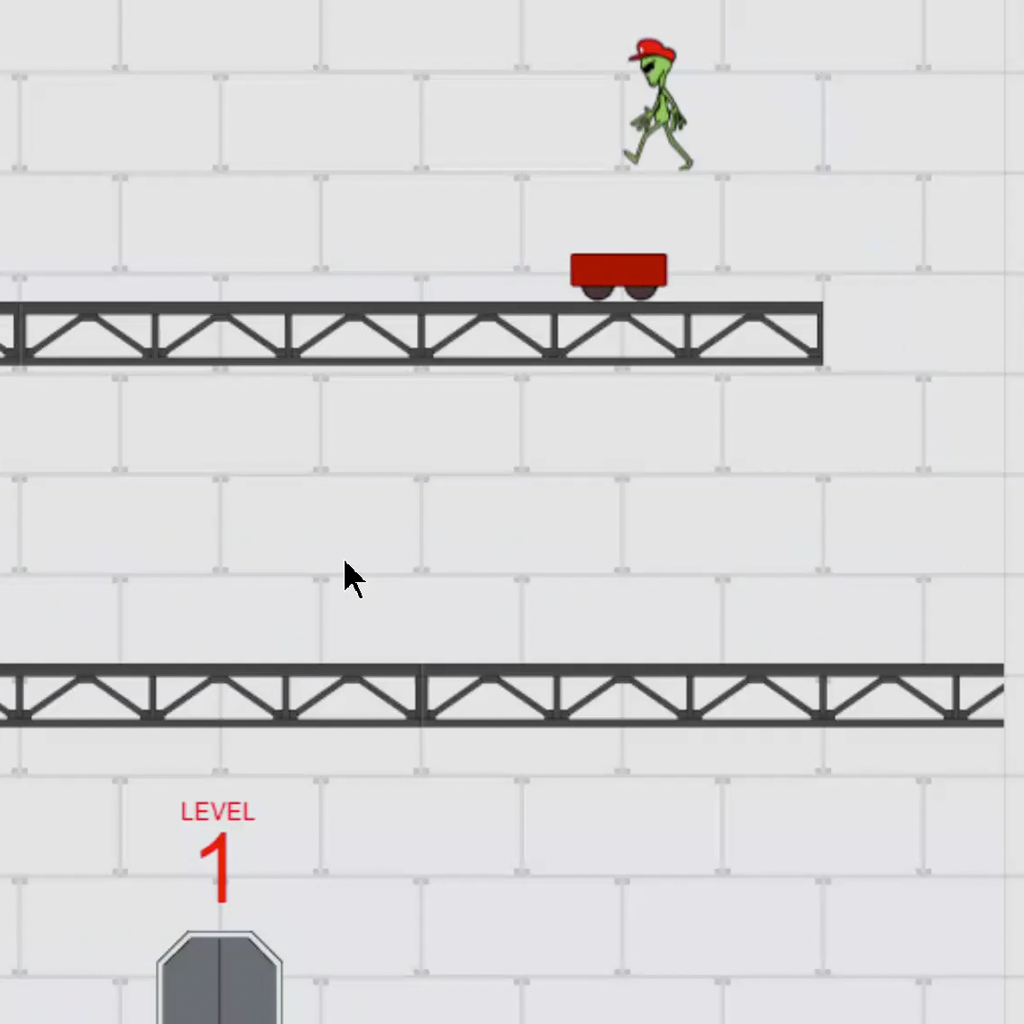
Update
Sound Effects
More experimentation with the #WebAudio support in #Phaser. I’m not much of a sound designer so all of these clips are taken from freesound.org

Update
Intro Animation
Using #Phaser tween animation and #WebAudio events to add some life to the splash screen.

Update
Demo Slide
Sneak preview of my slide deck. If you followed my PWA presentation earlier this year then you’ll recognize the template. Most of this presentation is code so there won’t be a whole lot of slides.
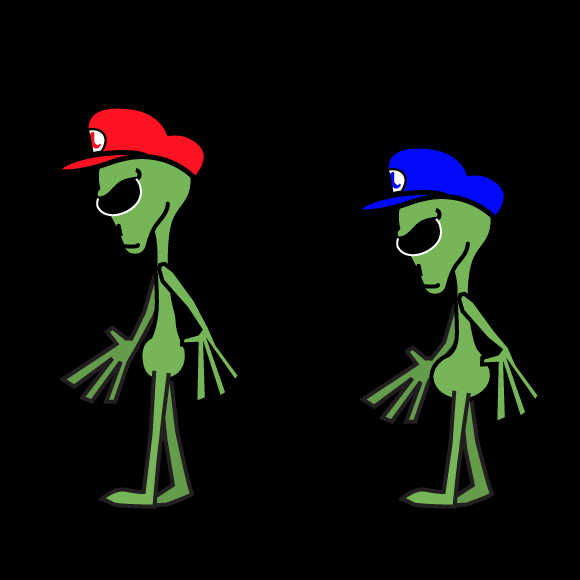
Update
Walk Cycle Final
I set up a scene in the phaser project to test out the walk cycle sprite sheets. This made it a lot easier to preview the final tweaks.

Update
Gotta Have A Hat
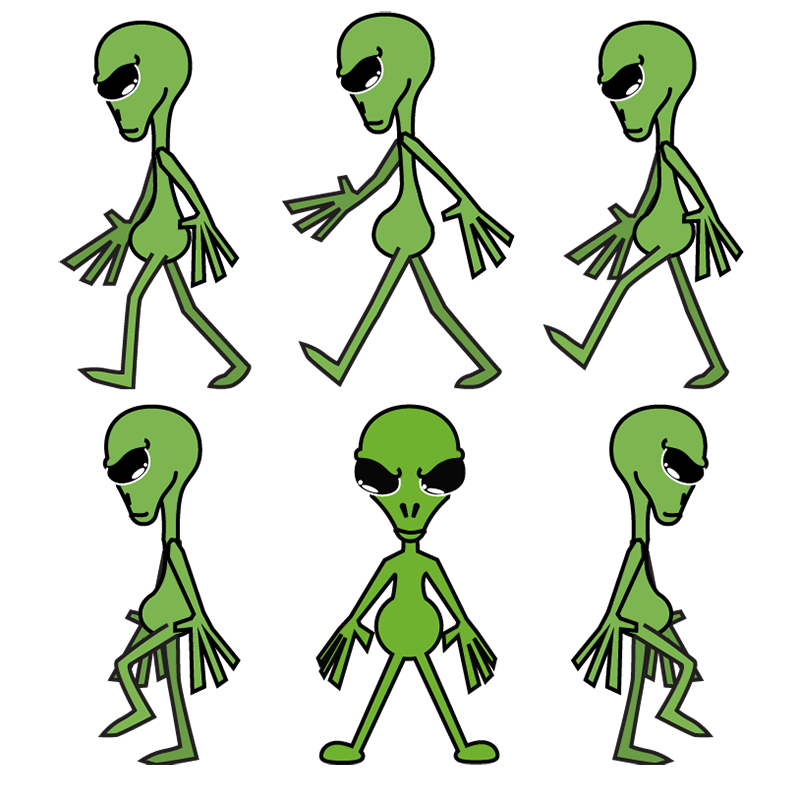
Making some tweaks to Alpha Zeta’s walk cycle. Also giving him his hat from the splash image. Next step is to tweak this further to create Beta Zeta.
Update
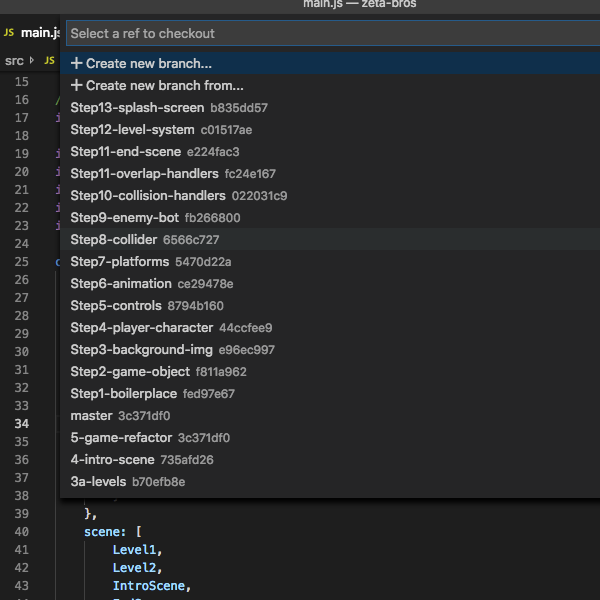
Presentation Breakdown
I don’t write code live when I present. Too much opportunity for mistakes. Instead, I use a series of sequential git branches and check each one out as I walk through the source. I’ve broken down Zeta Bros. into 13 steps. Each step takes 2-5 minutes which should fill the 60 minute slot nicely.
Update
Level Refactor
Added “level” objects that extend the base GameScene object. The createPlatform and spawnBot methods are overridden to customize each level. I prefer this method to a config object because it lets me customize every aspect of the level if needed. Check out the video to see the 2 example levels.

Update
Game Over Man!
Recycling the background and the font and, Viola, we have instant end-game scene. Right now it’s serving double-time as both a winning and losing screen.
Update
Intro Scene
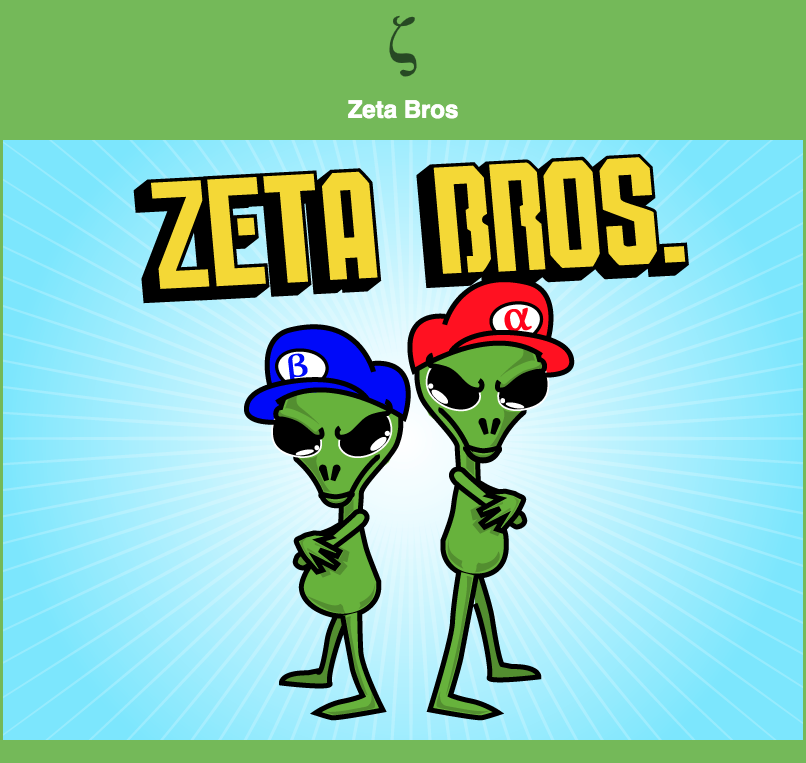
Added an intro scene with the splash image I made a few weeks ago. It’ll need a “Start” button but for now just click anywhere.

Update
Levels
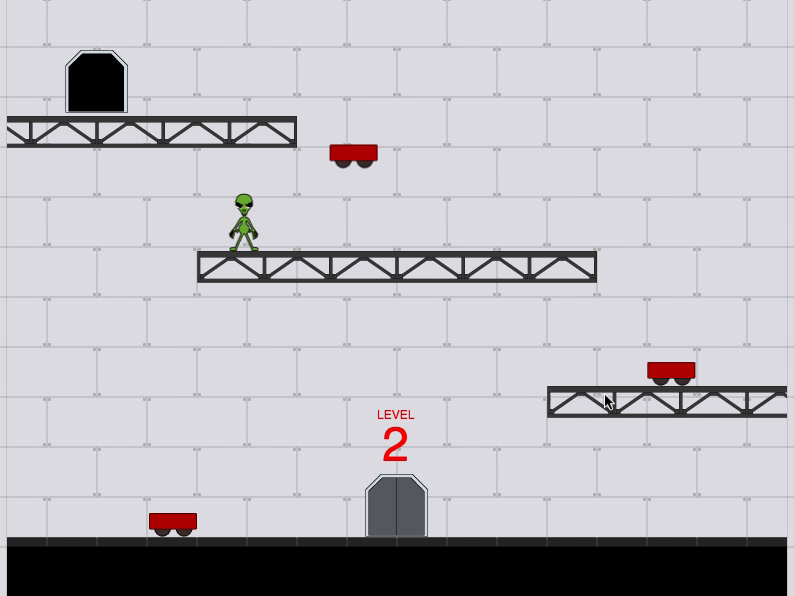
Check out the video of gameplay so far. Secret underground bases need lots of levels. The label over the door indicates the level number. For now, it just repeats the same level while incrementing the number.

Update
Security Bots
Some FPO security bot sprites. When the player collides with one the game restarts for now. Thinking about adding an electrical energy field around it to zap the player on contact.

Update
Rough Draft
A first pass at the game with (mostly) FPO graphics. The idea is you’re escaping through the underground levels at Area 51, or perhaps that base in Dulce. You run around pressing switches on the wall which open the elevator door to the next level.
Update
PC Walk Cycle
A rough first pass of Alpha Zeta’s walk cycle. This is a modified version of the one I created for Zeta Burger. Still needs work but good enough for the presentation if I run out of time. Gotta add the hat though.

Update
Doin’ It Again
I signed up to do another presentation to the Fredericksburg Developer Group later this year. This one will be an HTML5 game development demo using the Phaser framework. It’s going to feature a step-by-step through programming a clone of the original Mario Bros. arcade game. I call it “Zeta Bros.”
Update
Webpack Boilerplate
The GreenZeta Webpack Boilerplate is a merging of the existing webpack boilerplate and PWA features from my 10 Minute PWA demo.

Update
The PWA Philosophy
From my #presentation to the Fredericksburg Developer Group: The Progressive Web App Philosophy. If you couldn’t make it, check out the slides below. And the source for the 10 Minute PWA demo is on Github.

Update
2018 Edition
Just in time for #ChristmasEve the 2018 version of Xmas Eve Nightmare is done. This is the first year it has a complete story, albeit a short story, with an ending. It also has all new cover art to fit the new story.

Update
PWA Action
Happy #Festivus! For my feats of strength I’m giving Xmas Eve Nightmare #PWA powers. It doesn’t have offline support yet but the layout is all cleaned up and it prompts for install on #mobile.
Update
Christmas Ghost Break Room
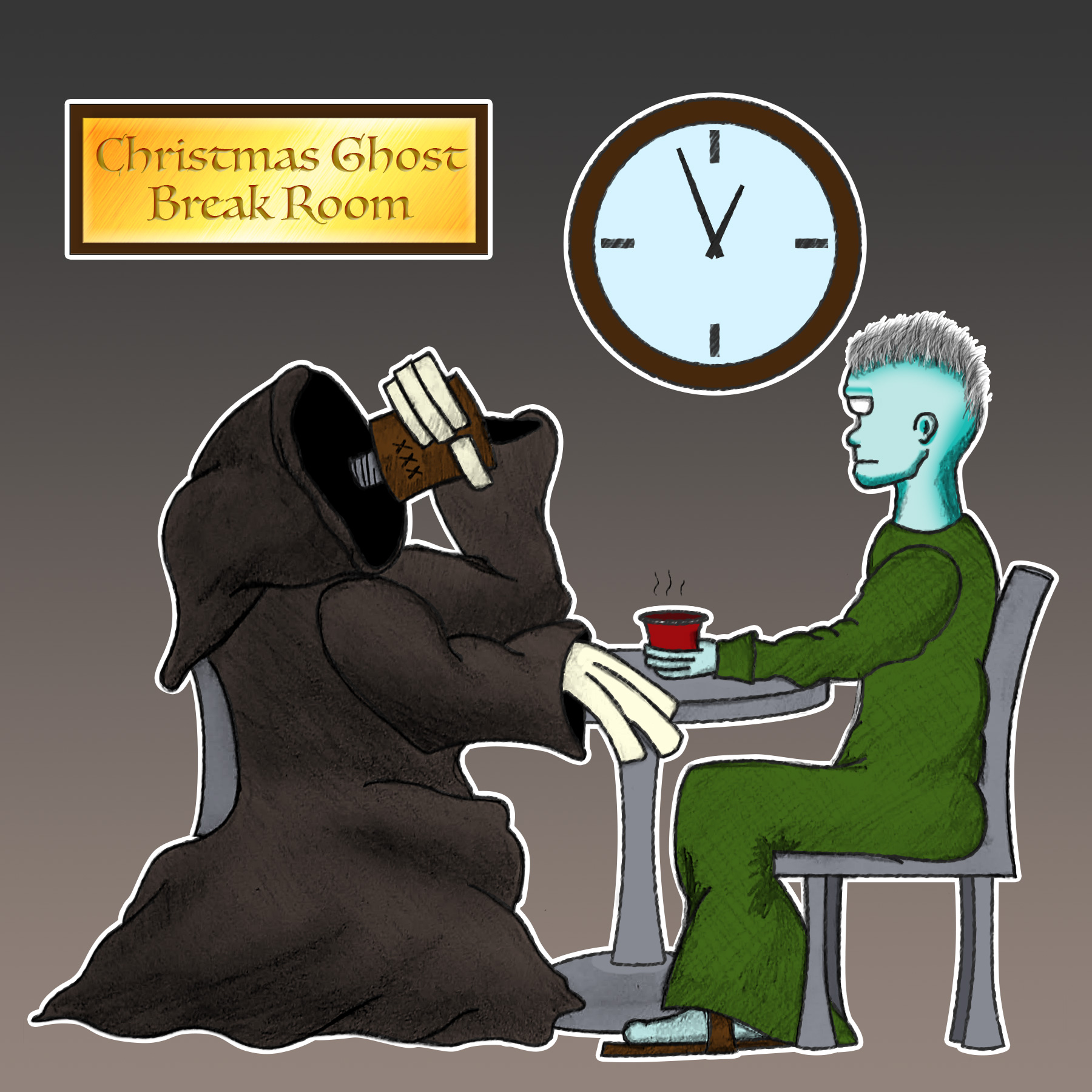
Not #web #development related but I had this idea over a decade ago and finally fleshed it out: Once a year the spirits of #Christmas visit a troubled soul and show them the error of their ways. Grab a sneak peak behind the scenes as the ghosts of Christmas past and future relax while their […]

Update
New Cover Art
#Pencil drawing of new cover art, for the revised 2018 Xmas Eve Nightmare story. Going with a much shorter, but complete, story this year. You’re about to learn that everything you know about #Christmas is wrong!

Update
CSS Blurry Christmas Lights
Lots of blurry colored lights make for a great #holiday background. I set out to create a procedurally generated background that could be tweaked easily. The effect uses a pure #css solution. #SASS variables are used to simplify the color application. This demo uses JavaScript to randomize the color and position of the lights. [codepen_embed […]
Update
Location Themes
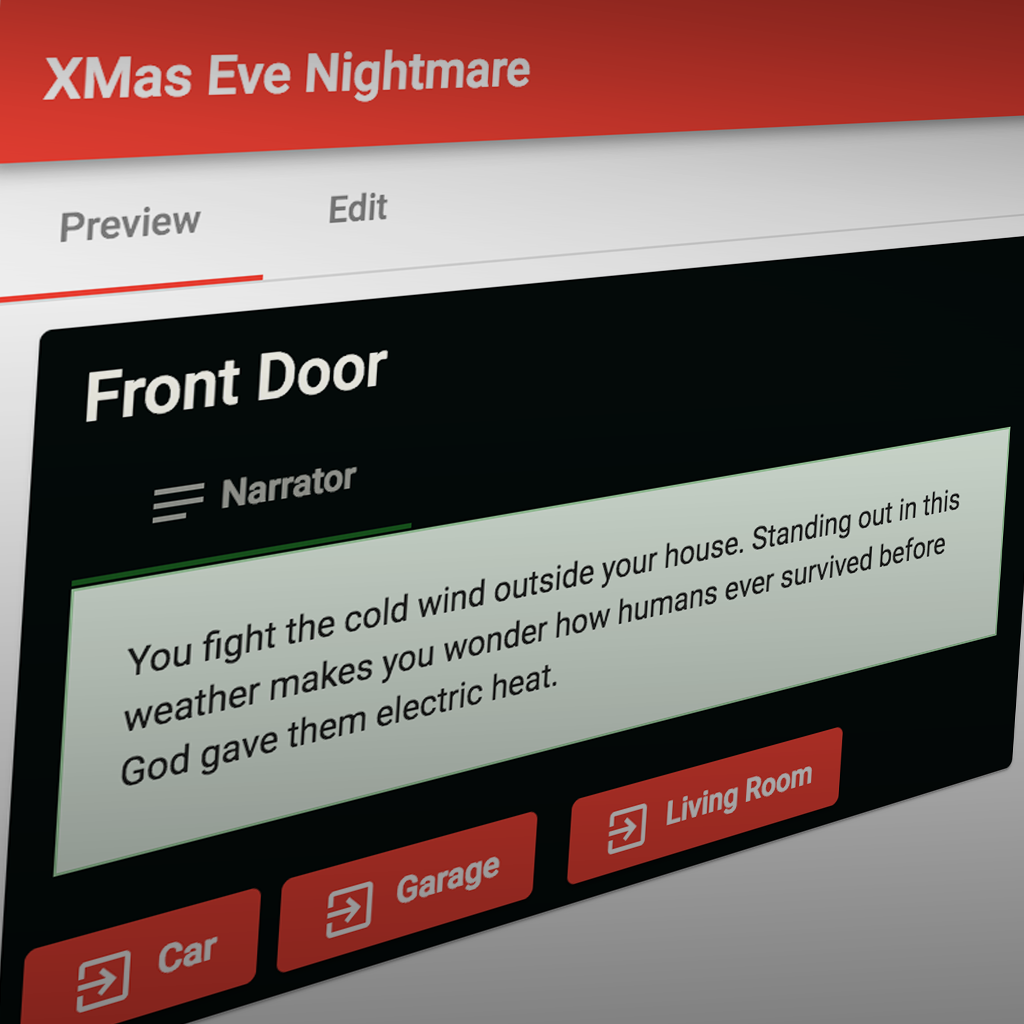
#Flux now supports themes for each location. The theme overtakes the content area by applying a class name set in the editor. The theme styles are set in the project theme #sass file.

Update
Last Year’s Content is Back!
Last year’s content is finally in the new system. The change to dialog trees made most of the old content incompatible so I had to do a lot of copy/pasting. This year I decided to simplify things a lot and am ditching The Mall all together in favor of treasure hunting throughout the house. The […]

Update
XMas Theme
Added a theme file to the root of #Flux core. This allows custom coloring of the #Angular Material interface, as well as any global #CSS that’s UI specific for each project. Xmas Eve Nightmare is getting its usual red and green coloring.

Update
Dialog Editor
I completely redesigned the dialog editor in #Flux. The old version with the logic gate metaphor got way too confusing. Now it uses a simple dialog tree. Each tree contains a trigger (based on an inventory key) at the root to determine display. Each tree node contains actions (inventory keys, prestige points, teleporting?) that are […]

Update
Maverick!
Playing with timeline animation. Not one of my strong suits. But here’s a flyby of the Area 51 primitive.

Update
Local Storage
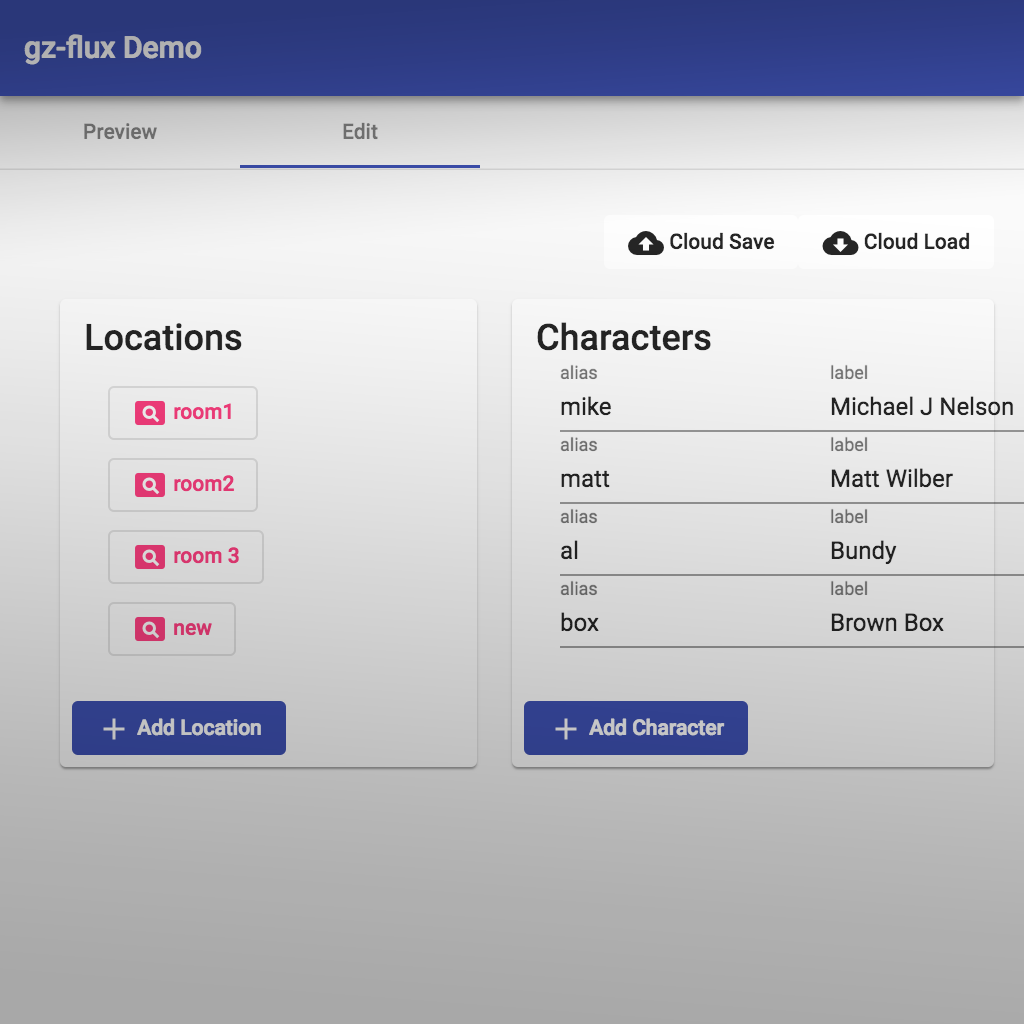
Needed this feature for a long time. Finally implemented local storage in #Flux. Changes are now saved immediately in browser. Firebase storage is now controlled manually with Cloud Save/Load buttons in the main editor component.
Update
Angular Modularity
In my refactoring of #Flux, I broke it out into three #Angular modules: flux-engine, flux-editor, flux-interface. The engine module contains class interfaces for the data models and services for managing them. Editor is a full GUI editor for the story content. And the interface module contains the components necessary for front-end UI. A router in […]

Update
Material Design
It’s #holiday time again, which means it’s #interactivefiction time. I’m refactoring my IF engine, #Flux, a bit. Upgraded the project to #angular 6, using the awesome #MaterialDesign framework Angular Material. And now, I’m pushing the source to GitHub!