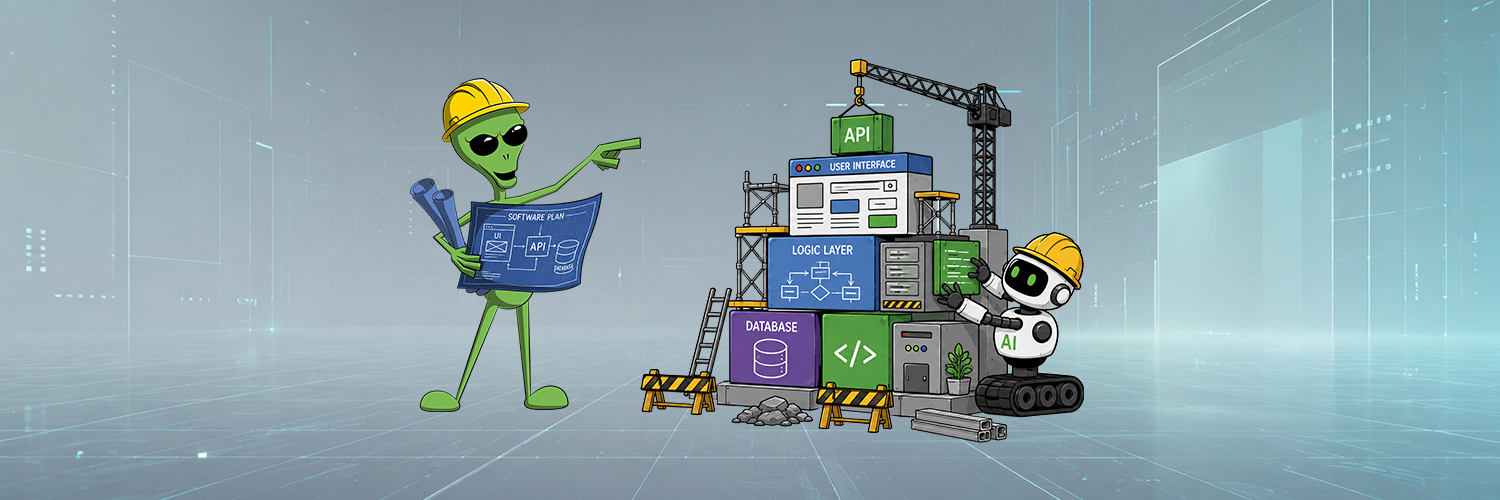
AI has changed how I build software, shifting more of my attention from writing code to architecture, intent, and review. Used deliberately, it lets me move faster and take on projects that I would not have otherwise.
In recent years, AI has become part of my daily work. Not as my replacement, but as a tool to help me move faster. It turns ideas, specs, screenshots, workflows, and half-finished tools into working software faster than I could alone. My role is now firmly in how software is built: how the pieces fit together, which tradeoffs matter, and when the result is good. I just no longer have to craft every line myself. I can work one level above the code.
My Evolution in AI Tools

Like most developers, I started with AI powered autocomplete. It could finish a line, write a repetitive block, or save me from retyping a pattern. I still use it when I am deep in the code, but it only provides minimal help. To take that a step further, I began writing in pseudocode comments, allowing the autocomplete to generate the code. As I became comfortable with this process, the labor began to shift: I was thinking less in syntax and more in intent, which is closer to how I naturally think about software.
Agentic tools brought a bigger change. Instead of requesting a line or function, I could describe the next architectural move: build an endpoint, add the UI, connect it to the API, handle errors, clean up the styling, and write tests. AI began to feel like a partner. I now think about architecture and concern less over code. I don’t ask AI to “build the thing” and hope for the best. I figure out how I want the program written and carefully instruct it to produce the code.
CLI tools, Claude Code and Codex, took this to the extreme. Depending on the area I’m working in, I sometimes don’t look at the code at all. Codex Desktop is now my IDE of choice. My development cycle is largely Design -> Review -> Repeat, slowly building out apps one piece at a time. The only time I jump into the code is when I really need to know something is done a specific way, or just plain curiosity.
Where I pushed it too far
My employer is heavily invested in AI, but adoption amongst my colleagues has been slow. Last year, I quietly began writing all my code through AI: fixes, features, refactors, documentation, and review passes. My goal was to not write a single line of code without the agent. For the most part, this held true. More so, it was working really well. I moved through implementation faster, got unstuck sooner, and found bugs long before QA. For the most part, it resembled what I would have written. And I told no one I was doing this. For almost a year every pull request passed peer review. In fact, reviews often became easier because details I might miss, especially documentation, were handled better.
Then, I got cocky. Busy and rushed, I gave the agent too much freedom on a large feature. To compound it I only did a cursory review of its code. The feature I was working on functioned perfectly, but the code was overly complicated and needlessly verbose. The person who reviewed my PR didn’t call me out directly, but it became my longest review session ever. The problem was not using AI; it was letting AI go without steering it.
Personal software became practical again
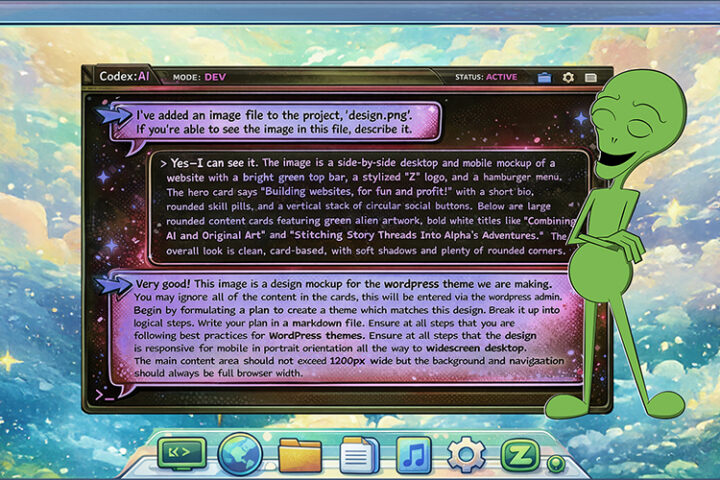
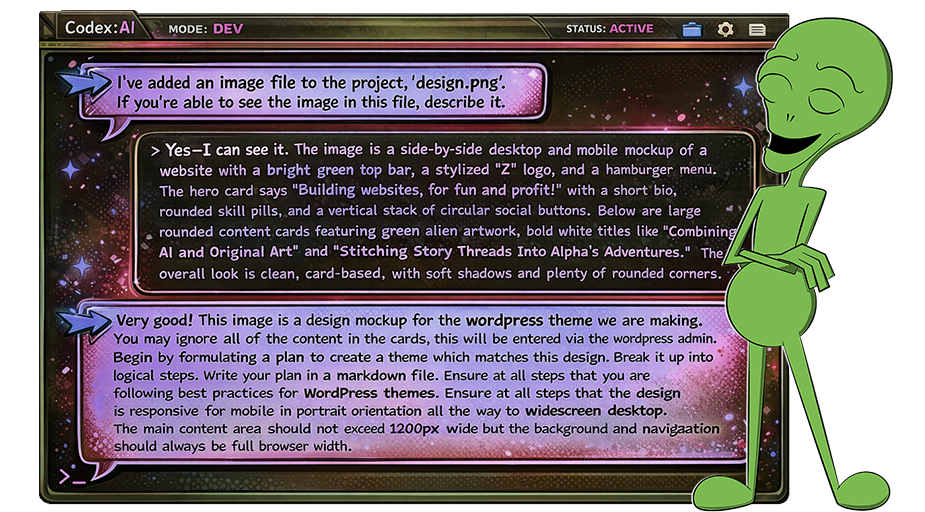
AI changed my personal work the most. Like all programmers, I have my collection of half built utilities and ephemeral ideas. They’re all quality of life improvements, not quite worth the time to do. The latest WordPress theme for greenzeta.com was a clear example. I had postponed rebuilding my site despite having a design direction. I lacked the time and patience to hand-build the template. Early experimentation with Codex produced the first scaffold in minutes, and I refined it over several days. Months worth of weekends were saved. It was done exactly as I would have done it, implementation simply moved much faster.
AI didn’t just change how quickly I worked, it expanded which projects were worth doing. A site rebuild, one-off utility, integration layer, or small internal tool no longer required a full traditional development cycle. Personal software is practical again. I now have a growing collection of software tools to automate away the little things: A voice interface for my To Do list, an online URL archiver that won’t go out of business, a PWA player for my music server, a comic book converter for my Kindle. Each built with AI in a few hours or even minutes.
Techniques I Use
Work one level above the code
I like to think of working with coding agents as all architecture and no code. All of my time is spent on structure, intent, and review. For a feature, I describe the next bounded step. For a bug, I describe what I see and expect. For an API integration, I explain the workflow, point to documentation online, and define the result.
Break the work into steps
One-shotting a complex system gives AI too much opportunity to make mistakes. It also makes review impossibly difficult. I guide it like a pair programmer: build one part, correct an assumption, add the next piece, and clean up. The result stays closer to how I would have built it manually.
Use screenshots as development prompts
Screenshots make useful prompts. A picture is worth a thousand words. A broken layout, console error, flow diagram, or agent trace serve much better than written description. It’s also much faster and accurate than copy/pasting things into the prompt.
Write specs before code
For larger tasks, especially those involving third-party software, I start by making the agent review appropriate documentation under the context of the overall goal. Then I instruct it to write a developer-ready spec covering the goal, constraints, and implementation decisions. Then I start a whole new session to implement it. Often, you can get away with using a larger model to plan out the task and a smaller, cheaper, model to execute.
Revert bad generations quickly
When the model starts to go off the rails, it’s usually better to start over than attempt to correct. I do not rescue output that is structurally wrong, overcomplicated, architecturally confused, or not solving the problem. I revert and restart. It’s important to use the failure to examine your instruction, see how it was misinterpreted. Then clarify in the next run. Small, frequent Git commits are essential.
Keep project memory in markdown
For ongoing work, I have the agent maintain a markdown file recording the overall project plan, as well as a running log of its work. This makes switching sessions easy to keep context clean. It saves tokens and keeps the model focused.
Use AI as a reviewer
When reviewing peer code, I now begin by employing my custom review agent. It reads the pull request description and compares the branch with main. Then it outputs a summary of changes, and flags possible bugs or risks. This output gives me a clear overview of the code before looking at it. I still review manually, but the agent report gives a clear understanding of what I’m about to look at. I no longer have to trace the code to figure out what it does. And it almost always finds some small detail or edge case I would have missed otherwise.
Clean-room rewrites
I have a lot of old, mostly working, personal software where I’ve put up with its quirkyness for years. With AI, it’s almost always better to rewrite these kinds of projects than fix them. I’ll ask the agent to study its code. Then I provide an overall description, with screenshots if applicable, and ask it to write a functional spec of the program. I take that spec into a new session and have the agent create a new app from scratch. Not only does this eliminate all of my bugs, but it often adds things that I never got around to. In the end my duct-tape clunker is replaced with a polished production app.

What I Have Learned
AI has changed the scale of what I can do, both professionally and personally. It takes the time I spend thinking about software and turns it into working code. It’s allowed me to take on projects and solve problems I would not have otherwise. But my experience also showed me the risks of handing over control.
It cuts both ways. Used carefully, AI helps developers write more code in less time. Used carelessly, it produces code that’s difficult to understand and impossible to maintain. The real skill is knowing where to apply the leverage. As a developer, I maintain intent, architecture, review, and ownership. In turn, AI writes code, reads documentation, traces bugs, and refactors. I am not surrendering software development to a machine. I am using AI deliberately, as I use frameworks, editors, debuggers, browsers, and APIs, and even the entirety of the Internet to work at a higher level. AI is the newest layer of abstraction and, for me, a lever that shortens the distance between idea and implementation.