Update
Star-field
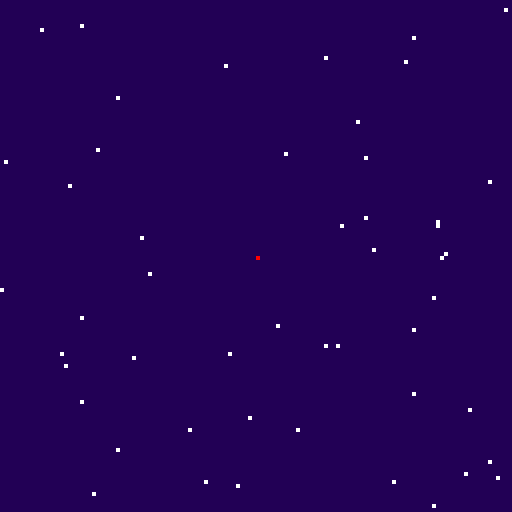
From my upcoming #tutorial: #JavaScript #PixelArt – HTML #Canvas Without a #Library. Drawing a solid background color and random squares to the canvas to create a star-field.

Update
Thumbs Up

Update
Wallet Connect Section
Progress of the #tutorial section header art from #sketch to final. Line art is drawn in #Adobe #Illustrator and final coloring done in #Photoshop.

Update
Connecting Metamask
A #sketch of Alpha Zeta connecting the #NFT #website for my #tutorial to a @metamask wallet.

Update
Minting Section Header
Progress of the #tutorial section header art from #sketch to final. Line art is drawn in #Adobe #Illustrator and final coloring done in #Photoshop.

Update
More Section Headers
Starting to get organized with the section art for my #NFT #website #tutorial. FPO pencil sketches to be finished in #Adobe #Illustrator and others recycled from past #articles and #presentations I’ve done.

Update
Contract Writing
Another #sketch of Alpha Zeta, this time writing a smart contract for my #NFT #website #tutorial.

Update
NFT Vending Machine
A #sketch of an idea I had of a graphic for my #NFT #website #tutorial. Alpha Zeta dropping some $ETH into an NFT vending machine.

Update
Section Headers
First draft of the #NFT #website #tutorial is done. It’s clocking in at just over 3000 words. I’m working on some cropped versions of the screenshots to use as section headers.
Update
NFT Token Gallery Demo
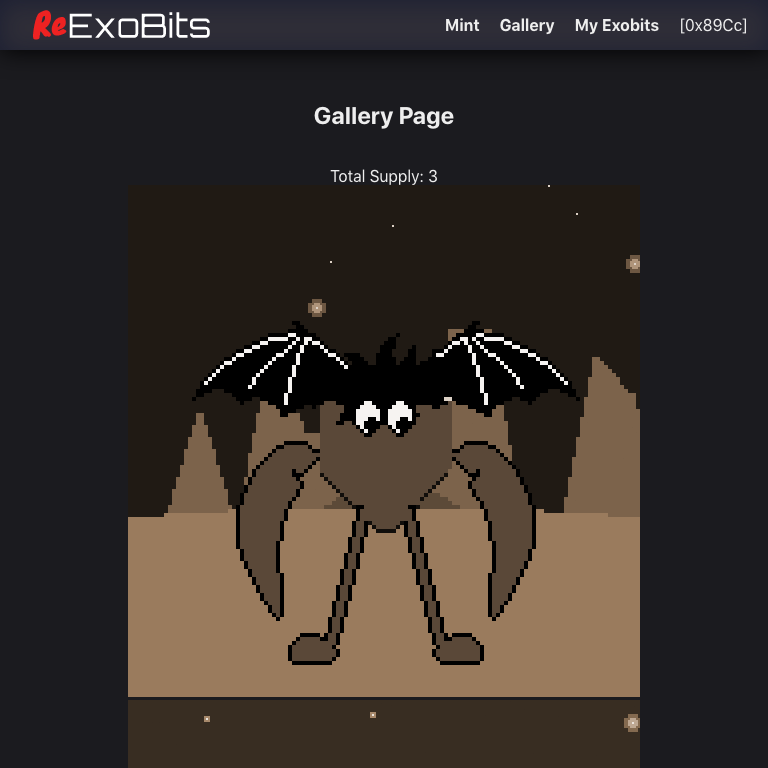
An example token gallery is available in the ReExoBits demo. This uses the #Web3js #JavaScript library to read the token count from the contract, then retrieve each URI to display its image.

Update
NFT Mint Demo
The ReExoBits demo site will use the #web3js #JavaScript library to mint a token in the included smart contract. Unminted images are displayed on this page. Click on an image to mint the token.
Update
Metamask
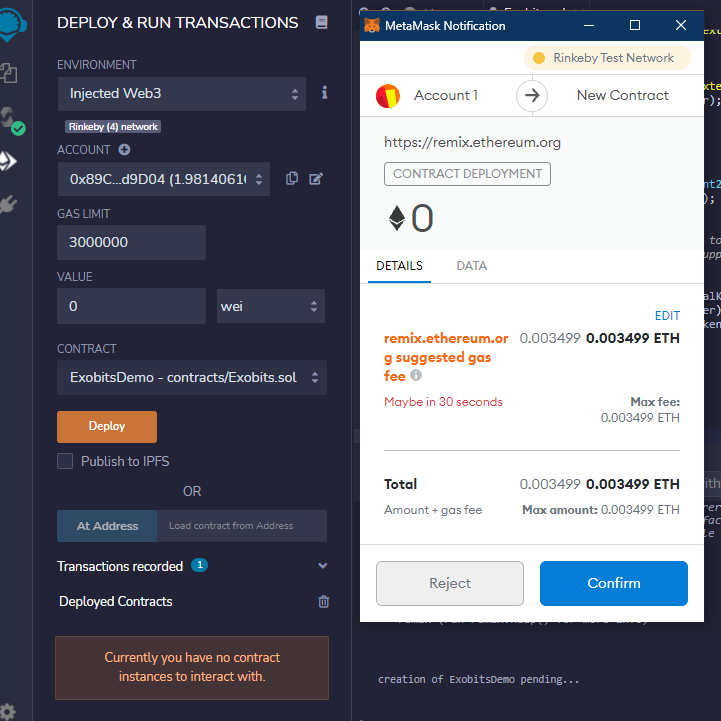
The ReExoBits #tutorial will cover deployment of an #ERC721 contract using #Remix, a free browser-based IDE. The Rinkeby testnet is used, which I prefer because of compatibility with #OpenSea test servers.

Update
Contract Deployment
The ReExoBits #tutorial will cover deployment of an #ERC721 contract using #Remix, a free browser-based IDE. The Rinkeby testnet is used, which I prefer because of compatibility with #OpenSea test servers.

Update
ReExoBits
The home page for ReExoBits, a website to sell used NFTs! This website will serve as the demo for an #article I’m writing on creating a #website to mint #NFTs.

Update
Remix
A sample #ERC721 smart contract will be included in the demo. Built on top of the #OpenZepplin templates. The #tutorial will cover #development of the contract using #Remix, a free browser-based IDE.
Update
Demo Contract
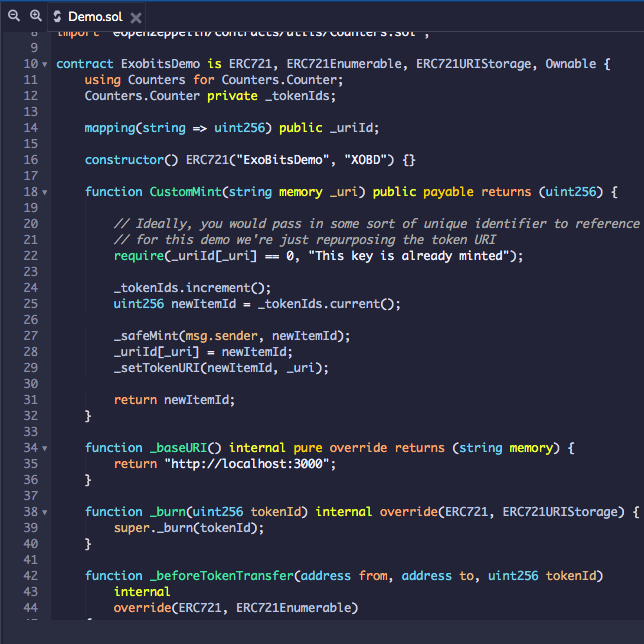
A sample #ERC721 smart contract will be included in the demo. Built on top of the #OpenZepplin templates. The contract is fairly simple because #article focuses on the #JavaScript necessary to interact with it.

Update
Gently Used Hero
The hero image for my demo project, a #tutorial on making a website with #NFT minting features. The demo will involve minting “gently used #NFTs” so the ExoBits are featured here in an old timey sepia tone.

Update
A New Website
Working on a new logo. ReExoBits a website to sell used NFTs! This isn’t a real website but it’ll serve as the demo for an #article I’m writing on creating a #website to mint #NFTs.

Update
They’re Alive!
The ExoBits website is now live: https://exobitsnft.com/ 1024 ExoBit tokens are ready to mint and receive their permanent names. Click the link to go to the website and get your own!

Update
My ExoBits
Testing out the ExoBits production site and minting a few #NFTs of my own. There are 1024 total so there’s plenty more to claim.

Update
Jake
Meet Jake, the first ExoBit #NFT minted to the #Ethereum blockchain. The screenshot is of the static image preview in my wallet. You can check out Jake on the ExoBits website to interact with the #WebComponent

Update
Key Generation
Console output from generating the 1024 unique keys for all ExoBit #NFTs. This includes the static preview image that will be uploaded to IPFS. I’m using a service called Pinata to pin the images and make them public. It alo has a an api that will allow me to update the metadata, as part of […]

Update
Minting
The website lets you mint (create) an ExoBit #NFT through your #MetaMask wallet. During the process you have the opportunity to permanently name the character. Once minted, the ExoBit becomes available in the interactive #WebComponent.
Update
Animated Hero
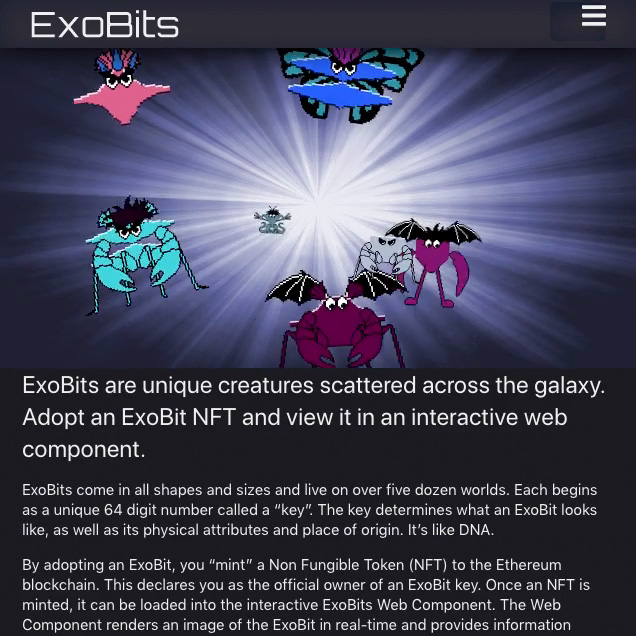
The ExoBits website hero image replaced with #css #animation. The flickering effect is produced by fading an inverted copy of the background image.
Update
Name Plaques
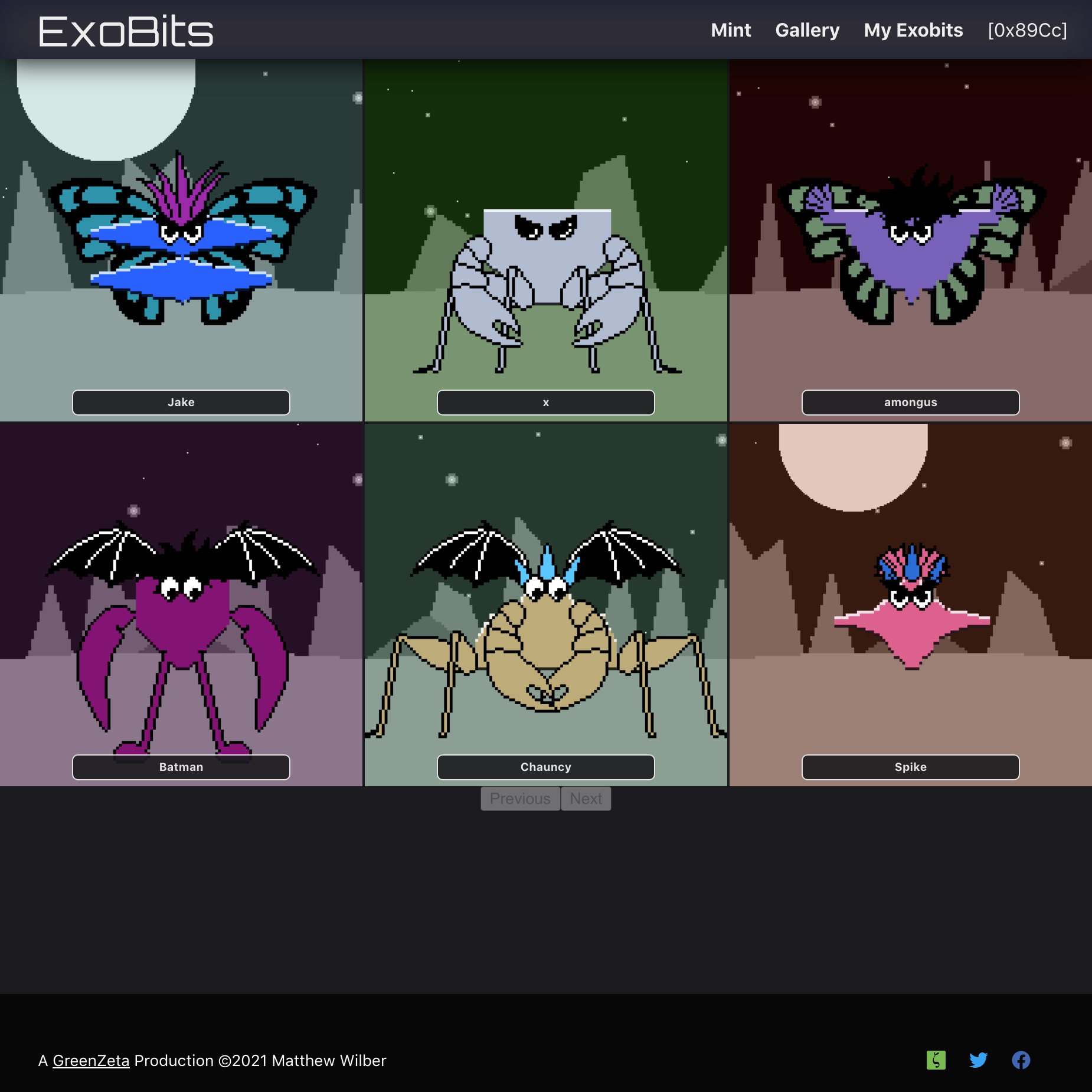
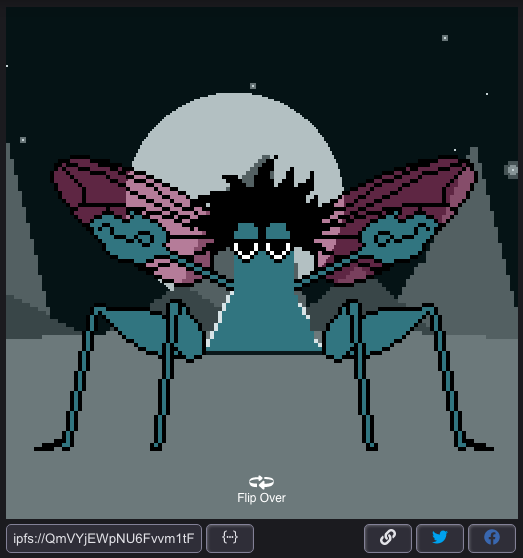
One of the advantages of minting (creating) an ExoBit #NFT is you get to name the character. Name plaques in the main gallery put that name in a prominent place. The name is also visible in the interactive #WebComponent.
Update
Owner Gallery
A closer look at some of the controls available to #NFT owners in their personal gallery. Includes the token #ipfs url, an http link to the metadata and several methods of sharing on social media.

Update
How It Works
A diagram for the ExoBits home page that illustrates how the #Ethereum contract, #NFT metadata and #WebComponent come together to create an ExoBit
Update
Owner Features
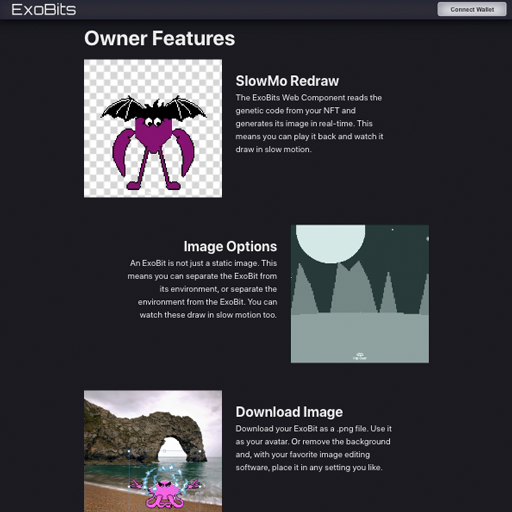
The ExoBits home page. Animated gifs provide a quick visual demonstration of #NFT owner features in the #WebComponent. Because the #DigitalArt is drawn in real-time, the background or character can be removed from the scene and the resulting image is downloadable.

Update
Main Gallery
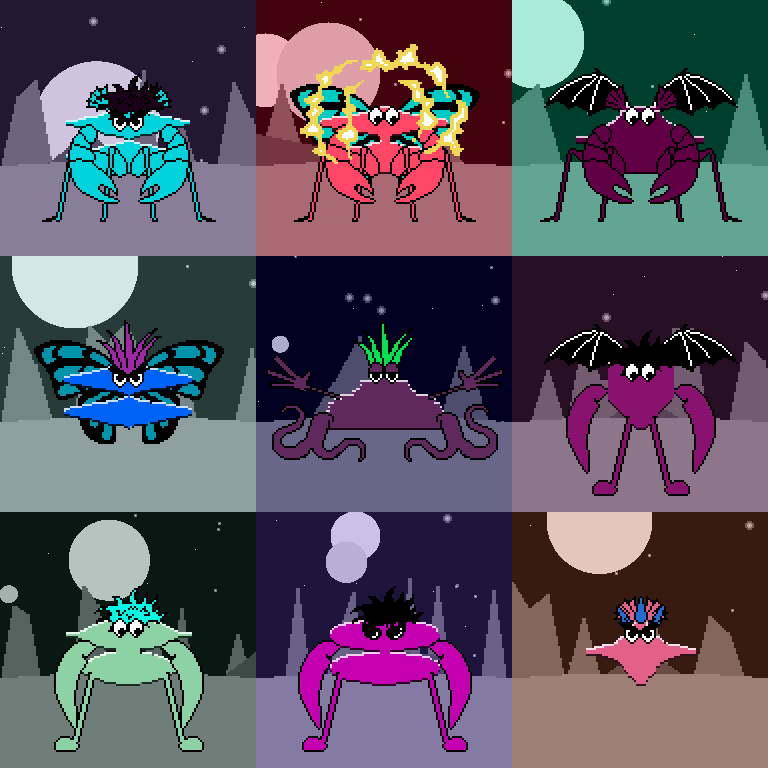
A closer look at the main ExoBits gallery. These are minted #NFT that are displayed in the interactive #WebComponent.

Update
Fly Wings
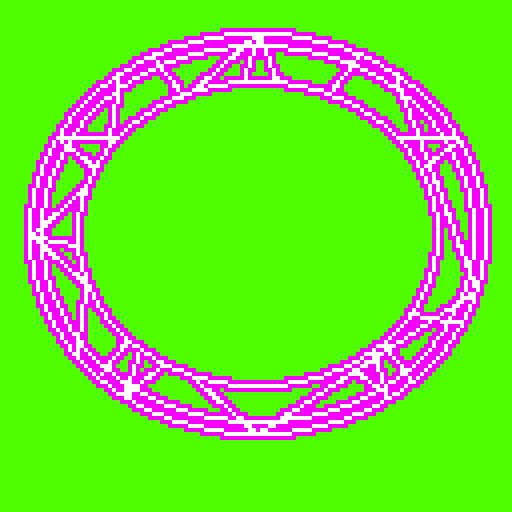
The #PixelArt asset for a fly wing attribute. The magenta color is interpreted as “custom” which is determined at runtime. This will allow for alpha transparency in the wing when rendered in the scene.
Update
Special Powers
In addition to physical attributes, some ExoBits will have mental powers like telepathy and telekinesis. This asset indicates a teleportation power.

Update
Eye Assets
Bringing more personality to the ExoBits by tripling the eye assets. The eyes, determined by the #ProceduralArt key, also dictates the character “disposition” attribute.

Update
Gallery Detail
Another look at the ExoBit minting gallery. Clicking on an image enlarges it and reveals the mint button. At this point, it’s just a static image. Minting the #NFT generates the necessary #metadata to load in the #interactive #WebComponent.

Update
Mint Gallery
A gallery of random ExoBits available for minting. Additional ExoBits can be viewed by reloading the page. At this point, they’re just static images. Once minted, the character #metadata is generated for the #NFT and viewable via the #WebComponent in either the public or private gallery pages.

Update
NFT Interaction
The earlier fade-in that shows character stats has been replaced with a flip-over effect that makes the ExoBit #NFT feel more like a #tradingcard. The earlier hover event has been replaced with click/tap for touch interfaces.

Update
Minting
An early look at the front-end for minting ExoBits. The website uses the #Web3 #javascript library to interact with the contract via @MetaMask. Once minted, the gallery item is flagged with a yellow badge.
Update
Homepage Scaffold
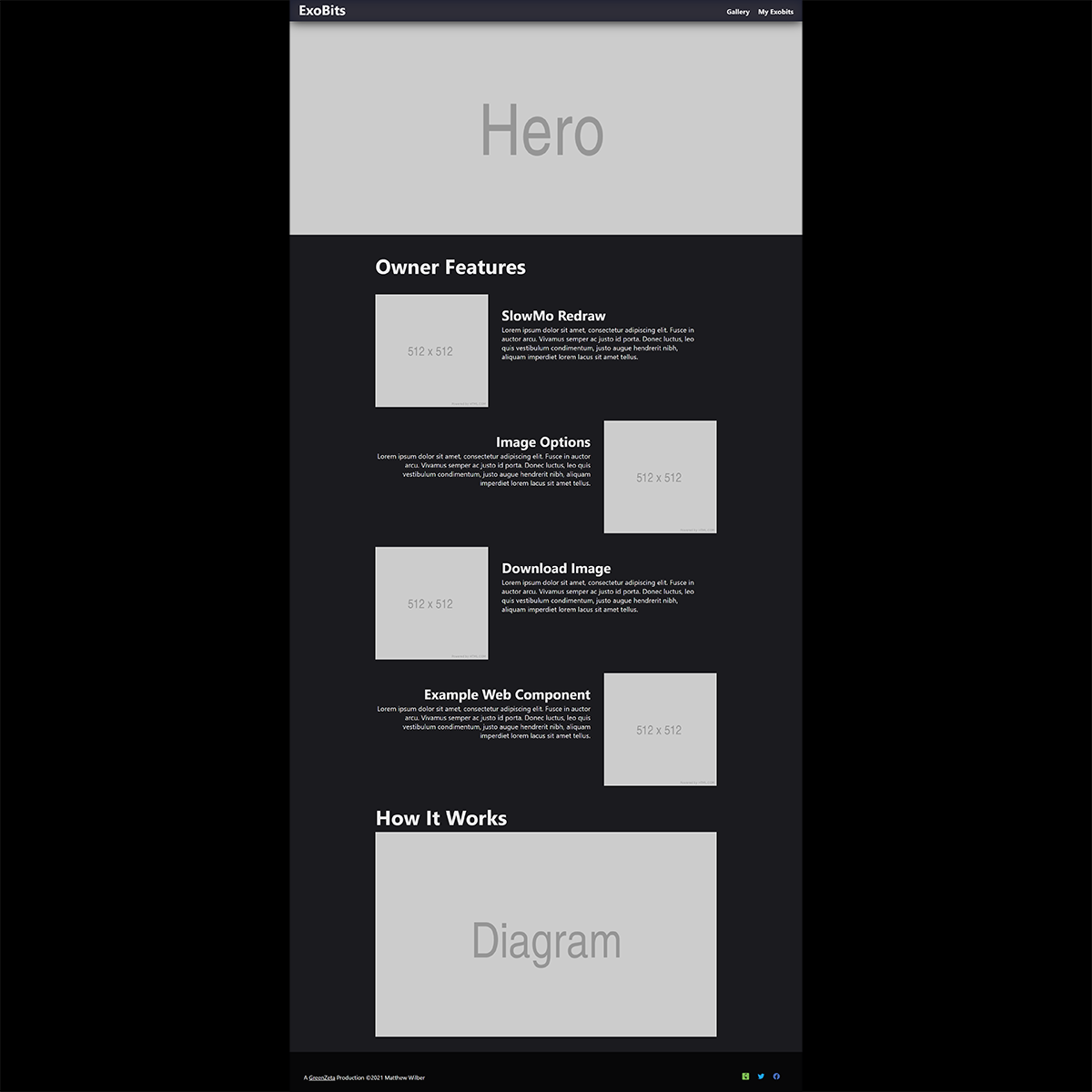
A rough layout of the ExoBits homepage. The site header, footer and color scheme are complete. The section at the bottom will explain the architecture of the #WebComponent & its core functions that are stored #OnChain.

Update
Gallery
Building out the ExoBits website in #React using a local #blockchain with the #Truffle suite. Images will be clickable and reveal the interactive #webcomponent. Some FBO markers show which of the characters have been minted.
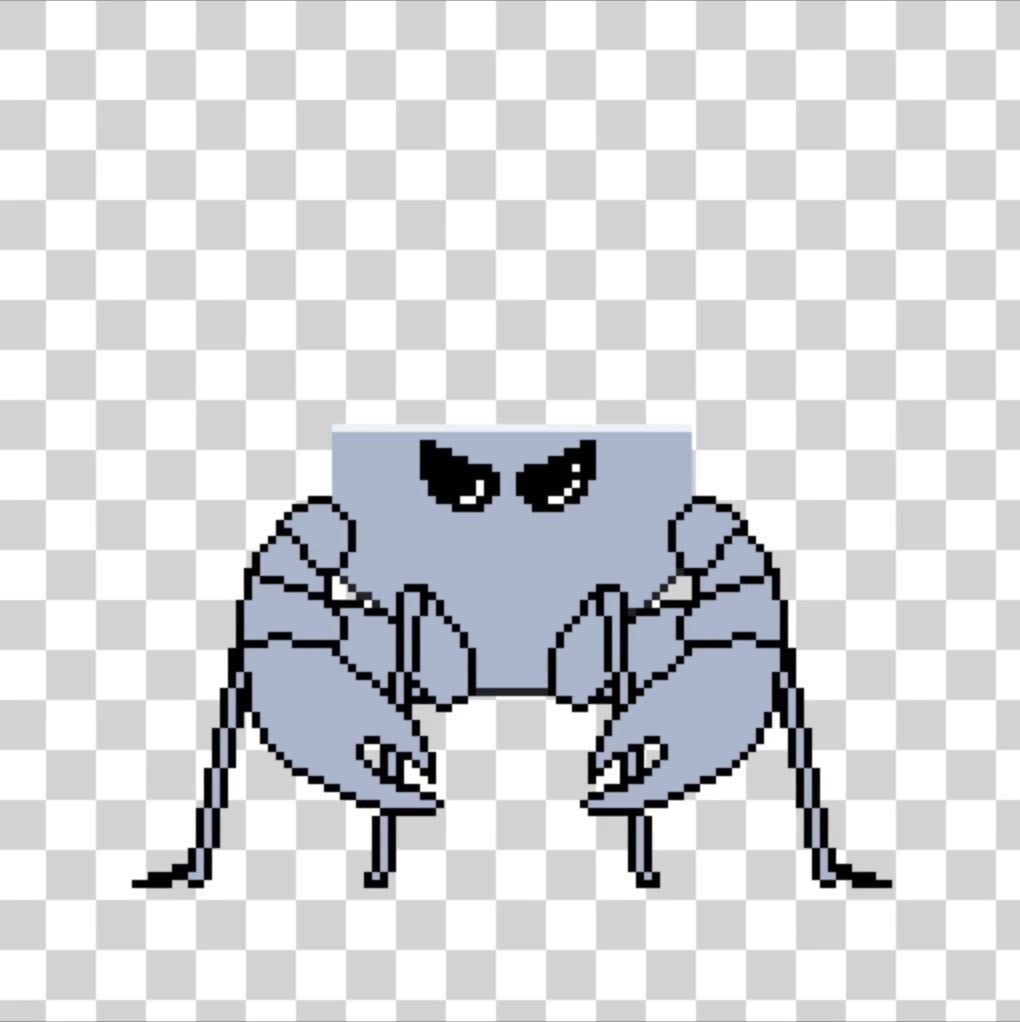
Update
Image Settings
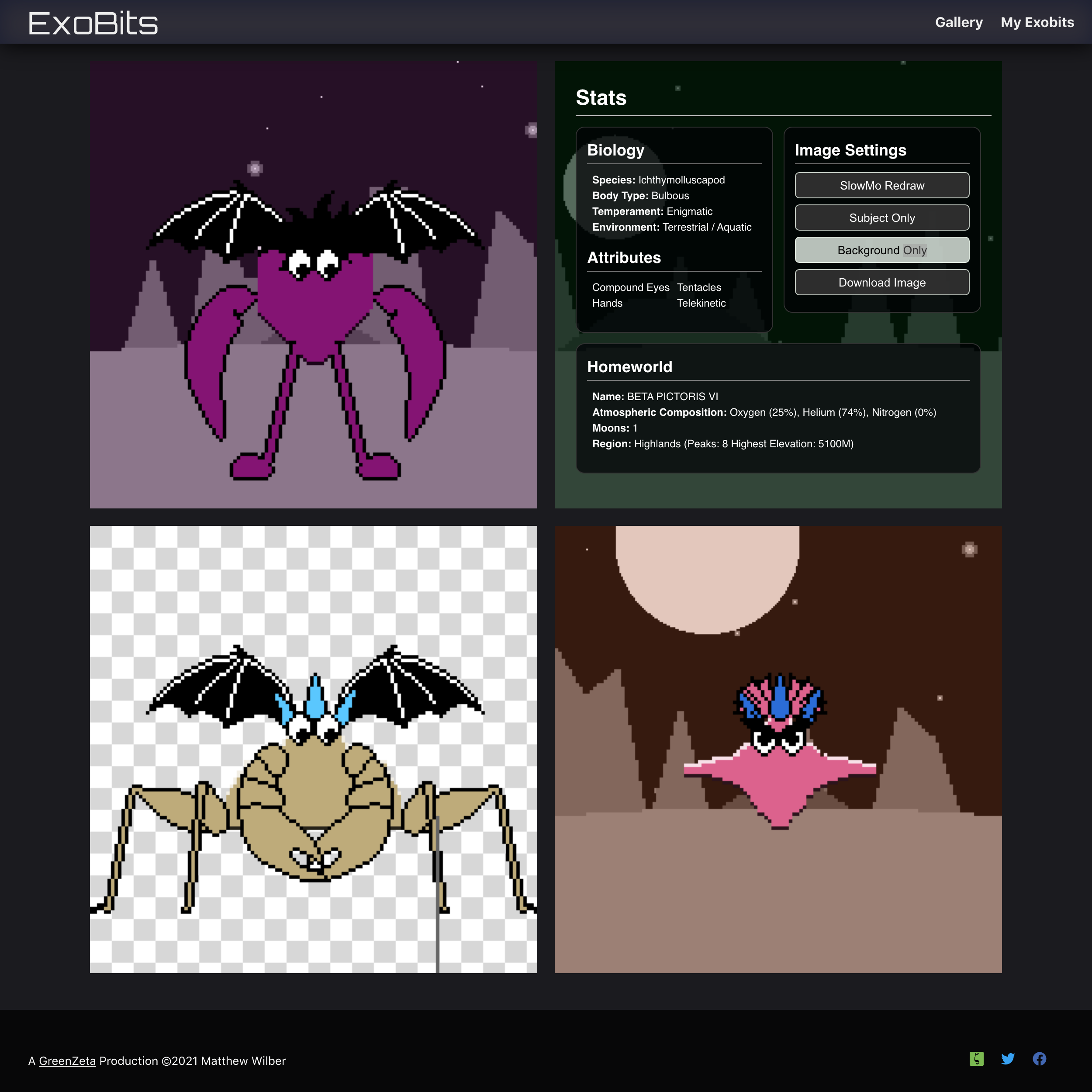
Check out the video for a demo of the Exobit #WebComponent image settings. Remove the background, or the character and watch it redraw in slow motion. These are features meant to emphasize that this isn’t a static image, only the #NFT owner will have access to them.
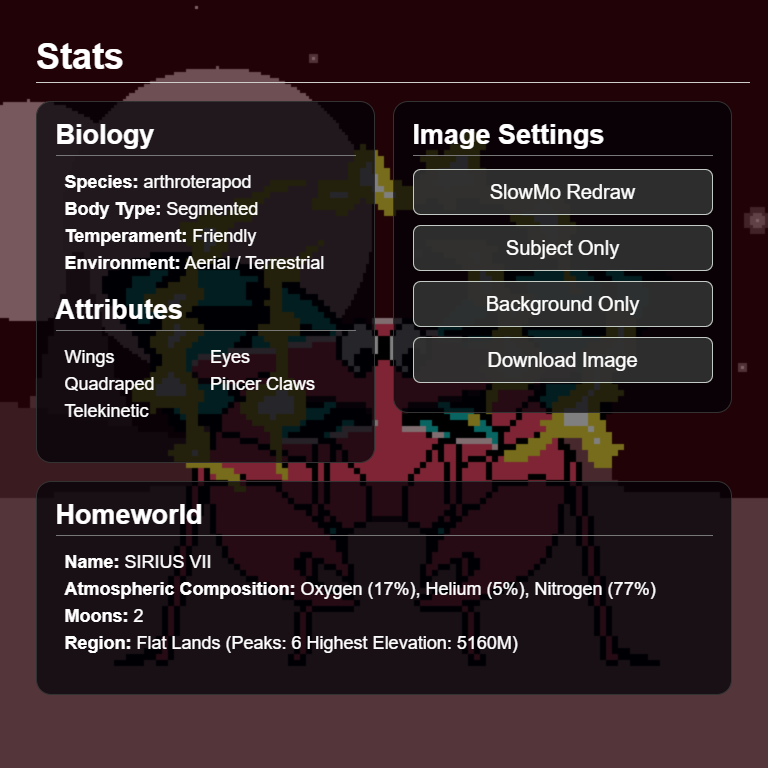
Update
Character Profile
The final character profile layout in the Exobit #WebComponent. All information here is derived directly from the key, with a little creative interpretation. In production, the “Image Setting” buttons will only be available to the #NFT owner.

Update
Action Button
Here’s a video of the SlowMo redraw feature tied into the character stats in the #WebComponent. In production, only the owner of the #NFT will have access to this feature.
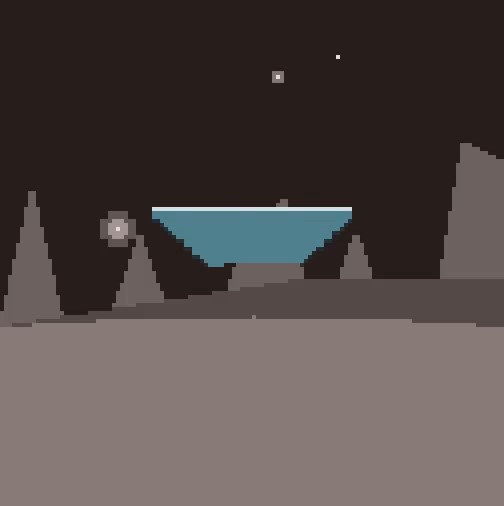
Update
SlowMo Redraw
I added a slow motion redraw feature to emphasize that Exobits are not static images. All #JavaScript canvas calls are collected in an array. In slowmo mode they are called in a 50ms interval, allowing you to see how the whole thing is drawn. Check out the video to see it in action.
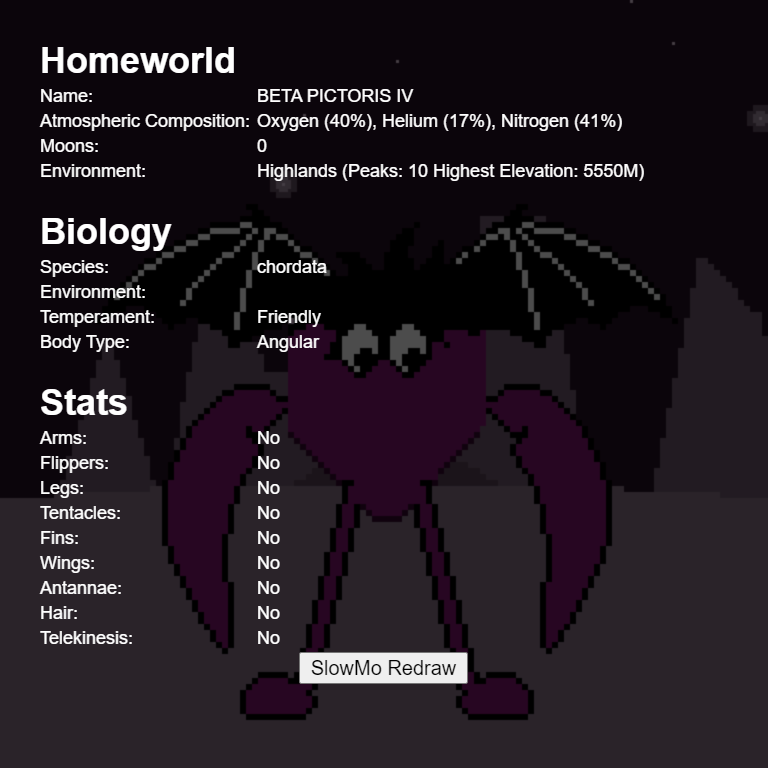
Update
Stats Panel
This is a rough go at the Exobit character stats which are derived directly from the key data, with a little creative interpretation. I’m building this out as a #WebComponent to easily plug into websites.

Update
Character Metadata
Overlaid on the image is raw data collected as the image is rendered via #JavaScript. This will be applied to the character stats that will appear when tapping or mousing over.

Update
Arm Assets
Trying out #PixelArt arm assets in the scene. Arms behave a bit differently because they’re positioned to a specific row in the body, allowing them to join where the shoulders would naturally be located.

Update
More Assets
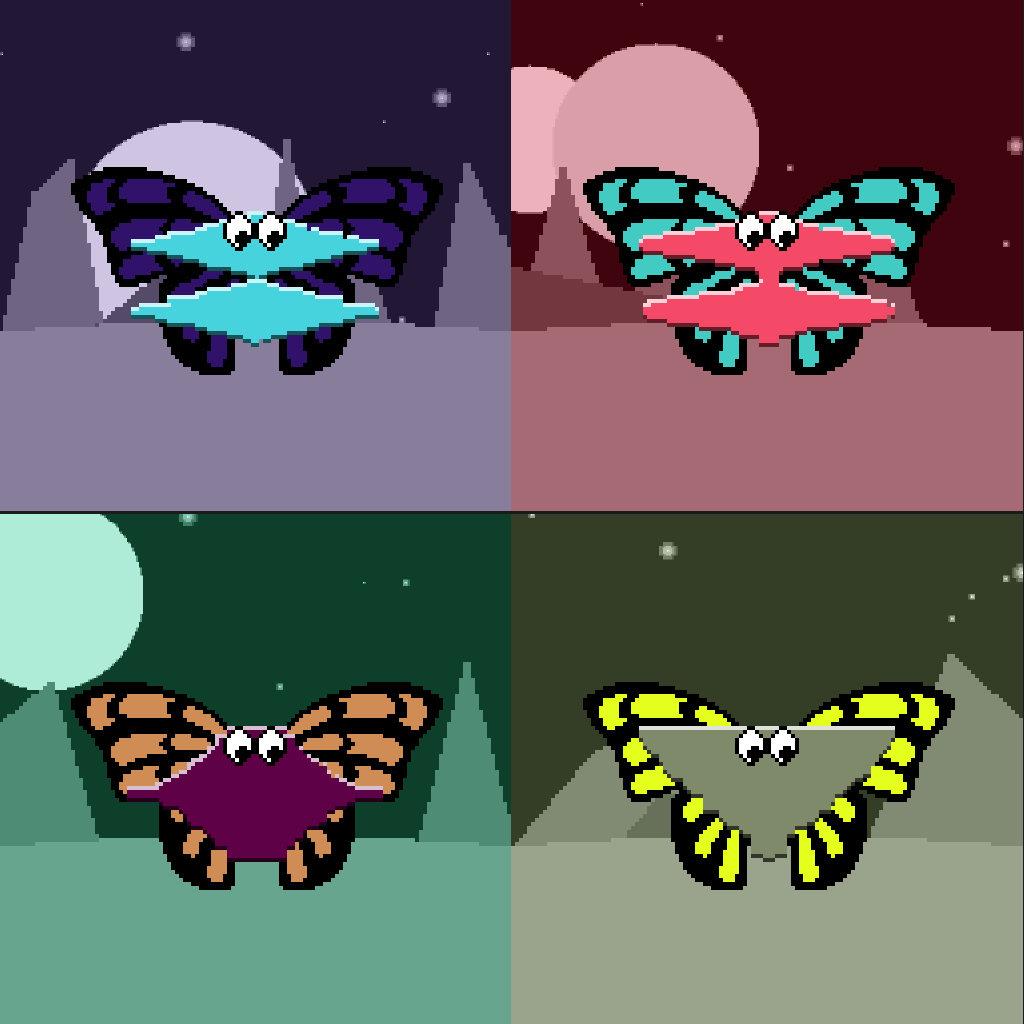
Previewing more #PixelArt assets in more scenes. Some assets, like “wings” have variants. Value pairs in the key determine the probability of an asset group displaying and which variant, in that group, is used.
Update
Assets
Placing the first #PixelArt assets into the scene. Pixels are rendered as 1x1px rectangles on the canvas. A reflection/translation method allows me to re-use symmetrical assets to save space.
Update
Pixel Reader
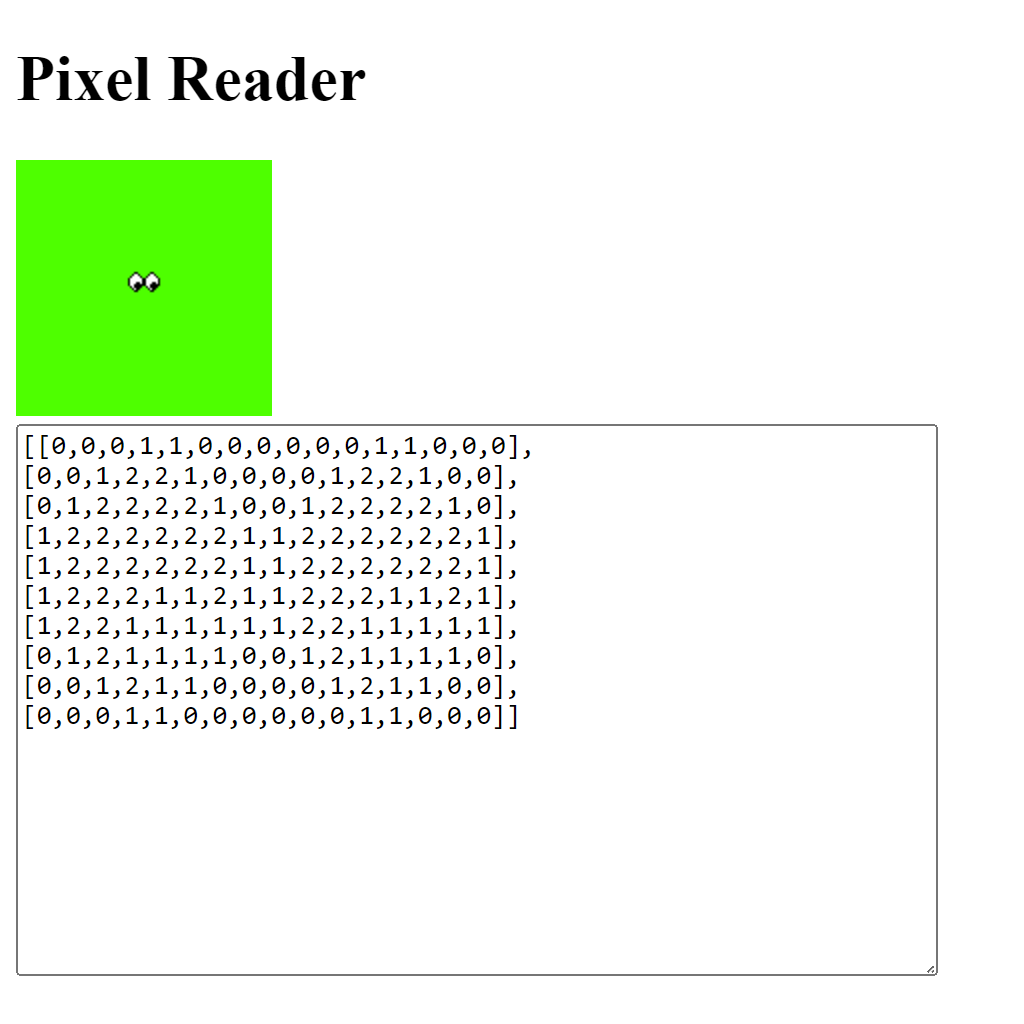
A look at my #JavaScript tool that converts images to an array of color values. This is an earlier test with my “eyes” asset from #PhotoShop, you can kind of see the image in the array output. Next step is to compress it into hex values.
Update
Asset Workflow
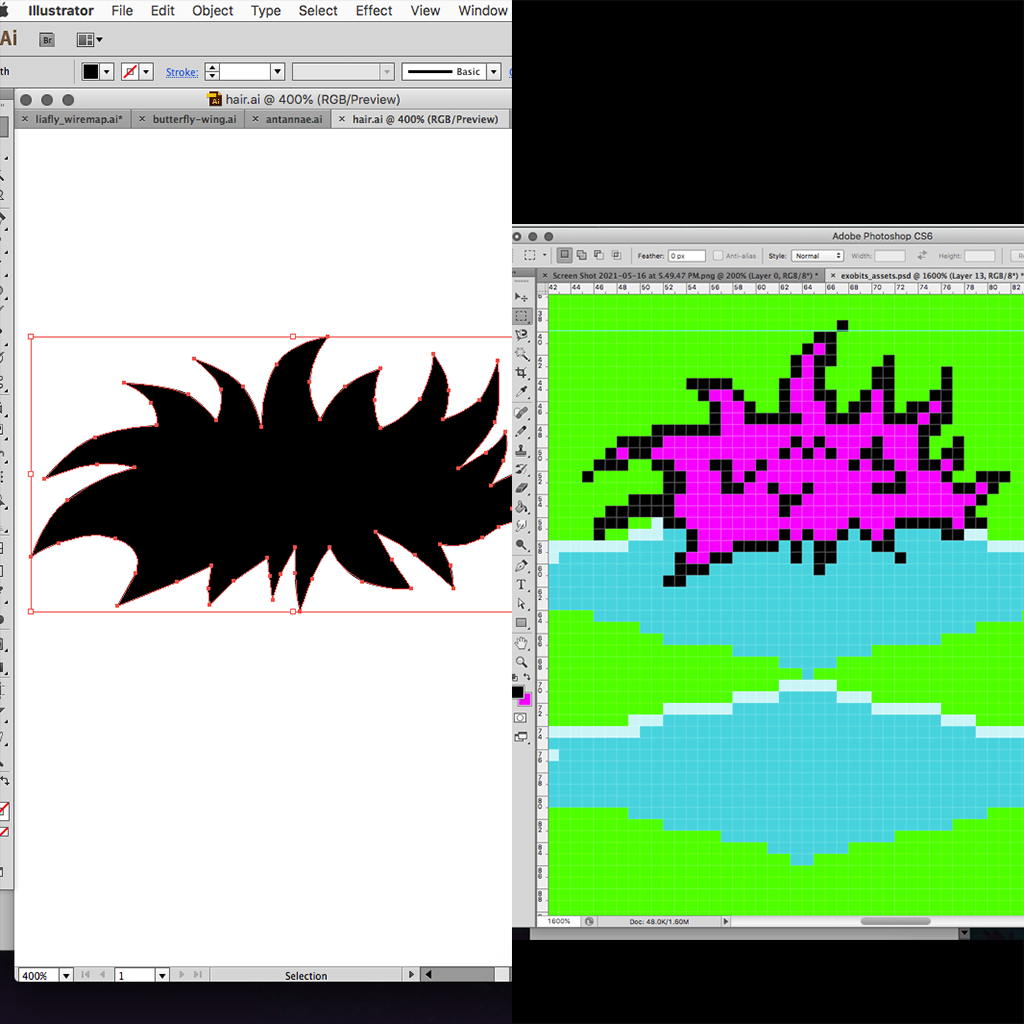
A look at my #PixelArt workflow. I start by drawing the shape in #Illustrator. Then I copy to #PhotoShop to scale and clean up the final piece for conversion into a #JavaScript array.
Update
PhotoShop Asset
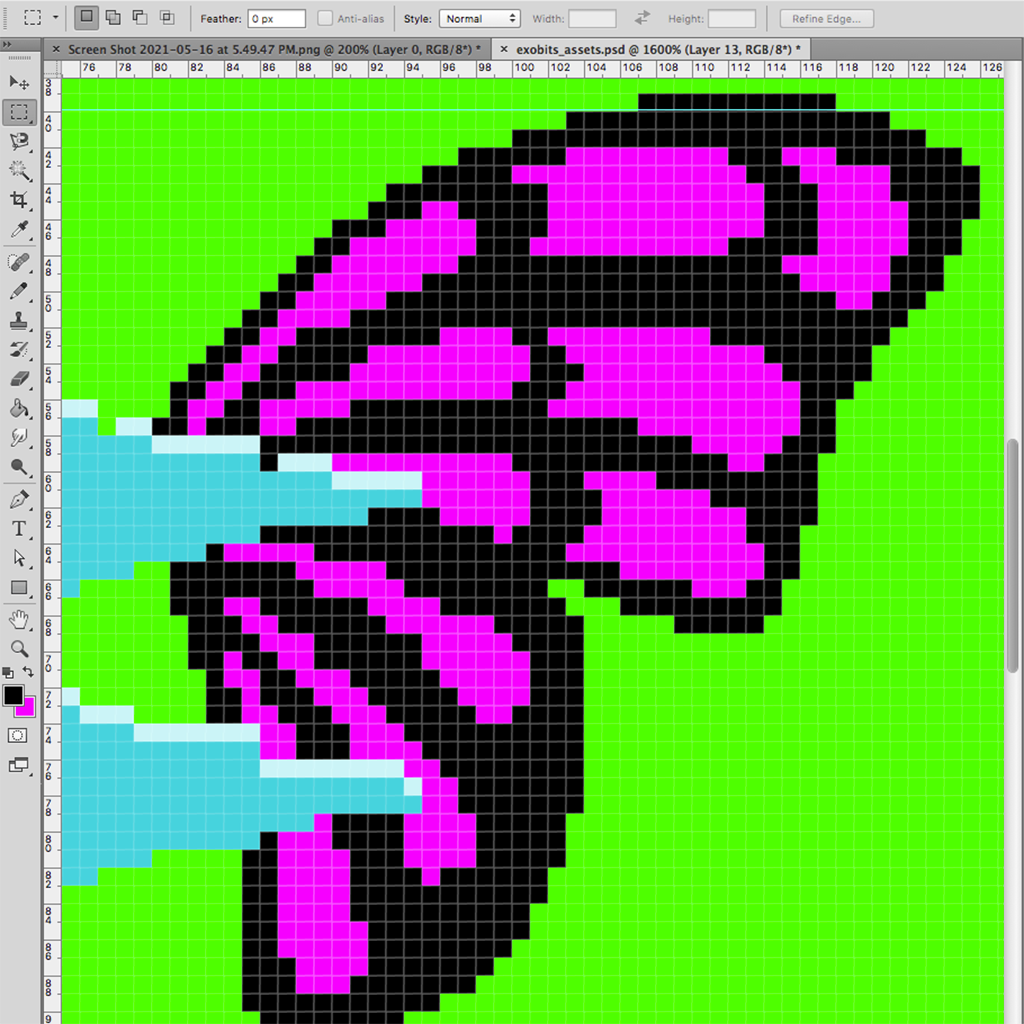
Working on a butterfly wing asset image in #PhotoShop. The magenta color represents “custom”, a fourth possible value which represents a color derived from the key.

Update
PhotoShop Prep
Rendering the body data in my pixel map #JavaScript allows me to export them as actual size images. I’ll bring them into #PhotoShop as references when drawing the character body parts.
Update
Pixel Map Test
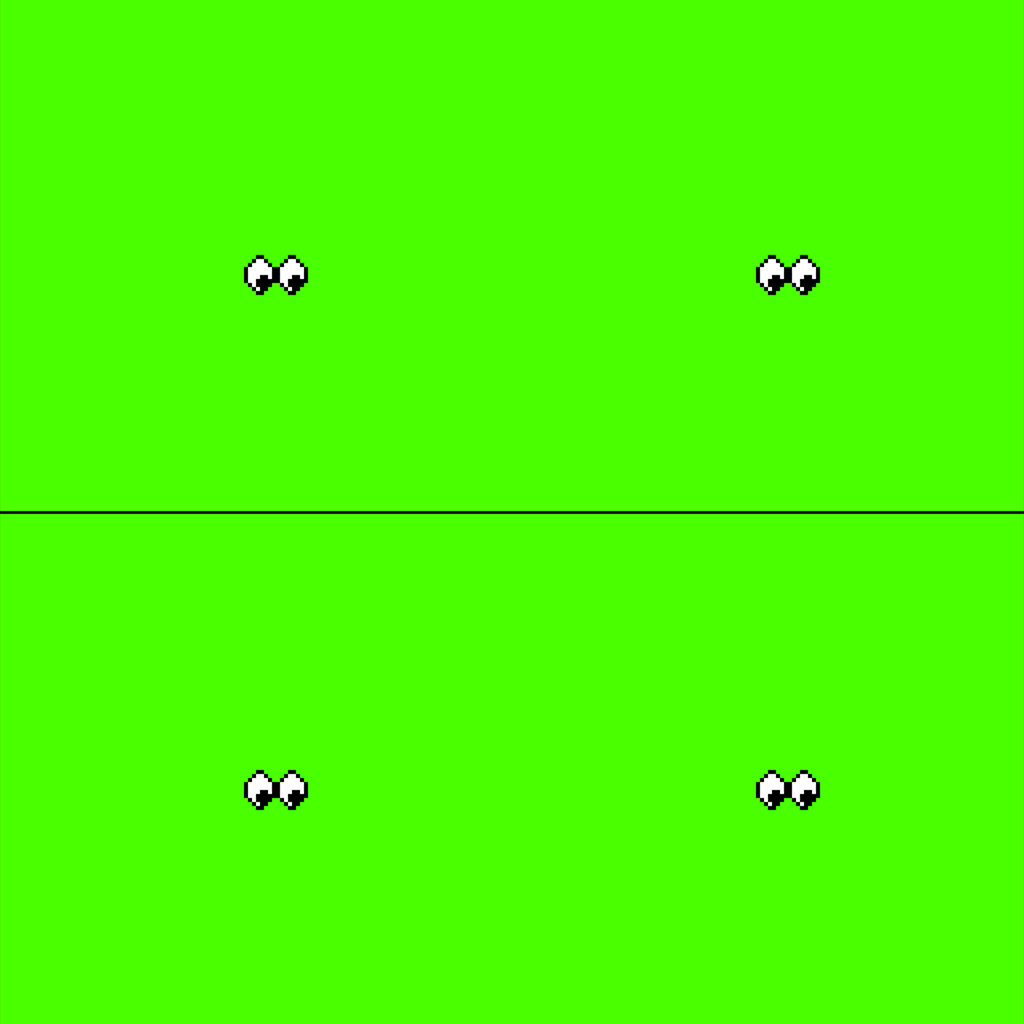
Working on a tool that reads image pixels and converts them to an array of numbers 1-3 representing transparent (green here), black and white. This will allow me to draw image assets in #PhotoShop and embed them in the #JavaScript.
Update
Body Types
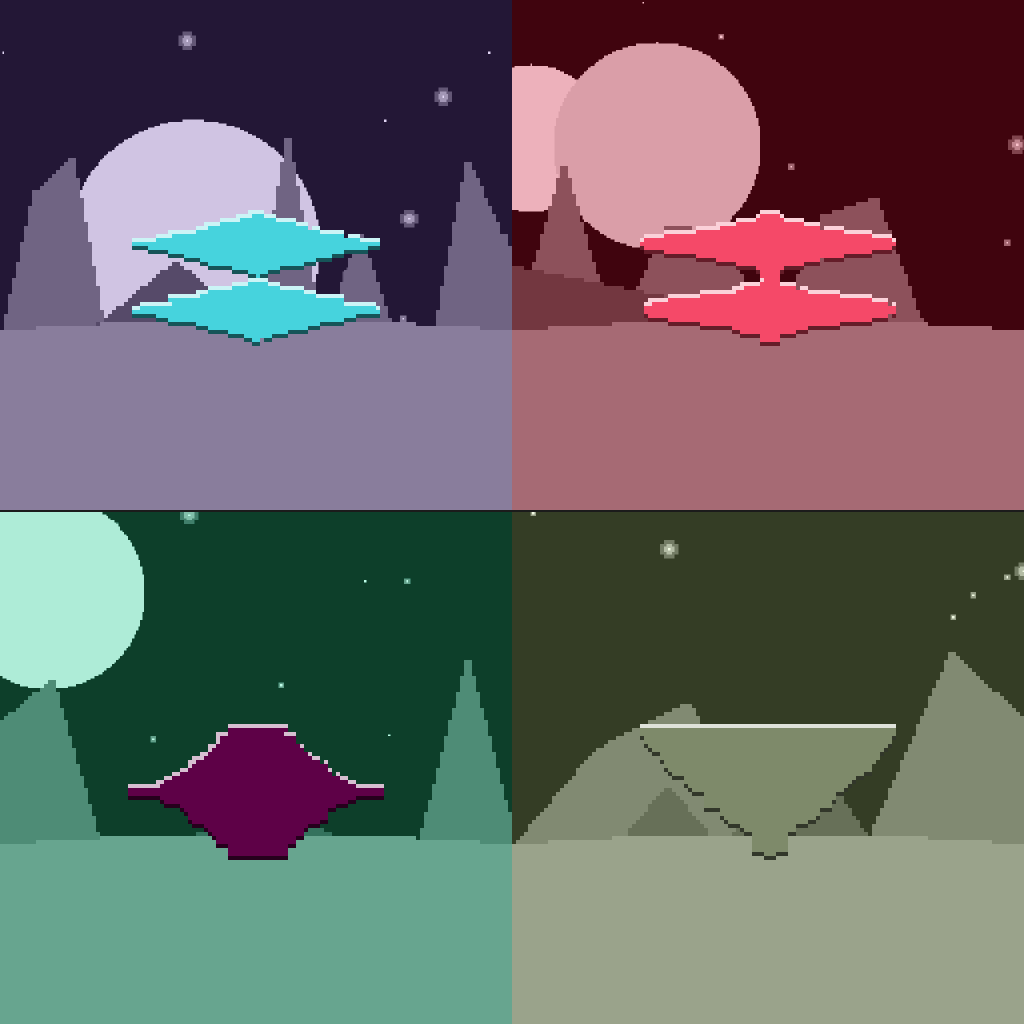
Experimentation with #PixelArt rendering. Body types are generated by sorting the data differently. I added a `BodyBrush()` #JavaScript function that automatically adds highlights and shadows to the edges.
Update
Character Body
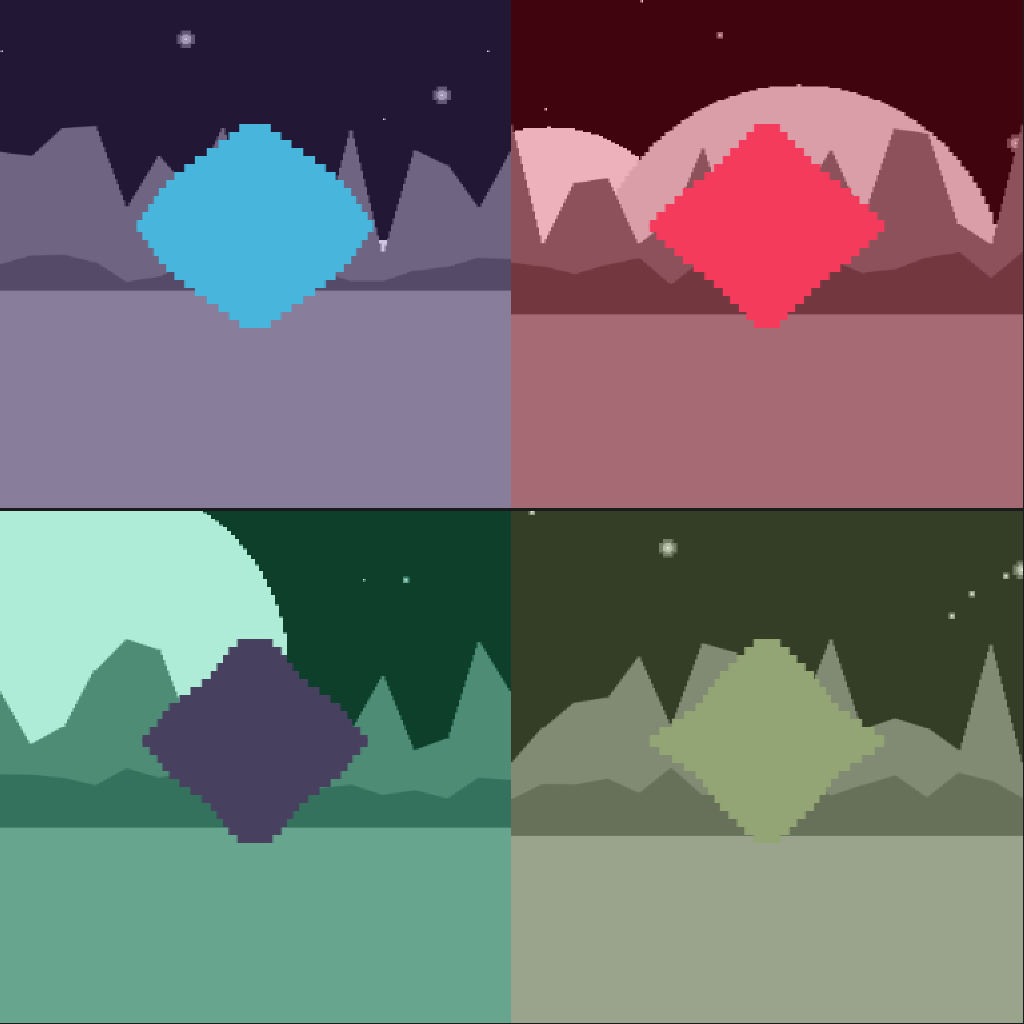
A first attempt at the character’s body. Key values are first sorted. Then alternating values are separated, reversed, and appended to create the diamond shape. The rectangle series technique is used again, this time at 128px resolution.
Update
Low-Res Landscaping
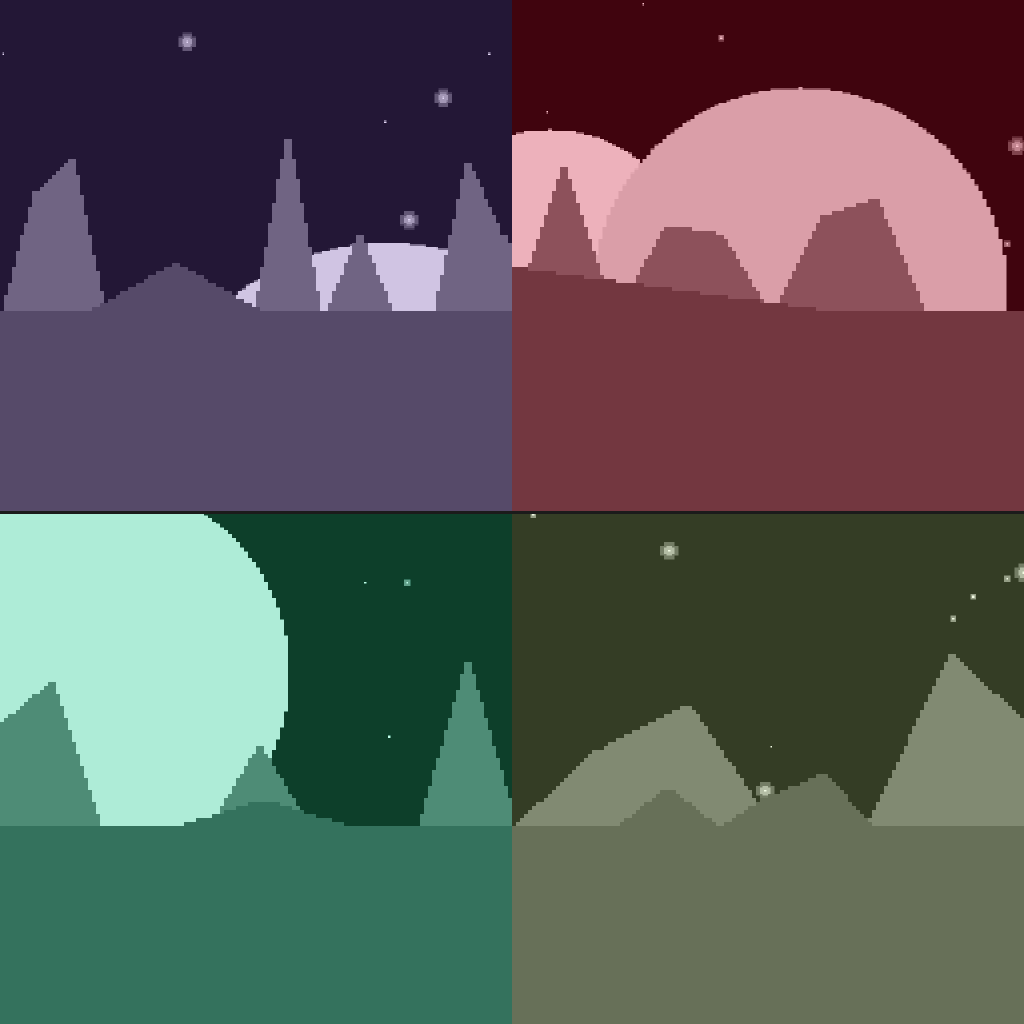
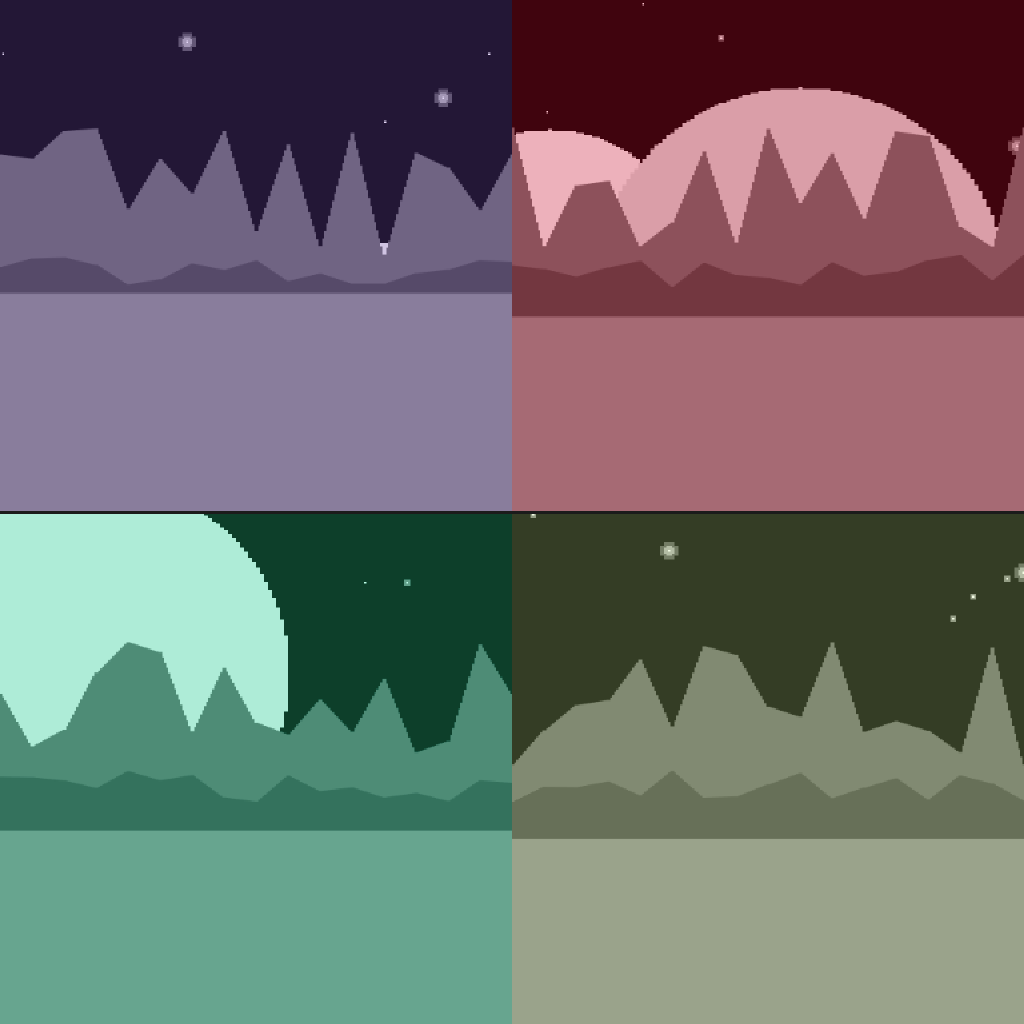
Further improvements to the landscape #JavaScript. The key is now clamped to a lower bound leaving only a few peaks, the mountain slopes are then filled in with a linear progression.
Update
Landscape Improvements
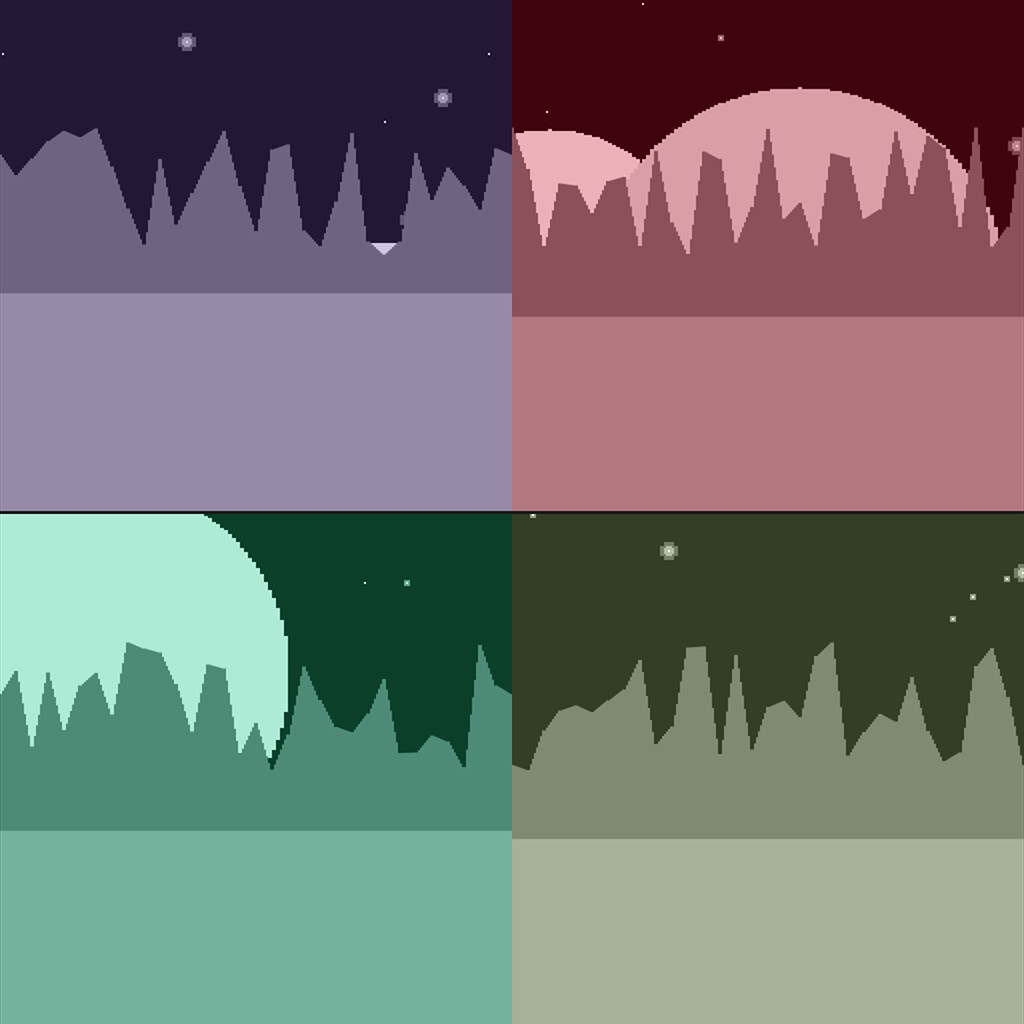
Improvements to the landscape functions, now the data is separated into low and high values to generate a second mountain range.
Update
Landscape
Some #ProceduralArt peaks added to the scene. This is essentially a histogram of the key values. It’s rendered as a series of rectangles, the same technique as the moons.
Update
Atmosphere
A color overlay is generated with 3 hex pairs from the key; representing Red, Green and Blue values. It’ll be re-used in the character bio, correlating each color to a gas in the home planet’s atmosphere.

Update
Celestial Body Improvements
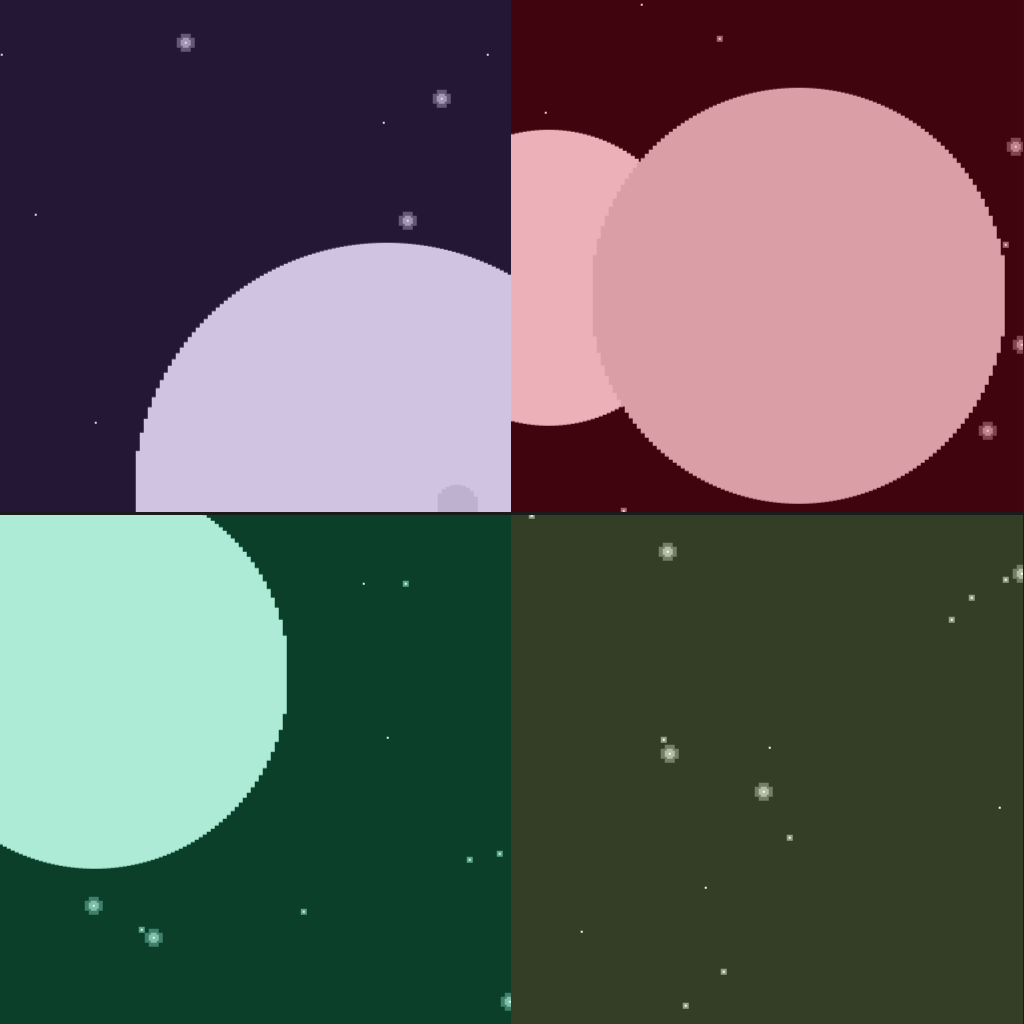
Testing the #ProceduralArt script with multiple key values. Each piece renders 1-3 moons which can be positioned anywhere on the canvas and have a radius from 0 to 128px. You can see the varying starfields in the background as well.
Update
Celestial Body
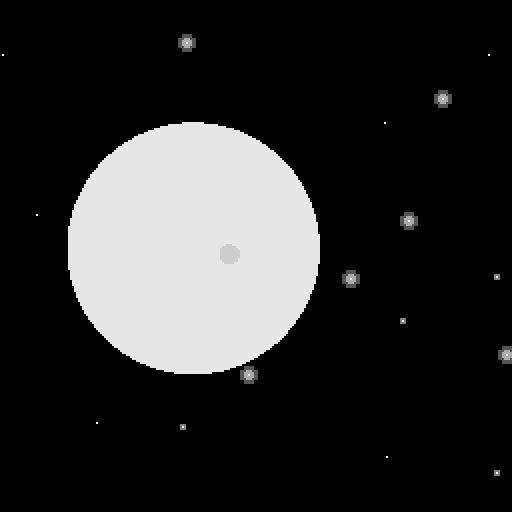
Adding some nearby moons to the starfield. Rather than using the #JavaScript ellipse() function, these are a series of 1xN size rectangles, giving it the low-res #PixelArt look. The entire background is drawn in at 256px resolution and scaled up to 512.
Update
Starfield
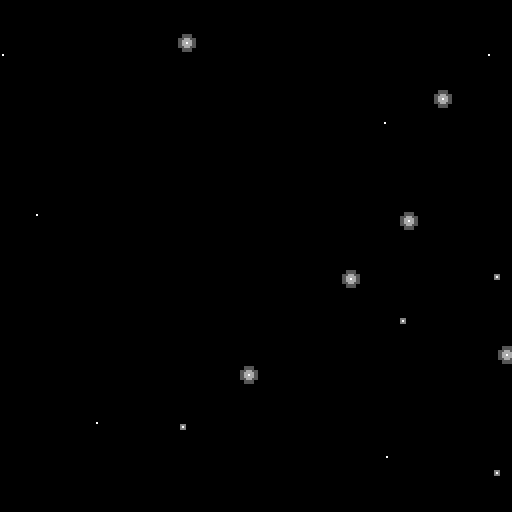
Starting off my new #ProceduralArt #nft project with a starfield background. The 64 hex digit key is divided up into pars of 2 to represent the x/y coordinates for 16 stars. The second digit of the x coordinate is used to represent intensity.
Update
Volume Control
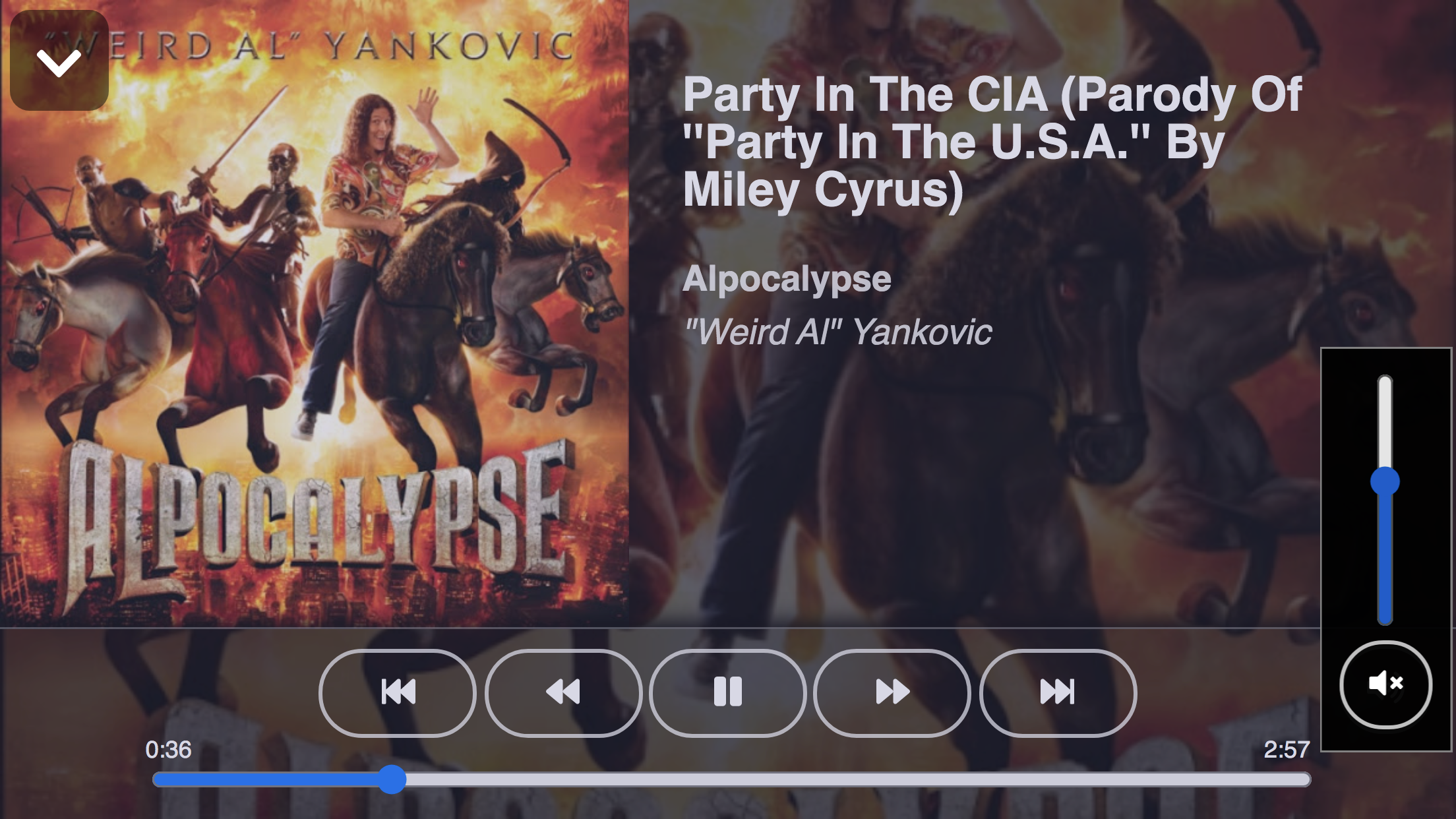
Volume control has been added to the media player. A button expands into the popup control shown. An input element of type range allows incremental control while the button below toggles between mute and full volume.
Update
Media Player Cleanup
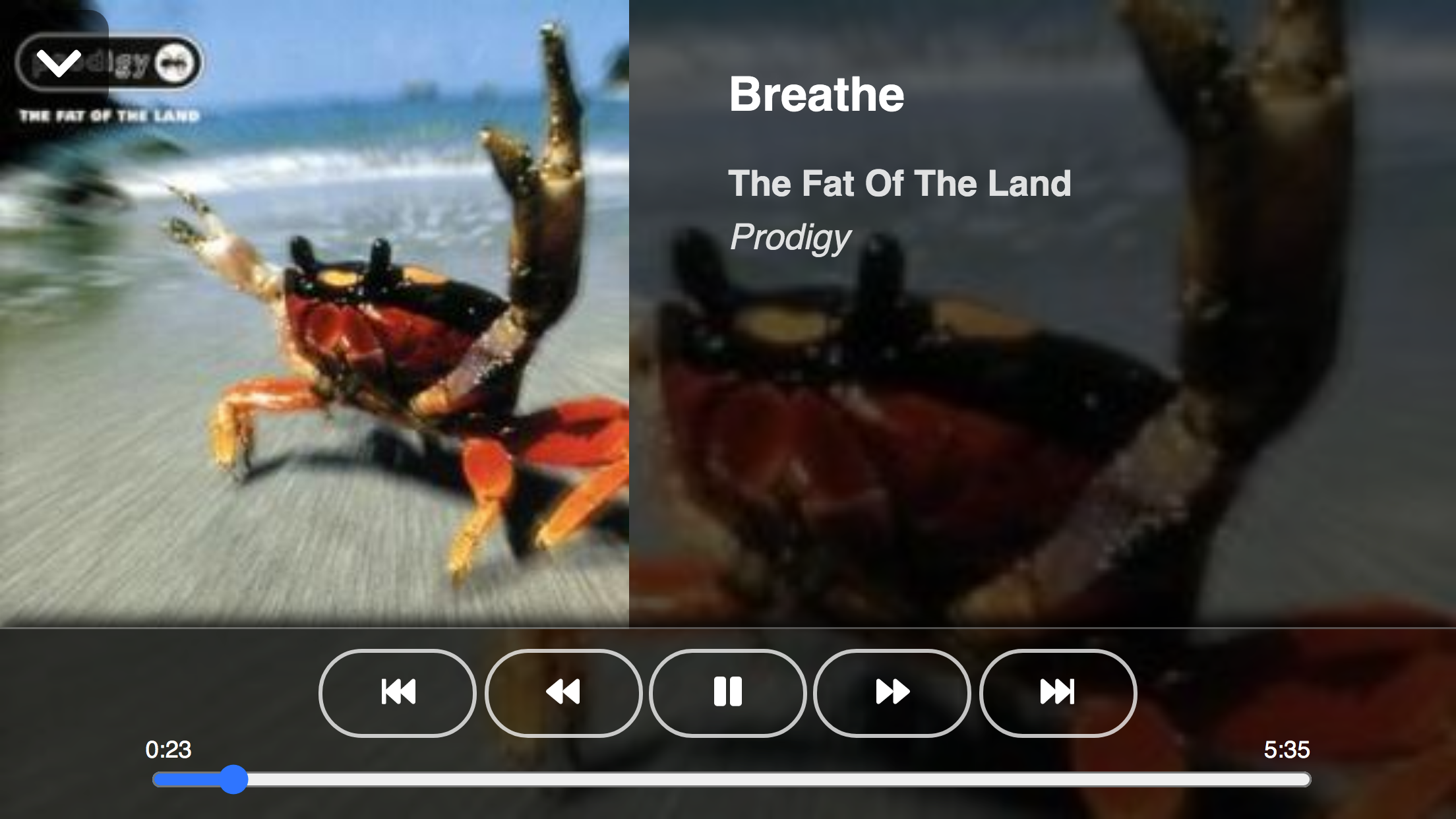
Continuing the cleanup with the media player expanded state. Album art is used in the background for the metadata and controls. Originally there was a #css blur filter on it but that proved to be a performance hit on updating the timer so that will have to be revisited later.
Update
Listing Cleanup
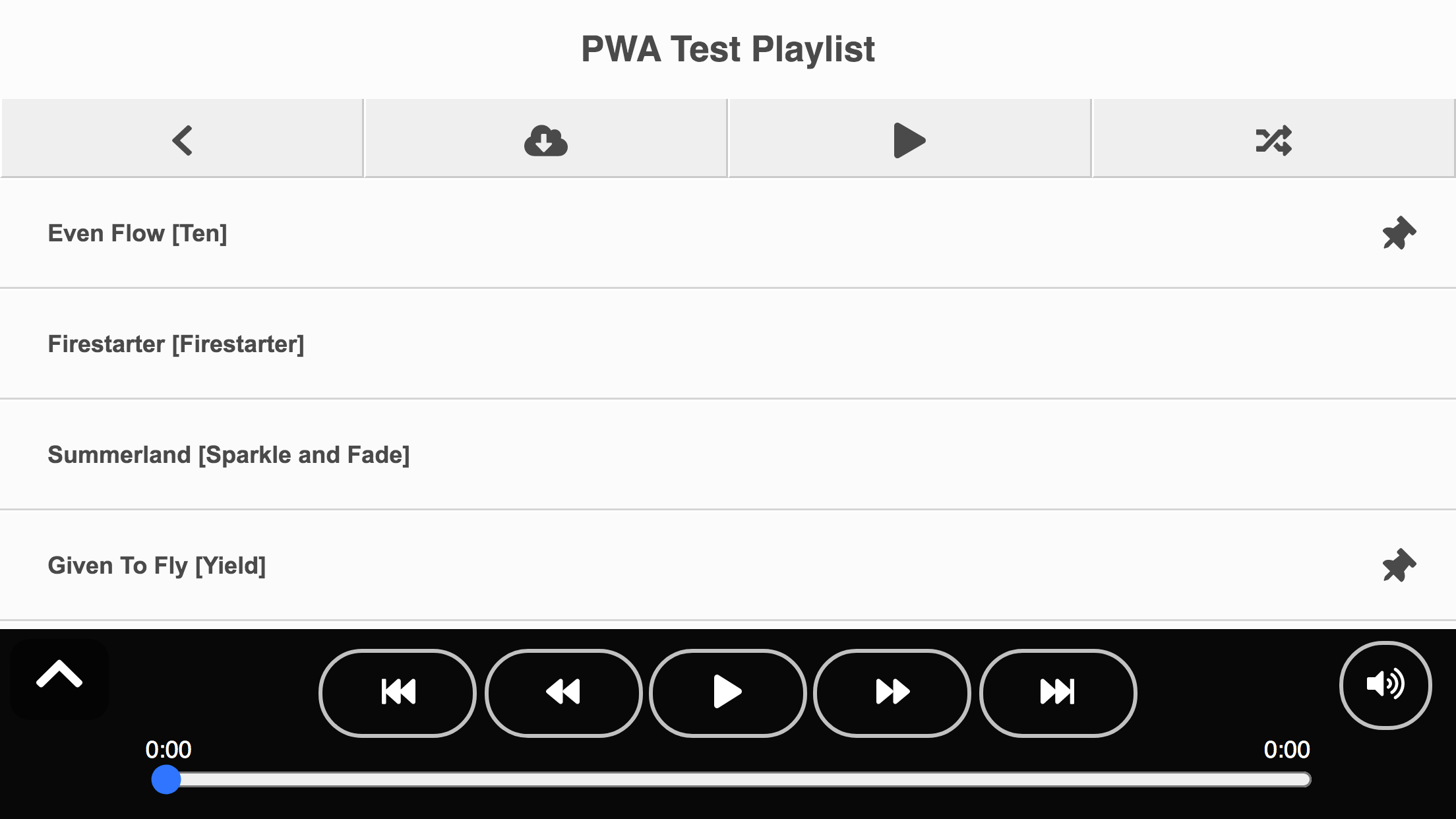
Cleaning up the media listing layout a bit to make it more #mobile friendly. Increased padding around the interactive elements make them easy to touch. The button labels have been replaced with #svg images from Fontawesome.

Update
Portrait Layout
More #UIdesign work on the media player #WebComponent. It needs button icons and some more #CSS love but this is the final portrait layout for the player.

Update
Album Search
Working on the next major feature of the media player #PWA, album search. The feature leverages the #Subsonic #API and will eventually incorporate searching for artists and individual tracks.

Update
Album Metadata
Some more fleshing out of the media player #WebComponent. It now incorporates the track info, as well as album art, to display when in its maximized state.
Update
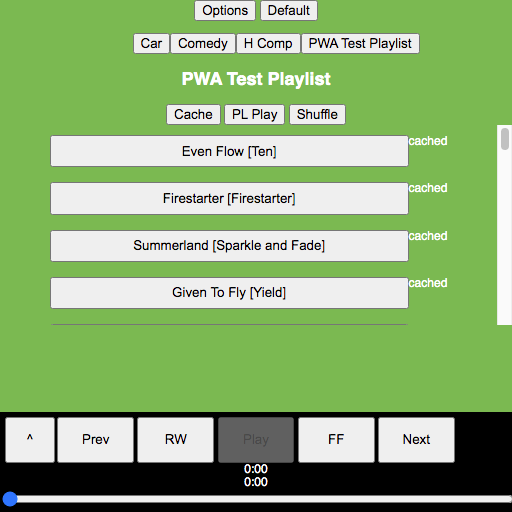
Minimized Player
Fleshing out the media player #WebComponent a bit more with a minimized mode. This is controlled by an html attribute, allowing #CSS styling of the display state.

Update
Navigator Component
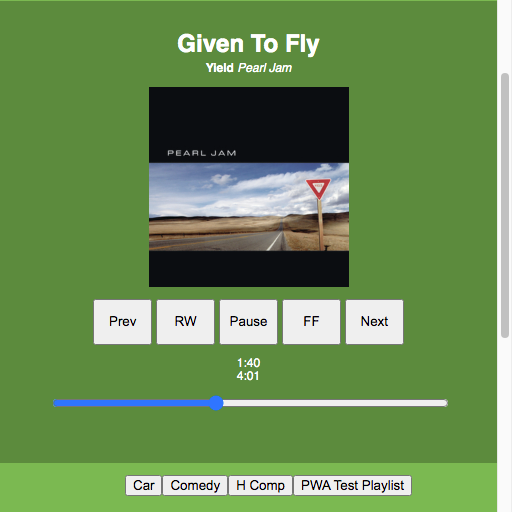
To navigate the app interface a #WebComponent was added to act as a router. It sits at the root and contains any number of named slots. An attribute on the component is set to the name of the displayed slot. The buttons sit on top of the page but will eventually become a slide out […]
Update
Player Controls
Building on the Media Player #API controls with some additional player interface in the app. I also cleaned up the layout a bit.
Update
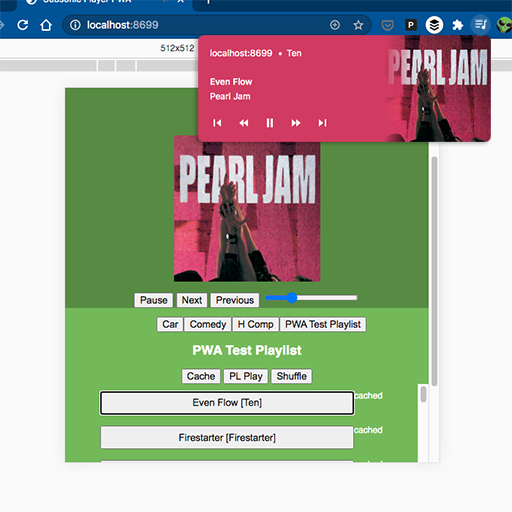
Media Session API
Integrating #Chrome’s Media Session #API to add play controls in the OS. This is the feature that inspired this project. Mobile devices put controls in the notification tray. It gives the #PWA playback control system wide, even from the lock screen.

Update
Playlist Listing
Building out the app a bit with a playlist listing. Playlists are still managed via the #Ampache server but now you can switch between them. The playlist listing uses the same #WebComponent architecture as the media listing.

Update
PWA Installation
Roughed in the necessary #JavaScript to make the #PWA installable as an app. If you’re interested in the process, check out my article on the Progressive Web App Philosophy, featuring my “10 Minute PWA”.
Update
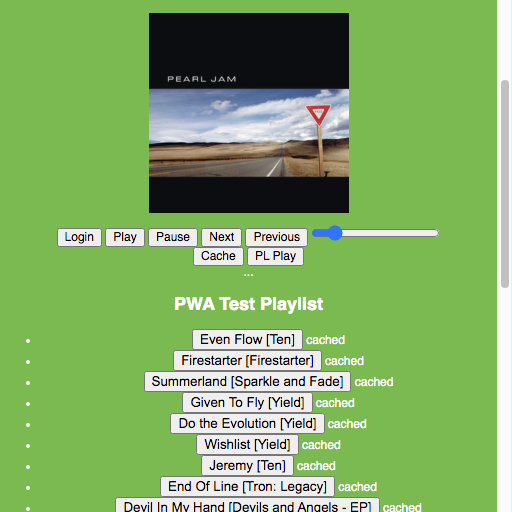
Cached Badge
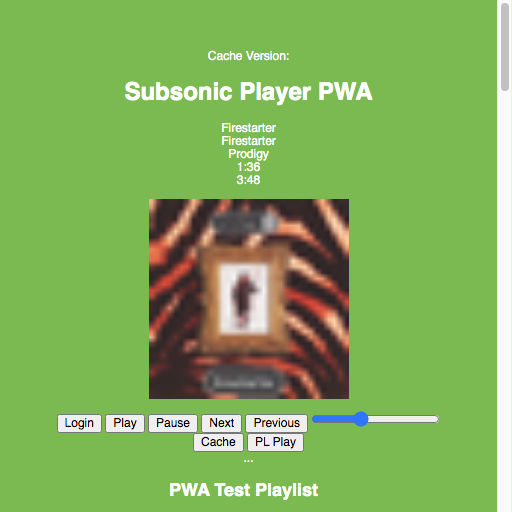
The media list items were expanded into their own #WebComponent. When the media list renders, it checks the browser cache for the media url. If found, a “cached” attribute is set on the component which displays an indicator icon.
Update
Offline Cache
Starting to implement some offline caching. This is one of the key features fo me since I’ll be using the player on the road for the most part. The cache button will store a request for each audio file in the playlist to the browser cache.
Update
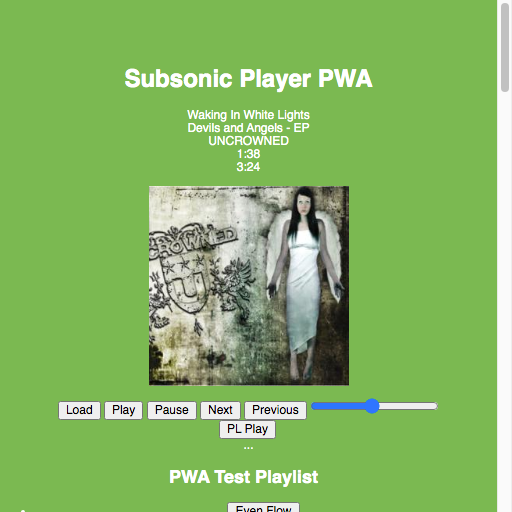
Scrubber
Building out the controls a bit more with a scrubber to display the track progress. Moving the slider will skip to that point in the song. In an effort to stick with #HTML standards, I’m using an input of type range. I’ve never tried to style a range input before so I may have to […]
Update
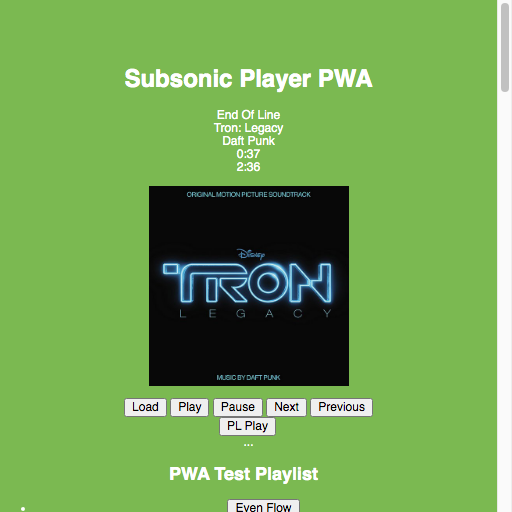
Track Info
Building out the player a bit with track info pulled from the #subsonic api. Next/Previous buttons have been added to traverse the playlist.

Update
Playlist Test
Moving past hard coded links in the player to pulling a live playlist. The buttons queue up the media links in the player below.

Update
Play Test
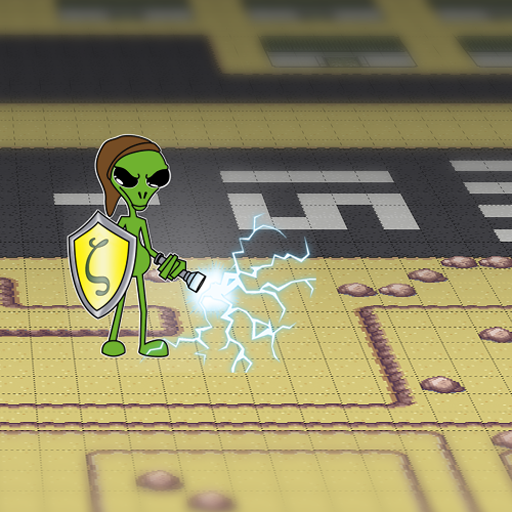
Setting up a Proof of Concept project for a #subsonic compatible music player. The first step is retrieving media files, both the audio download and the album image, and displaying them in a page.
Update
Presentation Recap
From my #presentation to the Fredericksburg Developer Group: JavaScript Game Development With Phaser – Tile Maps & Plug Ins. If you couldn’t make it, check out the slides below. And the source for the game The Legend Of Zeta is on Github.
Update
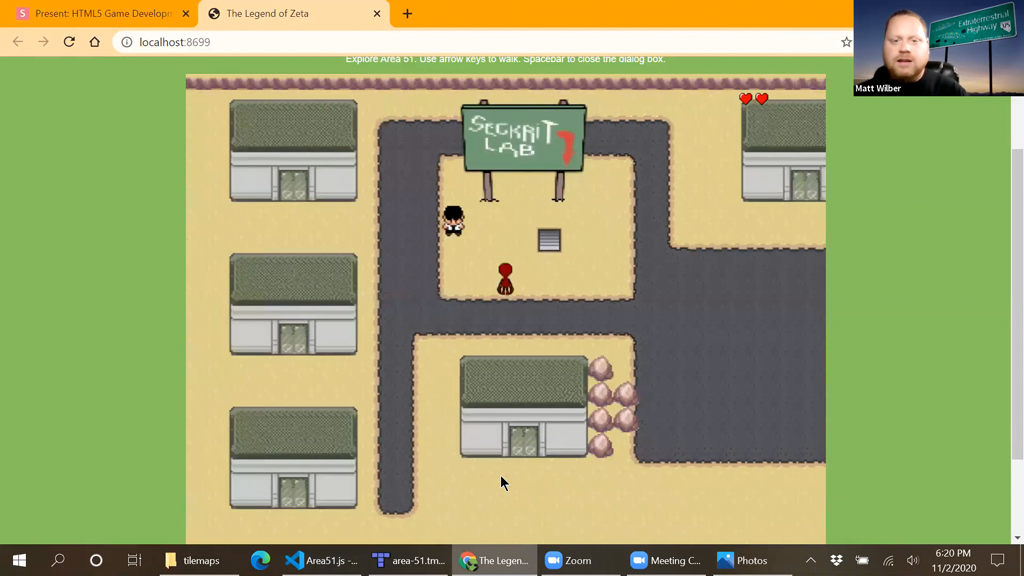
Game Demo
Another screenshot from my practice #presentation. Here I’m showing off the completed #Phaser demo using tile maps and two custom plugins.

Update
Tiled Demo
Doing a practice run of my #Phaser #presentation. Here I’m using Tiled to make a tile map. We’ll use the map to build out the Area 51 scene for the game.
Update
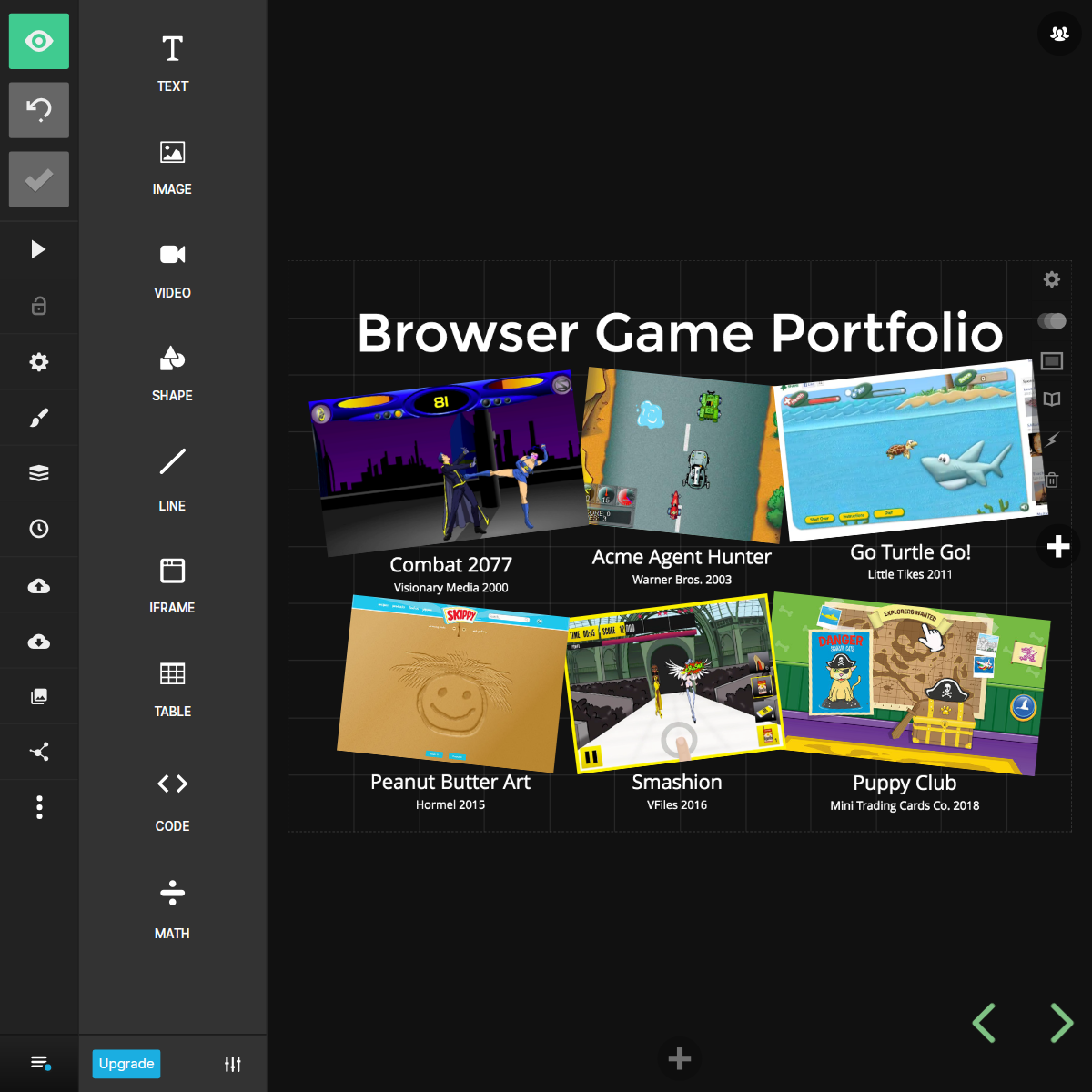
Game Portfolio
Tweaking slides from the #Phaser presentation I did last year. Adding a little more life to my browser game portfolio layout.
Update
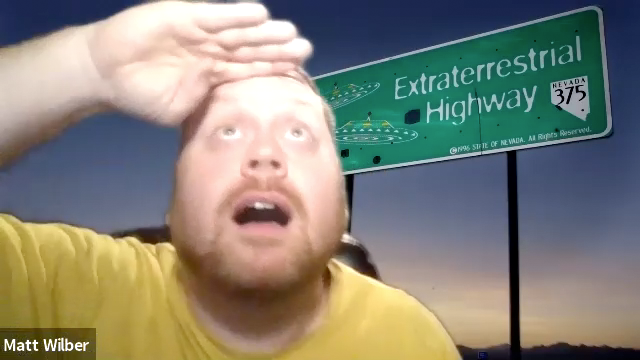
Green Screen
Playing around with my new green screen for the zoom #presentation. Behind me is the famous extraterrestrial highway sign on the way to Area 51.
Update
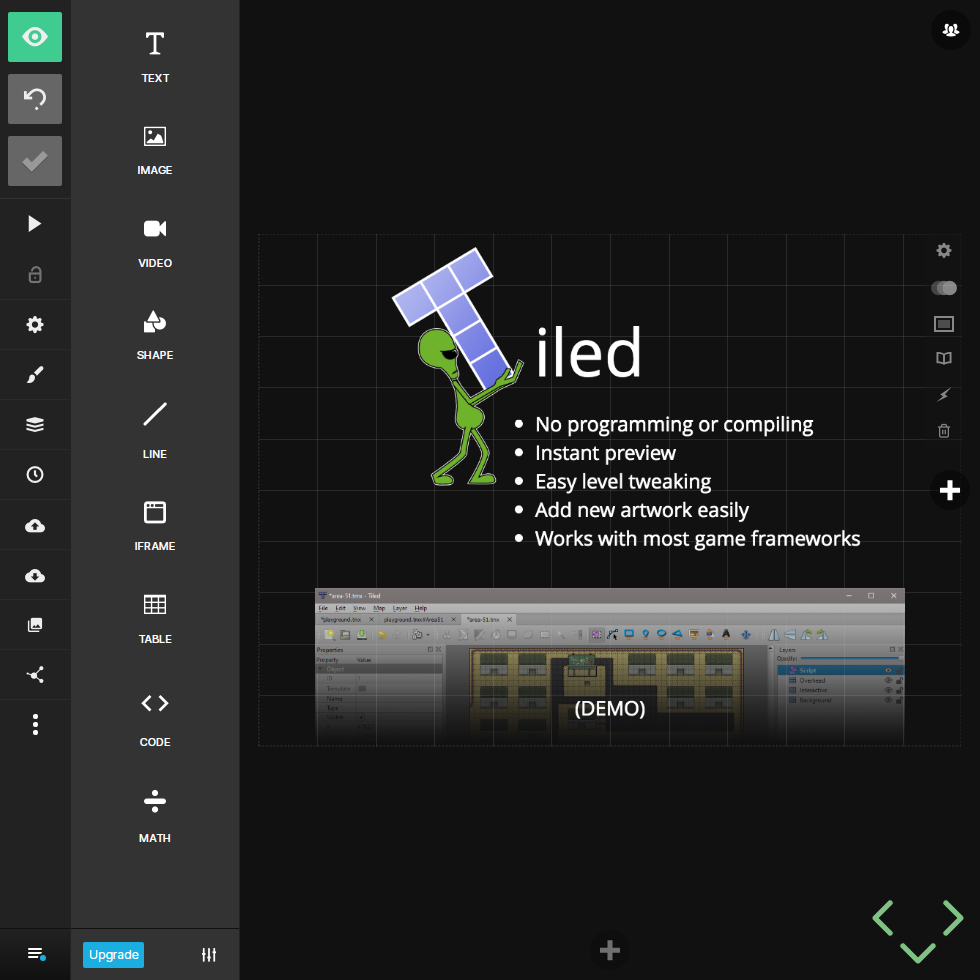
Tiled Slide
Setting up the slide deck. Here’s a sneak preview of the slide for the tile map editor, Tiled.
Update
New Artwork
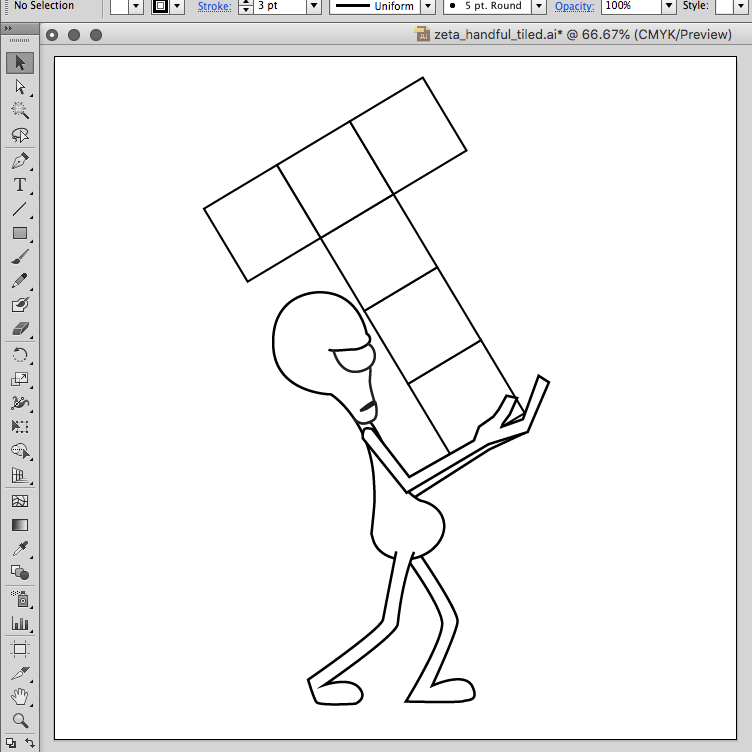
Working on some new graphics for my #Phaser #presentation. That’s the icon for Tiled, a tile map editor that I’ll demo live.
Update
SwiperJS
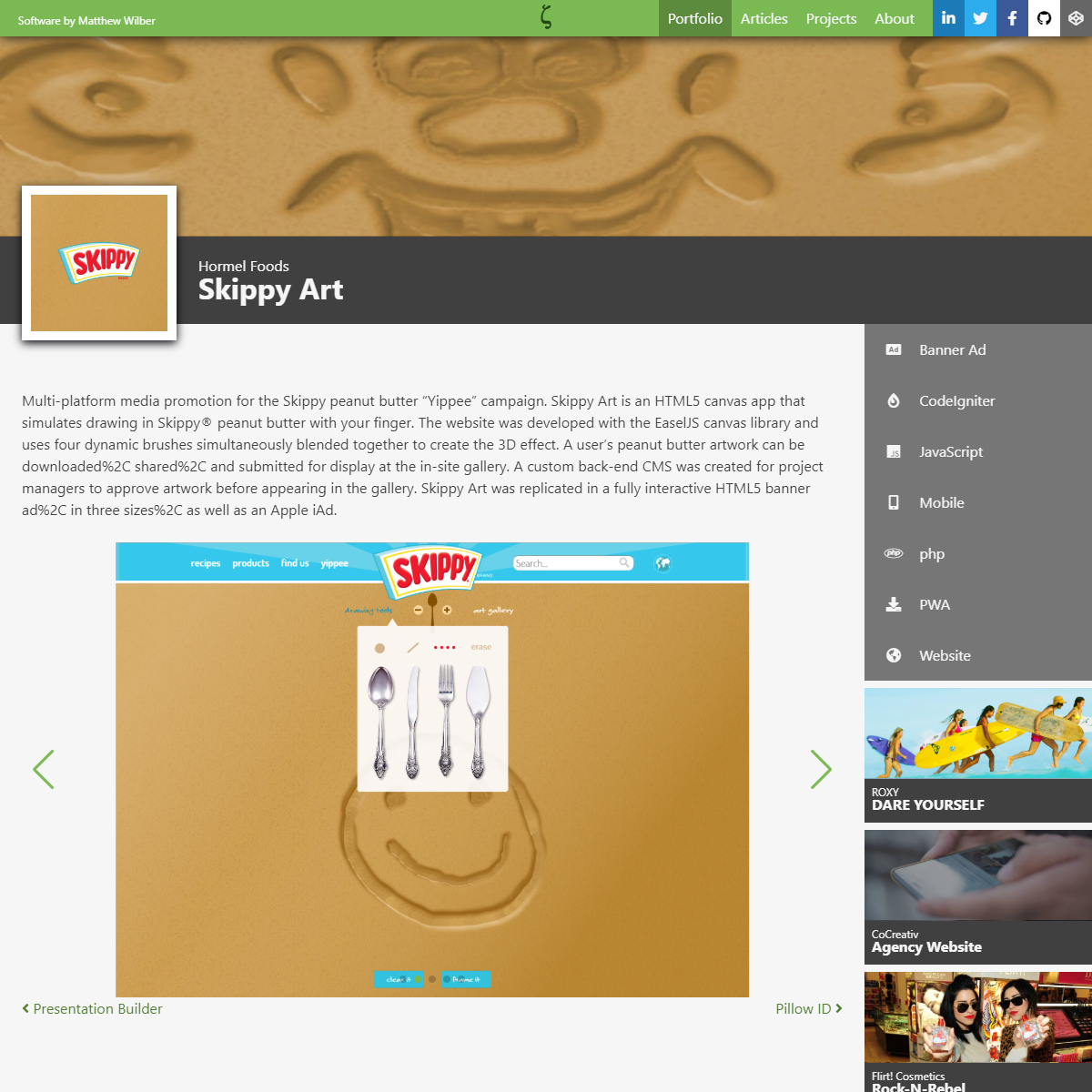
I wanted to go with a lighter weight slider library than the one I’m currently using. I chose SwiperJS because it’s lightweight, mobile friendly, and offered the customizations I needed. Videos are now integrated into the screenshot slider, a feature I’ve been meaning to add for a long time.

Update
Page Headlines
In order to unify the primary page layouts with the post pages. I added the same style page headline, minus the hero image. I also didn’t like the way the sidebar was floating so this grounds it.

Update
Portfolio Filters
The new portfolio filter buttons use a combination of page anchors and #javascript to eliminate page refreshing. The buttons operate as a toggle, clicking a second time removes the filter.
Update
Mobile Sidebar
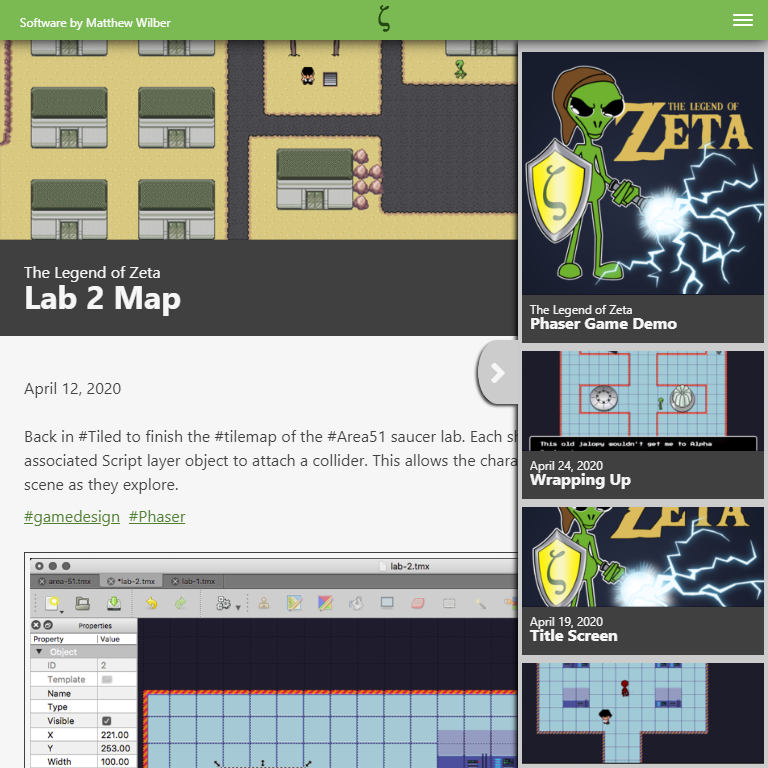
Rather than try to stack the sidebar content like the old site, I opted for a slide-out version. This gives me more freedom to add content without worrying about the overall layout. The mobile sidebar sizes to the screen and scrolls overflow content.

Update
Related Portfolio
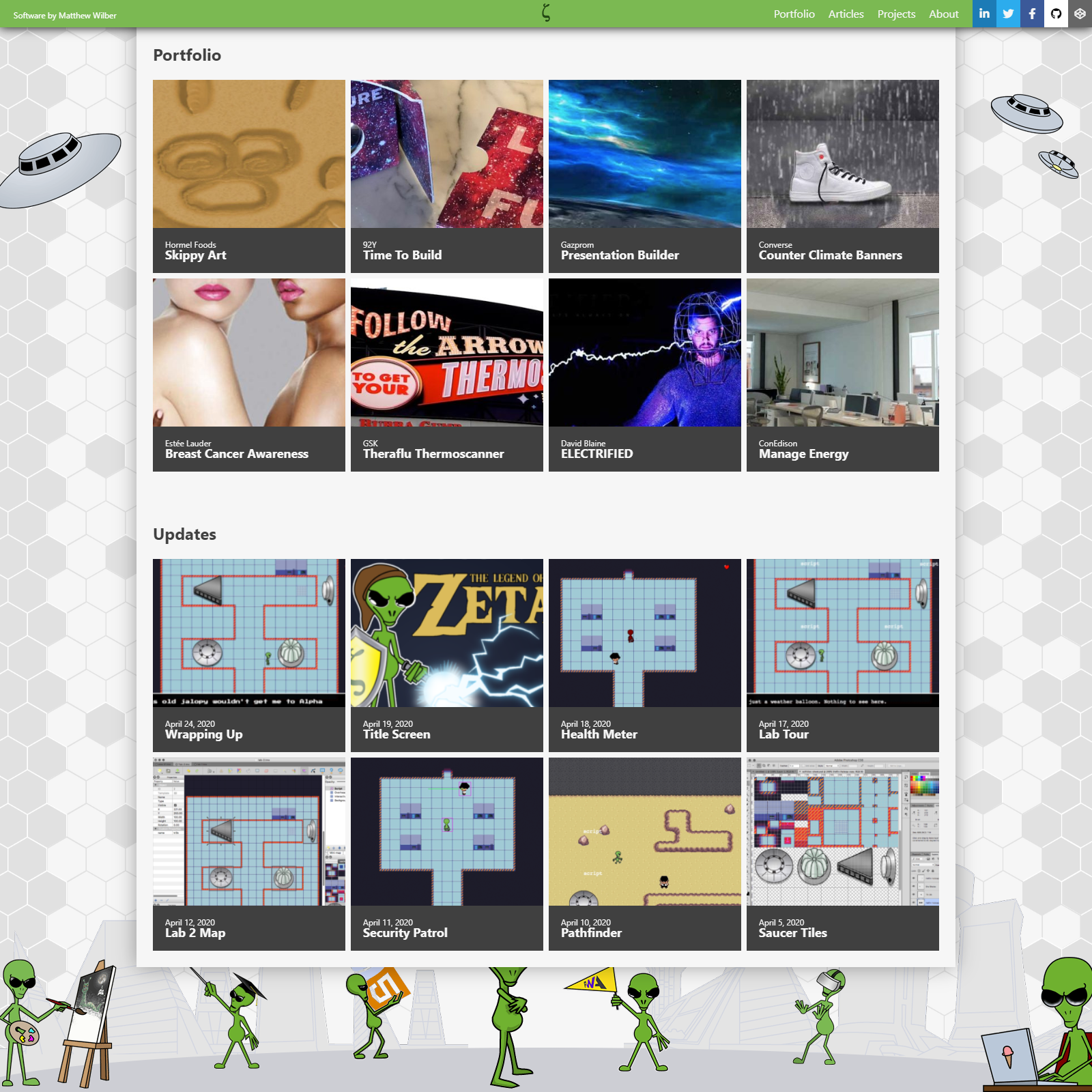
To help improve content #discoverability, now any detail page on the site (portfolio/article/update) can display portfolio posts with matching tags in the sidebar. Mainly this will promote related items in the portfolio, but also adds the ability to write an article about a portfolio post and automatically reference it.
Update
Home Page Updates
Featured portfolio and update posts added to the home page. This works exactly the same as the current site but they’re now separated into clear groups.

Update
Related Project
Expansion of the sidebar posts added to the updates page. Articles can now have a project tag which will display a link to the project and recent update posts.
Update
Home Page Hero
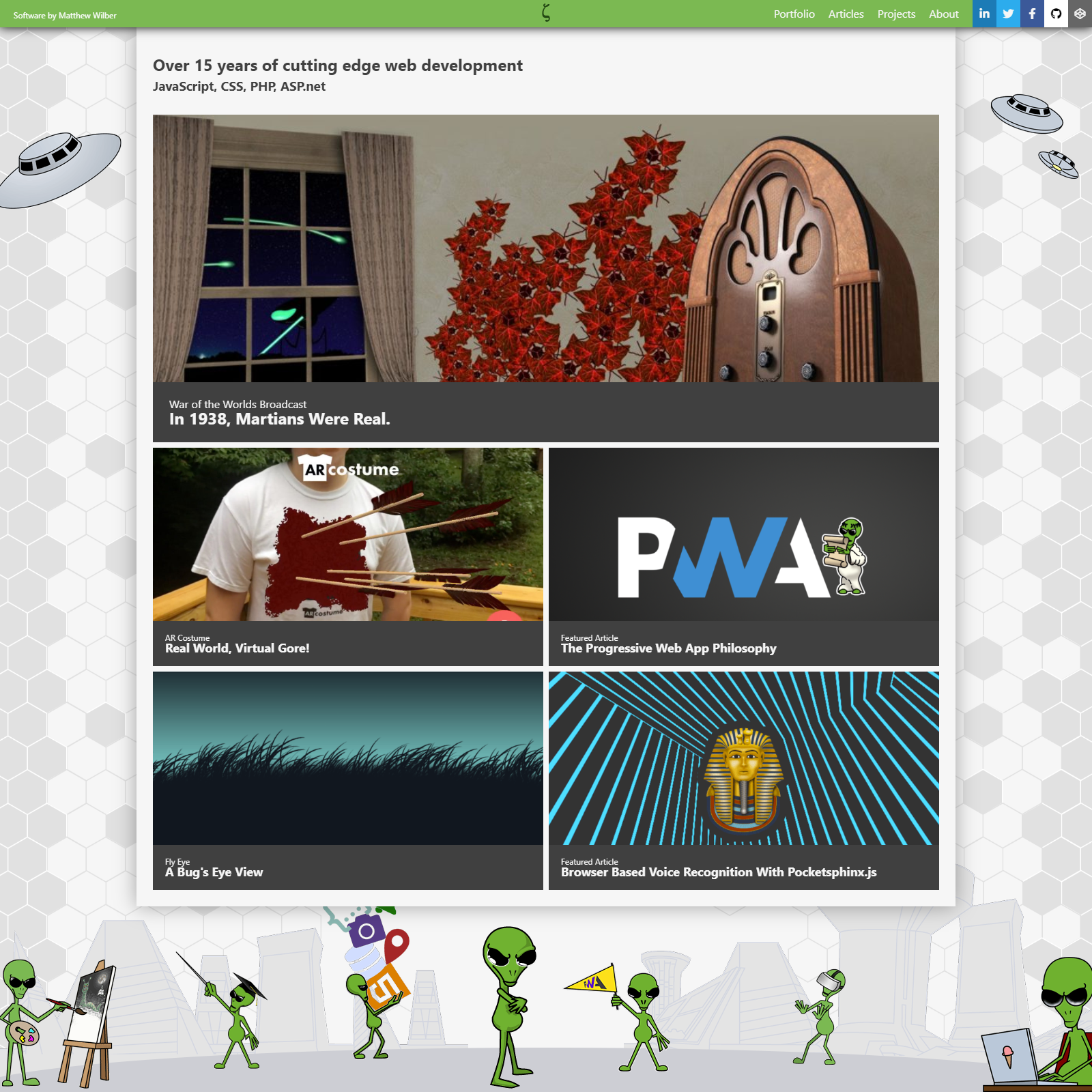
The new hero section of the home page. For now it will display a featured project but eventually portfolio and article content as well. It’s accompanied by two selected articles and projects.
Update
Sidebar Content
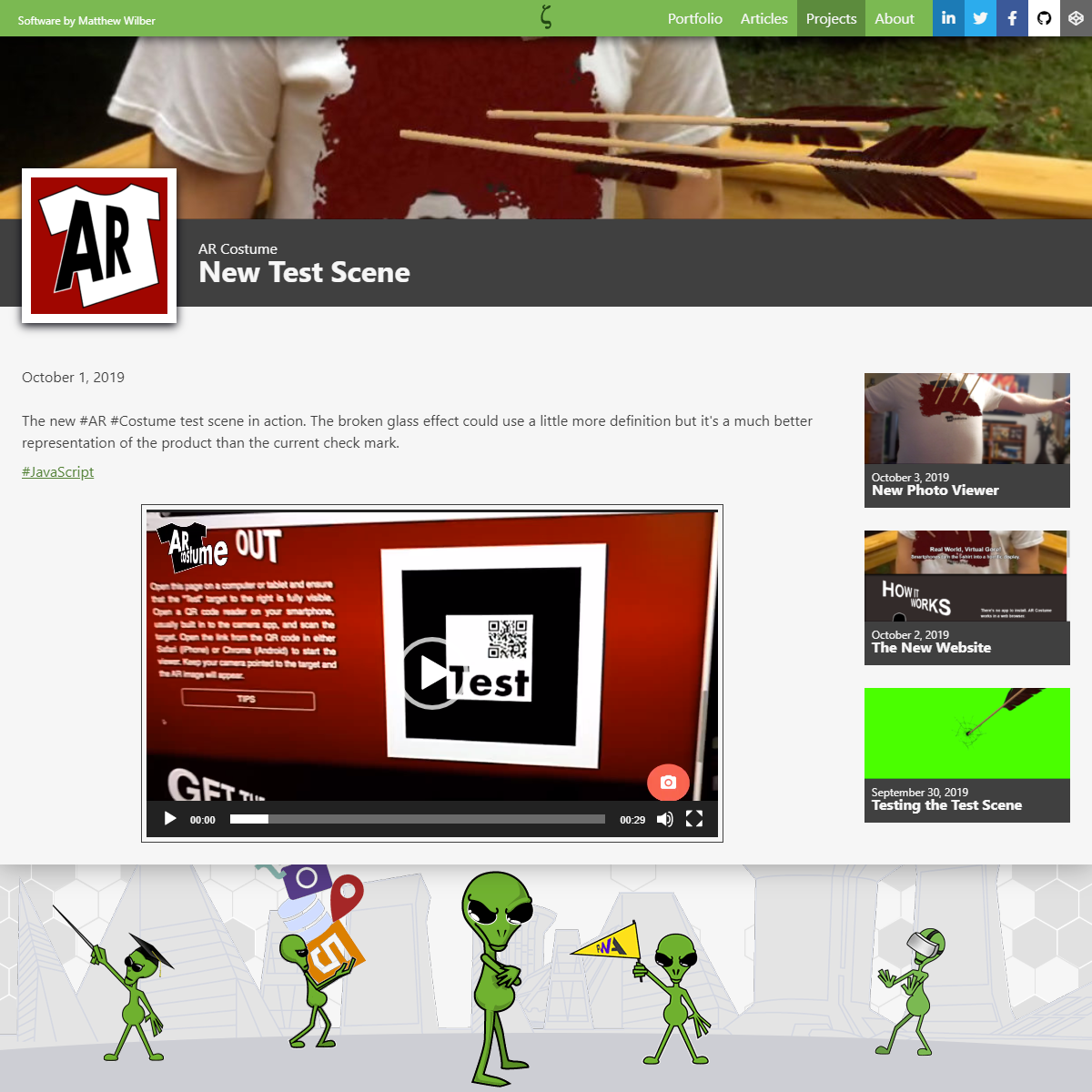
Wrapping up the new updates detail with sidebar content. Like the existing site, recent posts for the project are listed on the side. This will eventually be expanded to include related bits of content from throughout the site.

Update
Mobile Menu
One of the goals for the new site is to use as few #WordPress plugins as possible. The current site uses the very capable Responsive Menu plugin for its mobile menu. However the underscores starter template I’m using includes a mobile menu. With a little #css I’m able to get the same result.