
Related Articles & Updates
Presentation Recap
From my #presentation to the Fredericksburg Developer Group: JavaScript Game Development With Phaser – Tile Maps & Plug Ins. If you couldn’t make it, check out the slides below. And the source for the game The Legend Of Zeta is on Github.
Game Demo
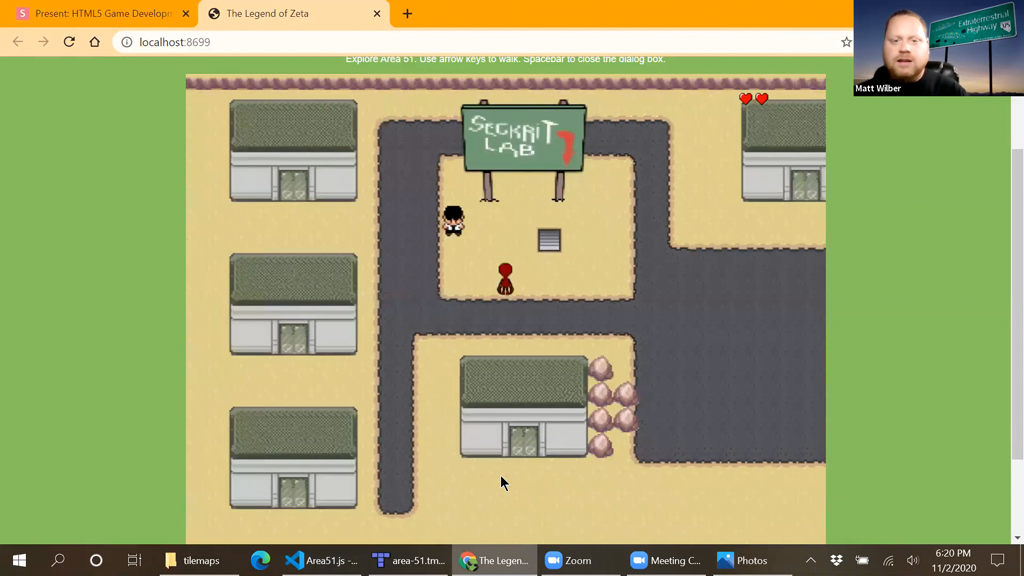
Another screenshot from my practice #presentation. Here I’m showing off the completed #Phaser demo using tile maps and two custom plugins.

Tiled Demo
Doing a practice run of my #Phaser #presentation. Here I’m using Tiled to make a tile map. We’ll use the map to build out the Area 51 scene for the game.
Game Portfolio
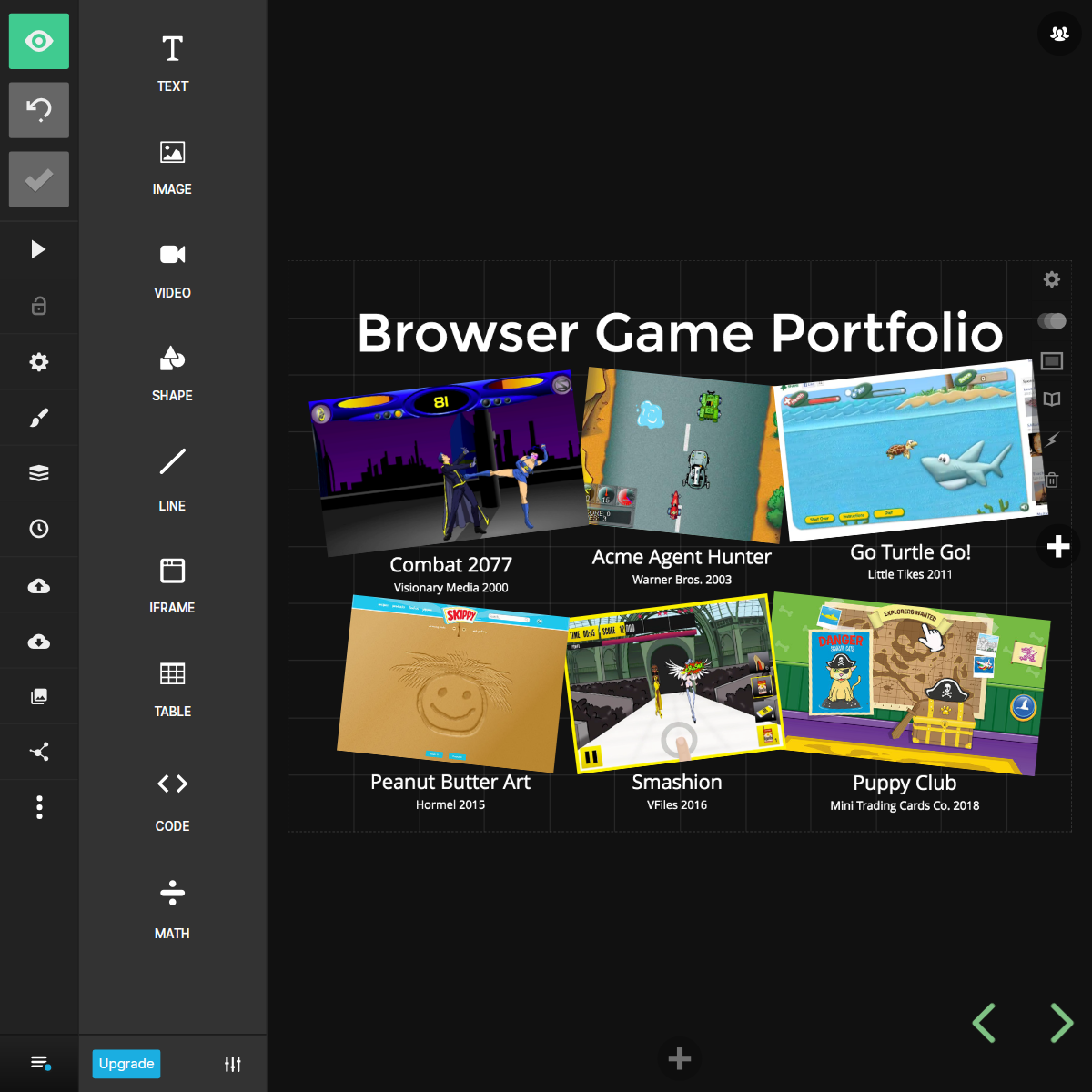
Tweaking slides from the #Phaser presentation I did last year. Adding a little more life to my browser game portfolio layout.
Green Screen
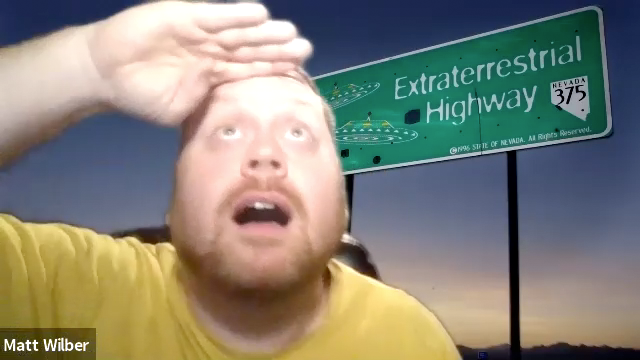
Playing around with my new green screen for the zoom #presentation. Behind me is the famous extraterrestrial highway sign on the way to Area 51.
Tiled Slide
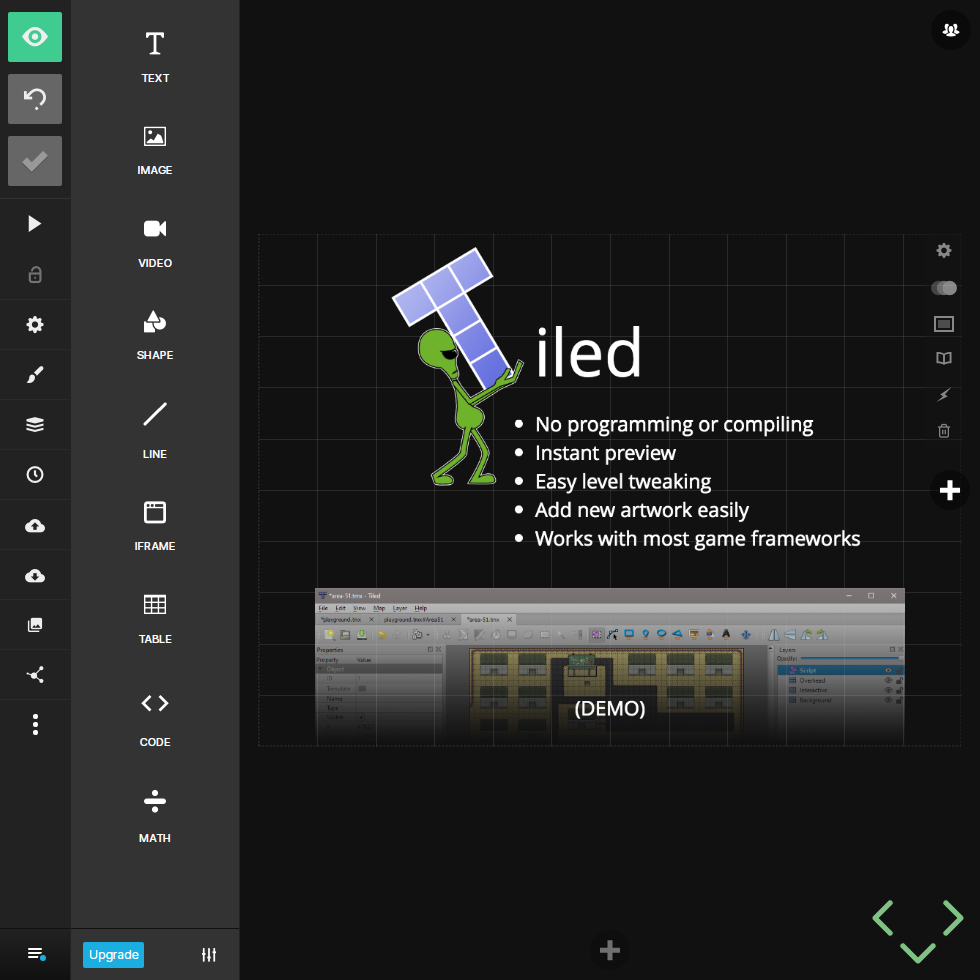
Setting up the slide deck. Here’s a sneak preview of the slide for the tile map editor, Tiled.
New Artwork
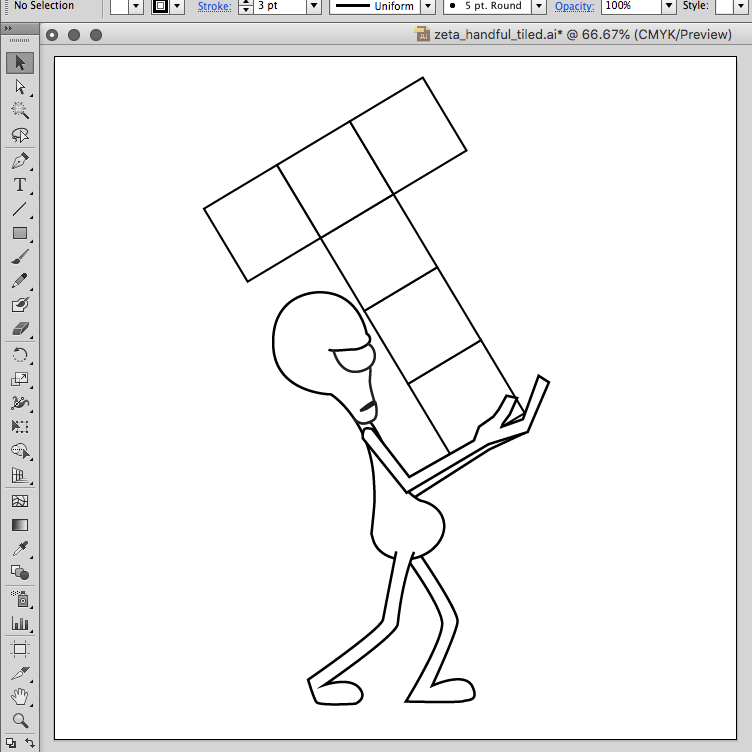
Working on some new graphics for my #Phaser #presentation. That’s the icon for Tiled, a tile map editor that I’ll demo live.
Wrapping Up
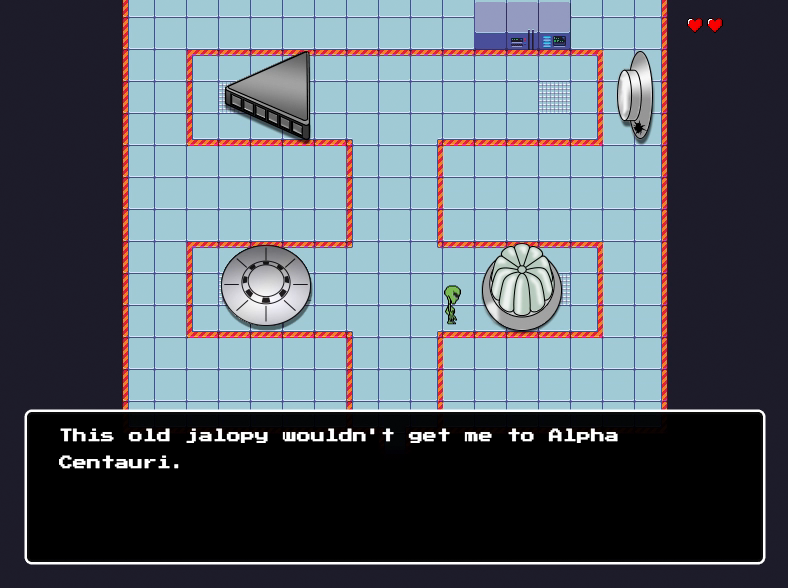
At this point the game is a suitable demonstration of the #tilemap and #plugin features of #Phaser. The #JavaScript code is all cleaned up with lots of comments and all the console.log statements removed.

Title Screen
Some minor adjustment to the original splash image in #PhotoShop. Now it fits within the 800×600 game canvas as the official title screen.

Health Meter
Building on the character collision handling in #Phaser. A Zelda style heart meter is added to the top right corner and tied to the player character’s `hp` property. When the player’s hp reaches 0, a Game Over scene is loaded.
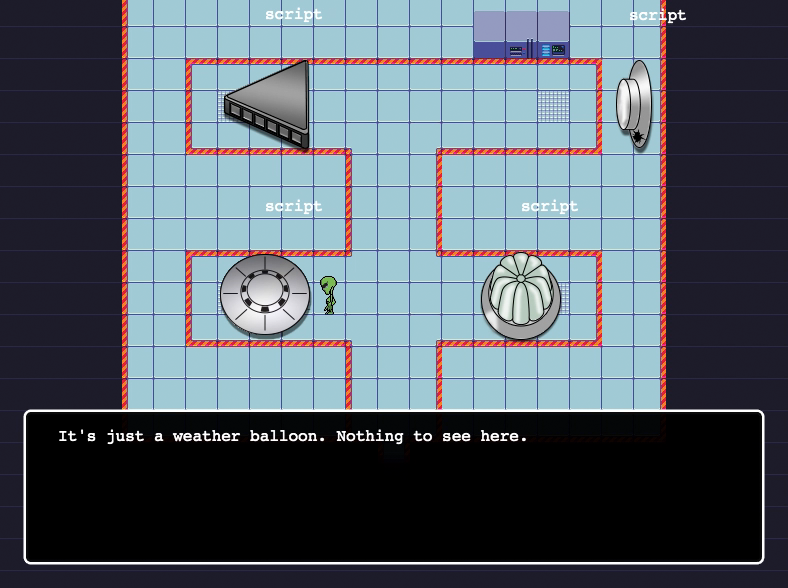
Lab Tour
A look at the completed Lab 2 scene. A hidden script layer in #Tiled provides collision borders and a key name. Appropriate text is stored in a #JavaScript object and displayed via the dialog plugin in the #Phaser game.
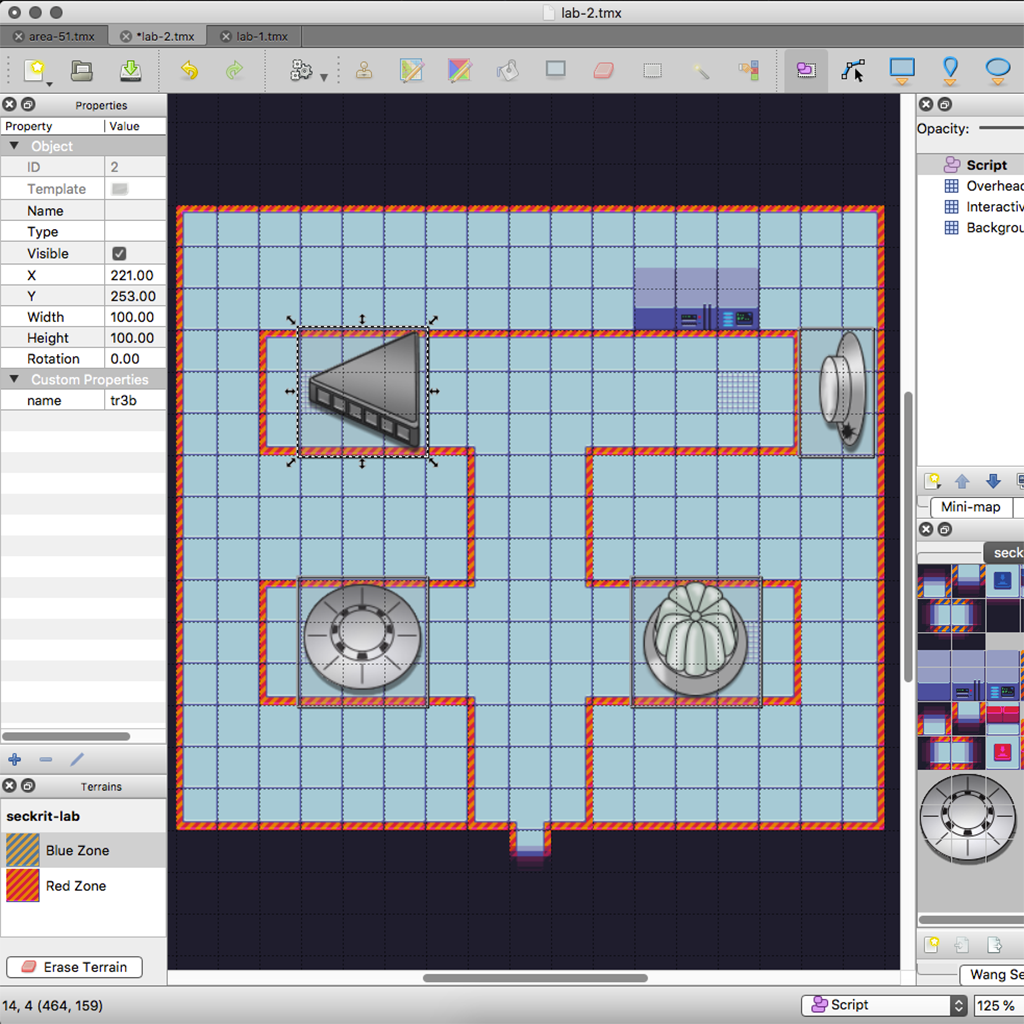
Lab 2 Map
Back in #Tiled to finish the #tilemap of the #Area51 saucer lab. Each ship in the lab has an associated Script layer object to attach a collider. This allows the character to comment on the scene as they explore.
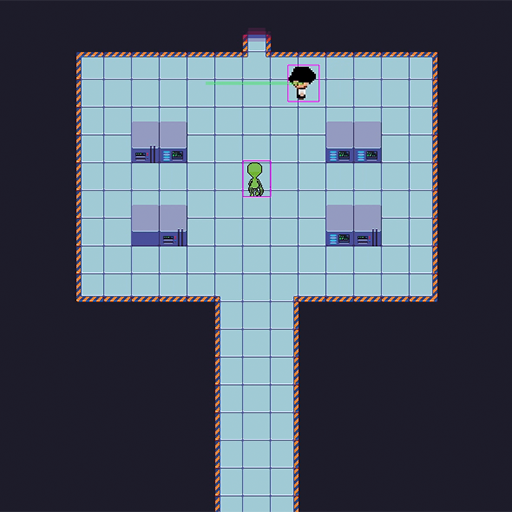
Security Patrol
Putting the patrol function to work with the security dude at a more appropriate post in the secret lab.
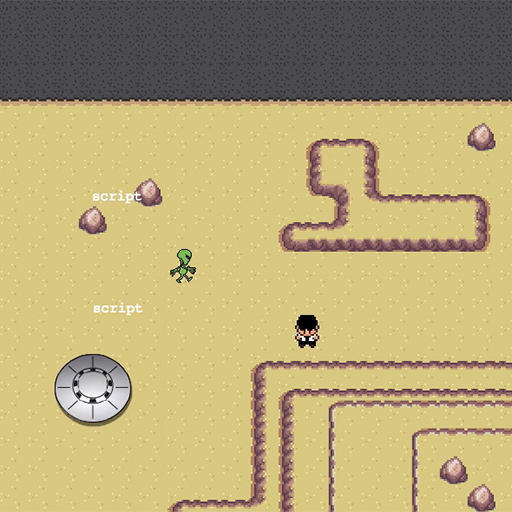
Pathfinder
Game characters now have a path property that’s set to an array of coordinates. When set, a patrol method is called on update that automatically moves the character one step closer to the next coordinate in the array. I also added a red flash to indicate a collision.
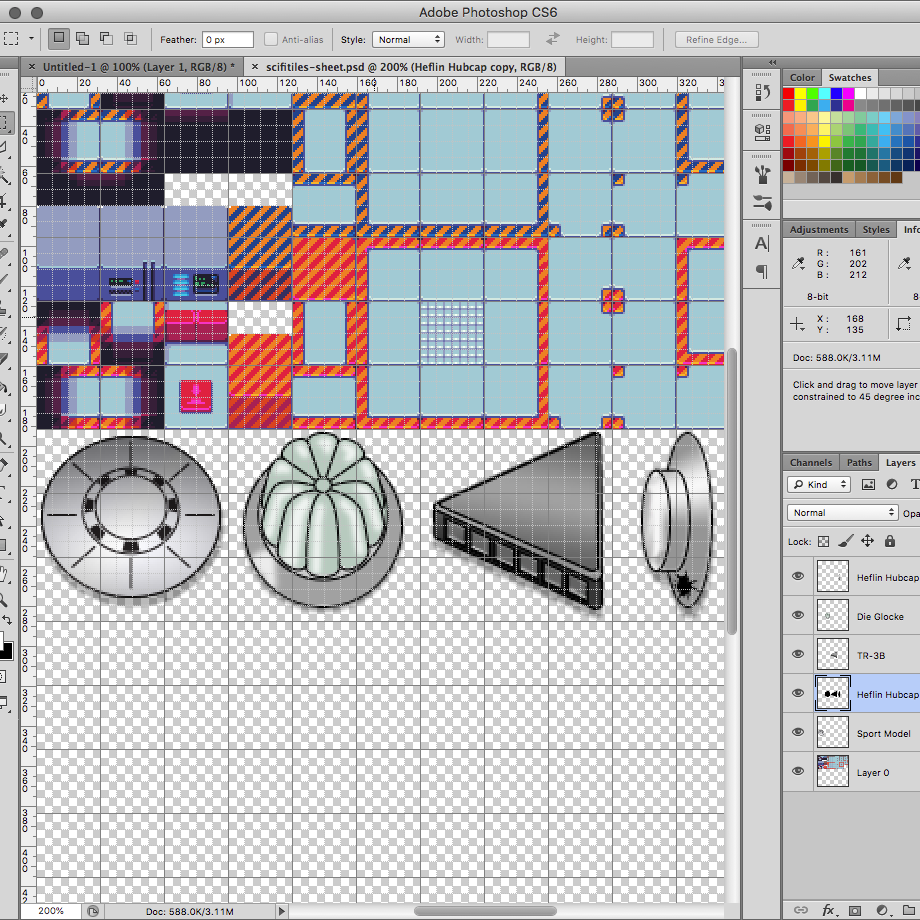
Saucer Tiles
The finished pixel art for the saucer hangar. The line art is brought in to #PhotoShop and scaled down to 96px square for a 3×3 grid of 32px tiles. Color and hi-lights are added in separate layers under the lines in their own file. The finished image is flattened and pasted into the tile set.
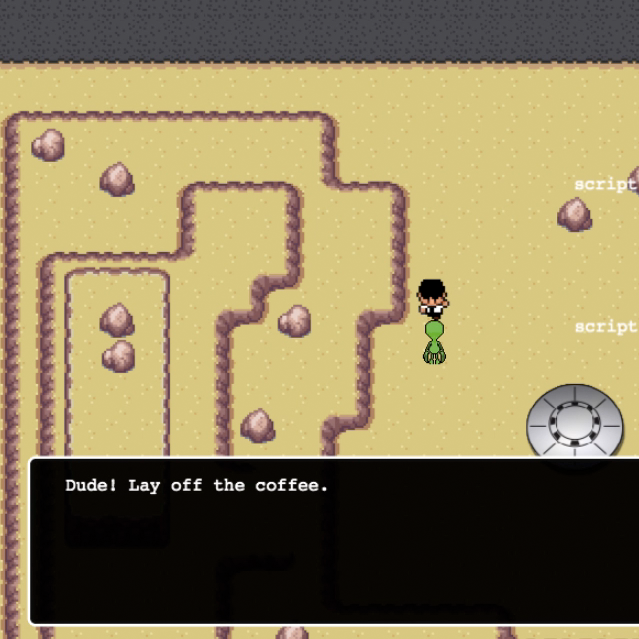
Security Dude
I wanted to throw another character in so I stole some more sprites from the Tuxemon project. This white shirt black hat guy looked like a security goon to me. I set the frame rate too high so he’s doing his best Flash impression.
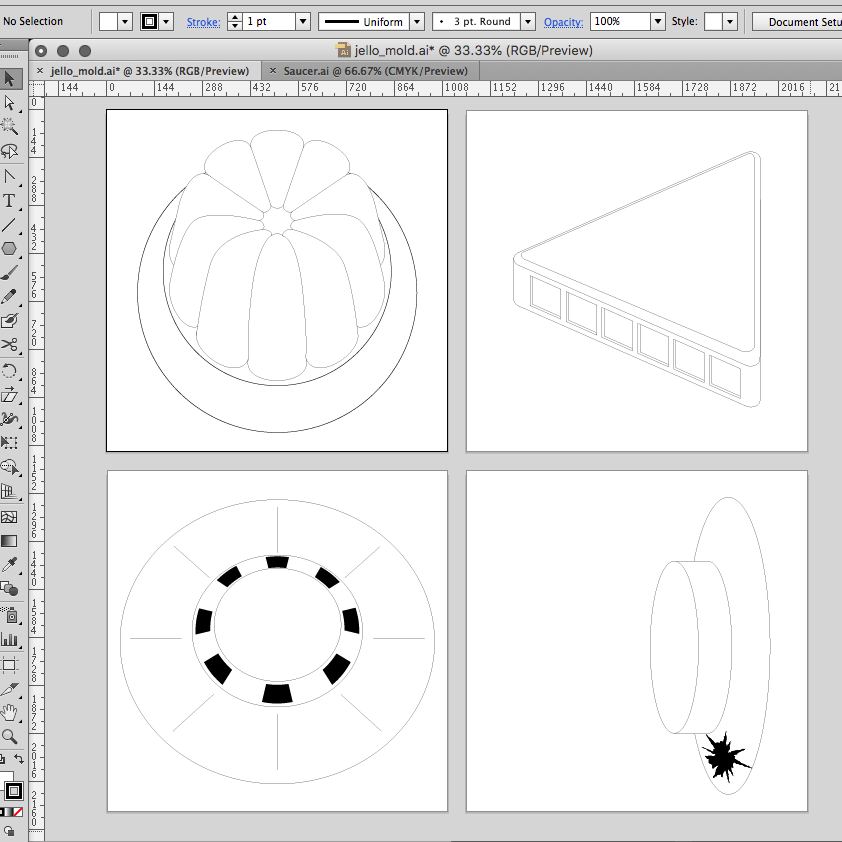
Ship Gallery
Everyone knows that the saucers are stored in Area S4, but this is fiction so the saucer hangar is in Area 51 proper. Here’s the #Illustrator line art of the 4 ships hidden in our top secret underground lab. The saucer gallery includes Bob Lazar’s “Sport Model”, “Jello Mold” and “Standing upright with hole as […]
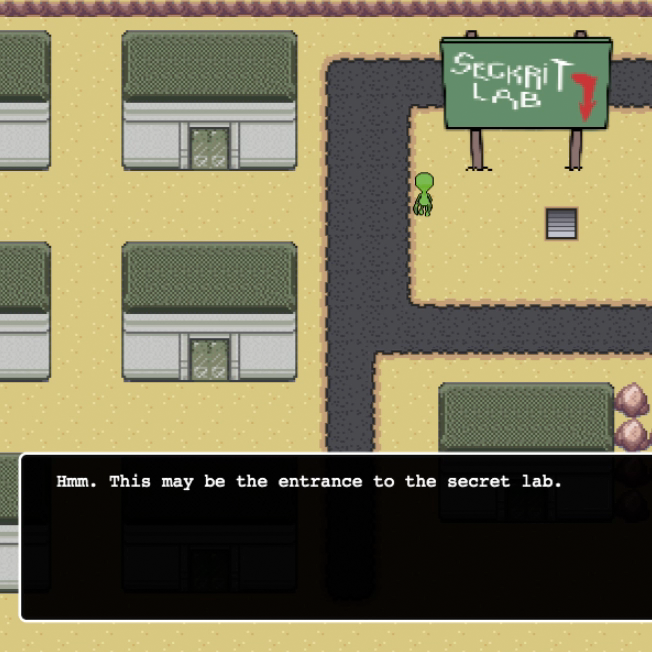
Scripted Dialog
Added a simple script system for dialog. An object layer in the #Tiled map defines interactive locations by assigning a key. The collision detector in the #Phaser game looks for the key in a script object and displays associated text. Space bar cancels the dialog box.
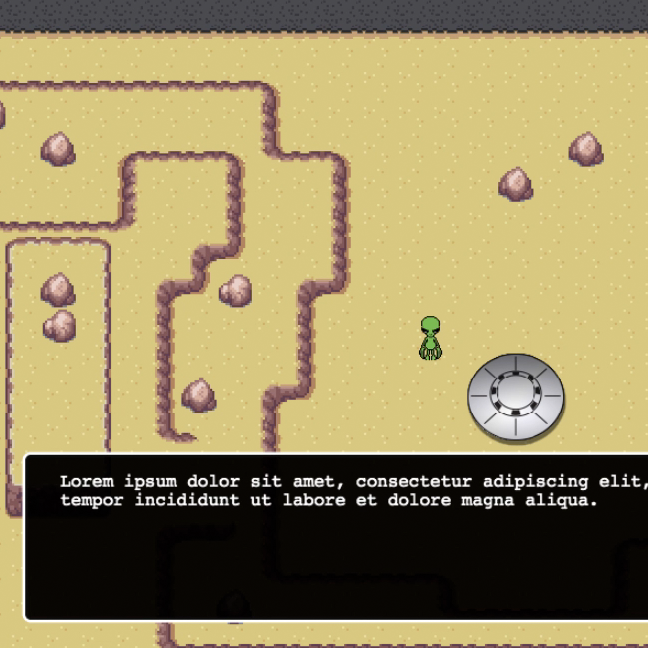
Dialog Box
Created a character dialog plugin using this tutorial. The one in this project is updated to take advantage of the new plugin architecture in #Phaser and written as an #ES6 class.
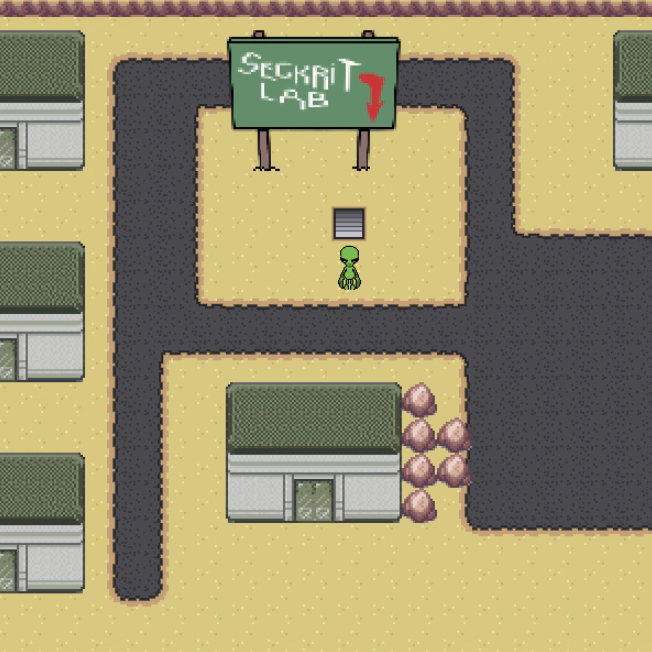
Touring The Lab
Moved all of the maps into the #Phaser project and wired them together with “portal” tiles which reference a new game scene. This allows the player to pass from scene to scene while walking around the world.

Area51 Map
The complete map for #Area51 in #Tiled. It’s broken up into 3 layers: A non-interactive Background, an Interactive layer for collision handling, and a Rooftop layer that sits above the player to walk behind.
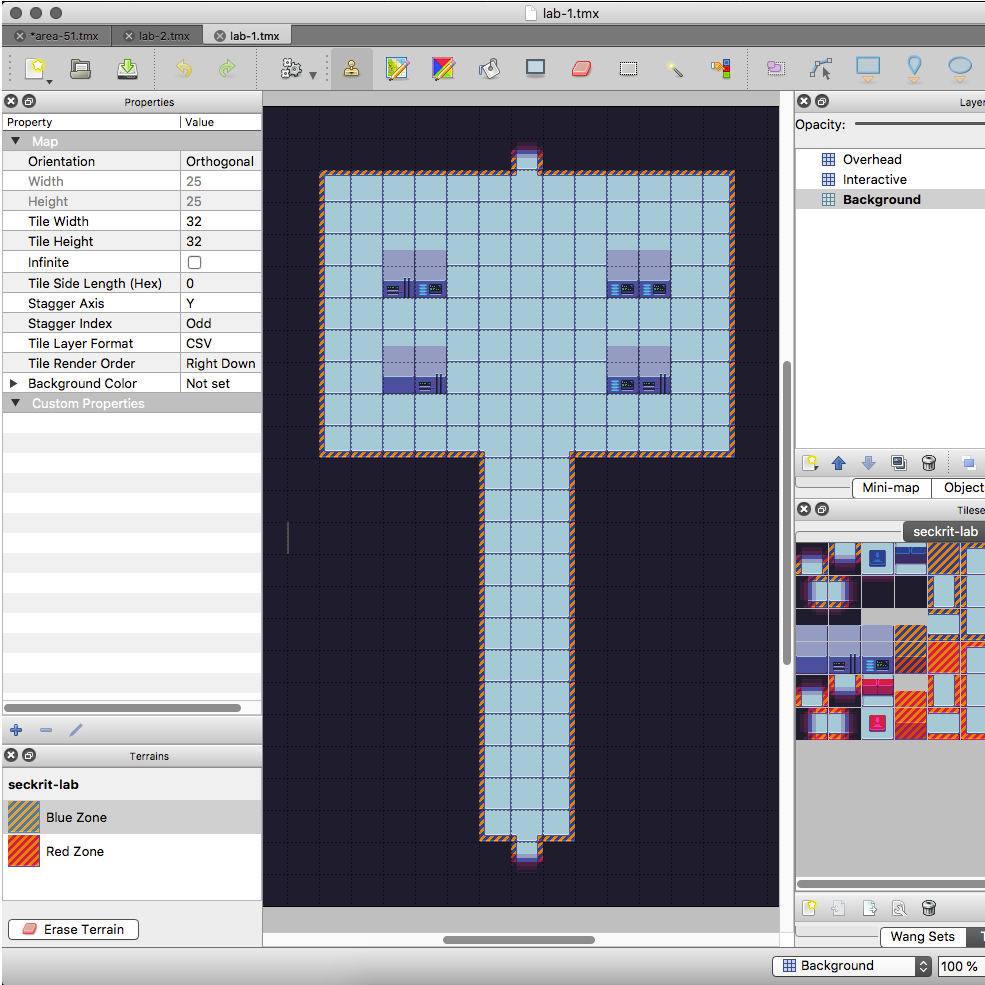
Underground Lab Map
I stole some underground lab tile art from OpenGameArt.org to create some simple rooms fast in #Tiled.

Seckrit Lab Sign
I like throwing easter eggs into my projects wherever I can. This is a nod to the greatest adventure game ever created, Maniac Mansion.
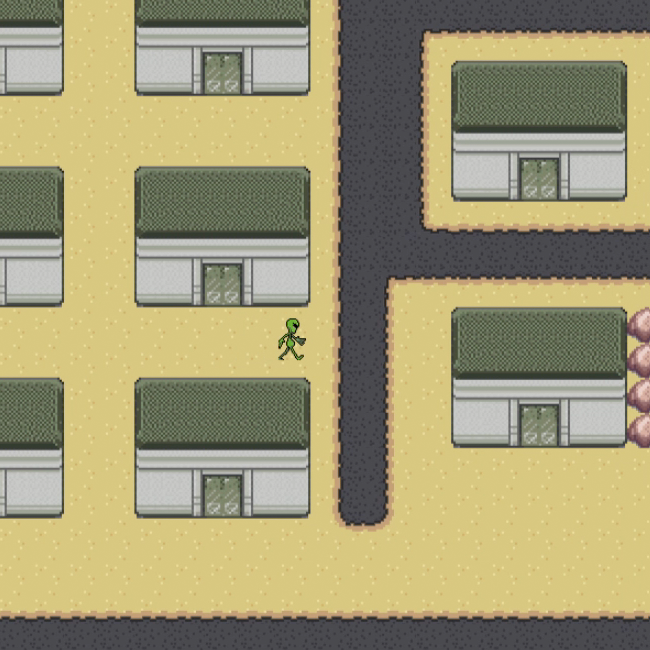
Storming Area51
Putting together the various assets into a playable world in #Phaser. Much of what you see here is taken directly from my Zeta Bros. demo. If you’re looking for source code, check out that one first because it’s a lot cleaner at the moment.
Poster Frame
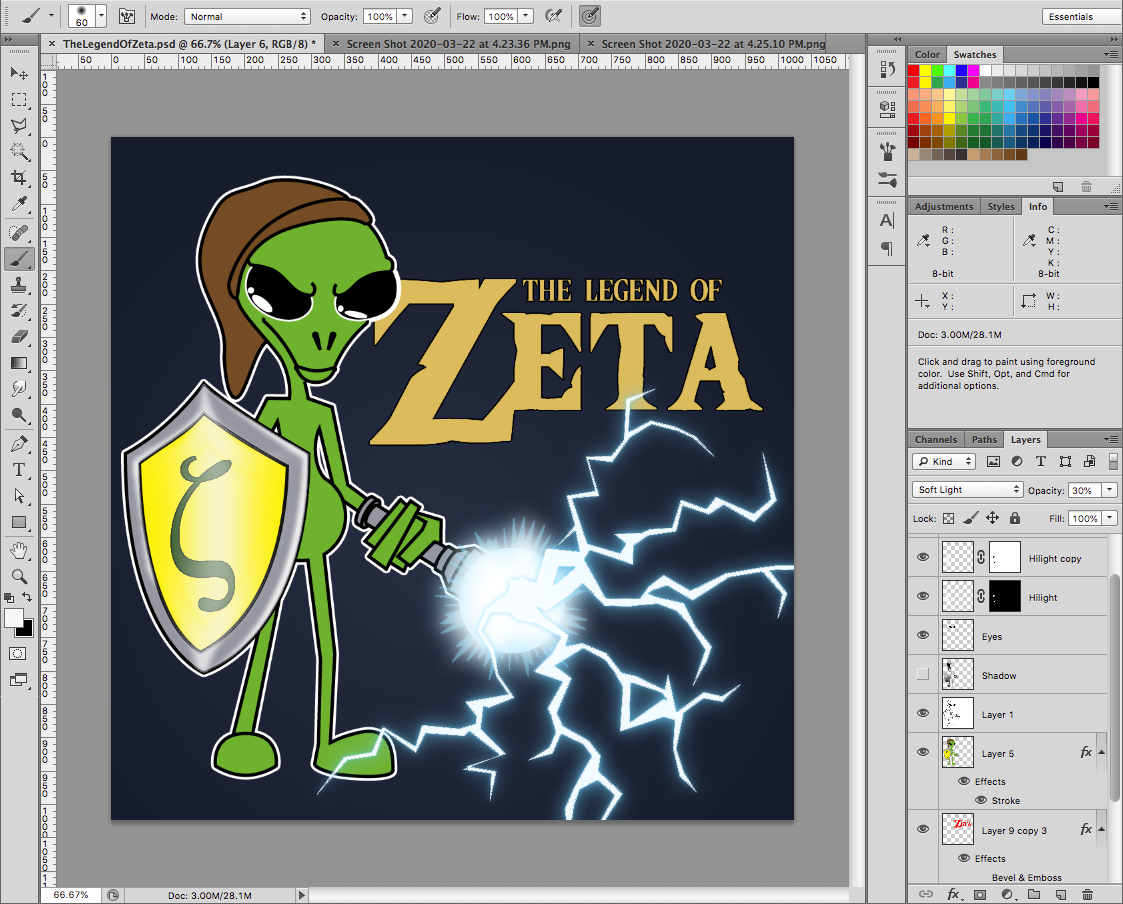
Brought my #Illustrator sketch into #Photoshop for some color and lighting effects. I’m still not sure how I’m going to work the lightning saber into the game but it’ll be something along the lines of Link’s sword in the classic Zelda games.
Terrain Editing
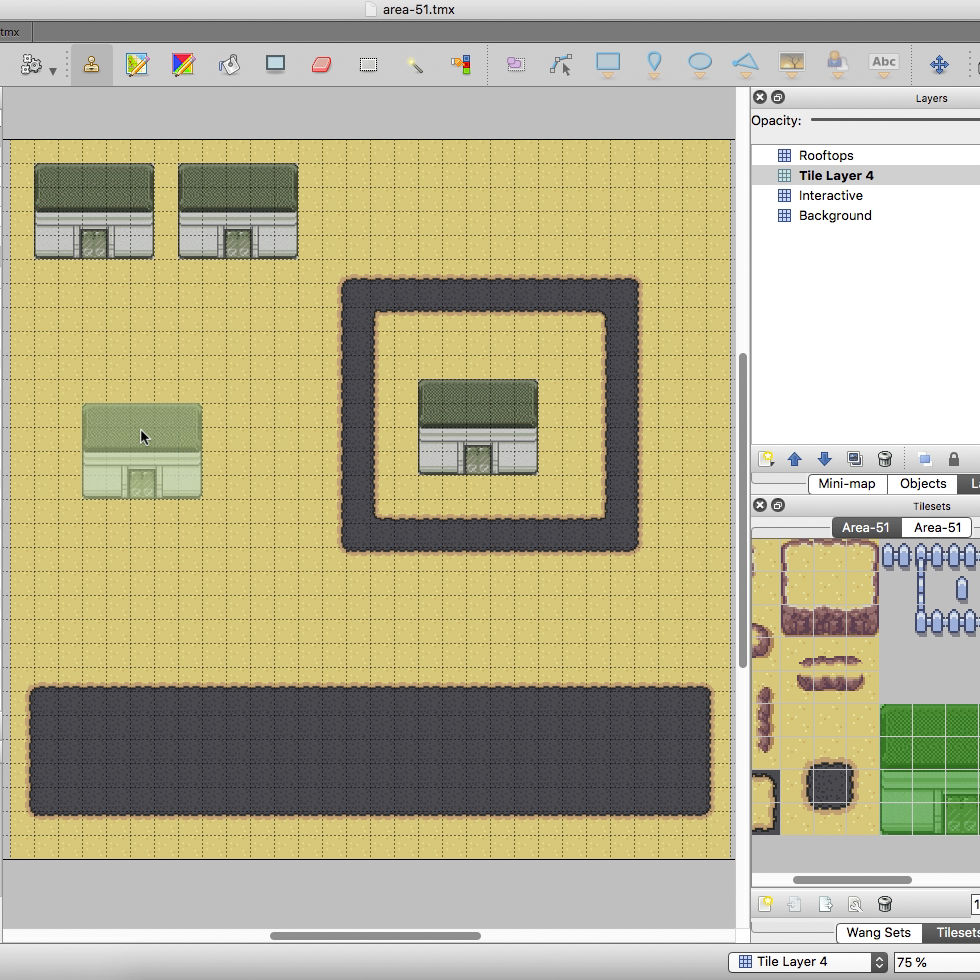
The terrain brush in #Tiled makes setting up the map a breeze. Here I set up sand and pavement brushes to create the runway, and a road around the base. Threw in some building tiles for reference.
Area51 Tile Set
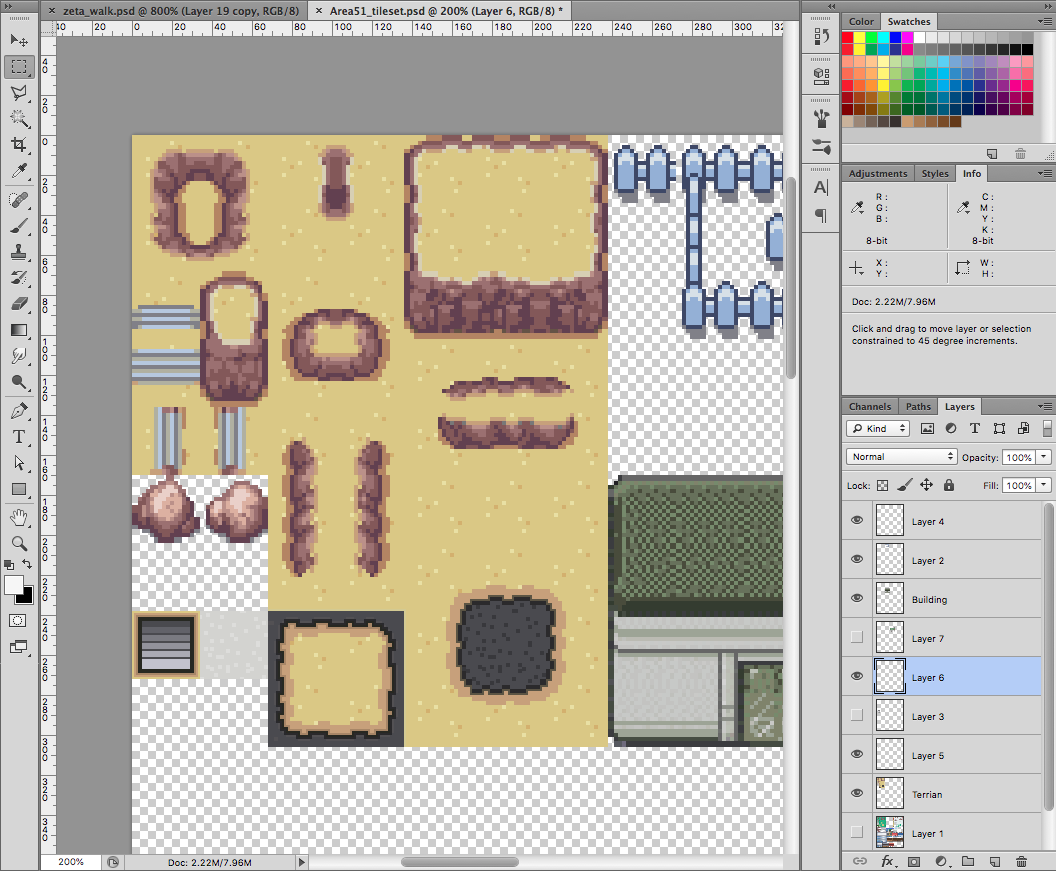
To create the #Area51 tiles I started with the desert tile set from the open source project #Tuxemon. I changed it a bit to include the pavement terrain I’ll need for the runway. And added a generic army base building.

Zeta Spritesheet
Basic movement images for the main character. Full size images were drawn in #Illustrator then exported, shrunk down, cleaned up and colored in #PhotoShop.

Title Screen Sketch
Going to do a follow up to my #Phaser presentation for the Fredericksburg Developer Group later this year. Covering tile maps and world building with the spiritual successor to my Zeta Bros. demo.