Update
Icon Design
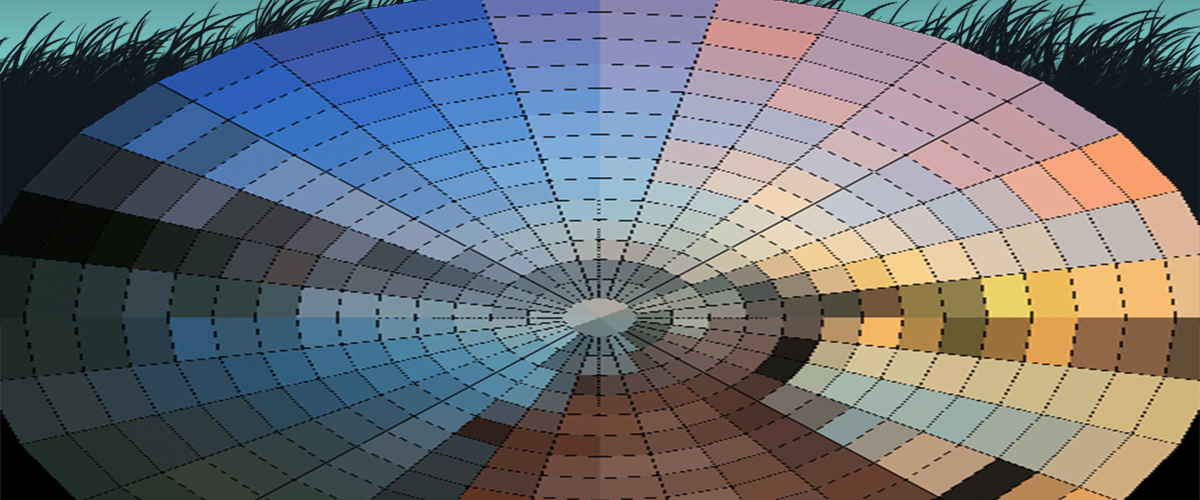
Switching gears to design mode and working on an #icon #concept I’ve had in my head for a while. Sticking with the #KISS rule on this one. I’m also committing to the name “Fly Eye” instead of “Fly Vision”. I considered “Bug Eye” but it seemed a bit too common a phrase.
Update
High Res
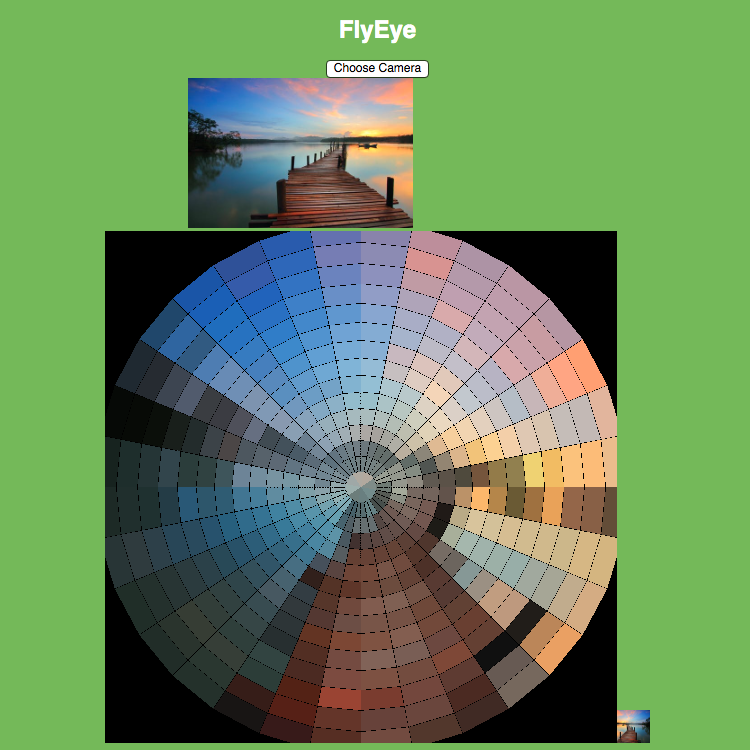
After writing the spiral image normalization algorithm I promptly forgot how I did it. I then had to re-teach myself to update for double the resolution. My math totally broke down on the final iterations. I had to brute-force parts of this version but now it accepts a 33px image. If you’re wondering why it’s […]

Update
Code Refactor
Setting up the official project repo and doing A LOT of #JavaScript #refactoring. Not much has changed functionally but the code us MUCH more manageable.

Update
Color Sphere
Manual colorization of a #WebGL sphere in three.js. Originally, I was going to make a 2D canvas app that averaged out camera input into a mosaic of hexagons. The 3D environment adds a level of technical complexity but it also has the potential to add spherical distortion effects and possibly some subtle animation.

Update
First Attempt
The 3D approach is becoming more complicated than I anticipated. Applying a direct pixel map of the center portion of the image distorts it unrecognizably. It appears as though the sphere polygons are referenced in a spiral pattern starting at the north pole all the way around and down to the south.

Update
Spiral Map
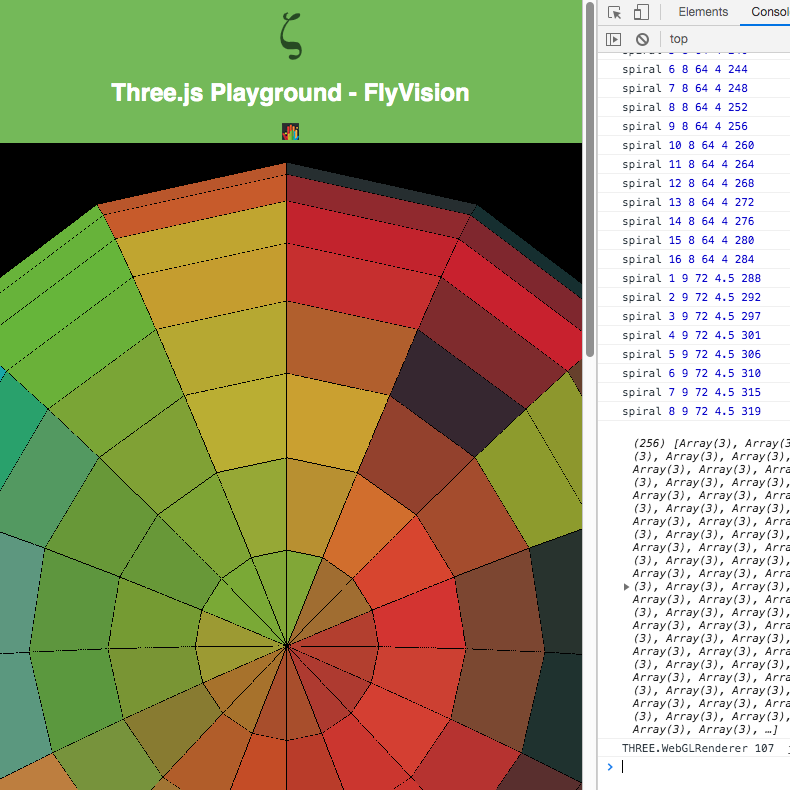
Taking another stab at the sphere map. I swapped out the test image for one that’s easier to follow pixel by pixel. This time the script assumes a 17px square image. It reorders the image pixel data by starting in the center and spiraling out.
Update
Color Averaging
As the image data reaches out to the edges, the #WebGL sphere still retains the same number of facets for each iteration of the spiral. So each iteration is averaged out to produce the same number of pixels. Right now the image is flipped and rotated slightly but it’s very close to the result I […]

Update
Video Test
Trying a video stream as the image source and it’s working perfectly. Wiring this up to a camera at this point is trivial!
Update
Camera Integration
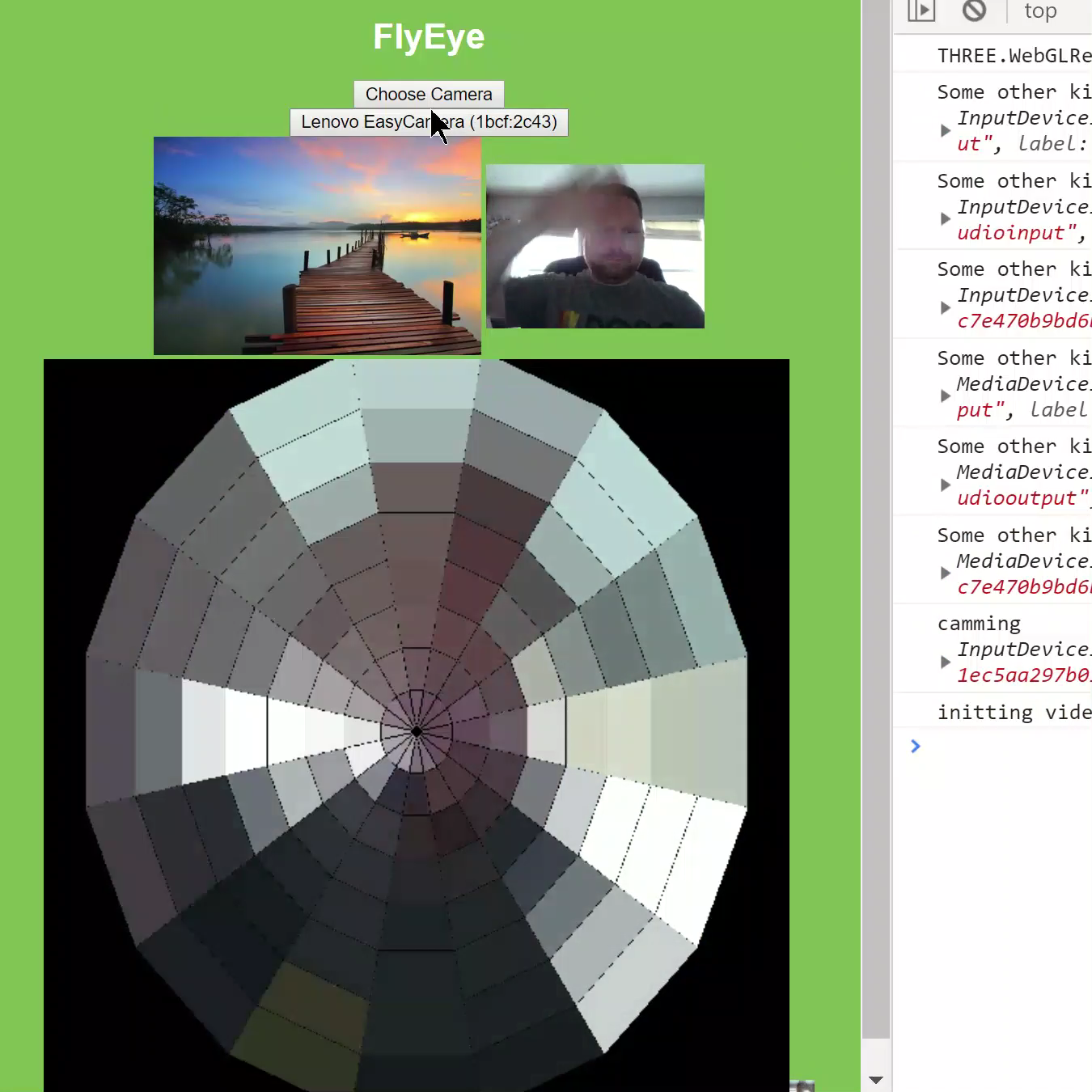
Set up a simple camera selection and hooked it up to the <video> element with getUserMedia(). It’s still a little low resolution but walking around you can see the changes in color as expected.